




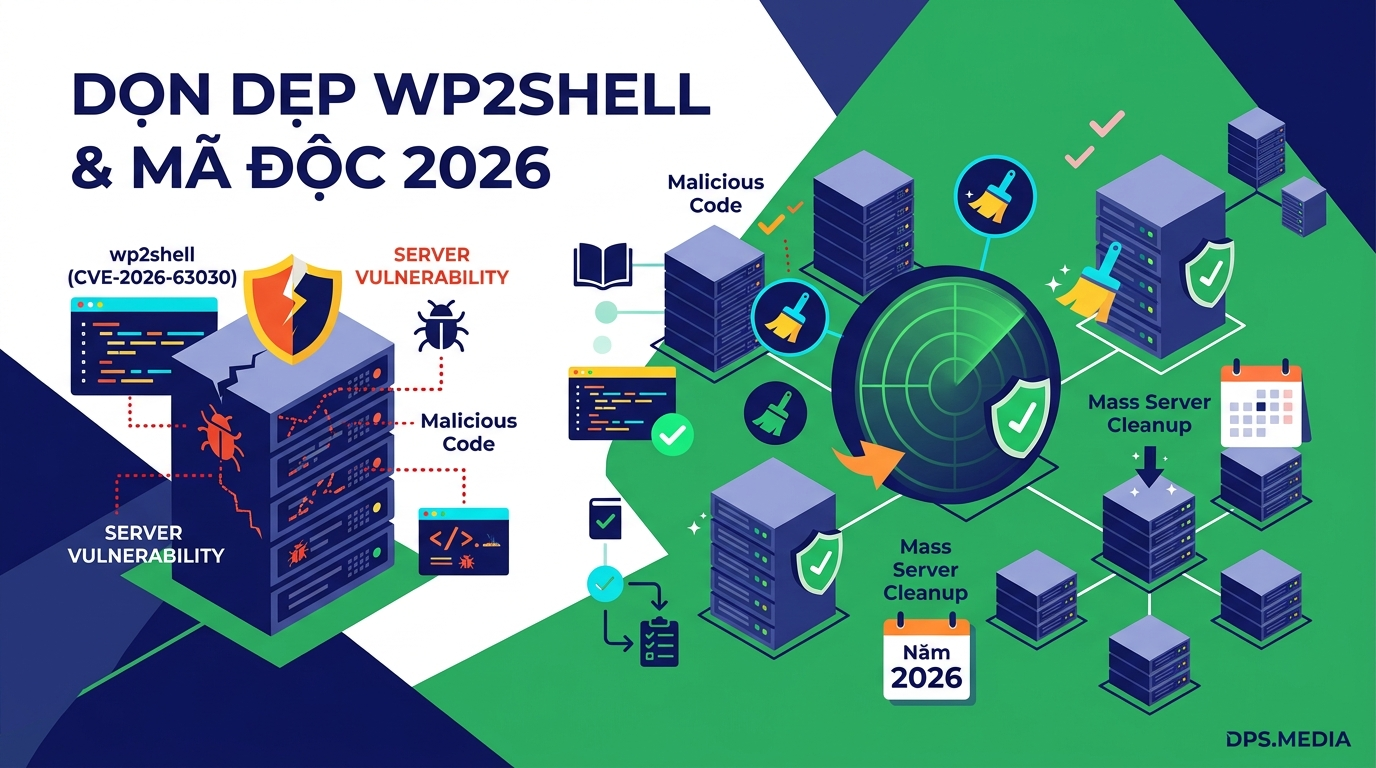

Vulnerability wp2shell WordPress (CVE-2026-63030) has just erupted and is now the leading threat to millions of WordPress websites worldwide. This is an RCE (Remote Code Execution) vulnerability that allows attackers to take control of the server without logging in. Although WordPress has released patches 7.0.2 / 6.9.5 / 6.8.6, simply clicking the Core upgrade button is not enough to clean up hidden accounts and webshells that were previously injected.
This post shares a practical, real-world workflow to help you thoroughly audit, completely clean malware, and safely upgrade large numbers of Linux servers (CyberPanel, cPanel, DirectAdmin) without causing service disruption.
What is the WordPress wp2shell vulnerability and why is upgrading alone not enough?
Vulnerability WordPress wp2shell Vulnerability occurs in the REST API layer, allowing hackers to execute remote code. Immediately after the PoC appeared, automated scanning waves worldwide inserted hidden Admin accounts and webshells into sites that had not yet been patched.
Many administrators mistakenly believe that simply clicking the “Update WordPress” button is enough. In reality, a WordPress update only patches the initial vulnerability, but do not delete webshell files or rogue accounts have been created in the Database. If these traces are not completely removed, the hacker can still regain access at any time.
Signs of wp2shell malware identification on the Server
When inspecting a server, wp2shell malware typically leaves behind the following three groups of characteristic indicators:
- Hidden Admin Account in the Database: Usernames with the prefix
wpsvc_,wp2_,w2s_,wp_admin_or an email ending with@wp2shell.*,@wordpress-svc.internal,@wordpress-noreply.net. - Plugin-disguised Webshell: The directories are located in
wp-content/plugins/named with a random hex string such asmedia-optimization-core-8ed2ad,security-headers-manager-2a70a3contains a small PHP file exploited through parameters?c=. - Hidden file in mu-plugins: The PHP files are located at
wp-content/mu-plugins/(such aswp-fixplugin.php) runs silently to automatically recreate the rogue Admin account whenever it is deleted.
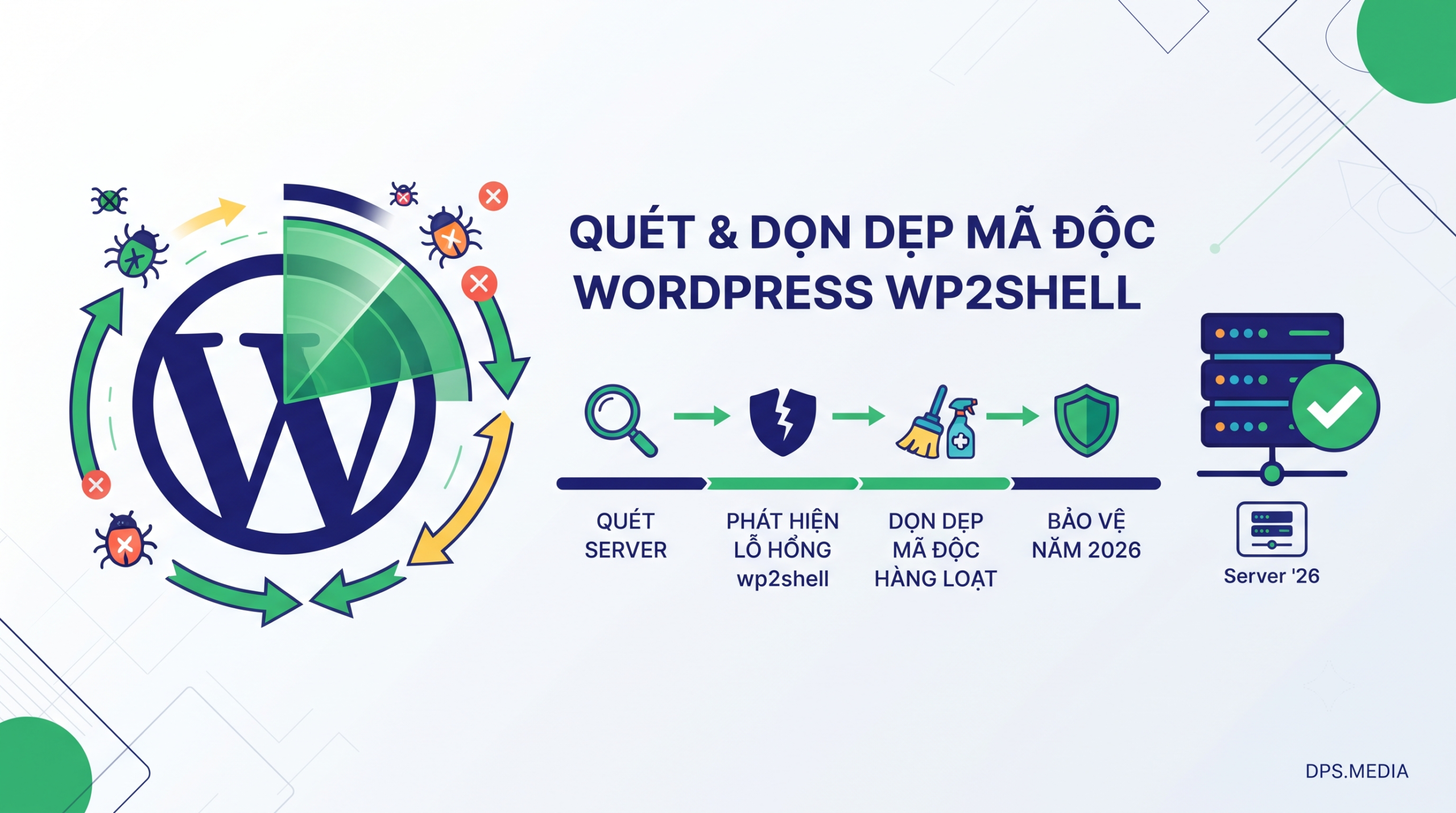
4-step process to audit & clean up wp2shell in bulk
Step 1: Quickly scan hidden accounts using MySQL Root
Instead of running WP-CLI to load a resource-intensive PHP environment, directly querying the MySQL Root helps you scan hundreds of websites in just 2-3 seconds without worrying about permission errors:
for dir in /home/*/public_html; do
  if [ -f "$dir/wp-config.php" ]; then
    domain=$(basename $(dirname "$dir"))
    dbname=$(grep -E "DB_NAME" "$dir/wp-config.php" | cut -d'"' -f4)
    prefix=$(grep -E "table_prefix" "$dir/wp-config.php" | cut -d'"' -f2)
    [ -z "$prefix" ] && prefix="wp_"

    if [ ! -z "$dbname" ]; then
      result=$(mysql --batch --skip-column-names -e "USE \`$dbname\`; SELECT CONCAT('ID: ', u.ID, ' | User: ', u.user_login, ' | Email: ', u.user_email) FROM \`${prefix}users\` u JOIN \`${prefix}usermeta\` m ON u.ID = m.user_id WHERE m.meta_key = '${prefix}capabilities' AND m.meta_value LIKE '%administrator%' AND (u.user_login REGEXP '^w2s_|^wp_admin_|^wp2_|^wpsvc_|^wp2shell' OR u.user_email REGEXP '\\.invalid|\\.local$|internal|wp2shell|shellcode');" 2>/dev/null)
      if [ ! -z "$result" ]; then
        echo "=== ⚠️  Phát hiện Admin mã độc trên $domain (DB: $dbname) ==="
        echo "$result"
      fi
    fi
  fi
done
Step 2: Use the official wp2shell-scan tool to isolate Webshell
Tools official wp2shell-scan from InstaWP help you move detected webshell files into the quarantine folder (Quarantine) and change the SALT security salt code:
curl -fsSLO https://raw.githubusercontent.com/InstaWP/wp2shell-scan/main/wp2shell-scan.sh
chmod +x wp2shell-scan.sh
./wp2shell-scan.sh --path /home/domain-bi-dinh.com/public_html --clean --yes
Step 3: Fix permissions & Upgrade WordPress Core following SysAdmin standards
On CyberPanel or LiteSpeed servers, the command sudo -u often has missing errors mysqli red /usr/bin/php is limited. We need to directly specify the LiteSpeed PHP version (like lsphp81) to safely upgrade under the user account:
for dir in /home/*/public_html; do
  if [ -f "$dir/wp-config.php" ]; then
    domain=$(basename $(dirname "$dir"))
    owner=$(stat -c '%U' "$dir")
    echo "=========================================="
    echo "🔄 Updating: $domain (User: $owner)"
    echo "=========================================="

    mkdir -p "$dir/wp-content/upgrade"
    chown -R "$owner:$owner" "$dir/wp-content/upgrade"
    chmod 755 "$dir/wp-content/upgrade"

    sudo -u "$owner" /usr/local/lsws/lsphp81/bin/php /usr/bin/wp core update --path="$dir" --skip-plugins --skip-themes 2>&1 | grep -viE "<|translation|bản dịch"
  fi
done
Step 4: Check the version again after upgrading
Finally, run the quick script to check the entire website version to ensure 100% of the website pages have safely been upgraded to WordPress 7.0.2:
for dir in /home/*/public_html; do
  if [ -f "$dir/wp-config.php" ]; then
    domain=$(basename $(dirname "$dir"))
    version=$(grep '$wp_version =' "$dir/wp-includes/version.php" 2>/dev/null | cut -d'"' -f2)
    printf "%-35s : %s\n" "$domain" "${version:-N/A}"
  fi
done
Important notes to avoid malware reinfection
Cleaning up the running system is only half the journey. You need to take the following additional precautions to fully protect your website:
- Clean the entire Backup/Snapshot file: If you restore from a backup created while the website was infected, the system will be reinfected with malware immediately. Please use the flag
--sql backup.sqlto check the backup file before restoring. - Avoid accidentally scanning real accounts: Should not use keywords
shellCommon when scanning SQL because it will mistakenly scan valid user accounts with English names such as Shelley, Shelly, Shellie. - Contact professional services: If the large system has many complex servers, use the solution high-quality Digital Marketing services of DPS.MEDIA and optimize the infrastructure to receive the most comprehensive system security support.
Ý kiến bạn đọc (9)
Đăng nhập để bình luận
Đăng nhập nhanh 1-chạm bằng Google để chia sẻ ý kiến của bạn về bài viết.
Bằng cách đăng nhập, bạn đồng ý với điều khoản và chính sách cộng đồng.
Chưa có bình luận nào. Hãy là người đầu tiên chia sẻ cảm nghĩ!
Đăng nhập / Tạo tài khoản
Đăng nhập với Google để gửi bình luận và tương tác cùng cộng đồng.
Tiếp tục là đồng ý với điều khoản sử dụng và chính sách bảo mật của DPS Media.