




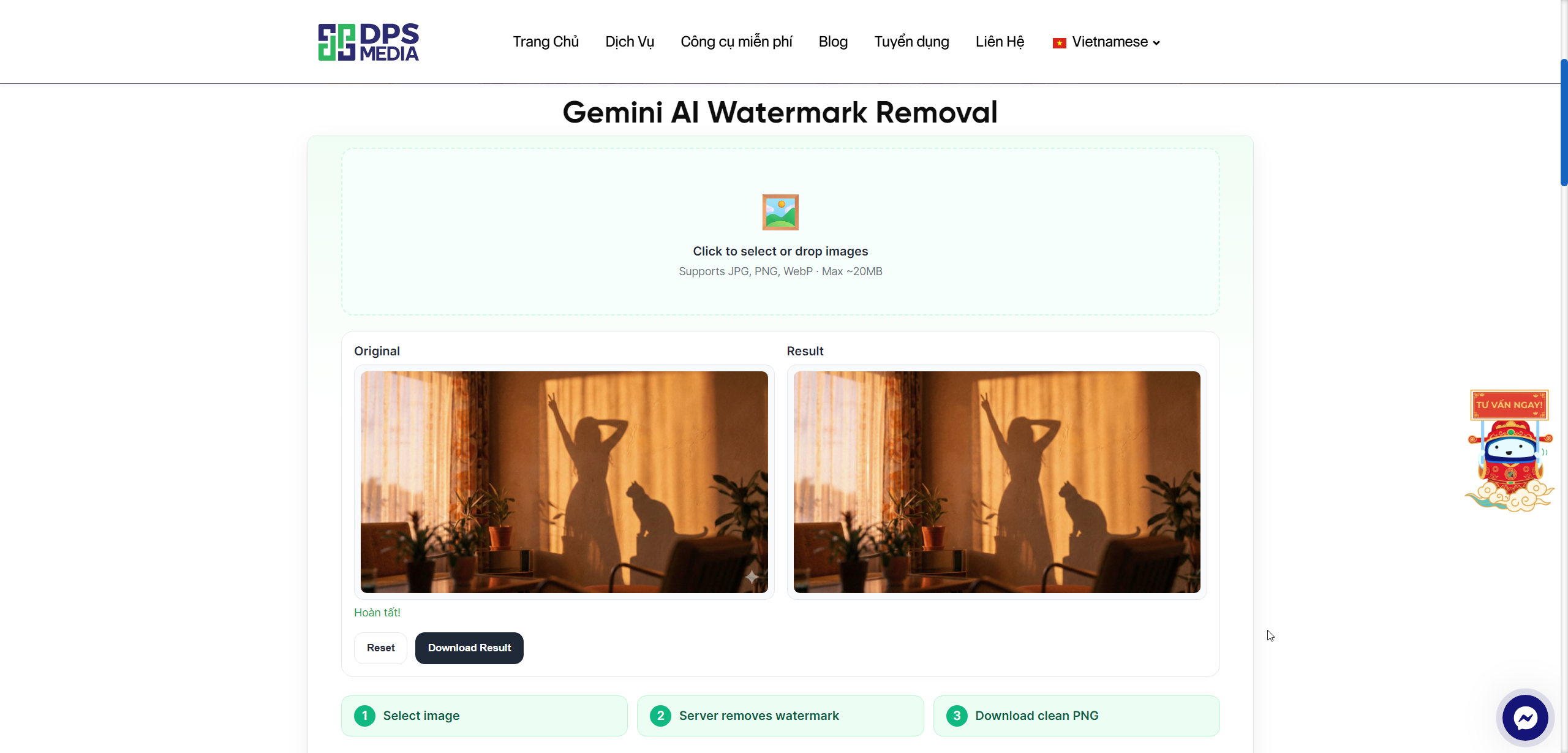
AI video generation tools such as Google Veo, Omni, and Gemini are creating incredibly impressive videos. However, the exported videos often come with a small watermark in the lower corner. This can be inconvenient when you want to share your work on social media or use it in a personal project. To remove this obstacle, Google Veo & Omni Video Watermark Remover was created as a free online solution that cleans your videos in just a few seconds.
The most outstanding feature of this tool is that it runs directly in your browser. No need to upload videos to a server, and no worries about exposing sensitive content. All frame processing is performed locally on your computer.
How to remove AI video watermarks in just 4 steps
The watermark removal process is designed to be simple, so even non-technical users can complete it quickly. Just follow these steps:
- Sign in to your account: Sign in quickly with your Google account to get started.
- Select a video: Drag and drop or click to choose a video file (MP4, WebM, etc.) into the upload area.
- Automatic processing: The system automatically scans and detects the watermark position of Google Veo, Omni, or Gemini. You only need to click the Remove watermark.
- Download the result: View a side-by-side comparison of the original and processed videos. If you are satisfied, click the download button to save it to your device.
Process on a server? Not necessary. The tool uses your hardware power to decode and reconstruct the video instantly. For a 5-second clip, processing takes only about 8 to 15 seconds depending on your computer configuration.

Key features of the tool
More than simply blurring the logo area, this application integrates modern technologies to ensure the best possible output quality:
- Smart detection: Automatically locates the characteristic watermark area of today's popular AI video models without requiring you to mark it manually.
- Complete data security: Thanks to WebCodecs technology, your video is decoded and processed offline directly in your browser's RAM/GPU. No image data is uploaded to DPS servers.
- Real-time preview: The intuitive side-by-side comparison player makes it easy to evaluate frame smoothness after logo removal.
- Preserve audio: The system automatically synchronizes and retains the original audio track if the source format is supported.
How effective is it in practice? Below is a quick comparison of the tool's performance versus traditional methods:
| Criteria | Online Video Watermark Remover | Professional software (Adobe Premiere, CapCut) |
|---|---|---|
| Implementation timeline | ~10-20 seconds (automatic) | 3-5 minutes (manual mask creation required) |
| Information security | Extremely high (offline processing in the browser) | High (runs offline on your computer) |
| Hardware requirements | Lightweight (runs in Chrome/Edge browser) | Heavy (requires a computer with a powerful graphics card) |

Technical requirements for smooth use
Using modern WebCodecs API technology to process video directly in the browser, this tool requires a few minimum software standards:
- Recommended browser: the latest version of Google Chrome or Microsoft Edge.
- Enable Hardware Acceleration in your browser settings to optimize GPU processing speed.
- Mobile devices may encounter memory limitations when processing very high-resolution or long-duration videos.
If you are looking for a quick way to remove logos from your creative videos without installing bulky software, visit DPS.MEDIA AI video watermark removal tool to experience it completely free.