




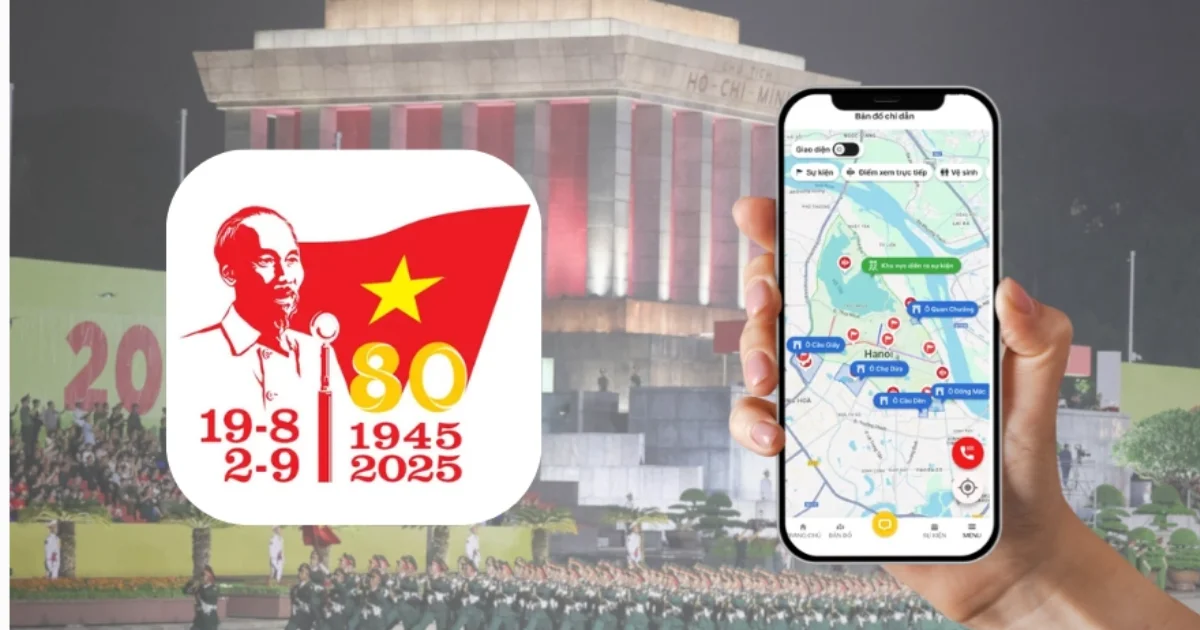

A80 Application – An indispensable companion in the festival season
Introduction to A80 Application – Proudly Vietnam
On the occasion of the 80th anniversary of the August Revolution and National Day September 2nd, Hanoi organizes the National Concert – a large-scale music and cultural event attracting a large number of people and tourists. To fully experience this event, the A80 application – Proudly Vietnam was created as an essential digital tool. This is an official product developed by the Hanoi People's Committee, providing comprehensive information about festival activities from concerts, parades to art exhibitions.
A80 helps users easily access events by turning their smartphone into a convenient “digital ticket.” With a user-friendly interface and diverse features, the application supports optimal participation in concerts as well as exploring side activities.
How to download and use the A80 application for the National Concert
Downloading and using A80 is very simple: you just need to search for “Proudly Vietnam” in the App Store or Google Play and then download it for free to your device. The app does not require complicated registration or any fees.
After installation, enable GPS location to receive the most accurate directions to the concert venue along with detailed schedules of each activity in the commemorative event series.
Outstanding features that enhance the festival experience
Real-time map: Helps users easily move between event areas without worrying about getting lost or missing favorite programs. The map is continuously updated with traffic conditions as well as suggestions for nearby dining and resting spots.
1. Install via Community Nodes (recommended) 2. Restart n8n (only when requested)
Unsplash API Configuration
1. Create an application on Unsplash
- 2. Get Access Key
- 3. Configure Credentials in n8n
- is a community node package for
- helps you integrate with the API of
- . This package allows you to automate searching, downloading, and managing images from Unsplash.
| You | do not need |
|---|---|
| run commands | . The correct and simplest way is to install it directly in the n8n interface: |
| Multilingual AI Chatbot | Tư vấn lịch trình biểu diễn & trả lời câu hỏi nhanh chóng bằng tiếng Việt & Anh cho cả khách quốc tế tham dự (Nguồn: DPS.MEDIA) |
| Online community connection | into the installation field |
| and wait for n8n to complete | Installing via Community Nodes helps avoid permission errors, incorrect Node.js versions, and is compatible with most self-hosted environments. |
Key Takeaway: After installing a Community Node, some environments require a restart so the new node can be loaded. Depending on how you run n8n:
# If running n8n with Docker (common, production)
docker restart n8n

Ý kiến bạn đọc (9)
Đăng nhập để bình luận
Đăng nhập nhanh 1-chạm bằng Google để chia sẻ ý kiến của bạn về bài viết.
Bằng cách đăng nhập, bạn đồng ý với điều khoản và chính sách cộng đồng.
Chưa có bình luận nào. Hãy là người đầu tiên chia sẻ cảm nghĩ!
Đăng nhập / Tạo tài khoản
Đăng nhập với Google để gửi bình luận và tương tác cùng cộng đồng.
Tiếp tục là đồng ý với điều khoản sử dụng và chính sách bảo mật của DPS Media.