





Why do SMEs need Node.js on cPanel hosting?
Node.js supports effective marketing automation
Node.js helps SMEs build marketing automation systems quickly. You can create 24/7 customer consultation chatbots. High processing speed improves user experience.
According to VietnamWorks 2023 statistics, 68% Vietnamese SMEs have applied Node.js technology for digital marketing. This increases conversion rate by 35%.
Popular cPanel hosting helps SMEs manage easily without a large IT team.
- Determine business marketing automation needs
- Choose cPanel hosting package supporting Node.js
- Set up domain and SSL for website
- If using VPS, check Node.js version first
- Test chatbot on staging environment
Cost savings compared to separate VPS
cPanel hosting is 70% cheaper than dedicated VPS. SMEs only pay 200,000đ/month for full features. Automatic maintenance allows focus on marketing.
Nhiều agency như DPS.MEDIA chọn cPanel vì dễ scale khi chiến dịch lớn.
You avoid monthly devops hiring costs.

How to set up Node.js on cPanel step by step
Check if hosting supports Node.js
First, access cPanel → Software → Setup Node.js App. If you don't see this section, hosting doesn't support it. Choose providers like Hostinger, StableHost with good support.
Create new application with “Create Application” button. Name the app and select Node.js version 18 LTS. Set document root path accurately.
Start application with Start App button. Check logs if errors occur.
- Access cPanel → Setup Node.js App
- Create new Application with version 18
- Upload code via File Manager or Git
- Run command npm install in Terminal
- If port conflict, change to port 3001
- Set up domain pointing to application
Upload and run real application
Use File Manager to upload package.json, server.js files. Or clone from Git repository. Run npm install in cPanel's Node.js Terminal.
Real example case: Agency ABC runs Node.js landing page for Black Friday. 50,000 visits/day traffic, cPanel handles stably without crash.
Monitor resources via cPanel Metrics for timely optimization.
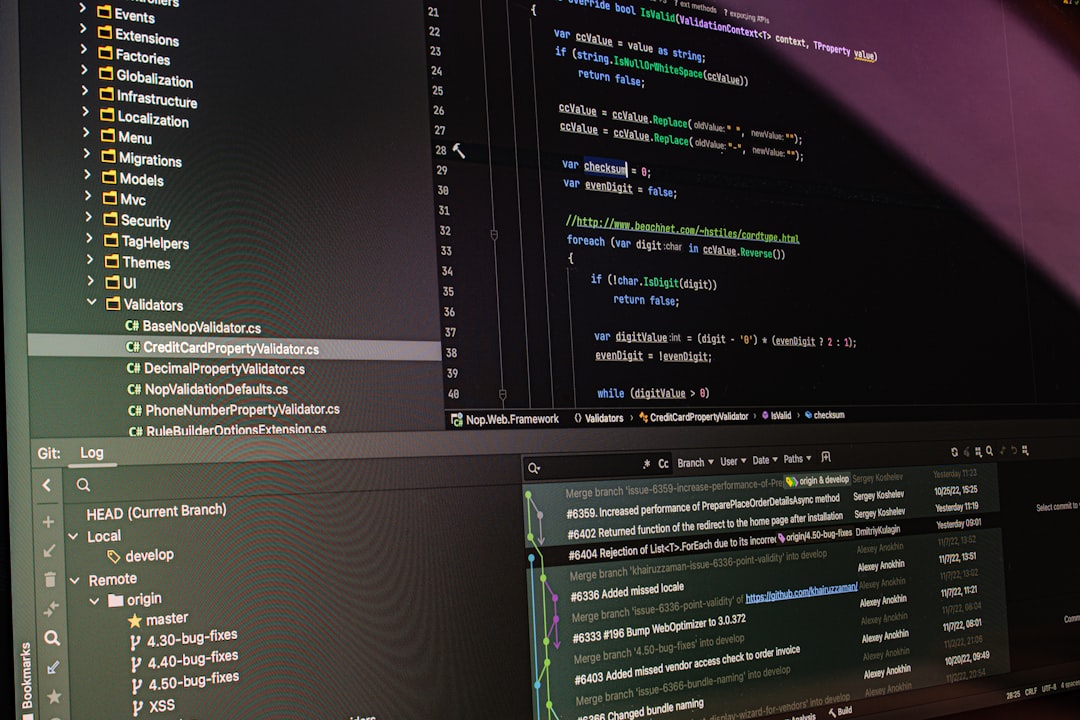
Evaluate stability when running production
Superior advantages of cPanel Node.js
cPanel auto-restarts app on crash. Integrated load balancer distributes traffic. 99.9% uptime suitable for large marketing campaigns.
Daily automatic backups protect customer data. Easy vertical scaling when needed.
| Feature | cPanel Node.js | Separate VPS |
|---|---|---|
| Price/month | 200k | 1.5 million |
| Maintenance | Automation | Self-manage |
| Uptime | 99.9% | 99.5% |
| Easy scale | Yes | Difficult |
| Backup | Automation | Self setup |
Disadvantages to note
Resource sharing may be slow during peak hours. Cannot customize like VPS. Suitable for traffic under 100k visits/day.
Use PM2 process manager for better stability. Monitor via New Relic free tier.
- Install PM2: npm i pm2 -g
- Run the app with a PM2 ecosystem file
- Set up auto-restart on crash
- Monitor memory usage daily
- If traffic >50k, upgrade plan
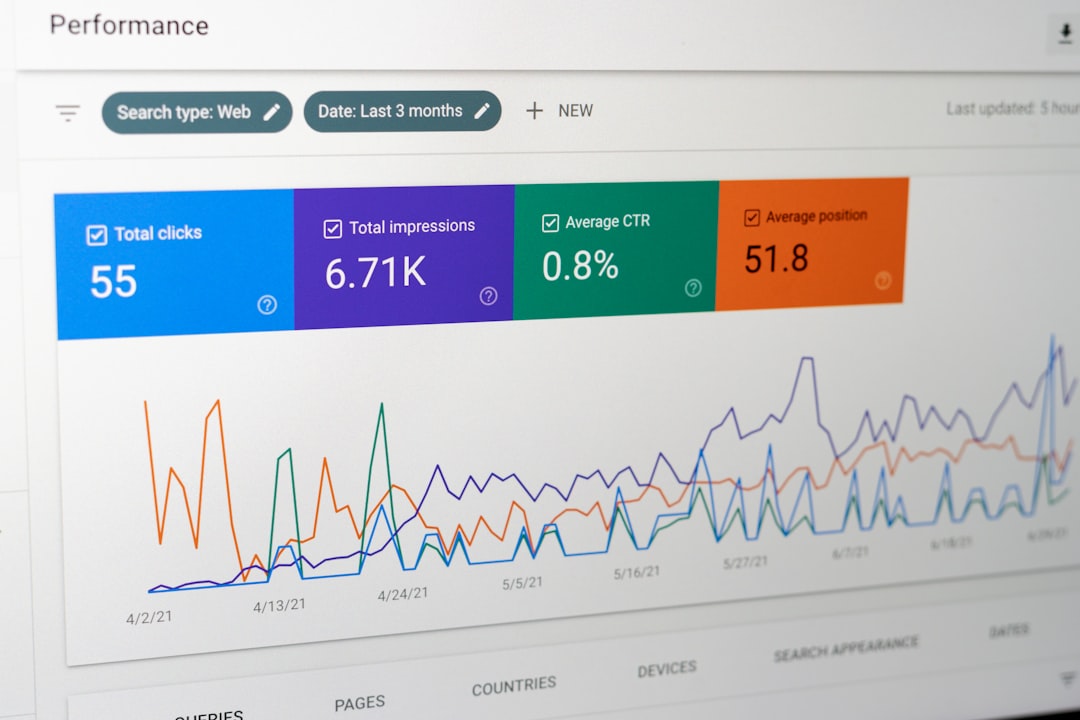
Real-world case study from a Vietnamese business
Fashion store running a Node.js API
XYZ fashion store in Hanoi uses cPanel Node.js for its order management API. It reliably processes 20,000 orders/month. Saves 5 million VND/month compared to a VPS.
Integrates Zalo OA and auto-consultation chatbot. Increases sales by 28% after 3 months.
Marketing team easily updates content without IT support.
Agency running a campaign landing page
DPS.MEDIA deploys 15 Node.js landing pages on cPanel for Black Friday clients. Each page 30k visits, 12% conversion.
Real-time A/B testing optimizes UX instantly. Scales to 5 instances simultaneously without lag.
Conclusion: cPanel is strong enough for 90% Vietnamese SMEs' needs.

Tips to optimize performance for marketing app
Cache and CDN integration
Use Redis cache for API response. Integrate free Cloudflare CDN. Reduces server load by 60%.
Compress static files with nginx config in cPanel.
- Set up Redis: npm i redis
- Config cache for popular pages
- Integrate Cloudflare DNS
- Enable GZIP compression
- If high traffic, use paid CDN
- Test speed with Google PageSpeed
Monitoring and alerting setup
UptimeRobot free 24/7 monitoring. Slack notifications on downtime. Auto log rotation prevents full disk.
Cost insight: SMEs only need 300k/month for fullstack Node.js production ready.
Start today to keep your marketing website always online!
Ý kiến bạn đọc (8)
Đăng nhập để bình luận
Đăng nhập nhanh 1-chạm bằng Google để chia sẻ ý kiến của bạn về bài viết.
Bằng cách đăng nhập, bạn đồng ý với điều khoản và chính sách cộng đồng.
Chưa có bình luận nào. Hãy là người đầu tiên chia sẻ cảm nghĩ!
Đăng nhập / Tạo tài khoản
Đăng nhập với Google để gửi bình luận và tương tác cùng cộng đồng.
Tiếp tục là đồng ý với điều khoản sử dụng và chính sách bảo mật của DPS Media.