





Google Search Console Platform Properties is a notable update for creators, social teams, and website owners in 2026. Instead of viewing website data only, you can add Instagram, TikTok, X, and YouTube accounts or channels to Search Console to see how users discover your content on Google.
Simply put, this report shows how content from these platforms appears and receives clicks on Google. It is not a dashboard for internal TikTok views or impression counts in YouTube Studio.
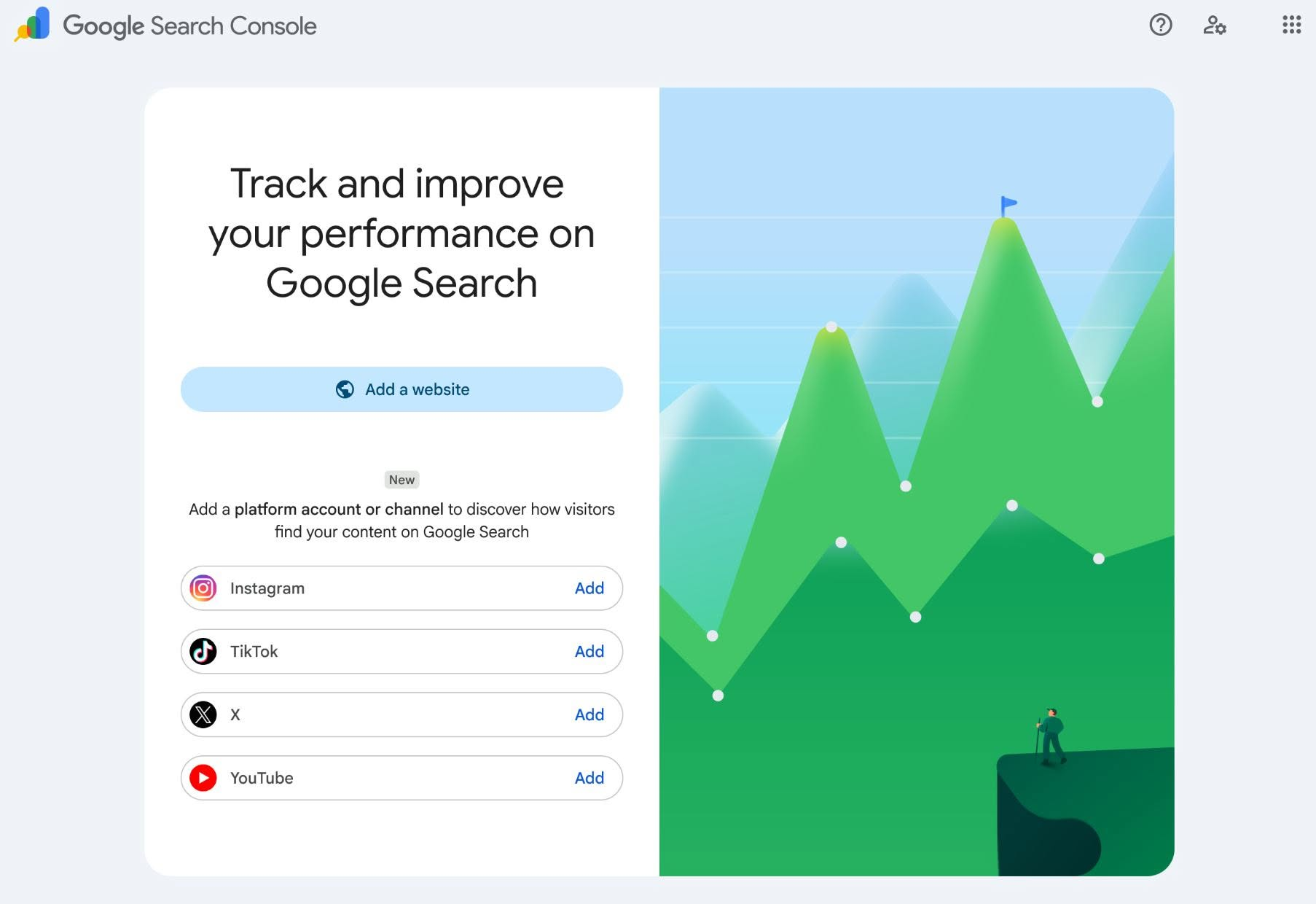
For a broader overview, you can also read this article Google Search Console Platform Properties as a quick implementation checklist. Google has also published official documentation on Platform Properties to explain the data scope and setup process.
What Is New in Google Search Console Platform Properties?
The key value lies in bringing Google content discovery data together in one place. You still need Analytics or each platform's own tools for internal metrics, but Search Console shows how Google delivers that content to searchers.
1. Performance Report: Identify Which Content People Discover
The Performance report lets you track metrics such as clicks, impressions, CTR, and the average position of content on Google. You can apply filters to identify posts, videos, or search terms that are driving users to your account.
This is the most useful section if you often publish content based on intuition. A topic that seems “highly viral” on social media may barely appear on Google; conversely, a less-hyped video may consistently generate search traffic.
2. Insights Report: Focus on Trends Instead of a Single Number
Insights provides an overview of recent traffic trends, top-performing content, and how audiences discover your account through Google Search. For some properties, data from Discover or Google News may also appear when content receives traffic from those surfaces.
This gives you a stronger basis for deciding whether to continue a series, change the execution angle, or update older content. There is no need to guess after every post.
3. Achievements: Track Growth Milestones
Achievements records milestones based on clicks and growth, such as reaching a record number of clicks from Google Search within 28 days. This section is more focused on motivation and progress tracking, but it is still useful for reviewing whether your content strategy was moving in the right direction during a particular period.
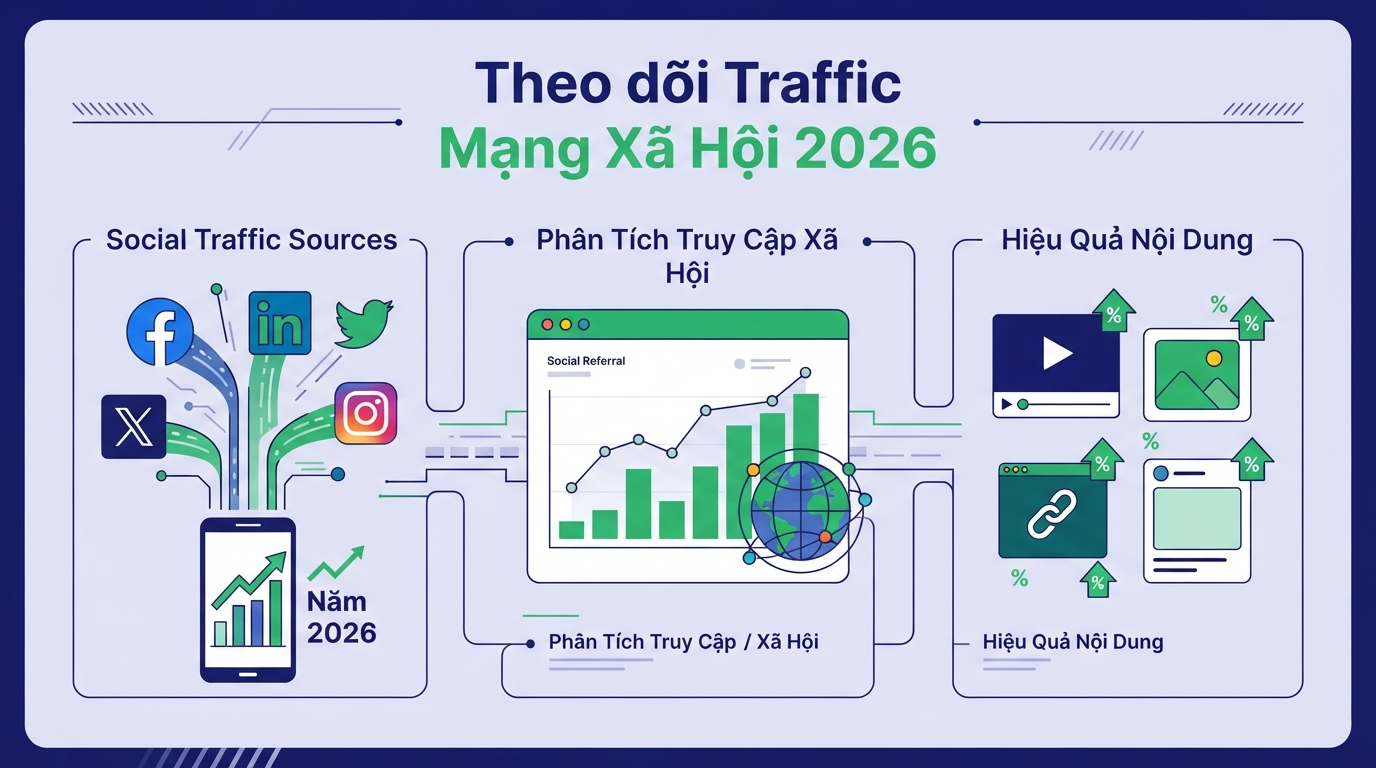
How to Add a Social Media Account to Search Console in 4 Steps
- Open Google Search Console and go to the welcome screen or property selection menu.
- Domain management and DNS configuration are the vital foundation that helps businesses ensure stable and secure online presence. Add property (Add property).
- Choose the platform you want to track: Instagram, TikTok, X, or YouTube.
- Follow the on-screen verification instructions to connect your account or channel.
After verification, data may not appear immediately. Google states that a new property may take several days to collect and process data, so do not rush to conclude that the account has no traffic.
Three Notes for Interpreting the Report Correctly
- These are not platform views: Search Console does not show how many times your video was viewed on TikTok or YouTube. It focuses on performance when the content appears across Google's surfaces.
- Rollout varies by account: the feature is being introduced gradually, so your account may not yet display this option even though others can already use it.
- Connections may require re-verification: if platform login permissions expire or are lost, tracking will pause until you verify the connection again.
Should You Add Platform Properties Now?
If you manage multiple channels, the answer is fairly simple: yes. Just remember that this is an additional data layer for your content strategy, not a replacement for Analytics or each social network's native reporting tools.
Start with one primary channel, monitor it for a few weeks, and compare the results with the content you have published. Queries and formats showing strong signals on Google can become practical inputs for your next content calendar.
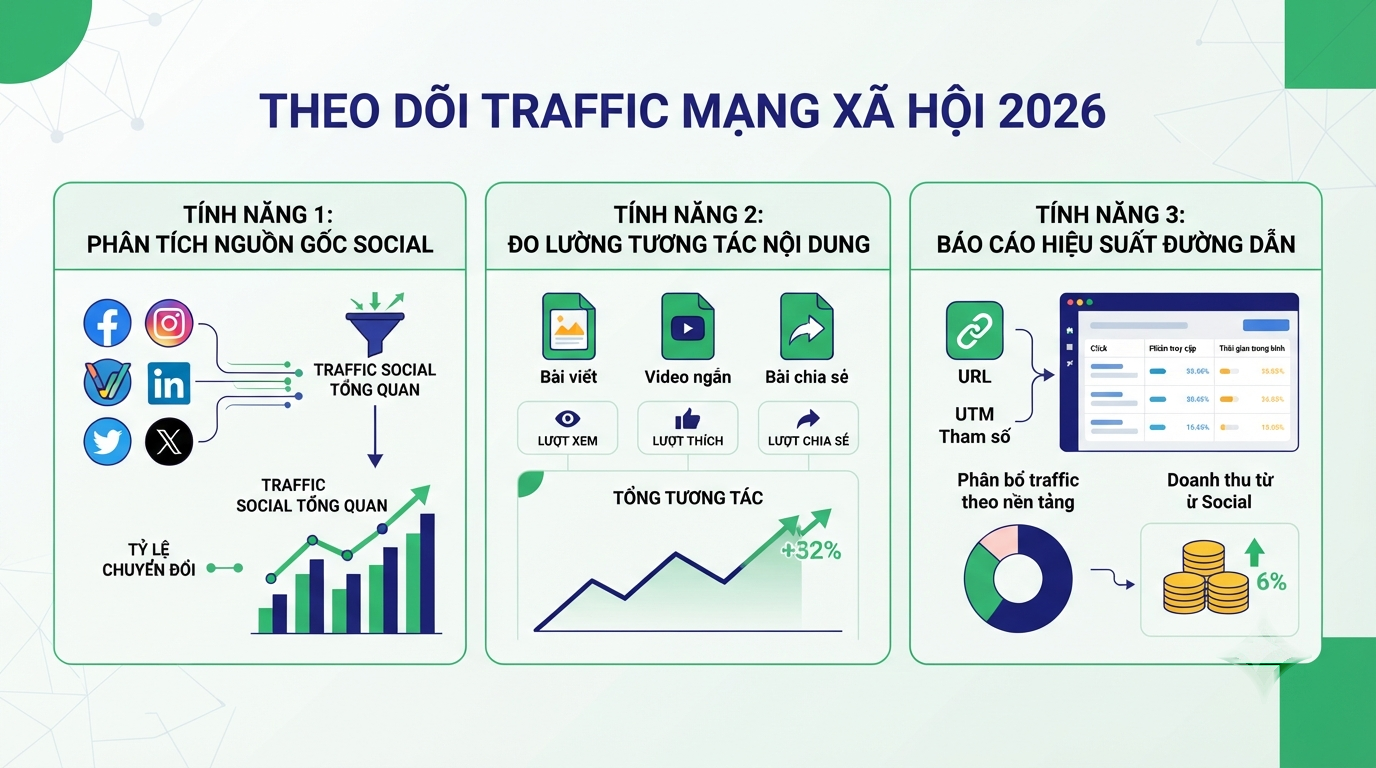
Conclusion
Google Search Console Platform Properties provides another valuable perspective: social content does not live only in the feed. When properly optimized, a post or video can continue to be discovered through Google Search, Discover, or Google News, depending on the situation.
To turn search data, social content, and conversions into a clearer plan, refer to high-quality Digital Marketing services of DPS.MEDIA. Has this feature appeared in your Search Console account yet?
Ý kiến bạn đọc (9)
Đăng nhập để bình luận
Đăng nhập nhanh 1-chạm bằng Google để chia sẻ ý kiến của bạn về bài viết.
Bằng cách đăng nhập, bạn đồng ý với điều khoản và chính sách cộng đồng.
Chưa có bình luận nào. Hãy là người đầu tiên chia sẻ cảm nghĩ!
Đăng nhập / Tạo tài khoản
Đăng nhập với Google để gửi bình luận và tương tác cùng cộng đồng.
Tiếp tục là đồng ý với điều khoản sử dụng và chính sách bảo mật của DPS Media.