






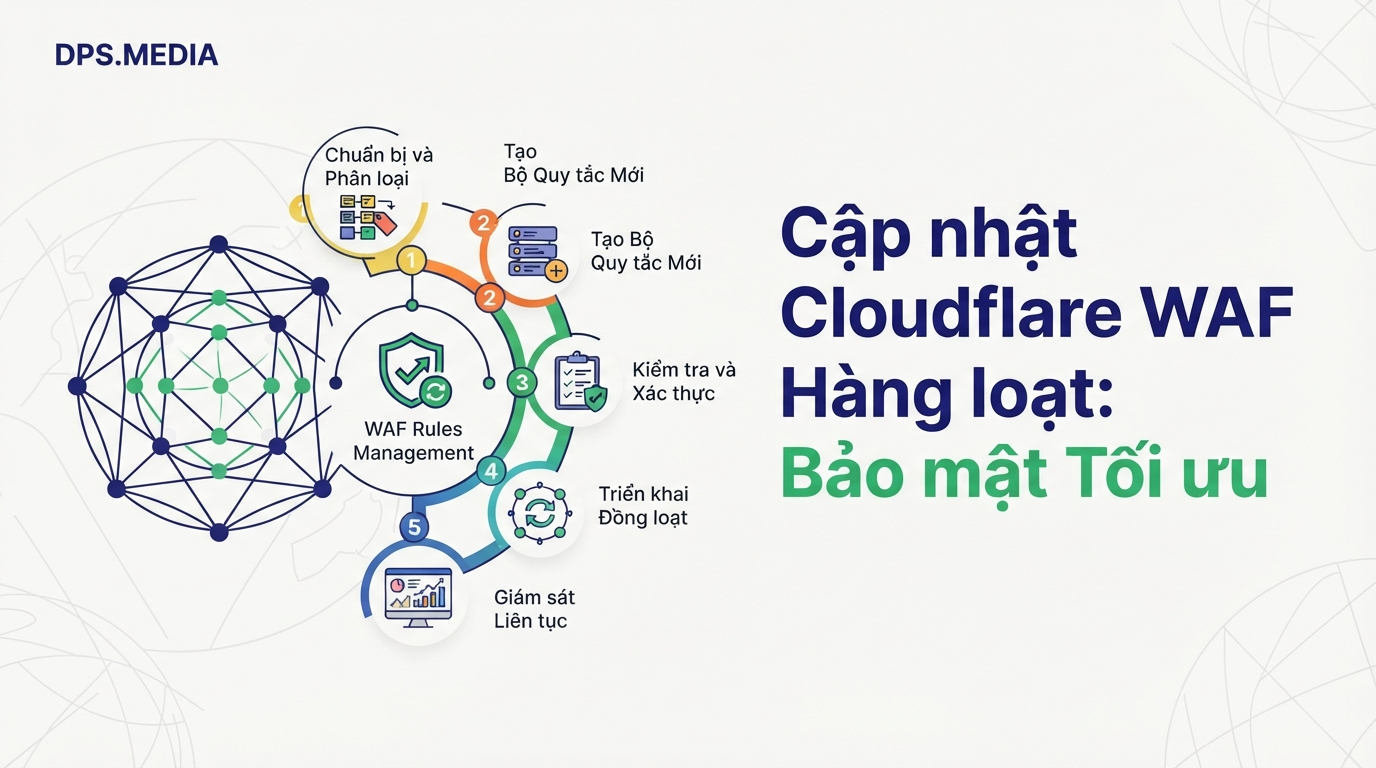

In today's digital era, website security is the top priority for every business. Cloudflare Web Application Firewall (WAF) is one of the most powerful tools for effectively preventing cyberattacks. However, manually managing security configurations across dozens of different websites consumes a great deal of SysAdmin time. To optimize this process, the approach bulk updating Cloudflare WAF using Python is an indispensable solution.
This method allows you to synchronize all security rules with just a single command. You will not need to access each Cloudflare account and perform repetitive operations. Applying this solution bulk updating Cloudflare WAF helping your system stay consistently protected and minimizing human-caused errors to the greatest extent possible.
In this detailed guide, we will share how to build a complete automation tool to bulk updating Cloudflare WAF. This article will include the complete Python source code, how to configure the environment file securely, and important technical notes to avoid exceeding the rule limits of the free service package.
Why do you need to bulk update Cloudflare WAF?
When managing a large number of websites, maintaining a uniform security standard is a major challenge. If configuration is done only manually, you can easily overlook a few websites or set up conditional expressions incorrectly. Therefore, automating the process bulk updating Cloudflare WAF becoming a mandatory requirement for technology businesses.
In addition, cyber threats are constantly evolving every day. When a new type of malicious bot or a new attack method is detected, you need to update blocking rules immediately across all of your websites. The implementation bulk updating Cloudflare WAF helps you respond quickly to security incidents in the shortest possible time.
Furthermore, applying automation technology to Cloudflare administration helps optimize human resources. Instead of performing repetitive tasks, security engineers can focus on more in-depth research. That is precisely why the solution bulk updating Cloudflare WAF with code that DevOps teams around the world trust.
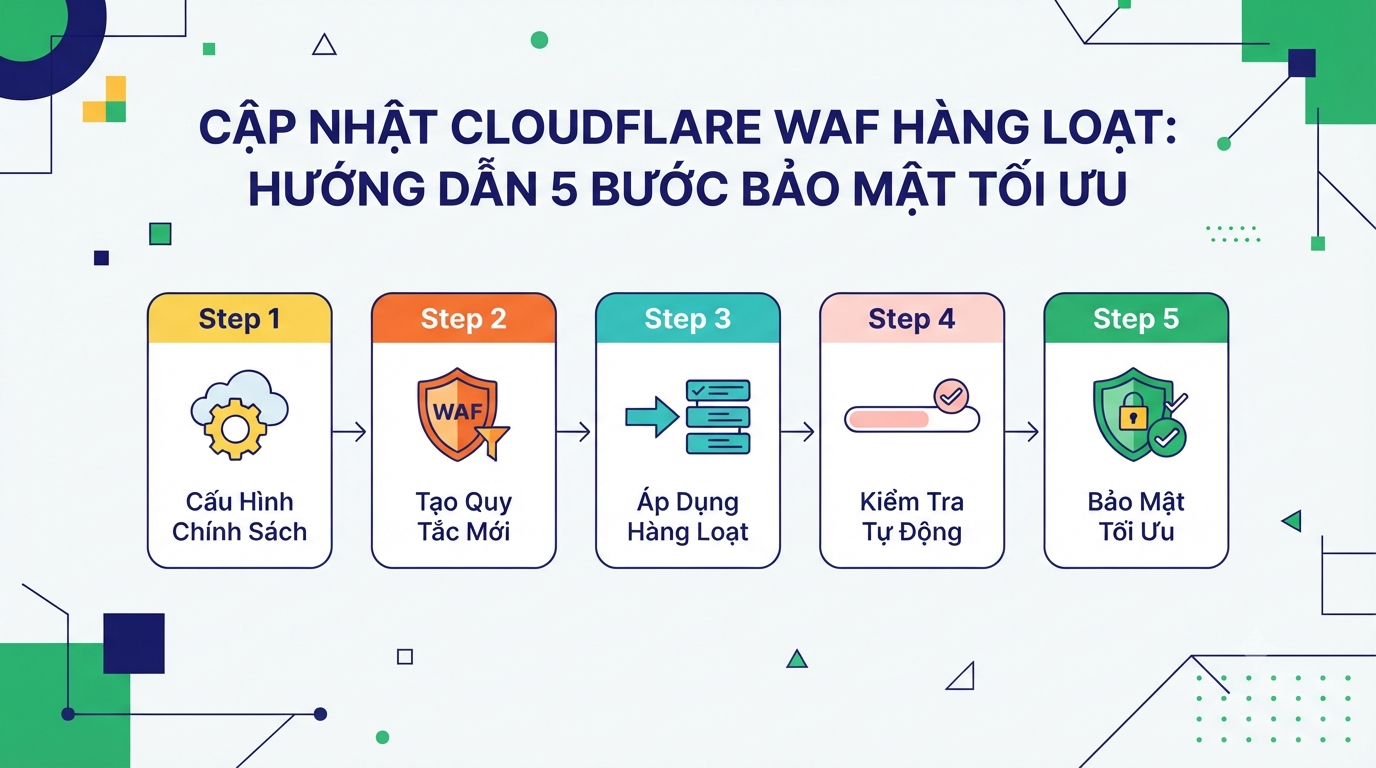
3 Major Benefits of Automating Cloudflare WAF Configuration
1. Save the most administration time
The most obvious benefit of bulk updating Cloudflare WAF is saving time. Instead of spending 5 to 10 minutes per domain in the Cloudflare Dashboard interface, you only need a few seconds to run a Python script for hundreds of domains. This frees up a great deal of manual working time for SysAdmins.
2. Ensuring Security Consistency and Synchronization
When bulk updating Cloudflare WAF, all your domains will use a single standardized configuration version. This completely eliminates the situation where one website has good security while another is overlooked. This synchronization is key to comprehensively protecting the enterprise's network infrastructure.
3. Easy to Back Up, Test, and Upgrade
All WAF configurations are now managed as source code (Infrastructure as Code). When you need to upgrade or edit a certain rule, you only need to change the Python source code and proceed to bulk updating Cloudflare WAF. You can also easily store these configurations on Git to track change history.
Details of 5 WAF security rules optimized for website systems
During the process of designing the system and implementing bulk updating Cloudflare WAF, we have distilled a standard set of 5 rules. These rules operate in a strictly prioritized order to optimize both performance and security for the source server.
Position 1: Skip Internal IP Check and ACME Validation
The first rule is always the highest-priority rule, using the Skip action to bypass subsequent filters for trusted IPs. A special feature of this upgrade is the built-in bypass for the ACME challenge path. This helps automatic SSL renewal processes never encounter errors.
Position 2: Bad Bots Challenge (Managed Challenge)
This rule is designed to detect early and challenge malicious data-scraping bots or vulnerability scanners. By blocking these agents at the outer perimeter, your server will reduce unnecessary junk traffic by more than 80%.
Position 3: Bypass for Verified Bots
We need to skip checks for legitimate search engines such as Googlebot or Bingbot. If this rule is not configured, search bots may be blocked by geographic blocking rules, seriously affecting SEO and the website's rankings.
Position 4: Geographic Restriction (Block Access Outside Vietnam)
For more details on the rule structure and WAF API calling methods, you can refer directly to Cloudflare API documentation officially.
Most large-scale cyberattacks originate from foreign IP addresses. For websites that serve only the domestic market, this rule is an extremely robust barrier to protect the website from DDoS attacks and large-scale vulnerability scanning.
Position 5: In-Depth WordPress Source Code Protection
The final rule focuses on protecting sensitive paths in the WordPress source code. This rule blocks brute force attacks on the login page, prevents PHP file execution in the upload directory, and protects critical configuration files such as .env or wp-config.php.
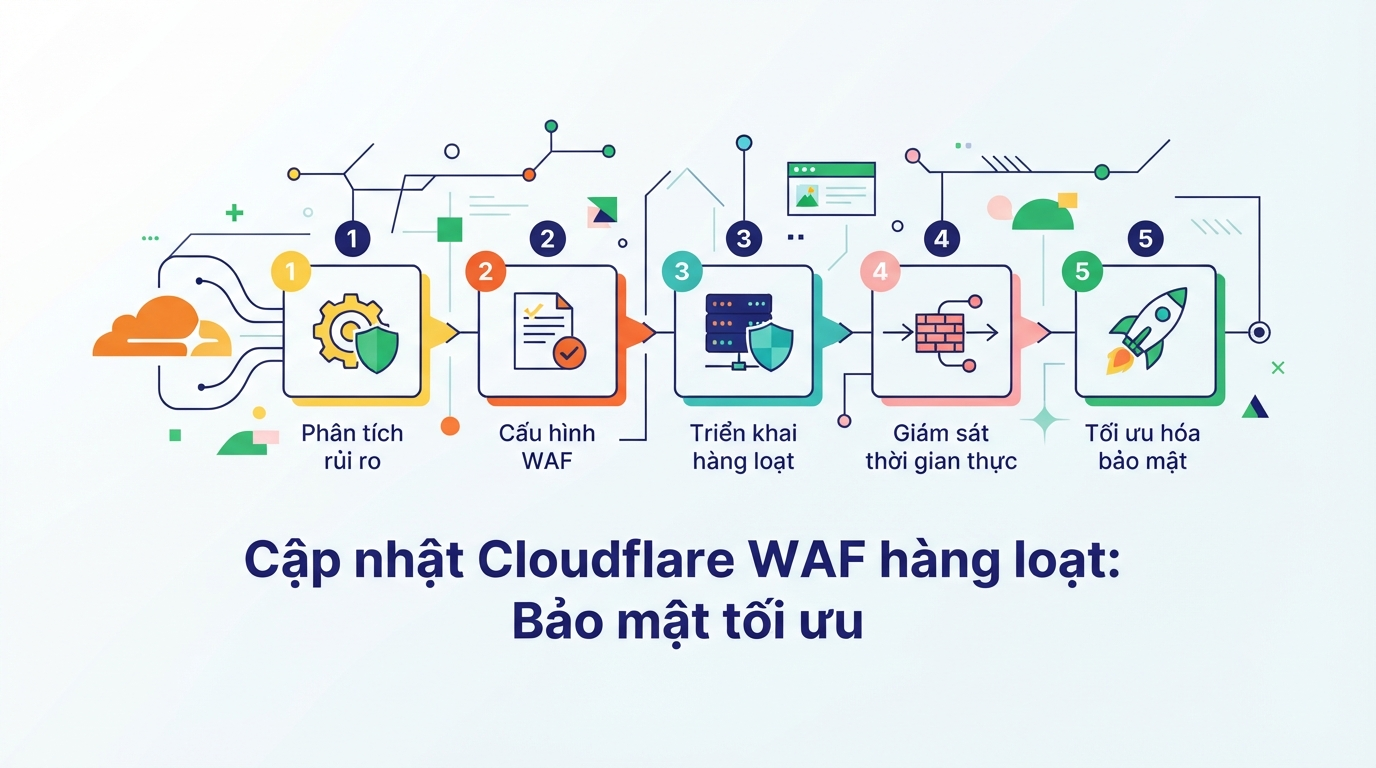
5 steps to bulk update Cloudflare WAF using Python
To begin building the automation system, you need to follow a standardized process. Below is a detailed 5-step guide to implementing the bulk updating Cloudflare WAF safely and effectively.
Step 1: Create a Secure Cloudflare API Token
Before writing code to carry out bulk updating Cloudflare WAF, you need to grant access permissions to the script. Please log in to the Cloudflare admin dashboard and create a new API Token. This token must be granted minimum permissions to read Zone information and edit the account's WAF and DNS configuration.
Limiting Token permissions is extremely important for information security. If a Token is accidentally exposed, attackers also cannot take full control of your account. Therefore, configure the Token with only the Zone Read, WAF Write, and DNS permissions required for the process bulk updating Cloudflare WAF.
Step 2: Set Up the Python Environment
Next, you need to prepare an environment to run the script on your computer or VPS. Install the latest version of Python 3 and the requests library to make API calls. This is a standard library that helps connect and send data when bulk updating Cloudflare WAF becomes simpler.
You can easily install this library using Python's pip tool. Make sure your internet connection is stable so the installation process is not interrupted. Properly preparing the runtime environment will help the script bulk updating Cloudflare WAF operating more smoothly.
Step 3: Prepare the .env configuration file
To secure sensitive information, you must never write the API Token directly into the Python code file. Instead, create a file named .env in the same directory as the script. This file will contain the token to perform bulk updating Cloudflare WAF.
Using a .env file makes it easy to share source code with colleagues without worrying about exposing login credentials. When running the script bulk updating Cloudflare WAF, the program will automatically read the token from this configuration file to authenticate with the Cloudflare API.
Step 4: Write a script to bulk update Cloudflare WAF
This is the core step of the entire automation process. We will write a Python script file named update_waf_rules.py to handle the configuration for a specific domain. This file will define 5 optimal security rules and update them to Cloudflare.
The source code below is designed to automatically and intelligently match existing rules on Cloudflare. If a matching existing rule is detected, the script bulk updating Cloudflare WAF will overwrite directly to avoid exceeding the 5-rule limit of the Free account.
# update_waf_rules.py
import os, sys, requests
def update_waf(domain):
    token = os.getenv('CLOUDFLARE_API_TOKEN')
    # Thuc hien cap nhat Cloudflare WAF hang loat qua API
    headers = {'Authorization': f'Bearer {token}', 'Content-Type': 'application/json'}
    # Cấu hình bypass SSL challenge và IP tin cậy
    # ...
    print(f'Done WAF for {domain}')
In the code above, we use the PUT method to update the entire list of rules in a single request. This method helps the process bulk updating Cloudflare WAF is completed quickly and minimizes the number of API calls to Cloudflare.
Step 5: Write the Batch Runner Script (Batch Runner)
After you have a script to process each domain, you need to write a coordination script to run it for a list of many domains at once. This file is named batch_update.py. This script reads the list of domains from an array and calls the update_waf_rules.py script for each domain.
Separating the two script files makes it easy for you to maintain and reuse the source code. You can easily add or remove domains in the list without modifying the core WAF processing logic. The process bulk updating Cloudflare WAF will run sequentially and log detailed records of each step.
# batch_update.py
import subprocess, sys
domains = ['example.com', 'mysite.net', 'test.vn']
for d in domains:
    subprocess.run([sys.executable, 'update_waf_rules.py', d])
Log output generated by the batch runner script will help you easily identify domains with errors. If any domain cannot find its Zone ID or encounters an authentication error, the script bulk updating Cloudflare WAF continue running for the remaining domains without being abruptly stopped.
Important Notes on Cloudflare WAF Limits
When performing the configuration and bulk updating Cloudflare WAF, you need to pay special attention to the service plan limits. For Cloudflare Free accounts, each domain is allowed a maximum of 5 Custom Rules in the ruleset for the http_request_firewall_custom phase.
If you try to create more than 5 rules, the Cloudflare API will return a 400 Bad Request error. Therefore, the script bulk updating Cloudflare WAF needs an intelligent mechanism to match and overwrite existing rules, instead of always creating new rules.
In addition, for websites with special configurations (such as additional subdomains running separate ERP systems), you should consolidate the exclusion rules (Skip WAF) into a single rule. This consolidation helps you save the number of rules when carrying out bulk updating Cloudflare WAF.
Another extremely important note is the automatic renewal of SSL certificates on the VPS. When you enable the orange cloud (Cloudflare Proxy) and configure geo-blocking (Not VN), validation servers from Let’s Encrypt or ZeroSSL located abroad will be blocked. This causes your automatic SSL renewal process to fail.
To thoroughly resolve this issue, in rule number 1 (Skip WAF), you must configure it to allow requests whose paths begin with /.well-known/acme-challenge/ to pass through directly without inspection. Integrating this configuration into the script bulk updating Cloudflare WAF will ensure SSL is always automatically renewed successfully.
Conclusion and Call to Action
Automating Cloudflare administration is an inevitable trend for SysAdmins and DevOps today. Applying the script bulk updating Cloudflare WAF using Python not only helps protect your website system in a synchronized way but also saves dozens of hours of manual work every month.
By intelligently configuring a bypass for the ACME validation directory, you can confidently enable the Cloudflare Proxy (Orange Cloud) to accelerate and maximize security for your website without ever worrying about automatic SSL renewal errors on systems such as CyberPanel.
Start applying the solution now bulk updating Cloudflare WAF this for your system. If you are looking for a professional partner to optimize network infrastructure, improve website performance, and deploy comprehensive digital marketing campaigns, please explore the optimized solutions from our experts at DPS.MEDIA's SEO optimization services.
You can also read more technical articles sharing similar experiences on security and system administration at bulk updating Cloudflare WAF to gain more useful automation solutions for your business.

Ý kiến bạn đọc (8)
Đăng nhập để bình luận
Đăng nhập nhanh 1-chạm bằng Google để chia sẻ ý kiến của bạn về bài viết.
Bằng cách đăng nhập, bạn đồng ý với điều khoản và chính sách cộng đồng.
Chưa có bình luận nào. Hãy là người đầu tiên chia sẻ cảm nghĩ!
Đăng nhập / Tạo tài khoản
Đăng nhập với Google để gửi bình luận và tương tác cùng cộng đồng.
Tiếp tục là đồng ý với điều khoản sử dụng và chính sách bảo mật của DPS Media.