







This phone number
into
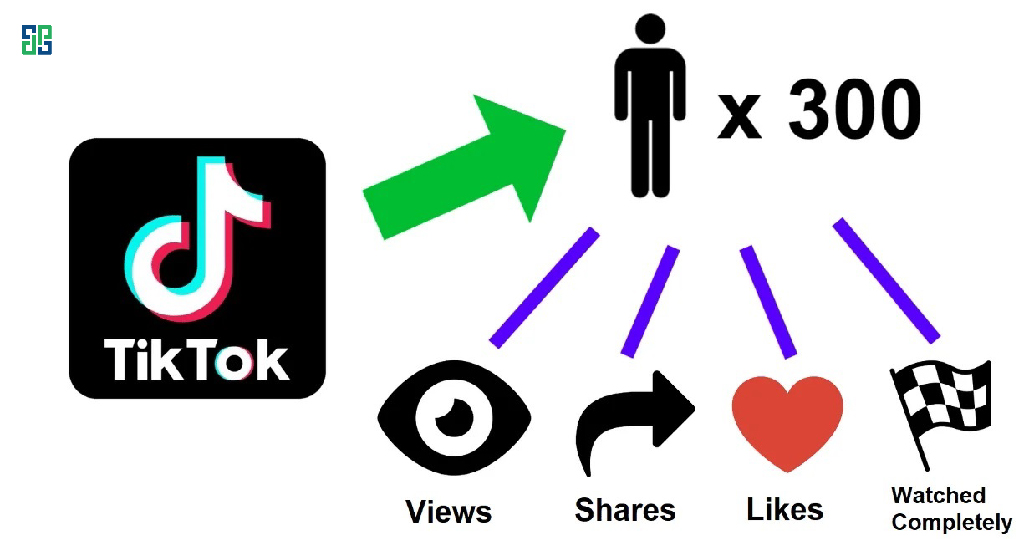
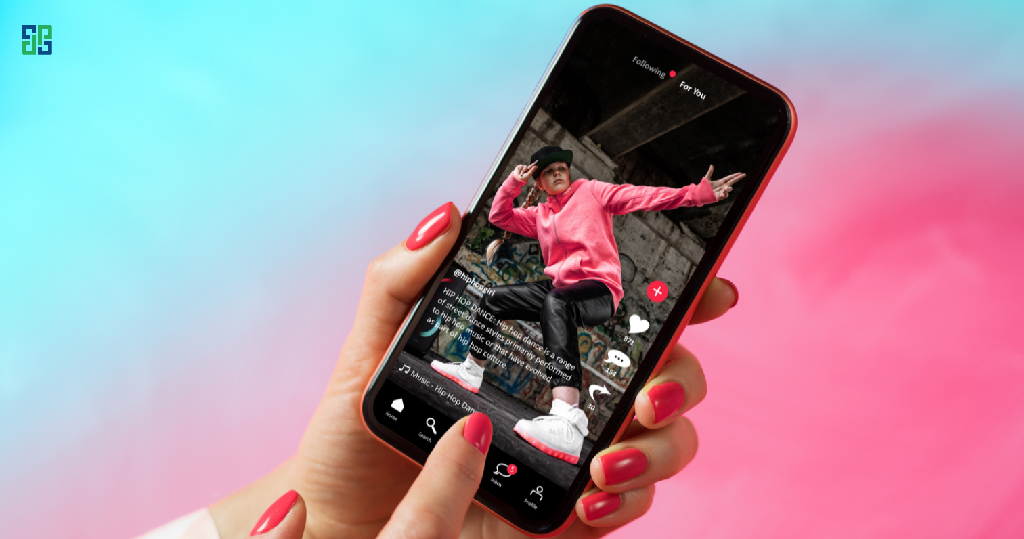
TikTok seeding service – a unique marketing strategy, is becoming increasingly popular in the Marketing industry. Companies and individual users leverage this platform to initiate discussions, thereby raising awareness of their brands and products. By increasing views and interaction on videos, they can boost the growth of the TikTok channel and build trust with consumers.
Seeding Facebook Business Account
using the Manual Flow method. This approach helps you fully control your data and configuration without depending on third-party Business Solution Providers (BSPs).
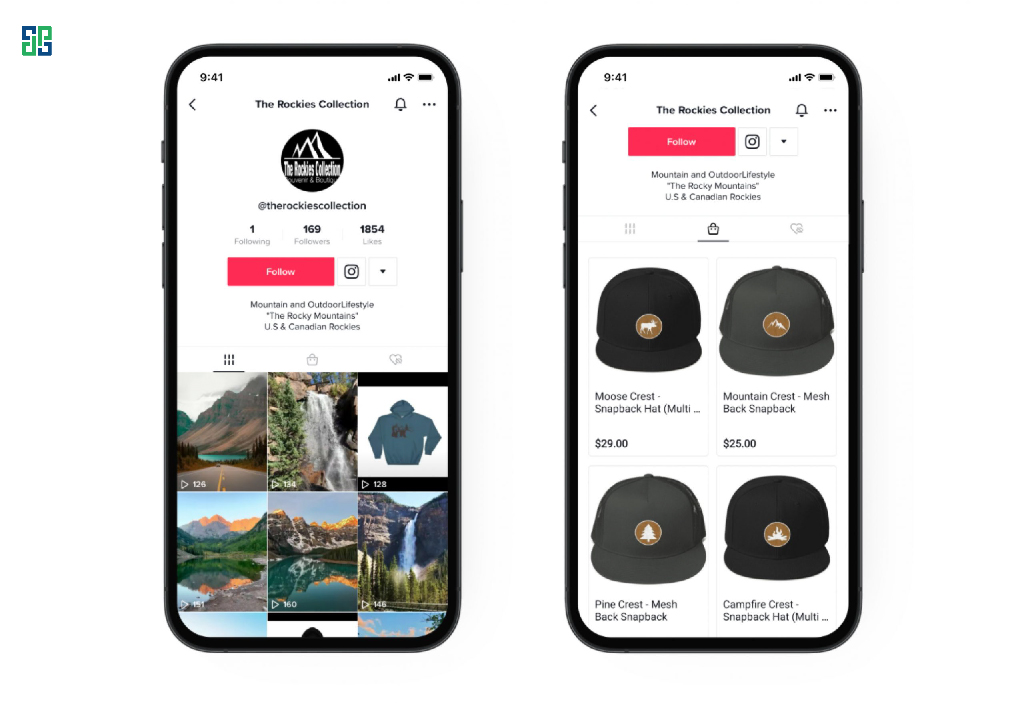
With its massive appeal, Tiktok has become an “unmissable destination” for marketing strategies. And developing content to attract attention on TikTok is becoming increasingly essential in business brand building and development strategies. Below are some clear benefits that seeding on TikTok brings.
Before going into technical details, let's review some major benefits of this integration:
to manage business assets.
help manage passwords safely, while integrating phishing protection, one of the techniques hackers often use to steal login information.
The first step is to create your business identity on the Meta platform. This helps Meta verify your business and grant access to advanced WhatsApp API features.

WhatsApp Cloud API is hosted directly on Meta's infrastructure, eliminating intermediary costs that you previously had to pay to BSPs like Twilio or MessageBird.
(formerly known as Business Manager Account).
High speed and stability:
Fill in your complete business legal information such as company name, business email and address. Accurate information will make the later Business Verification process faster, although at a basic usage level you may not need verification immediately. Similar to creating a technical "connection gateway", the App on Facebook Developers is where the API configurations are held. and click the green button
Connecting directly to Meta ensures the lowest latency and highest stability for your messaging system.
On the "What do you want your app to do?" screen, select the option
Build community
(Other). Click
Chatwoot allows you to gather messages from WhatsApp, Facebook, Email, and Live Chat into a single interface, helping support staff avoid switching between multiple applications.
. This is the app type for managing Pages, Events, and WhatsApp Business API. Click
- In the "Details" section:
- Set a display name, for example “Chatwoot WhatsApp Connect”.
- Your email.
- Select the Business account you created in Step 1. This is a mandatory step to use WhatsApp API in the Production environment.
- to complete. You may need to enter your Facebook password to confirm.
- After creating the App, you will be taken to the App Dashboard. At this point your App has no functionality yet; you need to add the WhatsApp "Product".
- Scroll down to find the section named
in the product list. Click the
Automation:
Meta will ask you to select or create a new
. Select your Business account.
. The system will take a few seconds to set up the WhatsApp Cloud API environment for you.
the most important step
and is the most commonly confused step. By default, Meta provides you with a "Temporary Access Token" that expires in just 24 hours. If you enter this token into Chatwoot, the connection will break after one day. You must create a "System User" to get a permanent Token.
- Select Script Structure and click Add new script. Then, select the type of interaction you want to perform, such as interaction by profile link, video link, comment, etc.
- After selecting the interaction type, it is necessary to set up seeding activities such as dropping hearts, likes, comments -> Press Confirm to complete the setup.
. A popup will appear. Read carefully and click to accept the terms.
Set a name for the System User, for example “Chatwoot Admin”. In the section
Use Chatwoot features such as Chatbot, Automation Rules and Canned Responses to reply to customers quickly.
Using TikTok for seeding can bring amazing results for your brand if done strategically and uniquely. However, to seed TikTok effectively, your campaign needs to pay attention to the following issues:
To ensure a smooth installation, you need to prepare the following resources:
- . Click
- After creating it, you need to assign the asset (App) to this user. Click the button
- In the pop-up window, select
Meta Developer Account
- , then select the App name you created in Step 2.
- Enable the option
- Show creativity and uniqueness to create a distinct brand identity.
: If you don't have one yet, register for free at
- Select your App from the drop-down list.
- Grant Permissions:
- You need to find and check the exact 3 permissions below (very important):
. This is where you manage apps connected to the Facebook/Instagram/WhatsApp ecosystem.
- : Allows sending and receiving messages.
- : Allows managing WhatsApp business information.
- : Allows receiving webhook events (incoming messages, delivery status, etc.).
Valid phone number
- . A long code string will appear.
- Copy it and store it in a secure place immediately
- , because Facebook will not display this code a second time. This is the "API Key" you will enter into Chatwoot.
: You need a phone number capable of receiving SMS messages or voice calls for verification.
- You need to declare the actual phone number that will be used to chat with customers.
- Return to the App Dashboard page on developers.facebook.com.
- In the left menu, select
, click the
Commitment
Fill in WhatsApp profile information: DPS Media Display name for customers (e.g. ABC Customer Care).
DPS Media Choose the appropriate business field.
- Enter your phone number and choose the verification method (SMS or Voice Call).
- Enter the OTP code to complete verification.
- Once successful, you will see your phone number listed. Here, copy two important parameters:
- It's time to put everything together on the Chatwoot interface.
Log in to your Chatwoot system with Administrator privileges.


Ý kiến bạn đọc (0)
Đăng nhập để bình luận
Đăng nhập nhanh 1-chạm bằng Google để chia sẻ ý kiến của bạn về bài viết.
Bằng cách đăng nhập, bạn đồng ý với điều khoản và chính sách cộng đồng.
Chưa có bình luận nào. Hãy là người đầu tiên chia sẻ cảm nghĩ!
Đăng nhập / Tạo tài khoản
Đăng nhập với Google để gửi bình luận và tương tác cùng cộng đồng.
Tiếp tục là đồng ý với điều khoản sử dụng và chính sách bảo mật của DPS Media.