






Have you ever found yourself in a painfully ironic situation where an advertising campaign is performing extremely well and orders are pouring in, only for the website to suddenly go blank? For SMEs, having a website crash at exactly the peak hour is not merely an immediate loss of revenue. It also causes a serious decline in brand credibility in the eyes of customers.
The root cause often stems from a seemingly simple decision: choosing Hosting. Many business owners tend to underestimate the role of this hosting infrastructure until a problem occurs.
Hosting is not merely a piece of land on which to build a house. It is the foundation that determines the speed, stability, and security of your entire online business system. A wrong choice can wipe out hundreds of millions of VND in Marketing costs within just a few hours.
According to experts at DPS.MEDIA, more than 60% of website incidents during major e-commerce Sales events stem from server infrastructure that cannot handle the load. So how can you avoid these black holes?
In this article, we will expose 6 critical mistakes when choosing Hosting that most business owners make. Let us find out how to protect your wallet before it is too late.
1. Choosing cheap Hosting of poor quality and forgetting the consequences
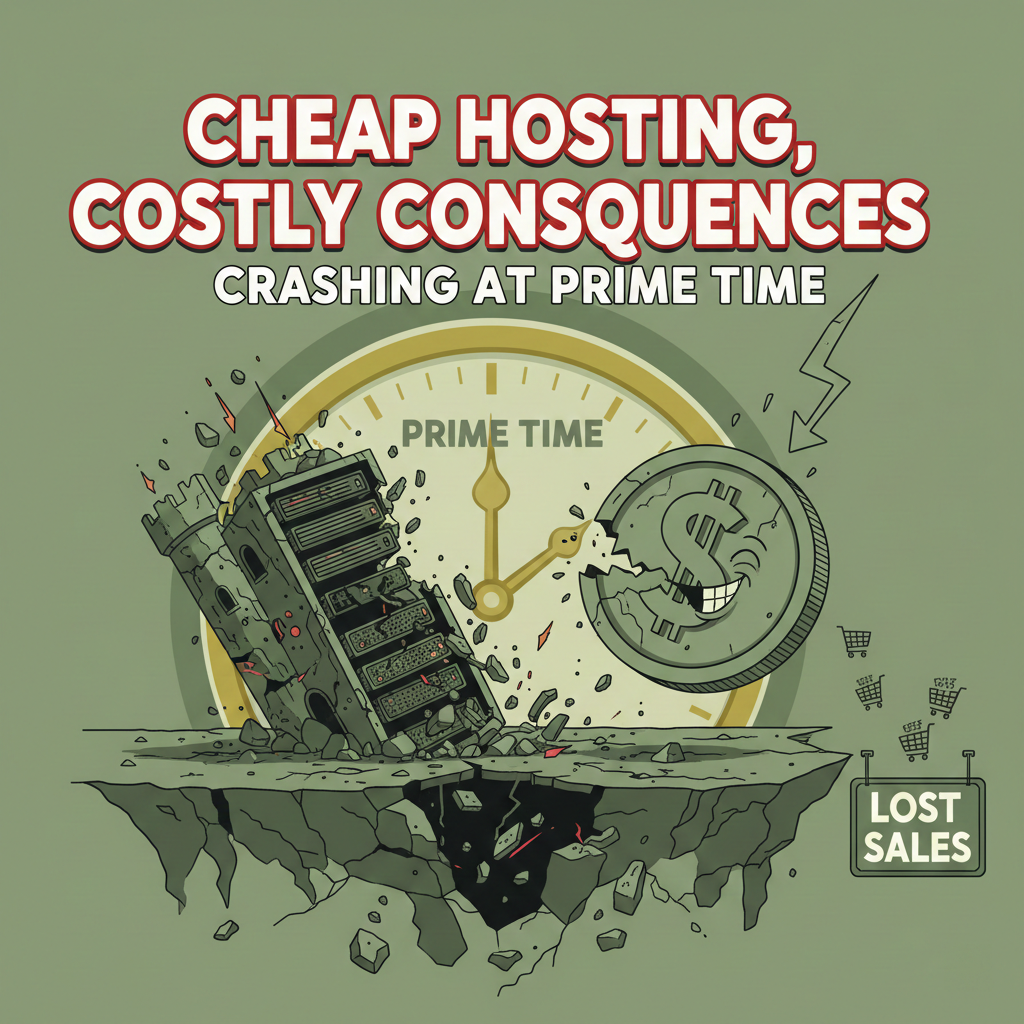
The most common and also the most dangerous mistake is the mindset of saving costs in the wrong place. Many businesses are attracted by Hosting cheap plans costing only a few tens of thousands of VND per month. However, the price you pay for this cheapness is often far higher than you imagine.
Poor Hosting performance directly affects revenue
Cheap Hosting plans often cram hundreds, even thousands of websites onto the same physical server. This leads to reckless sharing of resources (CPU, RAM). When another website on the same server is attacked or experiences a sudden traffic spike, your website suffers as well.
Slow page loading is the inevitable consequence. Customers today are very impatient. If your website takes more than 3 seconds to load, they will leave immediately and switch to a competitor.
Hidden security risks in budget Hosting plans“
Cheap Hosting often comes with lax security measures. Providers rarely equip their servers with professional DDoS protection or a robust Web Application Firewall (WAF). Your customer data could be stolen at any time.
Below is a practical comparison table between Hosting cheap and high quality so you can easily visualize the difference:
| Criteria | Cheap Hosting (Shared) | High-Quality Hosting (Business/VPS) |
|---|---|---|
| Resources | Shared, no guarantee | Independent or minimum guaranteed resources |
| Download speed | Slow, unstable during peak hours | Fast, stable 24/7 |
| Security | Basic, easily infected with malware | Advanced, automatic malware scanning |
| Supported | Slow, via Ticket/Email | Priority, Livechat/Hotline |
Hidden costs behind the cheap price
You think you are saving money, but in reality you are paying extra for additional services that should have been included. For example, data recovery fees, SSL installation fees, or upgrade fees when the website is slightly overloaded.
Signs of poor-quality Hosting:
- The website frequently reports 500 Internal Server Error.
- Page loading is noticeably slow in the evening (peak hours).
- You send a support request but only receive a response 24 hours later.
- The provider locks your website without reason when traffic increases slightly.
- The administration interface is outdated and difficult to use.
- There is no clear money-back guarantee.
Expert advice
Do not trade the stability of an entire business system for a few cups of coffee each month. Invest in a Hosting that matches the scale of revenue you expect. A solid foundation will be the launchpad for every successful Marketing campaign.
2. Not checking the Hosting provider's Uptime commitment

Uptime (operating time) is a vital metric for a website. Many providers Hosting advertise the number 99.9% Uptime extensively, but the reality is a completely different story.
The truth about 99% and 99.9%
At first glance, the difference between 99% and 99.9% may seem insignificant. However, in the digital world, this gap is a major issue. 99% Uptime means your website could be down for around 3.65 days per year.
Conversely, 99.9% reduces downtime to about 8.76 hours per year. For a high-revenue e-commerce site, 3 days of downtime can cause billions of VND in losses, not to mention opportunity costs and damage to brand reputation.
The real damage when Hosting is interrupted
Imagine you are running a Flash Sale campaign on 11/11. Your Facebook and Google Ads advertising budget has already burned through 50 million VND. At exactly noon, traffic suddenly spikes and Hosting crashes.
What is the result? The advertising money is still gone, but no orders are generated. Customers become frustrated because they cannot access the site and turn to competitors instead. This is the nightmare scenario that DPS.MEDIA has witnessed many customers experience before they came to us for consulting solutions.
How to verify the Uptime commitment
Do not simply trust the advertising on the homepage. You need an independent verification method. Use third-party Uptime monitoring tools such as UptimeRobot or Pingdom to monitor your website.
In addition, read the service agreement terms carefully (SLA – Service Level Agreement). A Hosting reputable provider will have a clear compensation policy if it fails to meet its promised Uptime commitment. If you cannot find such a clause, reconsider your choice.
Uptime reliability checklist:
- Look for real reviews on technology forums.
- Ask the provider to show you its public Uptime history (Status Page).
- Check whether they have power and network redundancy systems.
- Ask about the incident response process when the Server experiences a physical problem.
- Make sure they have a technical operations team (NOC) available 24/7/365.
3. Underestimating the Hosting technical support service

In the technology world, nothing is absolutely perfect. Problems can occur at any time, even with the best provider. At this point, the quality of customer Support service is your lifeline.
The importance of 24/7 Support for Hosting
A website never sleeps. Customers may visit your online store at 2 a.m. If a problem occurs in the middle of the night and the provider Hosting only works during office hours, you will have to wait until the next morning for it to be resolved.
That waiting time is downtime. A good support service should respond within 15-30 minutes, regardless of the time of day, holidays, or weekends. This is a mandatory standard for any Hosting professional service.
Language and expertise barriers
Many people choose to purchase Hosting from overseas because of the low price or reputation. However, when problems occur, the language barrier becomes a major issue. Describing technical errors in English is not always easy or accurate.
Furthermore, differences in time zones make communication slower. Choosing a domestic provider or an international provider with a Vietnamese-speaking support team will make the incident resolution process much faster and more convenient.
Essential support channels
A Hosting reputable provider needs to diversify its communication channels. It should not stop at Email or Ticket; it also needs Livechat and Hotline to handle emergency situations.
Technical support rating table:
| Support Channel | Level of Priority | Ideal Response Time |
|---|---|---|
| Hotline | Emergency (Website down) | Immediate |
| Live Chat | High (Functional issue) | < 5 minutes |
| Ticket/Email | Medium (Configuration, consultation) | 15 – 30 minutes |
| Documentation/Wiki | Self-service | Available 24/7 |
A real-world example of the importance of Support
Mr. Nam, the owner of a fashion store chain in Hanoi, once used a Hosting cheap service without a Hotline. On Black Friday, the website experienced a database connection error. He submitted a ticket and had to wait 6 hours before receiving an automated response.
During those 6 hours, he lost approximately 300 potential orders. After the incident, he switched to a provider with a 24/7 support commitment based on the advice of DPS.MEDIA and has never regretted that decision.
4. Placing the Hosting server too far from target customers

The geographical location of the server (Data Center) plays an extremely important role in page loading speed. This is a physical factor that no optimization software can completely overcome.
How does network latency affect Hosting speed?
Data needs time to travel from the server to the user device. The greater the distance, the higher the latency. If your customers are mainly in Vietnam but you have your Hosting in the US, the data must travel through undersea fiber-optic cables across the Pacific.
This not only slows page loading but also makes the website unstable whenever an undersea fiber-optic cable has an incident – something that happens frequently in Vietnam. Slow page loading, according to Google statistics from 2024, will reduce the conversion rate by up to 20% for every second of delay.
Benefits of Hosting with servers in Vietnam
For businesses operating in the domestic market, choosing Hosting with servers located in Vietnam (such as FPT, Viettel, VNPT) is the optimal choice. Access speeds will be many times faster than with international servers.
In addition, complying with regulations on storing domestic user data becomes easier, helping avoid unnecessary legal complications later.
When should you choose international Hosting?
Of course, not always is Hosting Vietnam the best choice. If you operate globally, have customers from all over the world, or need specialized technologies that domestic providers cannot yet offer, international Hosting (such as AWS, Google Cloud) combined with a CDN (Content Delivery Network) is an appropriate solution.
Things to consider when choosing a server location:
- Clearly identify where your target customers are located.
- Use the Ping tool to check latency from your customers location to the Server.
- If you must use a remote Server, you must use a CDN (such as Cloudflare).
- Check the providers international connectivity infrastructure.
- Prioritize Data Centers that meet Tier 3 or higher standards.
5. Ignoring automatic backup features on Hosting

Data is a priceless business asset. Losing data means losing money, customers, and reputation. However, many people underestimate the Backup feature when purchasing Hosting.
The risk of data loss is real
There are thousands of reasons why your website could lose data: being attacked by Hackers, infected with ransomware, accidentally deleting a file, or software update errors. Without a backup, you will have to rebuild the website from scratch.
Manual recovery is not only time-consuming but also does not guarantee that you can recover all the latest order data or customer information. This is a disaster for any business.
Requirements for a Hosting Backup strategy
A Hosting A secure solution must include an automatic backup feature (Auto Backup) every day (Daily Backup). The backup should be stored on a different physical server or in the Cloud to ensure maximum safety if the primary Server suffers a hard-drive failure.
Furthermore, the provider should allow you to restore data yourself (Restore) easily with just a few clicks, instead of having to submit a request and wait for technical staff to process it.
Data security standards
In addition to Backup, you also need to pay attention to security certifications. The provider should ensure compliance with ISO 27001 security standard to protect your data against increasingly sophisticated cyberattacks.
Recommended Backup frequency table for different types of websites:
| Website Type | Backup Frequency | Retention Period |
|---|---|---|
| News/Blog Website | Daily | 7 – 14 days |
| E-commerce Website (SMEs) | Daily & Real-time | 30 days |
| Business Website | Weekly | 30 days |
| Landing Page | When changes occur | Permanent |
6. Choosing the wrong Hosting type for business scale
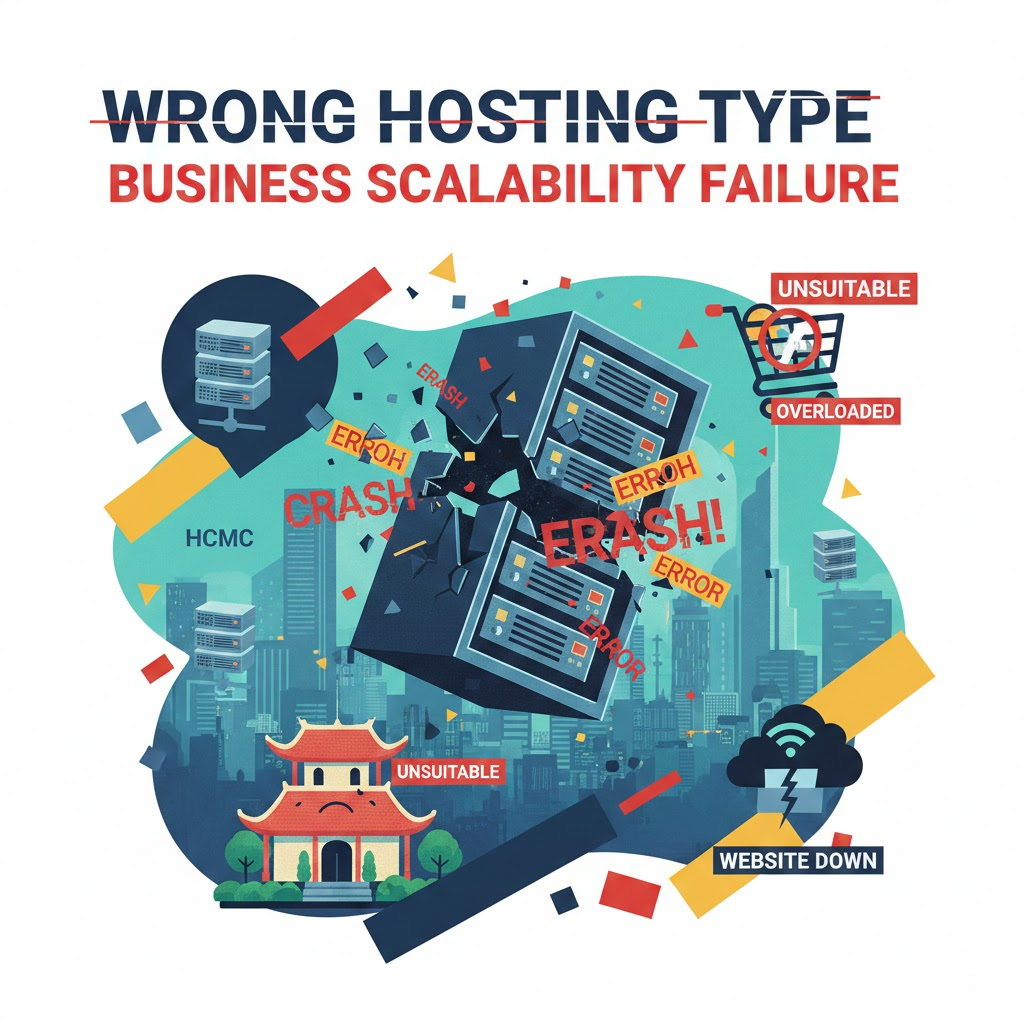
Finally, a strategic mistake is choosing the wrong type of Hosting. Not everything most expensive is the best, and not everything cheap is suitable.
Distinguishing common Hosting types
There are 3 main types on the market today: Shared Hosting, VPS (Virtual Private Server), and Dedicated Server. Shared Hosting is like taking a public bus: cheap but crowded. VPS is like taking a taxi: more private and faster.
Dedicated Server is like owning your own car: you have full control, but operating costs are high. Choosing Shared Hosting for an e-commerce site with thousands of products is too demanding. Conversely, using a VPS for a small personal Blog is wasteful.
Scalability
Business needs will change over time. A good Hosting plan must have flexible upgrade capabilities (Scalability). When traffic increases, you should be able to upgrade RAM and CPU immediately without interrupting the website.
If the provider requires you to migrate the server and experience hours of downtime to upgrade the plan, reconsider. Business flexibility is a key factor in capturing market opportunities.
Consulting on the right solution
To choose the right type, you need to clearly assess your current traffic and the expected traffic over the next 6 months. If you are not technically proficient, seeking out providers of website speed optimization services for consultation is a wise move.
Guide to choosing Hosting by scale:
- Newbie/Personal Blog: Shared Hosting (Affordable, easy to use).
- Small E-commerce Website/Company Website: Business Hosting or Cloud Hosting (Stable, better load handling).
- Medium/Large E-commerce Website: VPS or Cloud Server (Dedicated resources, high security).
- Large System/Enterprise: Dedicated Server or Cluster (Maximum performance).
Choosing the right type of Hosting from the beginning will save you a great deal of effort and conversion costs later. Do not let an overly tight shirt hold back your business growth.
Conclusion
Selection Hosting is never a small matter. It is the technological foundation that determines the success or failure of a business in the digital environment. Avoiding the 6 mistakes above will help you build a strong, secure website that is always ready to welcome thousands of customers.
Do not let the effort you put into creating content and running advertising go to waste because of weak infrastructure. Invest wisely, prioritizing quality and long-term stability over short-term price benefits.
If you are still unsure where to start or need an overall strategy to optimize online business performance, contact the team of experts at DPS.MEDIA.
Key points to remember:
- Never choose Hosting solely because of its low price.
- Carefully check the Uptime commitment and compensation terms.
- Prioritize providers with responsive 24/7 Support.
- Choose the Server location as close to your customers as possible.
- Always ensure there is a daily automatic Backup system.
- Choose a Hosting type that fits your scale and scalability requirements.
Take action today by reviewing your current Hosting plan. A small infrastructure change can bring a major leap in revenue in the future.




Ý kiến bạn đọc (9)
Đăng nhập để bình luận
Đăng nhập nhanh 1-chạm bằng Google để chia sẻ ý kiến của bạn về bài viết.
Bằng cách đăng nhập, bạn đồng ý với điều khoản và chính sách cộng đồng.
Chưa có bình luận nào. Hãy là người đầu tiên chia sẻ cảm nghĩ!
Đăng nhập / Tạo tài khoản
Đăng nhập với Google để gửi bình luận và tương tác cùng cộng đồng.
Tiếp tục là đồng ý với điều khoản sử dụng và chính sách bảo mật của DPS Media.