




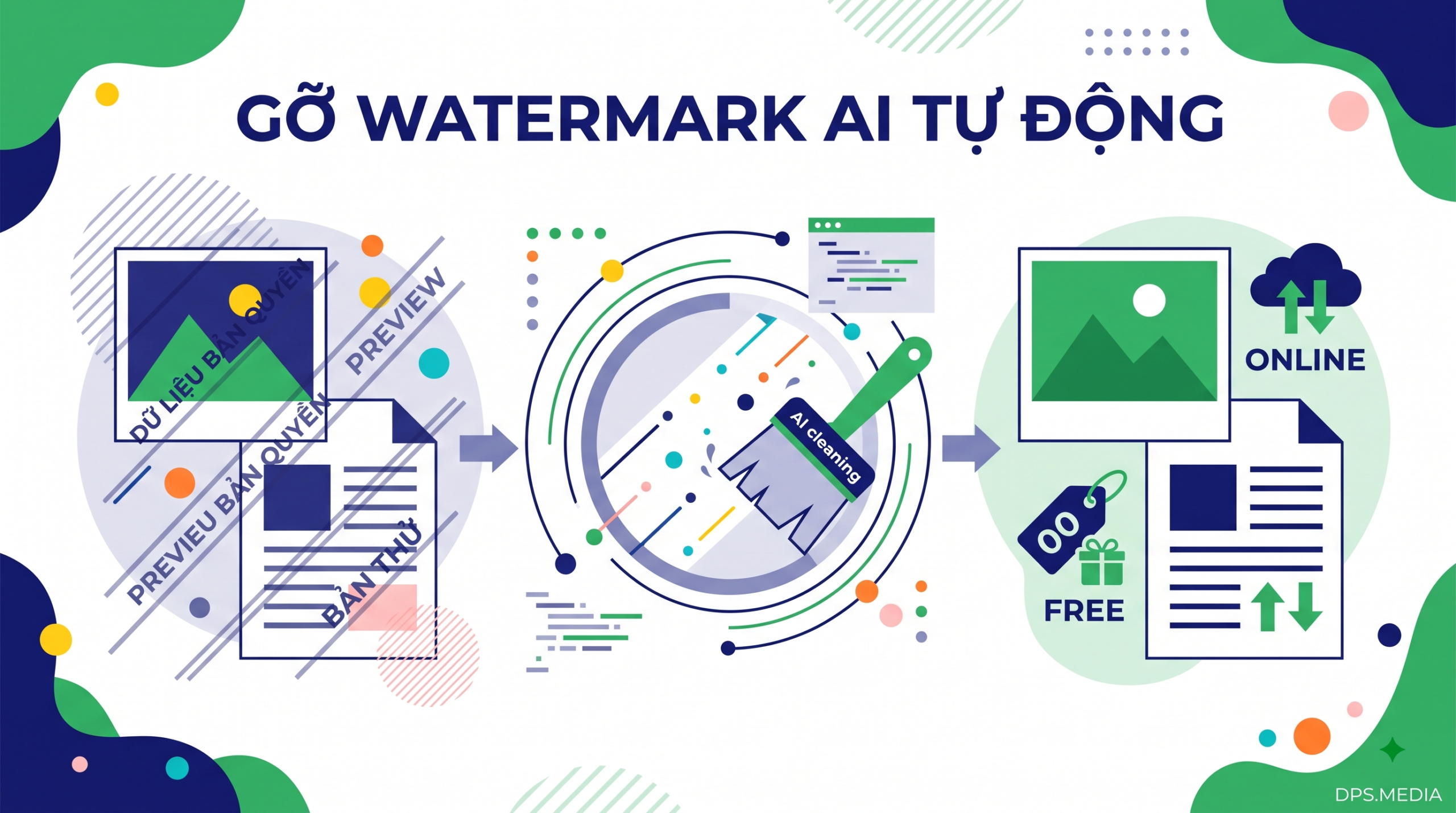

As major technology companies such as Anthropic, OpenAI, and Google begin deploying mechanisms to mark content generated by artificial intelligence, the need remove-ai-watermark to ensure privacy, data security, and text standardization is becoming increasingly urgent. AI traces are no longer limited to faint logos displayed visually; they can also be deeply hidden in the form of invisible Unicode characters, image metadata, and vocabulary distribution signals.
To support content creators, developers, and businesses in optimizing digital data processing workflows, DPS.MEDIA provides a suite of tools Universal Watermark Remover completely free below:
Watermarks Remover & Metadata Cleaner
Safely clean AI provenance marks, invisible Unicode & metadata using a private self-hosted engine.
Sign In Required
Please sign in with Google to submit and download your private files.
Why do you need to remove AI watermarks from text and digital data?
Many people mistakenly believe that simply copying plain text or taking a screenshot completely removes the AI creation origin. In reality, things are much more complex. New-generation AI models incorporate multiple layers of copyright protection and machine-learning identification traces.
Leaving these hidden traces behind can cause quite a few problems in real-world work:
- Strange character display errors: Hidden whitespace characters (Zero-Width Space) often cause CMS systems, web browsers, or accounting software to experience line-break issues, broken layouts, or localized font errors.
- Internal information security risks: Metadata attached to image files and PDF/DOCX documents may inadvertently reveal prompts, creator account IDs, or the rendering time of a confidential project.
- Bidding process disruption: Last June, the team at Ánh Dương Media (Ho Chi Minh City) encountered an issue when submitting a 48-page bid proposal: automated text-checking software marked 14 locations in red simply because they contained text-direction control character sequences (bidi controls) left over from an AI draft.
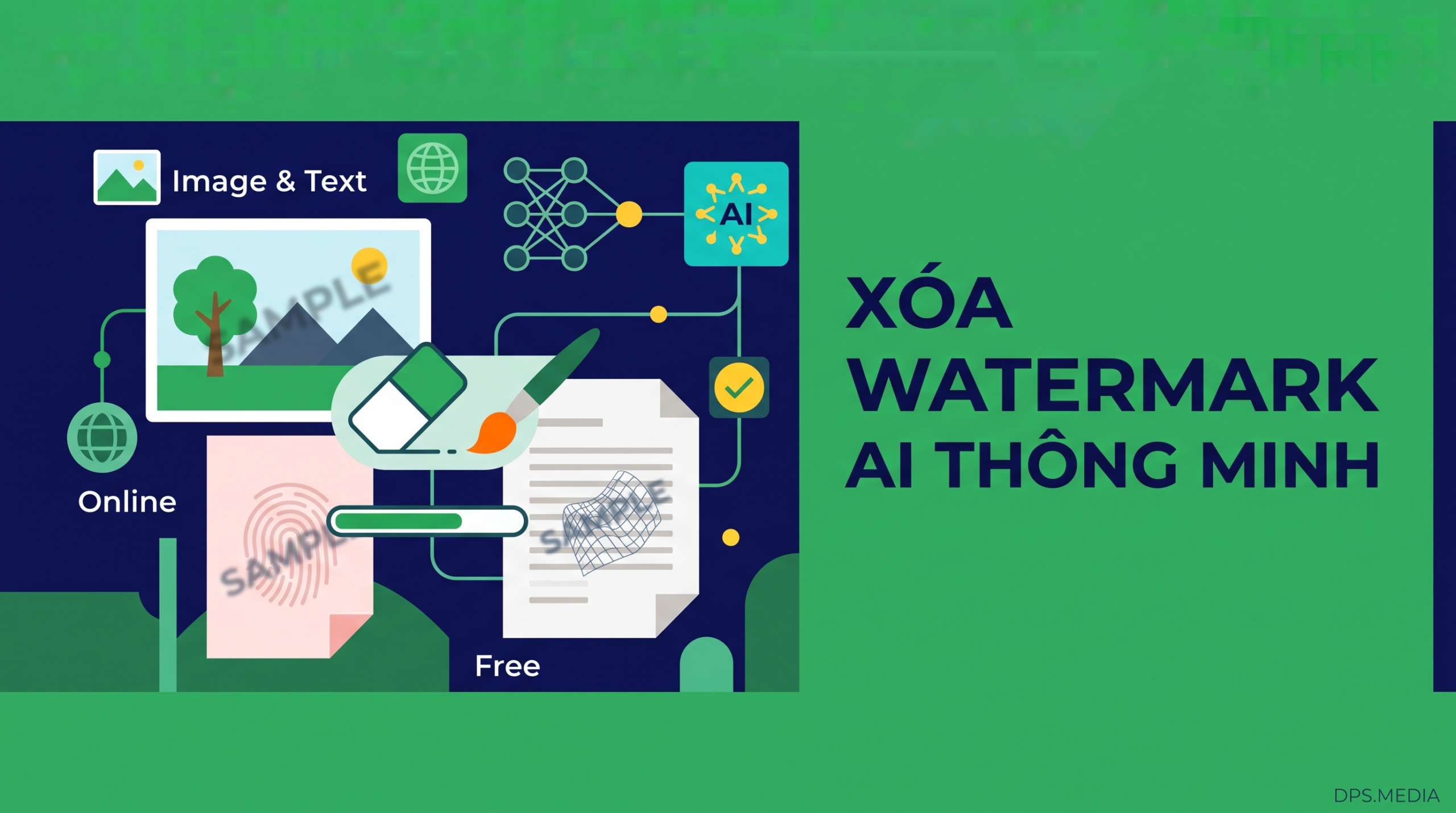
4 common layers of AI traces that the tool can thoroughly process
The Universal Cleaner tool at DPS.MEDIA is designed with a multi-layer scanning mechanism that accurately detects and extracts each type of trace:
1. Invisible Unicode & Zero-Width Characters
Includes characters such as Zero-Width Space (\u200B), Zero-Width Non-Joiner (\u200C), Byte Order Mark (\uFEFF) and text flow control characters. The smart filter scans away these binary codes while preserving 100% of sentence structure, Vietnamese punctuation, and valid emoji symbols.
2. Image Metadata & C2PA Authentication Standard
Leading AI image-generation tools (Midjourney, DALL-E 3, Adobe Firefly) often attach digital certificates the C2PA content provenance authentication standard (Content Credentials) along with Exif, XMP, and IPTC data. The image processor reconstructs clean pixels and completely removes the digital tagging layer without reducing the original image resolution or color quality.
3. Traces in Office Documents (PDF, DOCX)
Automatically cleans author tags, editing history, creator software (Creator Tool), and hidden information fields in Word and PDF file structures before you send documents to partners or customers.
4. Statistical Vocabulary Signals from Claude & LLMs
Supports analysis of characteristic word density, providing suggestions for restructuring and flexible vocabulary variation to make writing more natural and avoid machine-like phrasing.
3-Step Guide to Quickly Remove AI Watermarks on DPS.MEDIA
You do not need to install complicated software or go through a cumbersome account registration process. The processing takes only a few seconds:
- Step 1: Paste the text to be cleaned or upload a file (JPG/PNG/WebP image, PDF/DOCX document) directly into the tool interface at the top of the page.
- Step 2: Select the corresponding scanning mode (Comprehensive Mode – Universal Cleaner, or choose the Text / Image / Document tab separately according to your needs).
- Step 3: Click the “Clean Now”. The system will instantly remove all hidden traces and allow you to copy the clean text or download the metadata-cleaned file to your device.
Comparison Table: DPS.MEDIA Tool vs. Manual Methods
| Comparison Criteria | DPS.MEDIA Universal Cleaner | Copy via Notepad / Manual Editing |
|---|---|---|
| Remove Hidden Unicode Characters | 100% automatic & accurate | Zero-width codes may remain |
| Remove C2PA & Exif Certificates | Cleanly extracts the original image file | Cannot be processed |
| Preserve Emoji & Vietnamese | Preserves fonts & icons intact | Fonts may break or accents may be lost |
| Cost & Privacy | Free, no data storage | Time-consuming manual work |
Data & Marketing Workflow Automation Solutions with DPS.MEDIA
For businesses that process thousands of communication articles and images each month, manually processing each file is a major productivity barrier. DPS.MEDIA provides solutions for automating n8n workflows and developing specialized AI applications, helping businesses build smooth content distribution pipelines from editing to multi-channel publishing.
If you are looking for a solution to elevate your brand, optimize your communications budget, or deploy an automated marketing system, contact the expert team at DPS.MEDIA:
- 24/7 Consultation Hotline / Zalo: 0961545445
- Office address: 56 Nguyen Dinh Chieu, Tan Dinh Ward, District 1, Ho Chi Minh City
- Key services: AI & n8n workflow automation, comprehensive SEO, Fanpage & E-commerce management, multi-channel advertising optimized for conversions.
Ý kiến bạn đọc (9)
Đăng nhập để bình luận
Đăng nhập nhanh 1-chạm bằng Google để chia sẻ ý kiến của bạn về bài viết.
Bằng cách đăng nhập, bạn đồng ý với điều khoản và chính sách cộng đồng.
Chưa có bình luận nào. Hãy là người đầu tiên chia sẻ cảm nghĩ!
Đăng nhập / Tạo tài khoản
Đăng nhập với Google để gửi bình luận và tương tác cùng cộng đồng.
Tiếp tục là đồng ý với điều khoản sử dụng và chính sách bảo mật của DPS Media.