






Know how to respond to Google Map reviews in a tactful and quick manner is the golden key to helping businesses retain existing customers, build trust with new customers, and break through local search rankings in 2026.
In reality, more than 88% of consumers read online reviews before deciding to visit a restaurant, clinic, beauty salon, or showroom. However, many business owners either forget to respond, reply with generic copy-pasted answers, or even engage in heated arguments when facing 1-star reviews. This article from the expert team at high-quality Digital Marketing services of DPS.MEDIA will provide detailed guidance on response standards, offer practical response scripts, and introduce smart automation solutions to help you comprehensively optimize your brand reputation.
Why does Google Maps review management determine Local SEO rankings?
Google does not only evaluate the quality of a Google Business Profile based on the average star rating. The Google Maps algorithm particularly focuses on Continuous engagement signals (Activity Signals). When a business responds quickly and consistently to user reviews, Google understands that this location is actively operating and highly concerned about customer experience.
According to official Google Business documentation, proactively engaging and addressing questions will directly improve a business's visibility in the local search results (Local 3-Pack). Therefore, review management is not simply a post-sales customer care activity, but a strategic pillar in the overall Local SEO landscape.
In addition, implementing customer review response methods that naturally incorporate industry-related or geographic keywords (for example: “thank you for visiting our coffee shop in District 1”) also helps increase entity density naturally in the eyes of search algorithms.

The 4-step standard for responding to customer reviews
Whether receiving enthusiastic praise or harsh complaints, a professional response should always follow the following 4 golden steps:
- Step 1: Address the customer by name and express sincere thanks: Personalize the opening sentence with the reviewer's name. A thank-you shows that you truly appreciate the time they spent leaving feedback.
- Step 2: Respond directly to the experience: Do not just say a generic “Thank you for your support.” Mention the specific details the customer highlighted in their review (for example: delicious food, a cozy atmosphere, or the enthusiasm of the staff).
- Step 3: Add recognition keywords naturally: Blend brand name and main services smoothly to improve SEO signals.
- Step 4: Call to action and invitation: Suggest returning or provide support contact details.
Consistently applying this standard when responding to customer feedback creates consistent communication and a reliable brand image.
A compilation of the best review response templates for each situation
Below are sample scripts from real projects that you can apply immediately:
1. Positive 5-star review response templates
When customers give 5-star reviews, turn thanks into loyalty and promotion opportunities:
Sample 1 (Friendly, warm – Suitable for F&B, Cafe, Hotel):
“Hello [Customer Name], we are delighted to receive your positive feedback...”
Sample 2 (Professional – Suitable for B2B, Clinics, Beauty Centers):
“Dear [Customer Name], thank you sincerely for your trust and 5-star rating...”
One review response template A thoughtful response makes customers feel heard and valued.
2. Response scripts for 1-star reviews and handling negative feedback
A 1-star review is every business owner's concern, but handling it well proves professionalism.
When conducting responding to 1-star reviews, always remember: Do not blame – Take responsibility – Move conversation privately.
Standard negative review response template:
“Dear [Customer Name], we have read your feedback and are sorry...
Our management team has reviewed the process and would like to resolve this privately...”
Automation solution: Managing Google Maps reviews with AI 24/7
Although review responses bring major benefits, businesses face 3 common barriers:
- Lack of 24/7 staff: New reviews may be missed during nights or holidays.
- Running out of wording ideas: Many reviews can lead to repetitive replies.
- Uncontrolled crisis handling: Inexperienced staff may argue with customers and damage the brand.
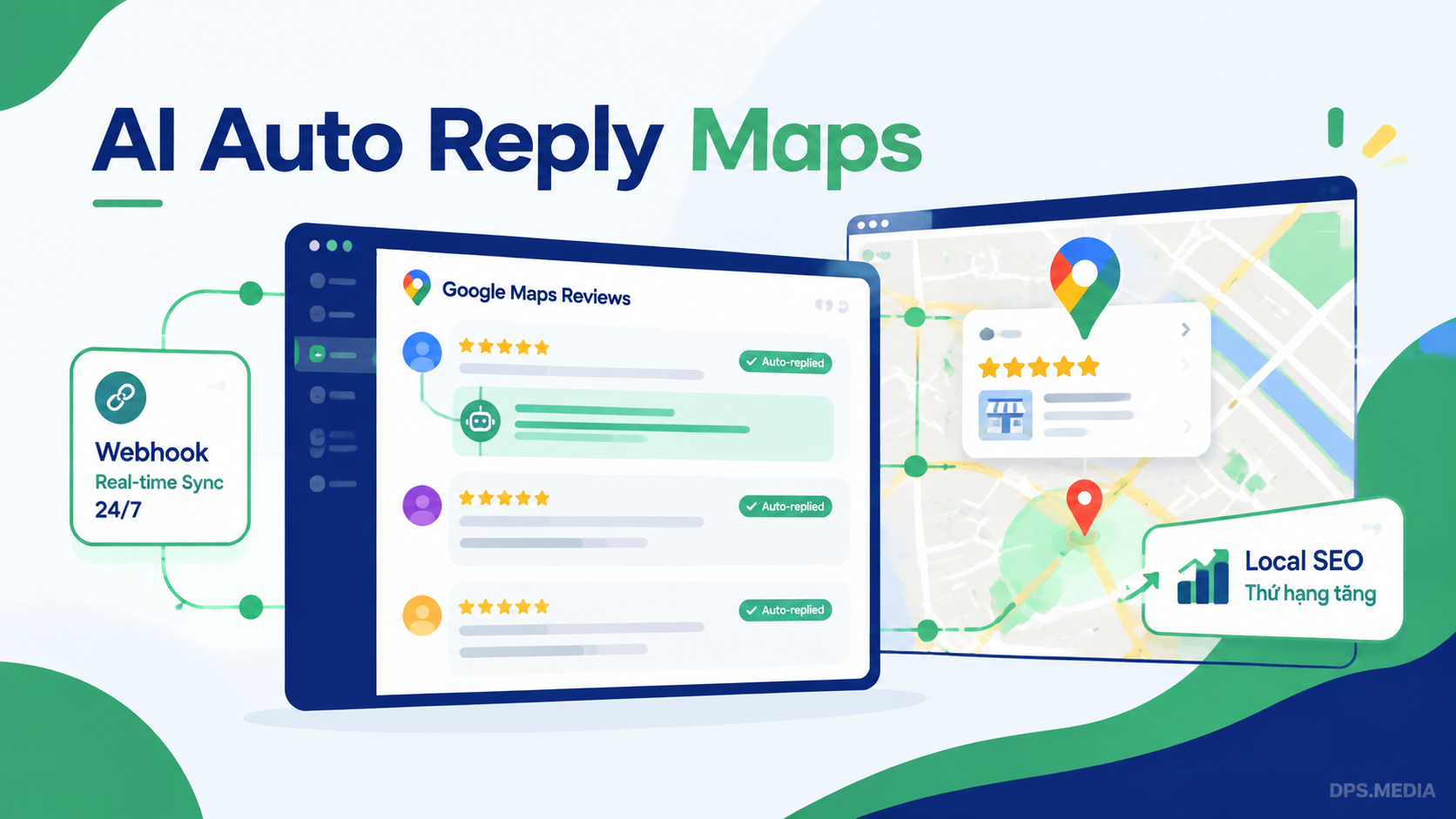
Understanding these challenges, DPS.MEDIA developed AI-powered automated Google Maps care service. The AI system adapts to brand tone and responds instantly.
DPS.MEDIA Google Maps Care & AI Response Service Pricing
Automated 24/7 review response solution and Local SEO activity maintenance
- ✓ 30 What’s New posts / month (1 article/day)
- ✓ Optimize Maps images with Geotag coordinates
- ✓ AI-generated response suggestions
- ✓ Full AI Token & API cost package
- ✕ Automatic 24/7 responses: Not supported
- ✓ Automatic AI responses 24/7 professional standards
- ✓ 60 What’s New posts / month (2 articles/day)
- ✓ Optimize images, add Geotag coordinates and contact logo
- ✓ Handle 1-star reviews & integrate Local SEO keywords
- ✓ Full AI Token & API cost package
- ✓ Automatic AI responses 24/7 to personalize
- ✓ 90 What’s New posts / month (3 articles/day)
- ✓ Optimize space images, Geotag, event banners
- ✓ Deep AI training based on brand voice
- ✓ Full AI Token & API cost package
- ✓ Automatically respond to 100% reviews with AI 24/7
- ✓ Automatically sync posts from Fanpage to Maps
- ✓ +30 quality Reviews / month (Real people/Local Guides)
- ✓ Free Smart QR / Web link suggest reviews at counter
- ✓ Build Local SEO backlinks & Citations pointing to Maps CID
Deadly mistakes to avoid when responding to Google Maps reviews
During support for hundreds of businesses optimizing Google Business Profile, DPS.MEDIA identified common mistakes:
- Arguing or challenging customers: Public disputes make businesses appear unprofessional.
- Using emotionless mass templates: Customers recognize robotic replies.
- Using illegal 1-star review removal services: No service can arbitrarily delete reviews unless they violate Google policies.
Conclusion & Advice for Businesses
Mastering how to respond to Google Map reviews not only protects reputation but also increases local customer revenue.
If you need AI review response setup or Google Maps optimization, contact DPS.MEDIA expert team via official Zalo OA for free measurement and strategy support.
Ý kiến bạn đọc (9)
Đăng nhập để bình luận
Đăng nhập nhanh 1-chạm bằng Google để chia sẻ ý kiến của bạn về bài viết.
Bằng cách đăng nhập, bạn đồng ý với điều khoản và chính sách cộng đồng.
Chưa có bình luận nào. Hãy là người đầu tiên chia sẻ cảm nghĩ!
Đăng nhập / Tạo tài khoản
Đăng nhập với Google để gửi bình luận và tương tác cùng cộng đồng.
Tiếp tục là đồng ý với điều khoản sử dụng và chính sách bảo mật của DPS Media.