




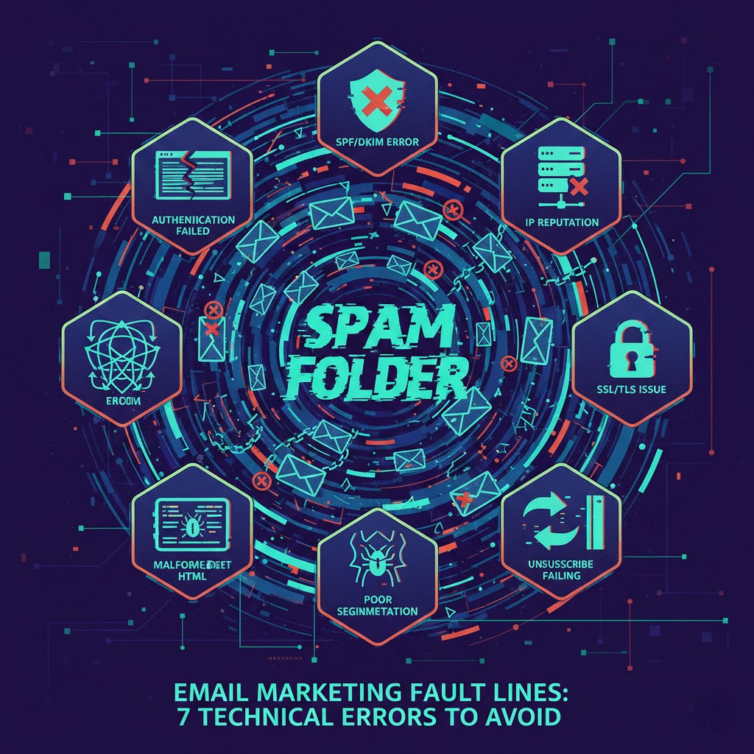

Have you ever spent hours designing a perfect email campaign, only for the result to be a haunting silence? A miserably low open rate could be a sign that your message has been marked as Email spam even before they have a chance to reach readers. This is a nightmare that many businesses are facing every day.
In today's fiercely competitive digital landscape, spam filters are becoming increasingly intelligent and stringent. Just a small technical oversight is enough to push your efforts into the spam folder permanently. Understanding the operating mechanism of Email spam is no longer an option, but a mandatory requirement for survival.
According to latest statistics In 2025, up to more than 45% of emails sent globally were classified as spam. This means that nearly half of your marketing budget is at risk of being completely wasted. If you do not act now, your revenue will continue to decline.
With practical experience since 2017 at DPS.MEDIA, we have witnessed thousands of cases where businesses face difficulties because of this issue. Experts at DPS.MEDIA affirm that, for the most part, the cause does not lie in the content, but in the underlying technical errors that you accidentally overlook.
This article will provide a deep analysis of 7 fatal technical errors that turn your campaign into Email spam. We will also provide specific, easy-to-apply solutions so you can restore domain reputation and improve inbox rates immediately. Let's begin the journey to rescue your email campaign.
1. Lack of Authentication Configuration Causes Email Spam Errors

One of the most common reasons your mail is blocked by internet service providers (ISPs) is a lack of authentication protocols. Without a valid “passport”, the system will default to considering your mail as Email spam to protect users.
The importance of SPF records
SPF (Sender Policy Framework) is the first layer of protection for your domain. It acts as a list of IP addresses authorized to send emails on behalf of your business. If the sending IP is not on this list, there is a high probability the message will be marked as Email spam.
Many small businesses forget to update SPF records when changing email service providers. This creates a major security vulnerability. Hackers can exploit this to spoof your domain, send phishing emails, and completely destroy the reputation you have built.
To fix this, you need to access your domain's DNS management page. Add a TXT record containing a list of all server IPs you use to send marketing. This simple act significantly reduces the risk of being blacklisted as Email spam.
DKIM's authentication role
DKIM (DomainKeys Identified Mail) provides an encrypted digital signature in the header of every outgoing email. This signature helps the receiving server verify that the email actually comes from your domain and the content was not altered during transmission. Missing DKIM is a direct ticket to the spam folder Email spam.
Experts at DPS.MEDIA recommend that you thoroughly check the DKIM public and secret key pair. A small error during the key code copying process can also cause authentication to fail. Ensure that every outgoing email carries the business's valid digital signature.
| Protocol | Main function | Impact level on Email spam | Technical difficulty |
|---|---|---|---|
| SPF | Verify sender's IP address | Very high | Easy |
| DKIM | Content encryption and authentication | High | Average |
| DMARC | Processing policy regulations | Very high | Difficult |
| BIMI | Display brand logo | Low (Increase reputation) | Average |
The power of the DMARC policy
DMARC (Domain-based Message Authentication, Reporting, and Conformance) is the final piece in the authentication trio. It uses both SPF and DKIM to provide instructions to the receiving server on how to handle non-compliant emails. Without DMARC, you cannot control whether your mail is considered Email spam or not.
Initially, you should set the DMARC policy to “None” mode for monitoring. Once confident with your SPF and DKIM configuration, switch to “Quarantine” or “Reject”. This will thoroughly prevent spoofing efforts and protect your domain reputation from the label Email spam.
Common DNS configuration errors
In addition to the three main protocols, other DNS configuration errors also contribute to the rate Email spam. A common error is the lack of a Reverse DNS (rDNS) record. Major mail servers often reject connections from IPs without a valid rDNS.
The DNS record TTL (Time to Live) also needs to be set appropriately. If the TTL is set too long, your fix changes will take a long time to take effect. This is extremely disadvantageous when you are trying to troubleshoot. Email spam emergency.
Authentication checklist to do now:
- Check if the SPF record includes all mail-sending IPs.
- Verify that the DKIM signature is working correctly.
- Set up DMARC with a recipient email address for daily reports.
- Configure rDNS for a dedicated sending IP address.
- Use tools to scan for syntax errors in DNS records.
- Check for consistency between the sending domain and the authentication domain.
- Update records immediately when the email sending platform changes.
A real example: Real Estate Company X had all marketing emails blocked by Gmail after moving servers and forgetting to update SPF. After the technical team discovered the issue and added the new IP to the SPF record, the inbox delivery rate recovered within 48 hours.
A real example: Fashion Brand Y encountered phishing emails impersonating them to defraud customers. After implementing DMARC with a “Reject” policy, they blocked 100% of fake emails while escaping the blacklist Email spam of security organizations.
Correctly configuring authentication protocols not only helps avoid errors Email spam but also the way you protect your brand in cyberspace. Don't let technical laziness kill your revenue.
2. Poor IP Reputation Pushes Emails into the Spam Box
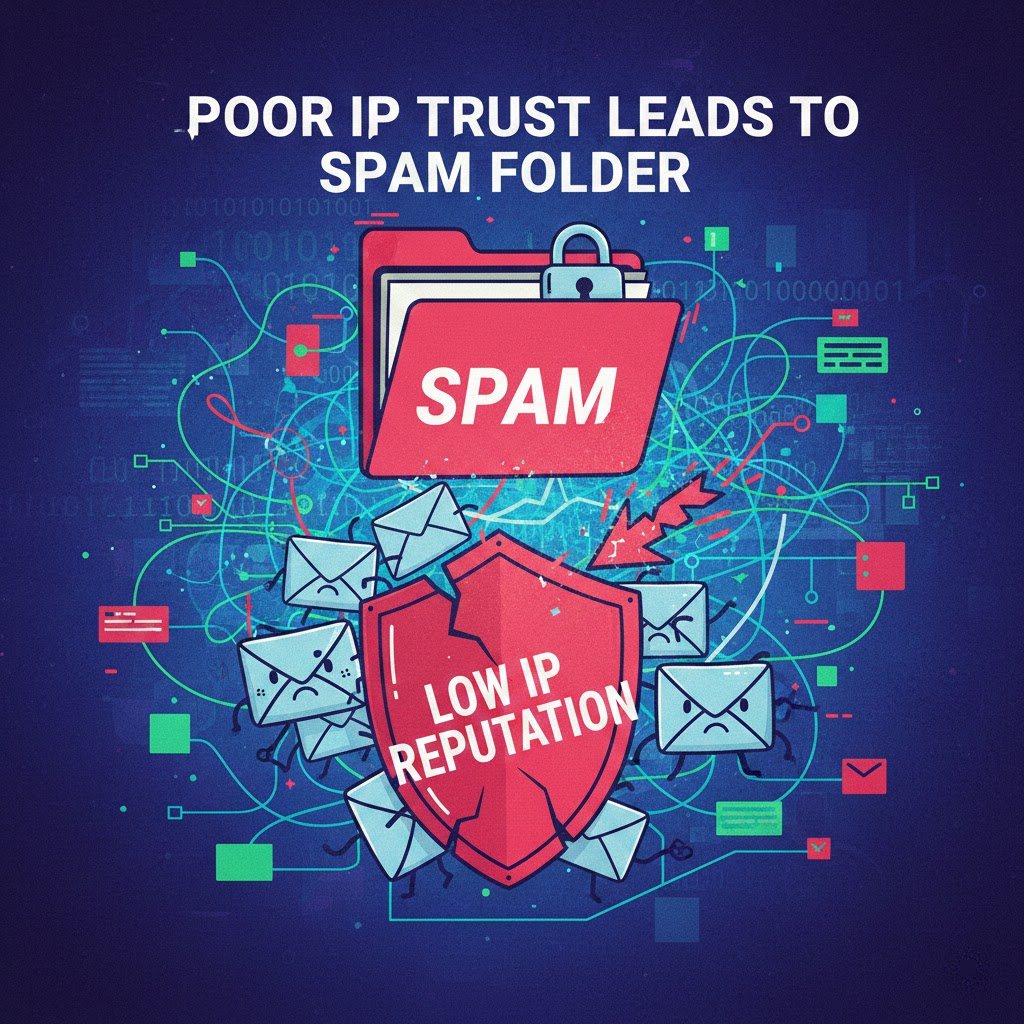
The reputation of the sending IP address (IP Reputation) is the key factor deciding the fate of your email. If your IP has a “black history”, all content optimization efforts become meaningless and mail will dive straight into the category Email spam.
Risks of using shared IP (Shared IP)
Most cheap email delivery services use shared IPs. This means you are sharing the same IP address with hundreds, or even thousands of other businesses. If one of them sends Email spam, that IP's reputation will decrease and you will also be affected.
This is the “one bad apple spoils the bunch” effect. Experts at DPS.MEDIA often recommend high-volume clients switch to a Dedicated IP. Although the cost is higher, you will have complete control over your sending reputation and avoid the risk of being equated with Email spam.
Substandard IP Warm-up process
When you start using a new IP, it doesn't have any reputation with Internet Service Providers (ISPs) yet. If you immediately send tens of thousands of emails from this new IP, ISPs will be suspicious and block them because the behavior is similar to a spammer. As a result, your campaign turns into Email spam en masse.
The IP “warm-up” process is mandatory. You need to start with small quantities, for example 50 emails/day, and increase gradually every day. This process helps build trust with ISPs, proving that you are a legitimate sender rather than a source of Email spam.
Blacklist Check
There are hundreds of spam monitoring organizations in the world such as Spamhaus, Barracuda, or SpamCop. If your IP falls into their blacklist, most email systems in the world will refuse to receive mail from you. Being listed in a Blacklist is the direct cause of errors Email spam.
You need to regularly check if your IP is on any blacklists. If it is, follow each organization's appeal process to remove it. However, removal will be meaningless if you do not fix the root cause that led to you being listed as a source. Email spam.
| IP Type | Advantages | Disadvantages | Email spam risk |
|---|---|---|---|
| Shared IP | Low cost, easy to set up | Influenced by others | High |
| Dedicated IP | Full control of reputation | High cost, requires technique | Low (if well managed) |
| IP Pool | Good load balancing | Complex to manage | Average |
The cleanliness of neighboring IP ranges
Sometimes, the problem is not with your IP but with neighboring IPs within the same network range (subnet). If your hosting provider is lax in its management and allows many spammers to operate within the same network range, the entire IP range may be rated poorly. This is an objective factor that causes errors Email spam.
Choose reputable email service providers with strict anti-spam policies. This ensures you are living in a “cultured neighborhood” where neighbors don't affect your reputation. A clean environment significantly reduces the risk of Email spam.
ISP Feedback Loops
Feedback Loops (FBL) are tools that allow you to receive notifications when a user marks your email as spam. If you do not register for FBL, you will not know who is complaining and will continue to send mail to them. This will increase the complaint rate and accelerate the process of turning your email into Email spam.
Periodic IP reputation check steps:
- Use the MXToolbox tool to scan for Blacklists.
- Monitor Sender Score at Validity.
- Check Google Postmaster Tools regularly.
- Register for Feedback Loops with Yahoo, Microsoft.
- Monitor the Hard Bounce rate after each campaign.
- Review email sending logs to detect blocking errors from ISPs.
A real example: Business Z purchased a cheap email sending package from an unclear source. In the very first campaign, 90% of emails went into the Spam folder. A technical check showed that the assigned IP had been on Spamhaus's blacklist for 6 months due to a history of distribution Email spam.
A real example: A finance company decided to build their own mail server. They rushed to send 50,000 emails on the very first day. As a result, the IP was permanently blocked by Google due to unusual behavior. An expensive lesson about the warm-up process to avoid errors Email spam.
IP reputation is like a bank credit score. It takes a long time to build but can be destroyed very quickly. Value every point of reputation to stay away from disaster Email spam.
3. Poor Quality Content And HTML Code
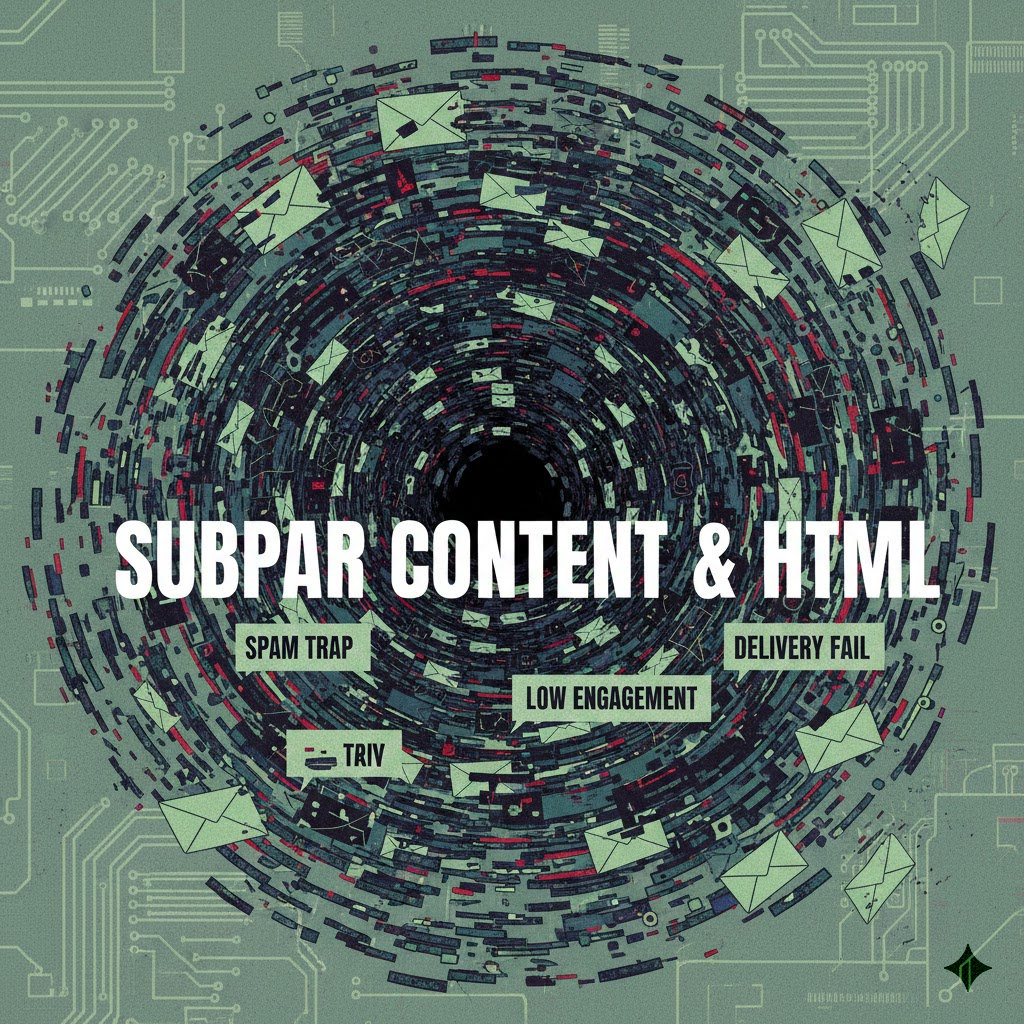
Content is not only king in website SEO but also a deciding factor in email marketing. Modern spam filters use artificial intelligence to scan the content and HTML source code of emails. If unusual signs are detected, they will not hesitate to throw your mail into the 'trash' section Email spam.
Spam filter trigger keywords
There are thousands of keywords considered “sensitive” by filters. Overusing words like “free”, “make money fast”, “huge promotion”, “100% guarantee”... will increase the spam score of the email. When this score exceeds the allowed threshold, the mail becomes Email spam.
You need to write content that is natural and sincere and avoid using overly aggressive sales language. In particular, writing entire titles in uppercase or using too many exclamation marks (!!!) are among the most basic mistakes that lead to Email spam. Please respect the reader by using professional language.
Text-to-image ratio
Sending an email containing only one large image is the fastest way to land in the spam folder. Spam filters cannot read the content in images, so they automatically treat it as an attempt to conceal suspicious content. This is a classic technical error that causes Email spam.
The golden ratio recommended by experts is 60% text and 40% images. This helps filters understand the context of the email. In addition, adding alt tags to images also helps improve accessibility and reduces the risk of being flagged as Email spam.
| Keyword group | Example to avoid | Safe replacement |
|---|---|---|
| Finance | Get Rich Quick, Unsecured Loans | Investment opportunities, Financial solutions |
| Promotion | 100% Free, Buy Now Before It Is Too Late | Special Offer, Sign Up Early |
| Commitment | Guaranteed to Win, No Risk | Guaranteed quality, Clear policy |
| Actions | Click Now, Open Immediately | Learn more, View details |
Dirty HTML code and formatting errors
Copying content directly from Microsoft Word to the email editor often carries a lot of junk code. Messy HTML code, unclosed tags, or using unsupported scripts (JavaScript, Flash, Form) will cause email display errors and be considered by filters as Email spam dangerous.
Please use clean, W3C-standard HTML code. Avoid using complex tags. Email marketing needs simplicity to display well on all devices. Follow latest statistics, emails that display incorrectly on mobile devices are 3 times more likely to be deleted or reported as spam.
Poor-quality Links
Using public link shortening services (like the free version of bit.ly) is a big mistake. Spammers often use this method to hide malicious destinations, so filters often block these shortened links outright. This unintentionally turns your legitimate email into Email spam.
In addition, inserting links leading to low-reputation websites or sites containing malicious code will also affect your email. Make sure every link in the email is clear, transparent, and leads to a safe landing page. DPS.MEDIA always carefully checks destination links in every campaign comprehensive Digital Marketing solution for customers.
Missing unsubscribe link (Unsubscribe)
International laws and anti-spam regulations require every marketing email to have a clear unsubscribe button. If you intentionally hide or lack this button, users will have no choice but to hit the “Report Spam” button. This action is 10 times more harmful than them unsubscribing peacefully.
Content optimization tips to avoid filters:
- Use the Spam Check tool before sending.
- Balance text and image ratio (60/40).
- Avoid using bright red or glaring neon green text.
- Do not embed JavaScript or Video directly into emails.
- Always have a Plain-text version accompanied by an HTML version.
- Write an honest title, do not use clickbait or misleading headlines.
A real example: Fashion shop A sent an email containing only a large discount poster image. As a result, 80% of emails went to Gmail's Promotions or Spam tabs. After redesigning with a layout combining text and images, the primary Inbox rate increased to 95%.
A real example: A software company uses bit.ly shortened links in sales emails. Immediately, their domain was blacklisted by a major security organization on suspicion of spreading malware, turning the entire campaign into Email spam.
4. Poor-Quality Email Lists
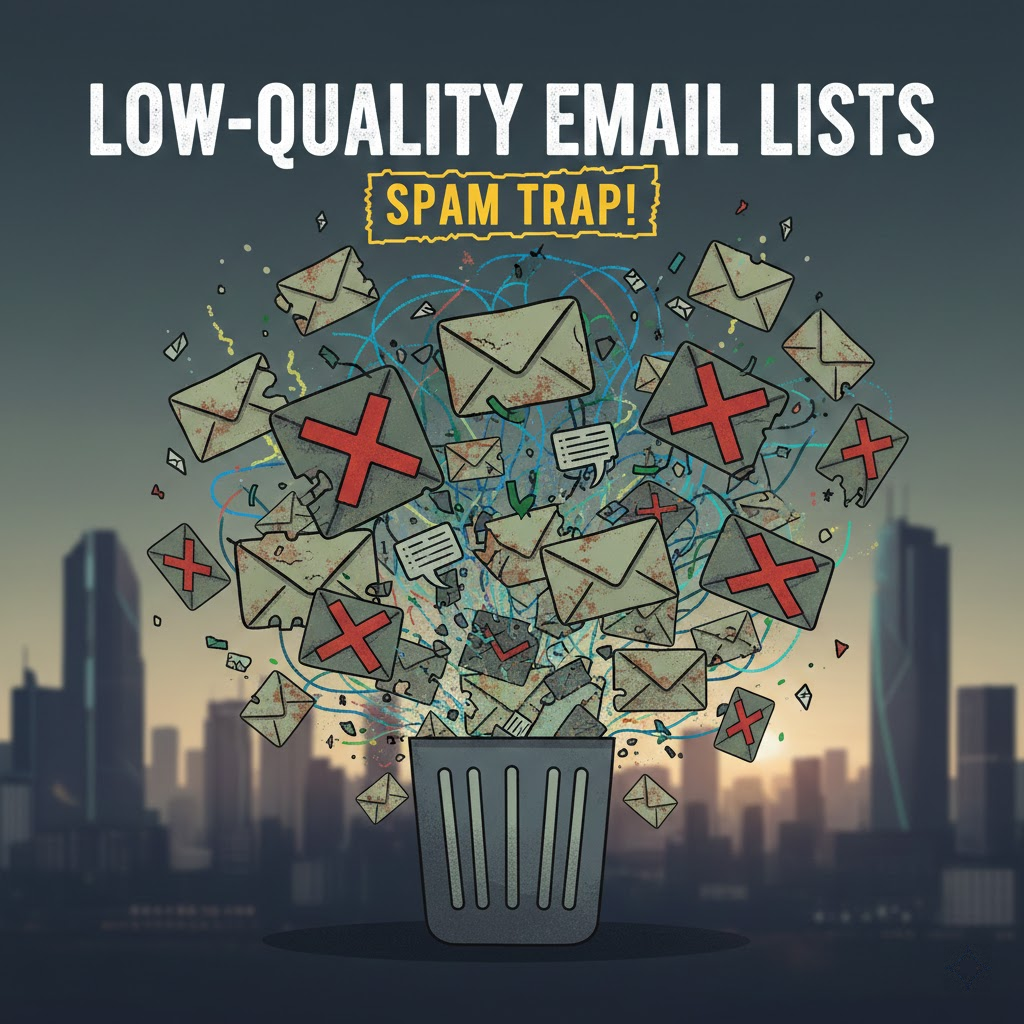
The quality of the email list is more important than the quantity. Many businesses still maintain the old mindset of “send as many as possible”, leading to the purchase of floating data. This is the shortest path to turning a business domain into a “nest” for distributing Email spam in the eyes of service providers.
Consequences of buying floating data
Buying email lists is a “suicidal” action in email marketing. These addresses are often dead emails, fake emails, or belong to people who don't know you at all. When sending mail to them, engagement rates will be extremely low, while complaint rates will soar, pushing you into the list Email spam immediately.
Furthermore, sending emails to people who have not agreed to receive them is illegal in many countries. You are not only facing technical errors Email spam but also legal risks and heavy fines. Build your list organically to ensure safety.
Spam Traps
Anti-spam organizations create special email addresses called Spam Traps to catch spammers. These addresses never sign up to receive mail from anywhere. If you send an email to a Spam Trap, it proves that you have collected emails illegally or failed to filter your list. As a result, your IP is immediately blocked due to Email spam.
There are two main types of Spam Traps: Pristine (original traps) and Recycled (recycled traps). Pristine traps are much more dangerous. Getting caught by just one of these traps can reduce your reputation to zero. Regular list filtering is the only way to eliminate these potential threats Email spam this.
High Bounce Rate
Bounce Rate is an important technical index. Hard Bounce occurs when the email address does not exist. If this rate exceeds 5%, ISPs will evaluate your list quality as poor and start redirecting the remaining messages to the spam folder. Email spam.
You need to immediately remove Hard Bounce addresses from your list. Never attempt to resend to these addresses. Modern email delivery systems usually do this automatically, but you still need to monitor closely to avoid being flagged as a source Email spam.
List Hygiene Process
Email lists also need regular “washing”. Over time, about 20-30% of email addresses will change or stop working each year. If you keep sending to an old list without updating, you are manually dragging down your reputation and increasing the risk of Email spam.
Use Email Verification services before conducting large campaigns. Remove duplicate emails, incorrectly formatted addresses, or one-time-use emails (disposable emails). A clean list is the strongest shield against errors Email spam.
Effective steps to clean your list:
- Immediately delete Hard Bounce addresses after each sending.
- Remove people who have not opened an email in the past 6 months.
- Use a Double Opt-in process to verify genuine subscribers.
- Run the email validator to detect Spam Traps.
- Segment the list according to engagement level.
A real example: Business K reused a customer list from 5 years ago to send promotional notifications. The Bounce Rate reached 40%, and they were immediately locked out of their account by the service provider for violating the anti- Email spam.
A real example: A Startup decided to buy 10,000 potential customer data entries. The result was only 50 opens, but up to 200 spam reports. Their main website domain was also affected, causing transactional emails sent to partners to fall into the spam folder Email spam.
5. Irregular Sending Frequency and Low Engagement
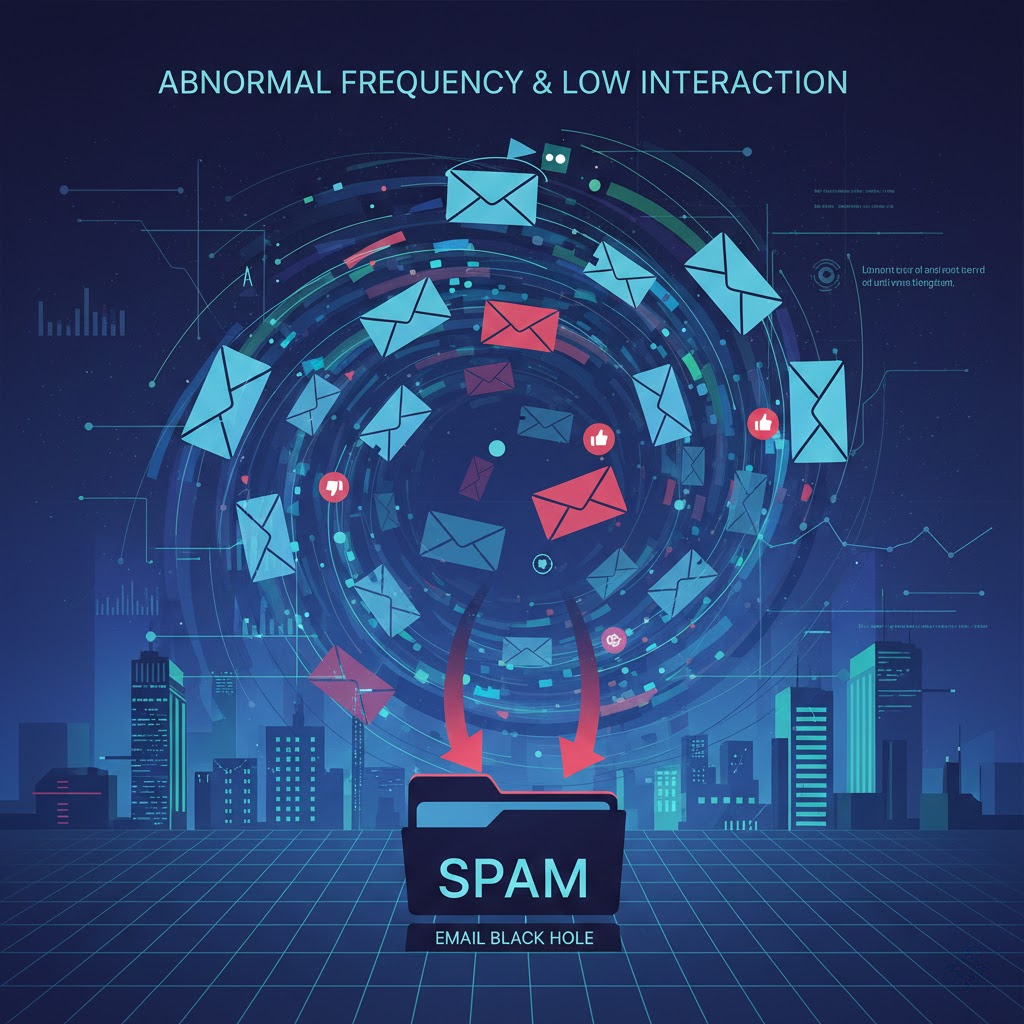
Your email sending behavior is also closely monitored by AI algorithms. Instability in sending frequency and recipient indifference are strong signals for ISPs to classify your mail as Email spam.
Sudden changes in sending volume
If you normally send only 1,000 emails/week but suddenly send 100,000 emails today, the system will raise a red alert. This is typical behavior of hacked accounts used to spread viruses. To stay safe, the ISP will block or redirect this large volume of mail to the Email spam.
If you need to send a large volume for a special campaign, divide the list into smaller segments and send them over several days. Maintaining a steady sending volume helps build trust with filters and avoid being labeled as Email spam unwanted.
Poor User Engagement
Providers like Gmail or Yahoo care a lot about how users interact with your mail. If the open rate is low and the unread deletion rate is high, they will understand that your content does not provide value. Gradually, subsequent emails will automatically be pushed into the section Email spam.
Conversely, if users frequently open, reply to, or forward your emails, your reputation score will increase. Therefore, focus on creating engaging, highly personalized content to encourage interaction instead of mass-spamming.
| User behavior | Impact on Reputation | Risk of Landing in Spam |
|---|---|---|
| Open email | Positive (+) | Decrease |
| Reply to email | Very positive (++) | Greatly reduced |
| Move to Inbox | Extremely positive (+++) | Eliminate the risk |
| Delete unread | Negative (-) | Slight increase |
| Report Spam | Very negative (---) | Sudden increase |
Sending to the wrong target audience
Sending women's fashion content to men, or tech news to elderly people who do not care is the fastest way to be hated. When recipients feel bothered by irrelevant content, they will not hesitate to hit the report button. The lack of sophistication in customer segmentation is the root cause of the problem. Email spam.
DPS.MEDIA always encourages customers to perform detailed data segmentation. Sending to the right person, the right message, at the right time not only increases conversion rates but is also an effective technical measure to keep emails in the Inbox and away from the spam area. Email spam.
Mobile-unfriendly design
Over 60% of emails are opened on mobile devices. If your email layout breaks, the text is too small, or it requires horizontal and vertical zooming to read, users will delete it immediately. This high bounce rate is a bad signal sent to ISPs, contributing to an increased likelihood of being marked as Email spam in the future.
Tips for maintaining high engagement:
- Send emails during golden hours that suit the target audience.
- Use titles that pique curiosity but remain honest.
- Clear Call to Action (CTA), easy to click on phones.
- Encourage recipients to reply to the email or add to contacts.
- Stop sending to people who don't interact after 3-6 months.
A real example: Travel company M sent summer tour advertising emails to its entire database of 50,000 people at 2 AM. The open rate was less than 1% and the complaint rate skyrocketed. Gmail's system subsequently automatically classified all emails from this domain into the category Email spam throughout the following 2 months.
A real example: A tech blogger applied a “Re-engagement” strategy. He sent emails checking in on people who hadn't opened mail in 3 months and asked them to re-confirm if they wanted to continue receiving news. As a result, he filtered out 30% of the junk list, but the open rate of the remaining file increased to 45%, escaping the state of Email spam persistently.
Conclusion: Winning the Spam Email War
The war against Email spam is a long-term journey, requiring a close combination of technology and the art of content creation. There is no magic formula to help you reach a 100% inbox rate overnight, but strict adherence to the 7 technical principles above will help you get very close to that number.
Remember, every email sent represents your brand reputation. Don't let elementary technical errors ruin the professional image you have worked hard to build. Investing in a proper infrastructure configuration and data cleaning process is the most sustainable profitable investment.
If you still feel confused by the matrix of technical terms like DKIM, SPF, or DMARC, do not hesitate to seek in-depth support. At DPS.MEDIA, we provide consulting and implementation packages to optimize email marketing systems, ensuring compliance with all international security standards most stringent.
Things to do today:
- Check your IP reputation score now on specialized tools.
- Review and update the three authentication mechanisms: SPF, DKIM, DMARC.
- Clean your email list, removing Hard Bounce addresses immediately.
- Re-optimize the email template to be friendly with all devices.
- Closely monitor reporting metrics after each campaign sent.
- Build a regular mailing schedule, avoiding sudden changes.
Don't let your content creation efforts go to waste just because of the spam box. Let's start fixing the errors Email spam right now to open the door to new revenue for your business in 2026!
Ý kiến bạn đọc (9)
Đăng nhập để bình luận
Đăng nhập nhanh 1-chạm bằng Google để chia sẻ ý kiến của bạn về bài viết.
Bằng cách đăng nhập, bạn đồng ý với điều khoản và chính sách cộng đồng.
Chưa có bình luận nào. Hãy là người đầu tiên chia sẻ cảm nghĩ!
Đăng nhập / Tạo tài khoản
Đăng nhập với Google để gửi bình luận và tương tác cùng cộng đồng.
Tiếp tục là đồng ý với điều khoản sử dụng và chính sách bảo mật của DPS Media.