


Are you struggling because you have requested a postal code many times but still cannot Verification Google Business? This long wait is not only frustrating but also causes your business to lose thousands of opportunities to reach potential customers every day on the digital map. The act of Verification the location is a vital factor for a business to survive in the internet environment.
According to practical experience, up to more than 40% of small and medium-sized enterprises (SMEs) in Vietnam face difficulties in receiving PIN codes via traditional mail. Lost mail, hard-to-find addresses, or system errors from Google are common causes. However, do not let this hold back your development.
This article will provide you with a comprehensive roadmap to Verification your business profile quickly without relying entirely on a mail code. We will dive deep into alternative methods, tips for preparing “perfect” profiles, and how to handle issues when stuck.
Based on in-depth knowledge and experience handling profiles for more than 5,400 customers, the experts at DPS.MEDIA have summarized the most optimal process. You will grasp the techniques that only top digital marketing agencies know to apply to your own business.
1. Why is Google Business Verification absolutely important?
The Verification Google Business (currently Google Business Profile) is not merely a digital administrative procedure. It is an assertion of your business's sovereignty in cyberspace. When not yet Verification, you are completely invisible to the millions of local searches happening every day.
Increase brand credibility immediately
A profile that has been Verification will display a blue checkmark or full information, creating absolute peace of mind for customers. Today's users are extremely smart; they often ignore locations lacking information or not yet recognized by Google.
Trust is the prerequisite for every transaction. When Google confirms your business exists in reality, customers will not hesitate to pick up the phone or visit the store. This is the first step to build comprehensive marketing strategy for the brand.
Optimize visibility on Local SEO
Google Maps prioritizes displaying businesses that have completed the Verification. procedure. If you want to appear in the “Local Pack” (top 3 map results), owning a clean and verified profile is a prerequisite that cannot be ignored.
Google's algorithms are always looking for trust signals. An unverified profile Verification is like a house without a number; Google will never dare to direct users there. According to experts at DPS.MEDIA, successful verification helps increase visibility by up to 70%.
Protect business information from competitors
If you do not Verification and manage your profile, anyone can suggest edits to the information. This is extremely dangerous. Competitors can report your location as “permanently closed” or change the phone number.
Taking control helps you lock down important information. You are the only person with the right to change business hours, address, and images. This is a shield protecting your digital assets against unfair competition tactics.
Access posting features and customer interaction
Only once Verification, do you unlock powerful features such as: posting updates (Google Posts), replying to reviews, and direct messaging with customers. These features are a direct bridge helping to convert viewers into buyers.
The ability to reply to reviews also helps you manage media crises better. A sincere thank you or a timely apology can completely change a customer's view of your service.
Comparison table: Verified vs. Unverified Profile
| Criteria | Unverified | Verified |
|---|---|---|
| Display on Maps | Limited, low ranking | Priority display, high ranking |
| Edit information | Community-based (easy to be wrong) | Business owner controls 100% |
| Respond to reviews | Cannot perform | Full right to respond |
| Customer trust | Low, suspected fraud | High, guaranteed prestige |
| Statistics feature | No data | View detailed customer behavior |
User behavior statistics
According to latest statistics, 86% of users searching on Google Maps will visit a store within 24 hours. However, they only act when they see clear and verified business information.
Skipping the Verification step means you are refusing to serve a huge number of customers right in your area. Don't let competitors take this market share just because of procedural delays.
2. Why do you never receive the Verification code via mail?

This is the question that gives thousands of business owners a headache. You have filled in the correct address, checked the postal code carefully, but the mail is still nowhere to be found. Understanding the root cause will help you find the most suitable alternative Verification solution.
Postal system and lost mail
Google's PIN code mail is sent from overseas data centers (usually Singapore or the US). The international shipping process to Vietnam can encounter many risks of loss. Especially for addresses in alleys, or in large office buildings without a private receptionist to receive mail, the loss rate is very high.
Additionally, Google's mail format looks quite like an advertisement (flyer). Many postal workers or family members may accidentally throw it away thinking it is unimportant junk mail. This happens more often than you think.
Business address is not SEO-standard or hard to find
Google Maps uses satellite data for comparison. If the address you enter does not match the data on the map, or the address format does not comply with international standards, the system will have difficulty printing and sending the mail.
A common error is abbreviating street names or district names. For example, instead of writing “District 1”, many people only write “D1”. The automated system may not be able to resolve it accurately, leading to the mail going to the wrong address or being returned.
Policy violation or suspected spam by Google
If you have requested Verification too many times in a short period (spamming the Request button), Google will temporarily lock the mail-sending feature for that account. They consider this abnormal behavior that needs manual review.
Additionally, if the business name contains too many keywords (keyword stuffing) instead of the actual brand name, it is also a reason for Google to “hang” your request. For example: “Cheapest most reputable air conditioning repair in Hanoi” instead of the company name “ABC Refrigeration”.
Sensitive business categories
Some industries such as locksmiths, drain unclogging, or home repair services are often scrutinized very closely by Google. The reason is that these industries frequently have a situation of spamming ghost locations to capture display positions.
For these industries, Google often restricts sending codes via mail and requires stricter Verification methods such as recording a live video to prove the business is real.
Common errors causing failed code reception
- Changing information (name, address, phone number) while waiting for the mail code to arrive.
- Entering the wrong Zipcode for the area (For example: HCMC is currently 700000, not 70000).
- Using a virtual mailbox address (P.O. Box) or virtual office without a physical sign.
- Managing Google account (Gmail) lacks reliability or is newly created.
- No staff present at the address to receive mail during office hours.
- Lacking a landline phone number or using a phone number that has verified too many Maps.
Cases of businesses in newly planned areas
If your area is a new urban area and the street has no official name on Google Maps, receiving mail is extremely difficult. In this case, pinning the location manually on the map needs absolute accuracy.
According to research from DPS.MEDIA, updating road data (Road creation) on Google Map Maker before creating a business will help the rate of receiving mail or being approved Verification be 30% higher.
3. 5 Alternative Verification Methods when there is no postal code
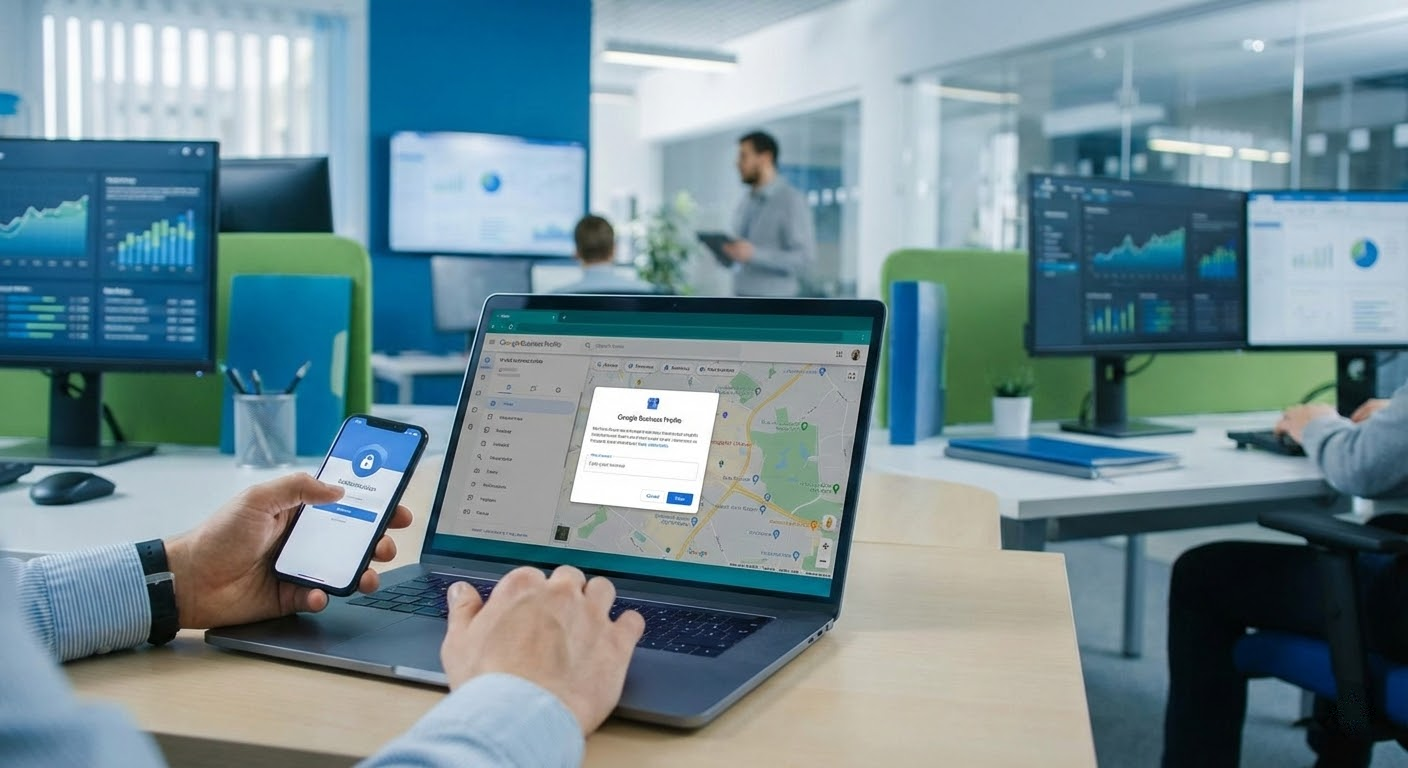
Don't sit and wait in vain. Google now provides many more Verification modern methods to suit reality. Here are the methods you can try immediately.
Verify via text message (SMS) or call
This is the fastest and most expected way. If Google trusts your phone number and business data, they will provide this option. You just need to press the button, receive a 6-digit code via SMS or an automated call, enter it, and complete it in 30 seconds.
To activate this option, your phone number must be a reputable number that has appeared on the official website and other reputable yellow pages. Google needs to see data consistency (NAP consistency) on the internet.
Verify via business domain Email
If you use an email following the website domain (for example: marketing@dps.media instead of gmail.com), the chance to be Verification via email is very high. Google appreciates businesses that invest in professional email systems.
Make sure this email is active. The code will be sent to your inbox. Note to check the Spam/Junk folder because sometimes emails from Google can be filtered incorrectly.
Verify via Video Recording
This is the most common method today when mail cannot be sent. You need to record a continuous video (no editing) showing 3 main factors: Current location (street name, house number nearby), Business equipment (stalls, machinery, signage), and Proof of management (unlocking the door, entering the staff area).
This video needs to be concise, under 2 minutes, and must be uploaded directly through the Google Maps app or a mobile browser. DPS.MEDIA recommends you prepare a careful recording script to avoid having to do it many times.
Verify via Live Video Call
In some difficult cases, Google support staff will request a live video call with you. You need to be present at the business location, ready to show them the signage, business license, and workspace via camera.
This is a manual Verification way but the success rate is 100% if you are a real business. Prepare legal documents to present in front of the camera when requested.
Use Google Search Console (Instant Verification)
If your website has been verified for ownership through Google Search Console with the same Email account, you may be Verification Google Business immediately. This is the data link between Google's tools.
This method requires you to have web administration knowledge to install the Search Console code first. However, this is the most sustainable and reputable way.
Effectiveness comparison table of Verification methods
| Method | Speed | Difficulty level | Prerequisite requirements |
|---|---|---|---|
| Phone (SMS) | Immediate | Easy | Reputable phone number, matching data |
| Domain Email | Immediate | Easy | Business domain email |
| Video Recording | 24h – 48h | Average | Has signage, real space |
| Live Video Call | By appointment | Difficult | English/Vietnamese communication, enough documents |
| Search Console | Immediate | Average | Verified Webmaster Tools |
4. Standard process to prepare a profile for 100% successful Verification
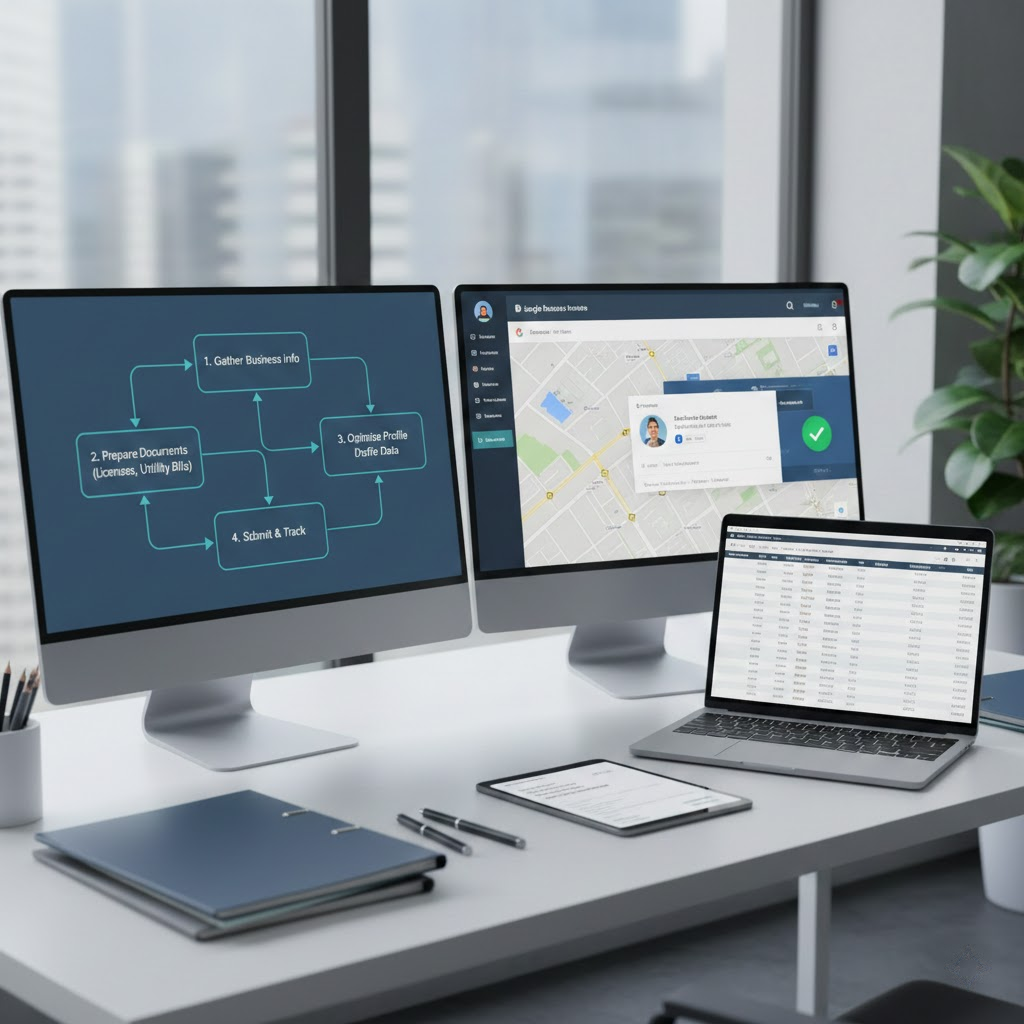
Careful preparation accounts for 90% of the success of the Verification. process. Before pressing the request button, make sure you have equipped yourself with enough “weapons” to convince Google that your business is real and reputable.
Standardize Business Signage
Signage is the 'steel' evidence. The signage must contain the Business Name matching the name on Google Maps. Additionally, there should be a phone number and address on the sign. The signage needs to be fixed, not a temporary hanging canvas.
Google has AI technology to scan images. If your signage looks unprofessional or shows signs of photoshop, the possibility of being rejected Verification is very high. Invest in a proper sign.
Business License and legal documents
Scan or take a clear photo of the Business Registration License (BRL). The name on the BRL does not necessarily have to be exactly the brand name on Maps, but the address must match 100%.
Additionally, supporting documents such as house rental contracts, electricity and water bills, or internet bills in the name of the business or owner are also extremely valuable evidence when an appeal is needed.
Interior and exterior images
You need a set of real photos: A view from across the street showing the overview of the building, the entrance door, the reception area, and the staff's workspace. Avoid using stock photos (internet photos) or 3D renders.
The photos need to have location data (Geotag). You can turn on the location feature on your phone when taking photos. This helps Google confirm the photo was taken at the exact coordinates you are declaring.
Synchronize information on the Internet (Entity Building)
Before Verification, create a business presence on social media sites (Facebook, Instagram, LinkedIn) and yellow pages. The Name, Address, and Phone number (NAP) information must be exactly the same character by character.
When Google's robots scan data, they will see this match and increase the Trust Score for your location, thereby opening up easier Verification options like SMS or Email.
Checklist before requesting Verification
- Signage has been fixed, clear, and easy to read.
- Phone number is working two-way, with someone answering the phone.
- Address on Maps has been pinned accurately to every meter.
- Website is active and has contact information in the footer.
- Have prepared a video script to introduce the business.
- The Google account performing it is the owner's account, with 2-layer security.
Valid document requirements
| Type of document | Specific requirements | Importance level |
|---|---|---|
| BRL | Original/Certified copy, clear red seal | Mandatory |
| Utility bills | Electricity/Water/Net, under 3 months | Very important |
| Signage photo | Real photos, no editing | Mandatory |
| Business card | Information matches Maps | Supplementary |
5. Troubleshooting: What to do when the Verification process is stuck?

Even if you have followed every step correctly, sometimes you still encounter a “Pending” status forever or get rejected. At this point, you need to stay calm and perform more in-depth processing steps instead of rushing to create a new map.
Contact the Google support team directly
You can send a support request (Ticket) through the business representative policy and the Google Business Profile help page. Clearly state the problem, attach image evidence and video drive links for Google staff to review manually.
The writing style in the email should be professional and clear. Avoid using complaining words; focus on providing evidence to verify the existence of the business.
Use the Google Business Profile Help community
The Google help community is a gathering place for Product Experts. You can post questions here. These experts can escalate your case to a higher technical team if they see your profile is valid but has a system error.
Provide full information: Business Name, Address, Map ID (CID), and a detailed description of the steps you have taken. The community will advise you on where you are going wrong.
Check for hidden policy violations
Sometimes the error lies in the name you set. Review whether the business name contains spam keywords? Is the business category accurate? Does the business description contain forbidden links?
According to DPS.MEDIA, violating policies on prohibited or sensitive content is a leading cause of the Verification process being frozen indefinitely without specific notification.
Seek support from a professional Agency
If you have tried everything and are still stuck, seeking a professional unit like DPS.MEDIA is the most time-saving solution. With experience handling thousands of difficult cases, experts will know how to “untangle” the account and work directly with Google to speed up the process.
Don't let a stuck map disrupt your business. Sometimes the cost of hiring a service is much cheaper than the revenue you lose when customers cannot find you on the map.
Steps to fix when Verification is rejected
- Step 1: Do not delete the old map to create a new one (will be considered spam).
- Step 2: Retake all signage and interior photos more clearly.
- Step 3: Record a new, more detailed video, including the street name outside.
- Step 4: Send an appeal ticket with a Google Drive video link.
- Step 5: Patiently wait for a response within 3-5 working days.
Conclusion

The Verification Google Business when not receiving a postal code is challenging but entirely feasible if you master the process and prepare the profile carefully. Don't leave it to the luck of the mail; proactively use modern methods like video, email, or website verification.
Remember, a verified Verification location is an invaluable digital asset, a solid foundation for all future marketing campaigns. Persistence and meticulousness in this stage will bring the sweet fruit of customer trust and high rankings on the search map.
Key points to remember:
- Unify NAP information (Name, Address, Phone) across the internet before doing it.
- Real signage is the most important factor to pass the review round.
- Video verification is the most effective alternative method today.
- Absolutely do not spam code requests many times in a short period.
- Prepare business licenses and bills to compare when needed.
- Seek support from experts if encountering a difficult case to avoid damaging the profile.
If you need in-depth advice on Map optimization or comprehensive Digital Marketing solutions, the team at DPS.MEDIA is always ready to accompany your business's development. Start standardizing your Maps profile today!



