

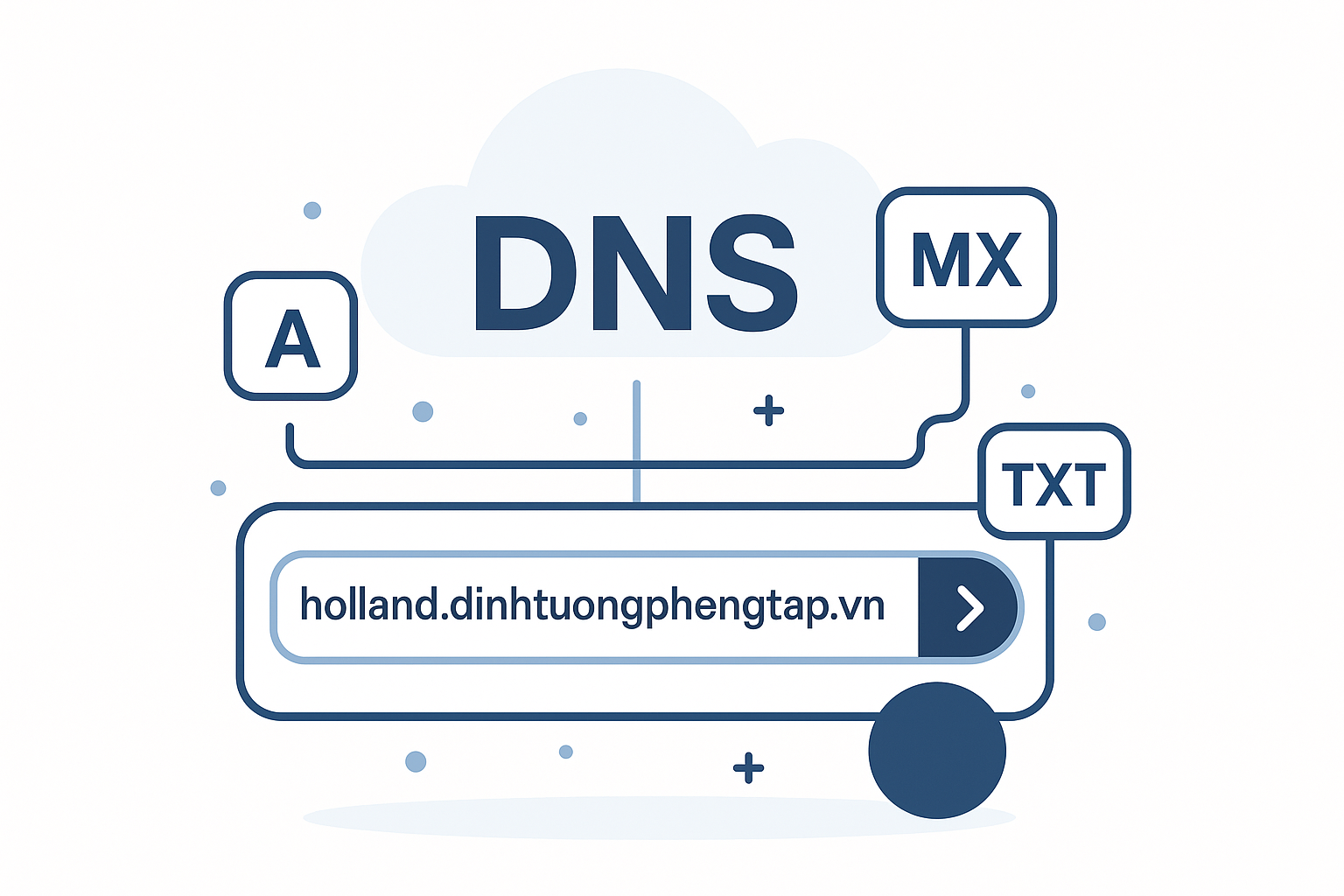
Managing one or multiple websites requires continuous monitoring, and one of the most important technical factors is DNS (Domain Name System) configuration. Manually checking DNS records for each domain name not only wastes time but also easily leads to errors.
Understanding that need, DPS MEDIA has developed and released a tool Bulk DNS Lookup – a powerful, completely free tool that helps web developers, system administrators, and SEO experts simplify the process of checking and troubleshooting DNS errors.
Why Is It Necessary to Regularly Check DNS?
The DNS system works like an Internet “address book”, translating domain names (e.g., dps.media) into IP addresses (for example: 103.118.28.130) so that computers can understand them. Incorrect DNS configuration can lead to serious issues such as:
- Website inaccessible: Incorrect A or CNAME records.
- Email unable to send/receive: Incorrect MX record configuration.
- Authentication and security issues: Incorrect TXT, SPF, DKIM record configurations.
- Errors when switching servers or service providers.
Batch DNS checking becomes extremely necessary when you manage many projects, check customer systems, or perform large-scale data migrations.
Introducing DPS MEDIA's Batch DNS Lookup Tool
The tool from DPS MEDIA is designed with an intuitive interface and powerful performance, allowing users to check DNS information for multiple domain names simultaneously with just a few clicks.
Outstanding Features:
- Simultaneous Multi-Domain Checking: Simply enter a list of domain names (one domain per line), and the tool will query all of them.
- Full Support for Common Record Types: Easily select to check one or all important record types:
- A: Maps a domain name to an IPv4 address.
- CNAME: Creates an alias for another domain name.
- MX: Specifies the mail server that receives email.
- NS: Specifies the domain name server (Name Server) managing the domain.
- TXT: Stores text information, commonly used for domain name authentication.
- Fast & Intuitive Results: Results are presented clearly and in detail with columns: Domain Name, Record Type, Name (Host), TTL, and Data.
- Easy Copy: Quickly copy results for storage or sharing.
- Completely Free: DPS MEDIA provides this tool as part of the Digital Tools suite to support the community.
How to Use the DNS Check Tool
You can start using it immediately without needing to register an account.
- Step 1: Access the Tool
- Open your browser and go to DPS MEDIA's Batch DNS Lookup Tool page. (Suggestion: Insert direct link to the tool here)
- Step 2: Enter Domain Names
- In the input box, paste the list of domain names you want to check. Note, each domain name should be on a separate line.
- Step 3: Select Record Type
- Click the buttons
A,CNAME,MX,NS,TXTto select a specific record type, or chooseALLto query all.
- Click the buttons
- Step 4: Start Query
- Press the button
Startand wait a moment. The system will automatically send the request and display the results in the table below.
- Press the button
Who Should Use This Tool?
- System Administrators: Quickly check DNS configuration when setting up or migrating servers.
- Web Developers: Ensure the domain name correctly points to the hosting/server IP address.
- SEO Experts: Verify records related to domain authentication (Google Search Console, Microsoft Clarity…) and check email marketing configurations.
- Website Owners: Check domain “health” yourself easily without deep technical knowledge.
Experience It Today!
Don't let manual DNS checks slow down your work progress. Let the Bulk DNS Lookup DPS MEDIA tool become your powerful assistant, helping you manage domain names efficiently, accurately, and save time.



