

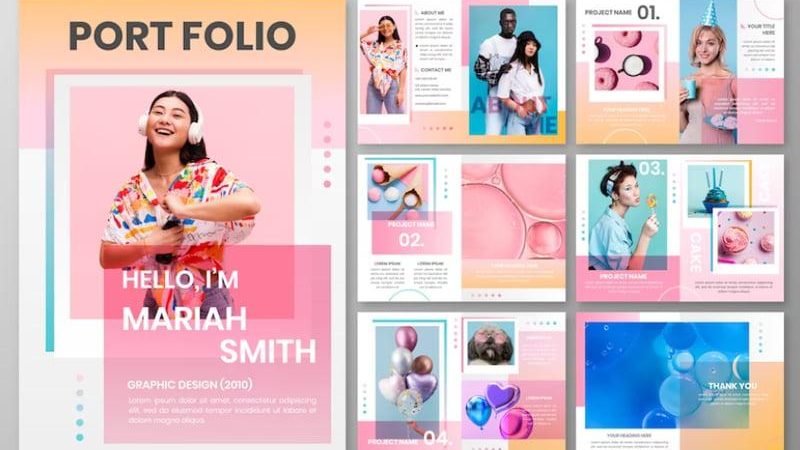

Are you a freelance designer looking to quickly impress potential clients? A professional personal portfolio on Google Sites could be your first breakthrough. With zero cost and flexible customization, Google Sites is becoming an extremely effective choice for designers who want to build their personal brand online.
According to a Behance survey, 79% of employers and clients confirm they initially assess a designer's abilities through their personal portfolio. So what happens if you don't have a place to present your work clearly and professionally? You are losing more than half of your chances of being chosen—just because you lack a proper introduction website.
From the perspective of DPS.MEDIA—a unit that has accompanied hundreds of freelancers and agencies in building digital presence—Google Sites offers a simple, fast, and standardized solution for anyone who wants to be online without programming skills. This is the most suitable tool for creative service providers who want to focus on design instead of struggling with hosting or source code.
Moreover, Google Sites allows you to seamlessly connect with other tools in the ecosystem such as Google Drive, Google Forms, or Google Analytics—thereby creating a smooth experience in both visuals and functionality for your portfolio. A beautiful design is not enough, you must make clients feel confident from their very first visit.
With readily available resources and easy updates, a portfolio on Google Sites not only saves you time but also becomes a flexible media asset —usable in email pitching, proposals, or attached to your CV when applying. The easier it is to share, the more opportunities you create to convert viewers into real customers.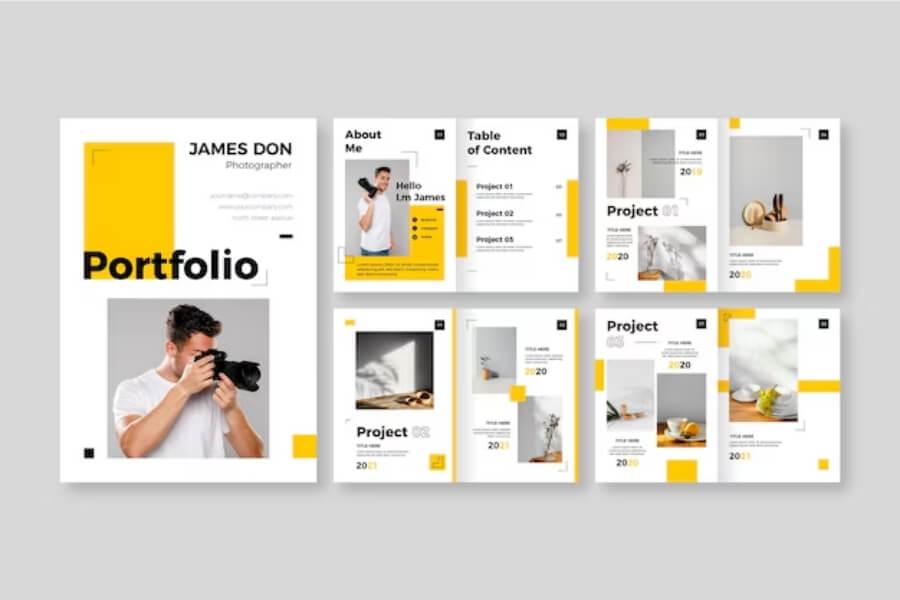
The importance of personal portfolios in the design services industry and why you should choose Google Sites
A portfolio is a “valuable profile” to design and persuade clients
In the design services industry, perceived value is sometimes more important than actual value. A personal portfolio not only serves as proof of capability but also as a tool for building trust với khách hàng tiềm năng. Theo nghiên cứu từ Viện Thiết kế & Truyền thông Visual Design Institute (2022), người xem portfolio có xu hướng đánh giá mức độ chuyên nghiệp của nhà thiết kế chỉ trong vòng the first 10 seconds.
From the perspective of DPS.MEDIA, we always advise SMEs in the creative industry that: “No matter how good you are, if your portfolio is poorly presented – clients will never notice your presence.”
- Showcase personal aesthetics: Highlight your unique design style
- Demonstrate professional competence: Real projects, specific solutions
- Increase competitiveness: employers and clients choose those with clearer portfolios 68% more often
Why is Google Sites a strategic choice for individual designers?
Theo đánh giá của DPS.MEDIA trong chuỗi workshop ”Thiết kế UX cho SMEs”, Google Sites đang nổi lên như một nền tảng mạnh mẽ cho người làm thiết kế muốn xây dựng portfolio nhanh chóng, không cần lập trình phức tạp nhưng vẫn đảm bảo Minimal UI – Professional UX.
| Summary | Reasons to choose Google Sites |
|---|---|
| Deployment speed | It only takes 1-2 hours to have a complete website |
| Cost | Completely free – suitable for new freelancers |
| Integration capability | Easy to embed Google Drive, YouTube, Figma |
| Basic security and SEO optimization | Automatic SSL security, lightweight and search engine friendly |
We once built a portfolio for a young designer named Minh, using Google Sites to showcase UI/UX projects during the graduation semester. After just 3 weeks, Minh received collaboration offers from three design companies in Ho Chi Minh City. This proves that a better presentation strategy is the decisive advantage in today's highly competitive environment.
Understanding user experience correctly when building a portfolio on Google Sites
Optimizing viewer experience to retain potential clients
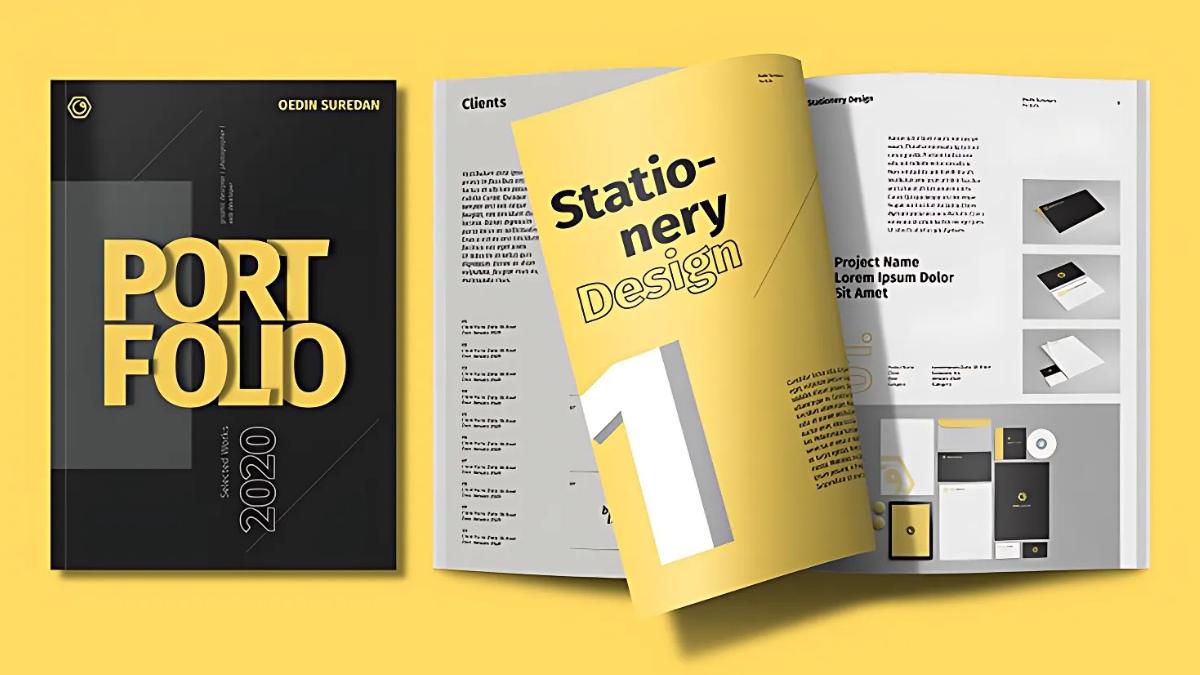
Most portfolios on Google Sites that DPS.MEDIA has reviewed make a basic mistake: lack of user experience (UX) orientation clearly. In a study by Nielsen Norman Group, users spend an average of only 10-20 seconds deciding whether to continue or leave a website. For design service providers, this means: aesthetics alone are not enough, you also need to guide the viewer's emotions and behavior.
We recommend that you should:
- Start with a clear self-positioning section: Who you are, what you do, and why clients should care.
- Focus on the user journey: From first impression → view featured projects → understand the workflow → easy contact.
- Visual design, eliminate distracting elements: Each information block should have a specific purpose.
A structured content map helps increase conversion rates
Do not overuse visual effects or complicated layouts to the point where users get “lost”. A good portfolio is the art of storytelling about professional competence in a logical flow và dễ hiểu. Dưới đây là một mô hình cấu trúc nội dung do DPS.MEDIA đề xuất – tích hợp từ framework PIE (Presentation – Interaction – Emotion) và phân tích các dự án freelancer thành công.
| Content section | UX goal | Implementation notes |
|---|---|---|
| Brief self-introduction | Create quick connection with viewers | Use friendly language, include a professional personal photo |
| Featured projects | Demonstrate real capabilities | Hiển thị bằng grid, mỗi dự án có mô tả ngắn & CTA |
| Work process | Tăng cảm giác chuyên nghiệp & tin tưởng | Express with icons or simple diagrams |
| Customer feedback | gia tăng yếu tố xã hội & chứng thực | Insert real quotes, with names and partner logos |
| Contact information | Encourage action | There is a “Send request” button, social media links |
Case study: Brand design portfolio of Lâm Studio
Under the consultation of DPS.MEDIA, the project Lam Studio deployed a portfolio on Google Sites following a sequential UX model with a light color scheme and clear breathing space layout. Within just 2 months after restructuring the site, the rate of potential customers clicking “Book consultation” increased by 631%, with the average time spent on the site doubling compared to before.
The core point here is: when creatives know how to build emotion with a logical structure,you are not just showcasing your abilities – you are telling the story of your personal value convincingly.
Smart layout and content structure enhance the persuasive value of a portfolio
Journey-based structure design helps guide viewers' emotions
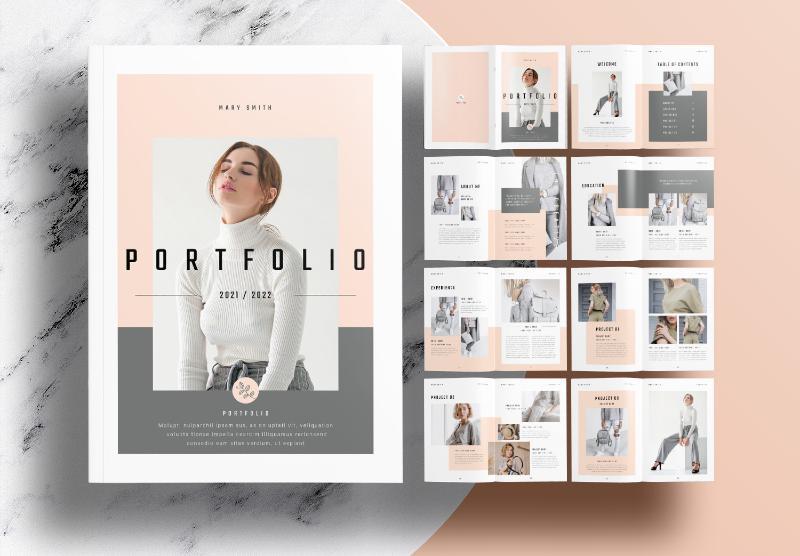
At DPS.MEDIA, we have found that a personal portfolio trên Google Sites hiệu quả không chỉ đơn giản là nơi trưng bày sản phẩm – mà cần như “người kể chuyện”, có đường dẫn nội dung logic giúp người xem đồng điệu và thuyết phục hơn. Cấu trúc thông qua hành trình trải nghiệm (user journey) chính là chìa khóa tạo nên khác biệt.Thay vì xếp mục theo dạng danh mục rời rạc,hãy thử:
- Brief self-introduction with a professional personal photo
- Design story: chia sẻ hành trình học hỏi & phát triển kỹ năng
- Typical projects categorized by industry/context of use
- Customer feedback real (testimonial with photo/avatar if possible)
- Smart contact call-to-action – with a form or quick booking button
Create highlights with a project grid presented according to strategic criteria
Simply posting many project images without a strategic arrangement can make the portfolio lack highlights. According to research from the book “Designing Your Life” (Burnett & Evans), viewers are often impressed by what they can understand within the first 15 seconds. Therefore, a grid layout with information filtered by value criteria is the appropriate solution.
| Projects | Industry | role | Results |
|---|---|---|---|
| Kitchen management app design | F&B nội địa | UX/UI design + Prototype | Increase new user rate by 42% |
| Fashion brand website | Premium B2C | Brand Visual + Web Layout | Order conversion rate increased by 30% |
Flexible layout based on user behavior on mobile devices
Google Sites has rather basic mobile responsiveness optimization, but designers need to smartly adjust so the portfolio remains logical and stands out on both smartphones and tablets. According to the report from Adobe Digital Insights, 2023, over 68% of viewers access personal service websites from their phones. Our suggestion:
- Prioritize consistent display within the 375–425px frame (common iPhone and Android)
- Use horizontal images (16:9) to avoid layout breakage when rendering on mobile
- Add Spacing (white space) between content blocks to regulate reading flow
A recent case study from DPS.MEDIA's freelancer client – Ms. Quỳnh Trâm (graphic designer in Da Nang) – after restructuring her portfolio according to the above principles, the number of contacts tripled within just the first 2 weeks of relaunching on Google Sites. This demonstrates the importance of investing in content experience – not just beautiful design.
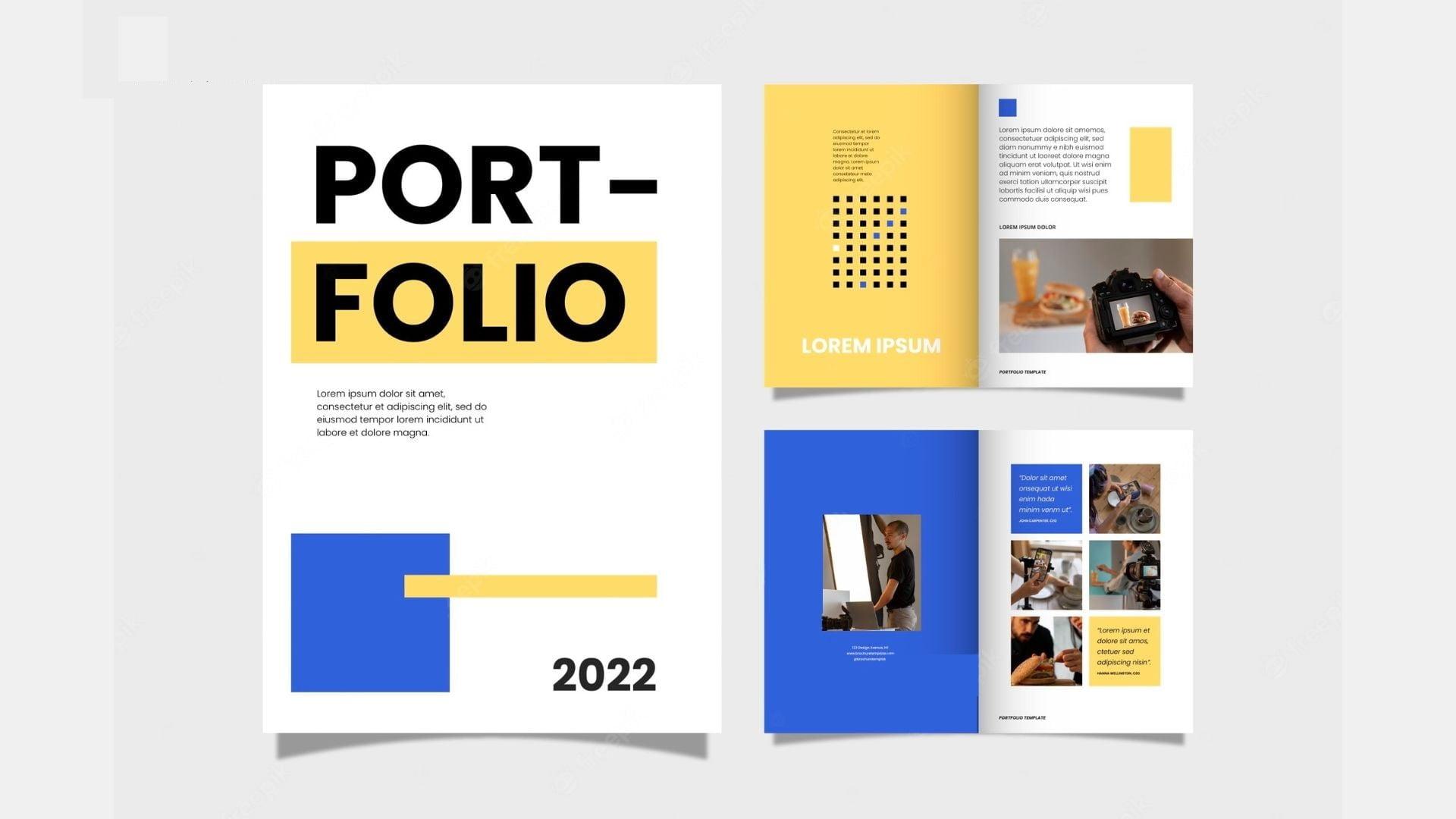
How to present design projects to attract clients and showcase creative abilities
Set up a storytelling structure: Each project is a journey
Don’t just “show” – tell a story. DPS.MEDIA recommends leveraging the power of storytelling to present your design projects as a journey – from the initial brief to the final design solution.Việc này không chỉ giúp khách hàng hiểu rõ cách bạn tư duy mà còn để họ “cảm” được sự sáng tạo trong từng bước tiến triển. Một case study thực tế: một nhà thiết kế UX sử dụng google Sites để chia dự án thành 5 phần: Background, Problem, approach, Solution và Result. Đây chính là nguyên tắc ”design Thinking” được biến tấu gọn nhẹ cho portfolio cá nhân.
Show value – not just images
A beautiful design can catch the eye, but the value it brings to the client is the deciding factor. Instead of only posting the final image of the project, add:
- User insight you discovered during the research phase
- Core problem that your design solved
- Specific results: time saved, increased conversion rate, or customer satisfaction
Below is an example of a results presentation table, in WordPress table styling:
| Category | Before design | After design |
|---|---|---|
| User retention rate | 35% | 61% |
| Interface load time | 5.3s | 2.1s |
| Conversion rate | 1.8% | 3.7% |
Customize Google Sites interface to convey your “unique style”
According to Behance research, users only take 7 seconds to decide whether to stay or leave a portfolio. Therefore, DPS.MEDIA recommends you take advantage of Google Sites’ customization capabilities – such as adding personalized web fonts, creating interactive hover icons, or inserting animated backgrounds – to reflect your unique visual identity:
- Use flexible section layouts: divide the layout by project type
- Add subtle motion effects to increase attention without causing distraction
- Synchronize colors and tone of voice from your personal brand to every interface element
UI experts like Luke Wroblewski have repeatedly emphasized: “Good design is invisible, but its result is unmistakable.” Make sure your Google Sites is neat, seamless, and reflects your creativity right from the main layout.
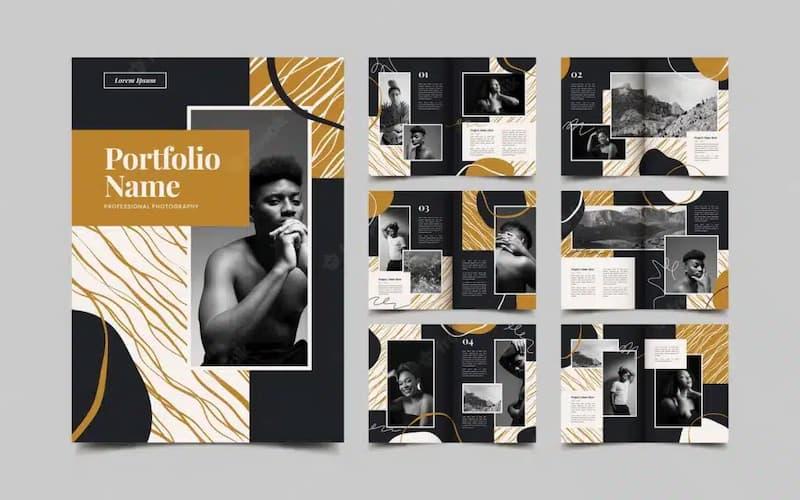
Integrate personal branding elements to create a distinctive impression
Express brand DNA through visual details and language
One personal portfolio on Google Sites không chỉ là nơi trưng bày tác phẩm – đó còn là “bản sắc thị giác” định hình nhận diện thương hiệu của bạn. DPS.MEDIA khuyến nghị các nhà thiết kế nên chọn màu sắc, kiểu chữ và bố cục phản ánh tính cách, phong cách thiết kế cũng như giá trị cốt lõi của mình. Ví dụ, nếu bạn theo đuổi phong cách tối giản (minimalism), hãy lựa chọn tông màu trung tính, sử dụng khoảng trắng hài hòa và hạn chế hiệu ứng động không cần thiết để thể hiện sự mạch lạc trong tư duy thiết kế.
Additionally, your language choice should be consistent with your brand image. Are you specialized in UX design? The short description should have a modern tone, using phrases that show user-centric thinking such as “simplifying processes”, “optimizing experience”. This way, potential clients will quickly understand “who you are” and “the value you bring”.
Use personalization models: case studies and career journeys
According to the “self-Branding Pyramid” model by Dr. Tom Peters – a renowned branding expert – sharing your personal story plays a key role in making your personal brand more memorable and trustworthy. On Google Sites, you can integrate the following elements to shape your career journey convincingly:
- Introduce the journey from apprenticeship to mastery
- Attach real projects, clearly illustrating your specific role in the project
- Add client testimonials, if any – optimizing brand credibility
Below is a sample table showing how to incorporate projects with personal emotional elements:
| Project | Role | Personal branding highlight |
|---|---|---|
| CAFE81 Website Interface | UI Designer | Retro style, focusing on nostalgic emotions |
| LUCY Bakery Brand Identity | Visual Consultant | Sweet color palette evokes a handmade, friendly feeling |
| iLearn Academy Enrollment Landing Page | UX/UI Lead | Student experience oriented towards parents’ psychology – spreading emotions |
Incorporate exclusive value into each presentation section
A common mistake is presenting designs without explaining the underlying depth. Consider your portfolio as an opportunity to position your strategic thinking skills. DPS.MEDIA recommends that you build your own analysis framework – it could be a 4-step design model or a personalized process – to create differentiation. This helps clarify to viewers that you are not just visually appealing – but also “think logically”.
A study by the Journal of Personal Branding (2023) shows that personal portfolios integrating their own process mind maps or self-introduction videos often increase employer recall rate by 34%.. If you are using Google Sites, you can easily embed SVG image diagrams or videos from Drive to make your content more in-depth.
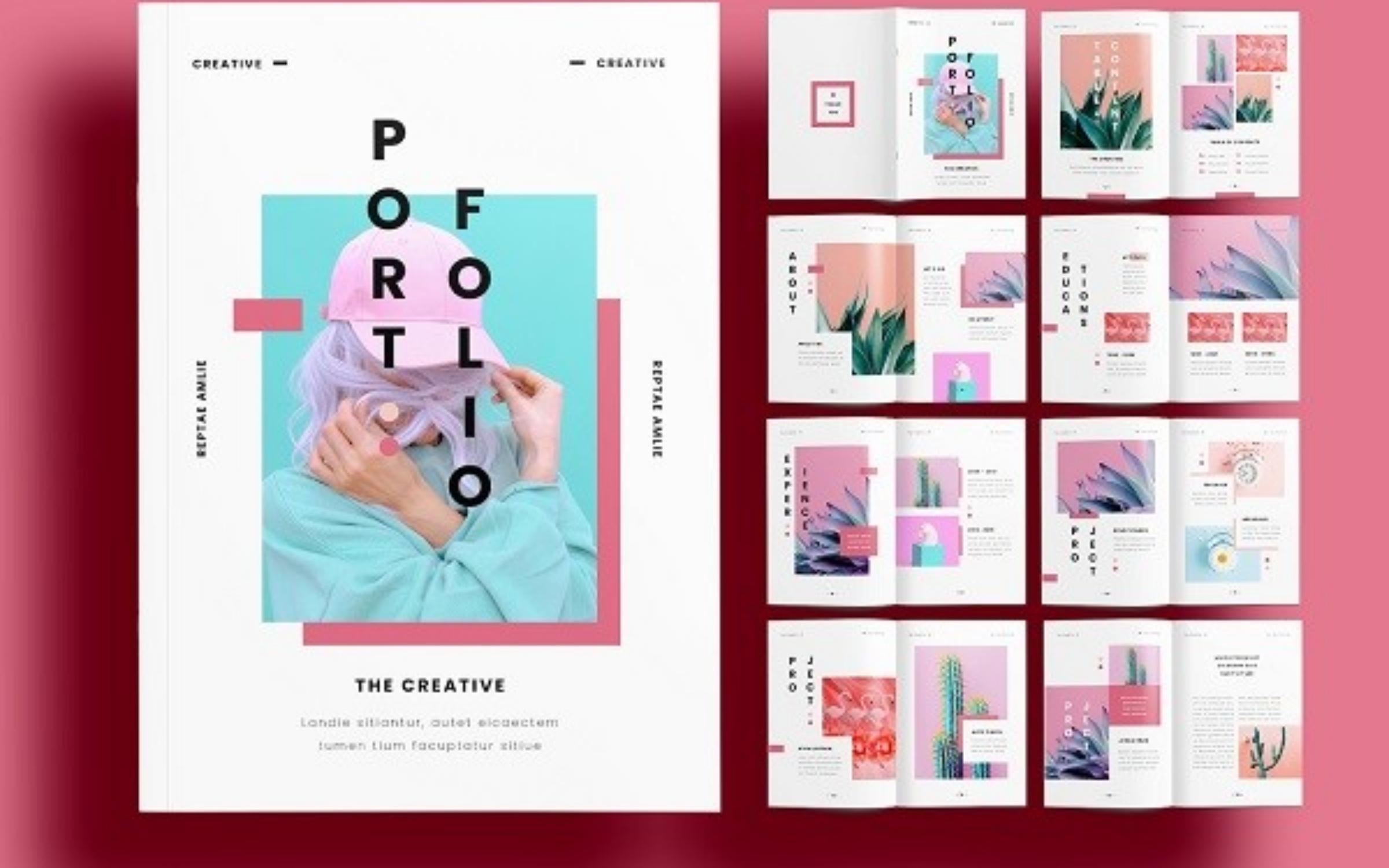
Leverage Google's SEO tools and data analytics to help your portfolio reach more potential clients
Leverage Google Search Console to analyze user behavior
Using Google Search Console not only helps you detect SEO errors on your portfolio but also paves the way to understand what users are searching for related to your design services. At DPS.MEDIA, we often implement analysis search queries and organic click-through rate (CTR) to identify which pages on Google Sites are underperforming and need further optimization.
For example, in a recent case study with a UX/UI design freelancer in Da Nang, optimizing the headline of the “Featured Projects” page based on data from Search Console increased the CTR from 2.31% to 6.11% in just 2 weeks. A small adjustment, if based on the right data, can make a big difference in attracting potential clients.
Use Google Analytics to optimize conversions in your portfolio
Google Analytics 4 (GA4) allows for in-depth tracking of visitor behavior on the portfolio, including average time on page and common exit points. DPS.MEDIA has found that many design service providers have not yet taken advantage of the Funnel Visualization to track the customer journey flow from the portfolio page to the contact action.
To make it easier to visualize, see the table below – a sample analysis of a Google Sites page used by a freelance logo editor in Ho Chi Minh City:
| Landing Page | CTR (%) | Bounce rate | Conversion (Contact) |
|---|---|---|---|
| Homepage | 4.8 | 57% | 12 |
| Project Portfolio | 3.9 | 42% | 23 |
| Quotation Page | 6.2 | 68% | 7 |
insight: The “Project Portfolio” page, although it has a lower CTR, brings a higher contact rate – therefore, SEO for this page should be strengthened and the call-to-action button should be more clearly placed in the Google Sites layout.
Optimize content and loading speed to improve overall SEO
- Insert long-tail keywords: “monogram logo design service in Ho Chi Minh City” instead of just “logo design”.
- Reduce image file size: GA4 analysis shows that users tend to bounce when project images are long but load slowly.
- Leveraging Schema.org Markup: Although Google Sites does not fully support it yet, you can add custom code in the editor to display Google Rich results cards such as “Featured Projects” or “Service Pricing”.
As Peter Morville described in “Information Architecture for the World Wide Web”, structure + findability + meaningful content = optimal user experience. Applying the right SEO data from Google to Google Sites helps realize this formula without complex coding knowledge.
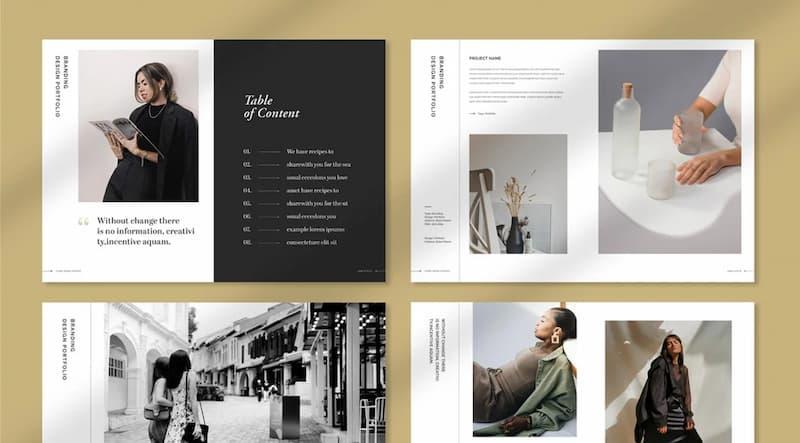
Tips for maintaining and updating your portfolio effectively throughout each stage of your career development
Career segmentation and appropriate content update strategies
At DPS.MEDIA, we found that maintaining a dynamic portfolio – instead of a static portfolio – is the key factor that helps designers stay competitive, especially in an increasingly diverse service design environment. Instead of uploading every project you've ever done, you should curate and update according to your career development stage. Below is a table illustrating the update strategy for each “career profile”:
| Stage | Priority content | Presentation strategy |
|---|---|---|
| Junior Designer | Personal projects, internships, impressive assignments | Explain design thinking, emphasize personal progress |
| mid-level | Freelance projects, real products | Select by client industry, highlight teamwork process |
| senior / Freelancer Pro | Successful case studies, well-known clients | Showcase influence, lead strategic solutions |
Use Google Sites to create a flexible update platform
Google Sites is not only free but also integrates extremely smoothly with Google Drive, YouTube, and Google Analytics – making it easy for you to synchronize data. When applying it as a design portfolio, users should:
- Divide each project according to a smart layout – Combine descriptive text with images, videos, and process sketches.
- Update quarterly or by campaign – As we advise our clients at DPS.MEDIA, choose a regular time frame to add new content, avoiding making your portfolio become “outdated”.
- Reposition with each update – Each update is an opportunity to reshape your professional image, similar to rebranding in marketing.
A notable case is Tam Design Studio, a group of UI/UX freelancers who used to use Behance, but after switching to Google Sites, they increased their contact rate by 401% based on the new portfolio – thanks to clearly organizing content by client industry. The lesson here: It's not expensive tools but smart organization that determines effectiveness.
Valuable lessons
Building a personal portfolio on Google Sites is not only a streamlined and cost-effective choice, but also the first step to help design service providers establish a personal brand identity in the digital environment. With an intuitive interface, easy operation, and flexible integration from other platforms, Google Sites becomes a suitable tool even for those without much technical experience.
However, simply “showing up” is not enough. A portfolio needs to be strategically designed, convey the right brand message, and be continuously updated to reflect your professional growth. This is also when digital marketing thinking is subtly applied — think about the viewer experience, the interaction journey, and how to lead them to the next action: contact, book a consultation, or share your project.
At DPS.MEDIA, we encourage young designers and creative freelancers to combine professional skills with strategic thinking to build a sustainable career in the digital world. From a simple portfolio, you can expand into a personal media ecosystem with a knowledge blog, newsletter channel, or build an automated client acquisition system.
If you want to learn more about how to optimize your digital presence, develop your personal brand, or build a long-term content strategy — these are all topics that DPS.MEDIA has researched and is working on with SME clients in Vietnam.
Which platform are you using to showcase your design capabilities? Please share your ideas, perspectives, or real-life experiences in the comments below. We look forward to joining the discussion with you!




