The combination of artificial intelligence and professional graphic tools is creating a revolution in the field of digital content creation. In this context, mastering how to use Photoshop directly in ChatGPT not only saves you time but also opens up flexible photo editing capabilities even without deep professional skills. According to the latest technology reports in 2024, more than 75% of AI users are looking for integrated solutions to handle multi-tasking on a single interface.
In Vietnam, the trend of applying AI to marketing is exploding more strongly than ever. Statistics from the beginning of 2025 show that the number of SMEs applying chatbots into the image production process has grown outstandingly by 40% compared to the same period last year. This proves the attraction of integrating Adobe software into OpenAI's ecosystem. This article will provide you with a detailed roadmap to master this powerful tool from A to Z.
DPS.MEDIA is always at the forefront of updating the latest technology trends to optimize efficiency for customers. With practical experience since 2017, our team of experts understands that simplifying the design process is the key for businesses to focus on sustainable growth strategies. Let's explore this breakthrough solution to elevate your brand image today.
| Criteria | Traditional Photoshop | Photoshop in ChatGPT |
|---|---|---|
| Required Skills | Proficient in tools, layers | Use natural language |
| Processing time | 15 - 30 minutes/image | Under 30 seconds/image |
| Software Installation | Mandatory heavy installation | No installation needed |
| Accuracy | Absolute (manual) | Relatively high (AI-supported) |
1. How to Use Photoshop Directly in ChatGPT via Setup Steps
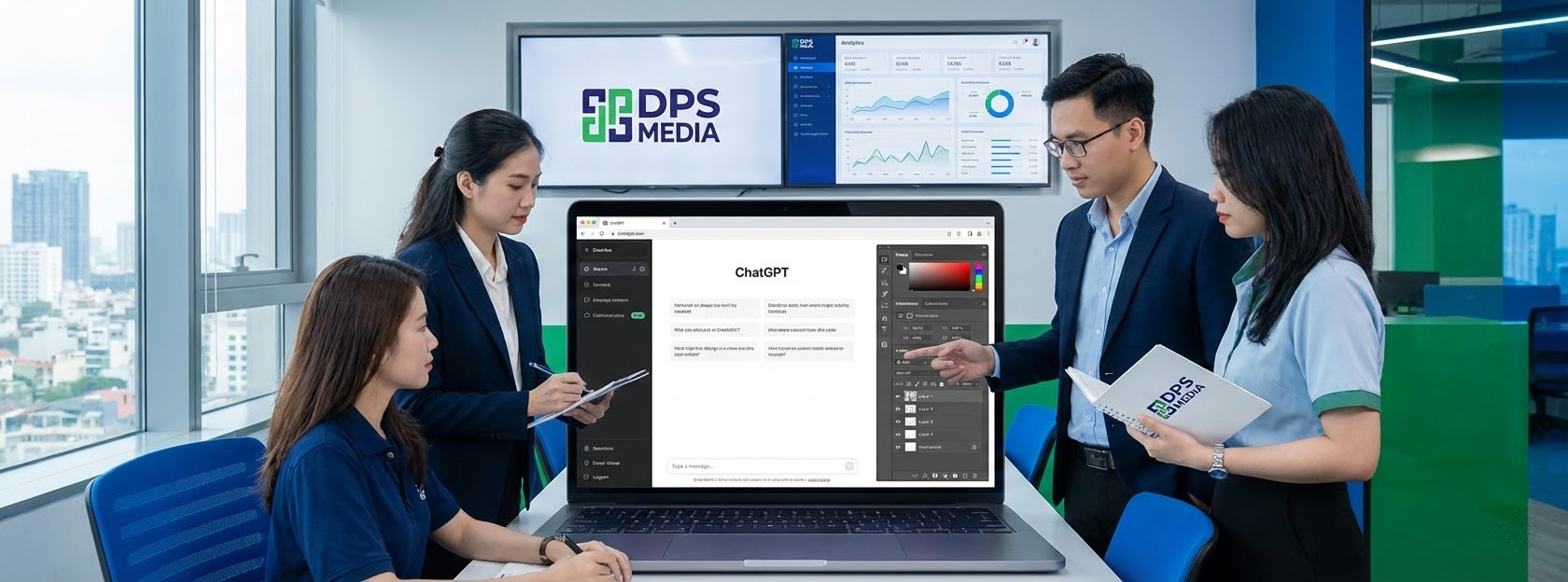
To start experiencing this feature, users need to perform some basic connection steps between the two platforms. This process is designed for maximum simplification, helping even beginners to succeed. How to use Photoshop directly in ChatGPT begins with accessing the integrated app store within OpenAI's interface.
First, you need to log in to your ChatGPT account on a desktop browser or mobile app. Then, navigate to the Apps or Explore GPTs section in the left menu bar. Here, search for the keyword “Adobe Photoshop” to find the official application provided by Adobe. This is the most important step to activate agentic photo editing capabilities right within the conversation frame.
Next, click the Connect button to start the account linking process. The system will ask you to confirm access rights between ChatGPT and Adobe's cloud services. After successful confirmation, the Photoshop icon will appear in your list of supported tools. Experts at DPS.MEDIA recommend you check this connection periodically to ensure new features are always automatically updated.
- Step 1: Log in to ChatGPT and select Explore GPTs or Apps.
- Step 2: Search for “Adobe Photoshop” and select the official app.
- Step 3: Click the Connect button to link your Adobe account.
- Step 4: Confirm the terms of use and grant permissions to the AI.
- Step 5: Open a new conversation and select the plus (+) icon.
- Step 6: Select Adobe Photoshop from the list of connected apps.
- Step 7: Upload the image to be edited to the chat frame.
Using Photoshop through ChatGPT brings huge benefits to non-professional users. Instead of having to learn how to use the Pen Tool or Magic Wand, you just need to ask the AI to do it for you. For example, a retail business in Ho Chi Minh City reduced outsourcing costs for product photo editing by 60% by applying this method. This is the clearest evidence of the effectiveness of combining AI into the workflow.
One point to note is that this feature currently works best on the Desktop version. However, 2025 updates have significantly improved the experience on iOS and Android mobile devices. A small tip for you is to prepare images with clear resolution so the AI can identify the subject and context most accurately before giving complex editing requests.
| Period | Main Action | Important Notes |
|---|---|---|
| Initiation | Access Apps & Connectors | Use an official account |
| Linking | Click Connect and confirm | Grant photo access | Call the @photoshop command | Detailed description of the request |
2. Outstanding Features When Applying Photoshop Directly in ChatGPT
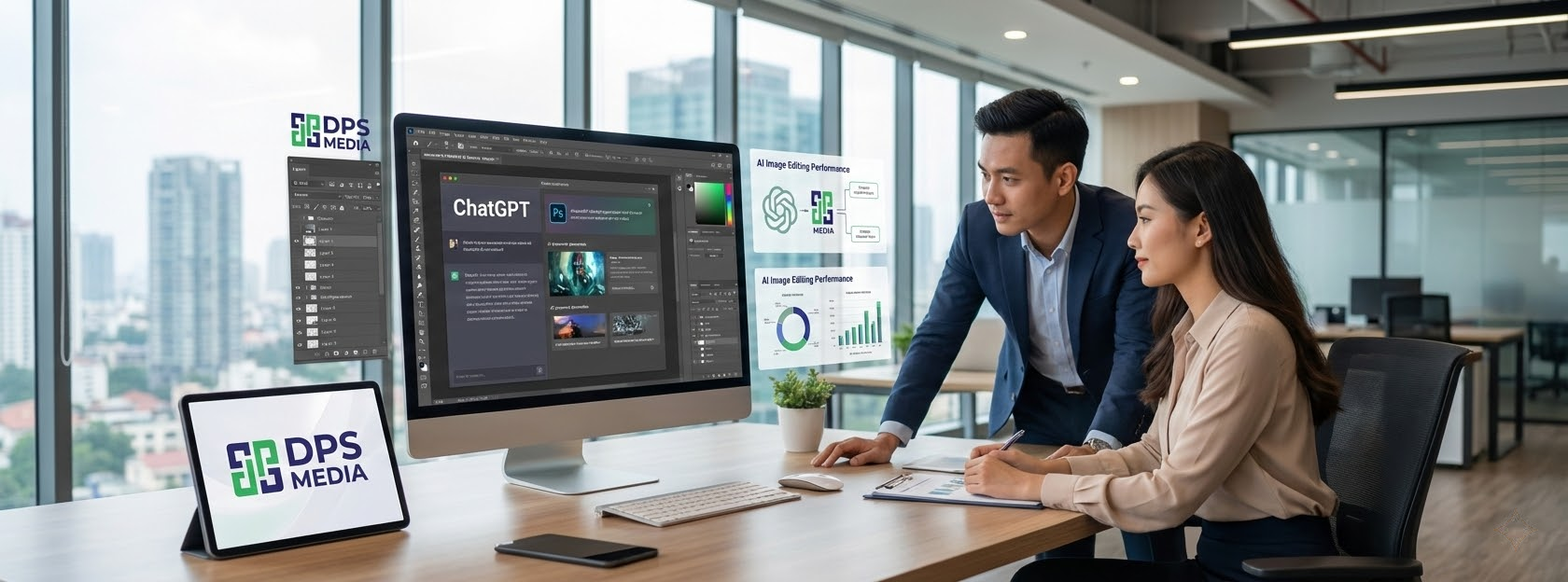
Not just stopping at connecting, the real power lies in what you can do with your photos. How to use Photoshop directly in ChatGPT provides a diverse set of editing tools from basic to advanced. The biggest difference is that you control everything with voice or text, instead of complex drag-and-drop operations on a traditional toolbar.
Common tasks like background removal, adjusting brightness, or color correction now take only seconds. The AI will analyze the photo structure, separating the subject and background to perform local edits without affecting overall quality. According to research from DPS.MEDIA, using AI for post-processing helps increase consistency for the brand identity across social media channels.
In addition, the system also provides interactive sliders immediately after the AI finishes the request. This allows users to fine-tune the intensity of effects visually. If you feel the background blur is too strong, just lightly drag the slider to achieve a more natural result. This is a unique feature that blurs the line between automatic AI editing and professional manual control.
- Background Blur with customizable depth of field.
- Automatic adjustment of brightness, contrast, and color saturation.
- Apply artistic filters like Tritone, Halftone, or Glitch.
- Background removal and replacement with solid backgrounds or new images.
- Sharpen blurry photo details or increase detail for objects.
- Local editing on a specific selection recognized by AI.
For example, when you upload a portrait photo and request “Please blur the background and increase warm tones”, ChatGPT will call Photoshop to process it immediately. The result returned usually comes with 2-3 different options for you to choose from. One of our fashion clients applied this way to create hundreds of lookbook samples in record time, helping the new product launch campaign achieve great success.
Besides, the “Open in Photoshop” feature is a great escape hatch for professionals. After completing basic steps in ChatGPT, you can transfer the file to Photoshop Web or the Desktop version for deeper processing. Every layer and mask created by the AI will be preserved, helping the workflow become more seamless and professional than ever.
According to 2024 industry surveys, integrating AI into the creative workflow helps increase labor productivity by up to 50% for basic design tasks.
3. Optimizing Prompts to Use Photoshop Directly in ChatGPT Effectively

The key to achieving perfect results lies in how you communicate with the AI. In how to use Photoshop directly in ChatGPT, the prompt acts as a design brief. A clear, detailed prompt will help the AI understand the intention correctly and perform complex technical operations accurately without having to request many re-edits.
Instead of using general prompts like “make the photo look better”, you should specifically describe parameters or the area to be affected. Break down complex requests into simple steps so the AI can process them sequentially. Experts at DPS.MEDIA always prioritize this “divide and conquer” method when guiding customers to use artificial intelligence tools in daily image content production.
An ideal prompt structure usually includes: Subject + Action + Specific parameters. For example, instead of saying “adjust light”, try “Increase the brightness of the person's face in the photo by 20% and keep the background intensity unchanged”. This detail helps Photoshop in ChatGPT identify the correct adjustment layer to apply and the level of intervention in the pixels of the original image.
| Request Type | Suggested Prompt | Expected Result |
|---|---|---|
| Adjust light | Increase Exposure by 15% and decrease Highlight | Evenly lit photo, no overexposure |
| Background processing | Blur background and keep the subject sharp | Professional background removal effect |
| Color effect | Apply Vintage filter with 50% intensity | Nostalgic, natural colors |
Another practical example is when you want to change the color of a specific object. You can request: “Change the color of the T-shirt from blue to red but keep the wrinkles and shadows”. AI will use Photoshop's smart object recognition feature to create a precise selection and apply the new color most realistically, saving hours of manual cutting and pasting.
Additionally, you can take advantage of professional photography terms for better results. Keywords like “bokeh”, “vignette”, “color temperature”, or “saturation” are all well understood by the AI. Mastering how to use Photoshop directly in ChatGPT combined with basic image knowledge will turn you into a true creative coordinator, even if you don't directly hold the mouse to draw every stroke.
- Clearly describe the object to be edited (person, object, context).
- Use specific numbers for changes in intensity (e.g., 10%, 30%).
- Request to keep important details to avoid image distortion.
- Use basic photography terms so AI performs more accurately.
- Always double-check results and request adjustments step by step.
- Combine consecutive prompts to create a complete editing workflow.
Finally, don't forget to use the adjustment sliders that appear under the results. This is a powerful support tool to help you control final accuracy. Research experts at DPS.MEDIA found that users who combine prompts and sliders are often 40% more satisfied with results than those who only use pure prompts. This creates a flexible and efficient creative process.
4. Important Notes on Copyright and Image Quality

When applying how to use Photoshop directly in ChatGPT, the issue of image quality and legality cannot be ignored. Although AI brings convenience, users need to clearly understand technical limitations to avoid unnecessary errors during the content publishing process. Maintaining high quality standards is a prerequisite to maintaining brand reputation in cyberspace.
First is the resolution limit. Currently, images processed directly via ChatGPT are usually limited to 2048 pixels to ensure fast processing speed. This is suitable for social media posts, websites, or personal blogs. However, if you need images for large-format printing or high-quality advertising banners, you should use the transition feature to full Photoshop to ensure all details are preserved.
Regarding copyright, Adobe has integrated Firefly technology into this process to ensure generated content complies with safety standards. However, according to current recommended SEO standards, you should still use original images you own or image sources with clear copyright. This not only helps avoid legal troubles but also helps your website score higher in the eyes of search engines thanks to its uniqueness.
| Factor | Level of impact | Optimal solution |
|---|---|---|
| Resolution | Average (2K limit) | Use Open in Photoshop feature |
| AI Copyright | Low (with Adobe certification) | Use original photo as input |
| Realism | High (depends on Prompt) | Check edges and borders carefully |
A common technical issue is the “halo” effect (glow) around the subject when removing the background or isolating elements. This is the result of AI processing complex edge areas like hair or sharp edges of objects imperfectly. In this case, experts at DPS.MEDIA advise you to ask the AI to re-edit specific edge areas or use the mask slider to smooth out cuts, creating a more natural feel for the photo.
Furthermore, using Photoshop in ChatGPT also means your image data is processed in the cloud. Make sure you don't upload images containing sensitive information, personal data, or content that violates OpenAI and Adobe policies. Complying with community rules not only protects your account but also contributes to building a healthy and safe content creation environment for everyone.
- Always prioritize input images with the best quality possible.
- Carefully check small details like fingers, hair strands after AI editing.
- Use images with clear origins to ensure legal safety.
- Avoid sharing personal information through images uploaded to the chat frame.
- Keep the original version of the image before making editing requests.
Mastering these notes will help you use the tool more intelligently and professionally. Instead of relying completely on AI, consider it a powerful assistant to help you realize creative ideas as quickly as possible. How to use Photoshop directly in ChatGPT is truly a long step in democratizing professional design tools for everyone around the world.
5. The Future of AI Design and Practical Applications for Businesses

The popularization of how to use Photoshop directly in ChatGPT is just the beginning of a new design era. In the near future, this integration will be even deeper with the ability to understand cultural context and design trends in real-time. Businesses that master this technology early will possess a huge competitive advantage in reaching and retaining customers through impressive and personalized visual experiences.
For SMEs, owning a lean design process thanks to AI helps optimize marketing budgets significantly. You no longer need a massive team of designers to handle repetitive tasks. Instead, a versatile marketing staff member who knows how to coordinate AI can handle a workload many times greater than traditional methods. This is exactly the goal that DPS.MEDIA always aims for when consulting Digital Marketing solutions for customers.
Reality shows that advertising campaigns using images optimized by AI have a click-through rate (CTR) 25% higher than regular images. The reason is that AI has the ability to analyze and create color combinations and layouts that hit the visual psychology of target audiences. Knowing how to how to use Photoshop directly in ChatGPT allows you to experiment (A/B testing) dozens of different design templates in just a few minutes to find the most effective option.
| Business benefits | Detailed description | Value delivered |
|---|---|---|
| Save costs | Reduce outsourcing and software costs | Optimize operating budget |
| Increase speed | Shorten the process from idea to finished product | React quickly to the market |
| Unlimited creativity | Test many design styles easily | Diversify advertising content |
Besides, the combination of tools like Adobe Express, Acrobat along with Photoshop right in ChatGPT creates an extremely powerful mobile office. You can create article content, design illustration images, and process contract PDF files all on a single screen. This seamlessness helps maintain the creative flow and minimizes errors caused by switching between software.
Looking further, experts at DPS.MEDIA predict that AI will soon be able to automatically create complete brand kits based on just a few descriptions of a business's core values. Then, the role of humans will shift from implementers to directors and quality controllers. Learning how to how to use Photoshop directly in ChatGPT right now is the most important preparatory step so you are not left behind in this fierce technology race.
- Actively learn AI control skills (Prompt Engineering) every day.
- Apply AI pilot testing in small projects before mass deployment.
- Always update new features from Adobe and OpenAI to optimize workflows.
- Combine human creative thinking with machine execution capabilities.
- Build a library of effective prompts for each specific type of work.
Hopefully, this article has brought you the most comprehensive and realistic view of mastering top-notch AI photo editing technology. Start experiencing it today to see the magical change in your work. If you need a Digital Marketing solutions and optimized by technology, don't hesitate to contact the team of experts at DPS.MEDIA for the most in-depth support.
In summary, grasping how to use Photoshop directly in ChatGPT is an essential skill in the digital age. This tool not only helps simplify image editing but also promotes creative thinking and optimizes work performance for both individuals and businesses. Here are the core points you need to remember:
- The ability to connect quickly between ChatGPT and Adobe Photoshop brings maximum convenience.
- Use natural language to control complex editing features, saving time.
- Interactive sliders allow for professional and intuitive fine-tuning of results.
- Need to note resolution and copyright to ensure the final image quality meets standards.
- AI is a powerful assistant, but human guiding mindset is the factor that creates the difference.
- Applying AI to the marketing process helps businesses grow breakthroughs in efficiency and cost.
- Always test and optimize prompts to achieve the best desired results.
Don't miss the opportunity to be a pioneer in applying world-leading technologies. Access ChatGPT now, connect with Photoshop, and start creating your own impressive works. The journey of unlimited creativity is waiting for you to explore from the very first prompts!