




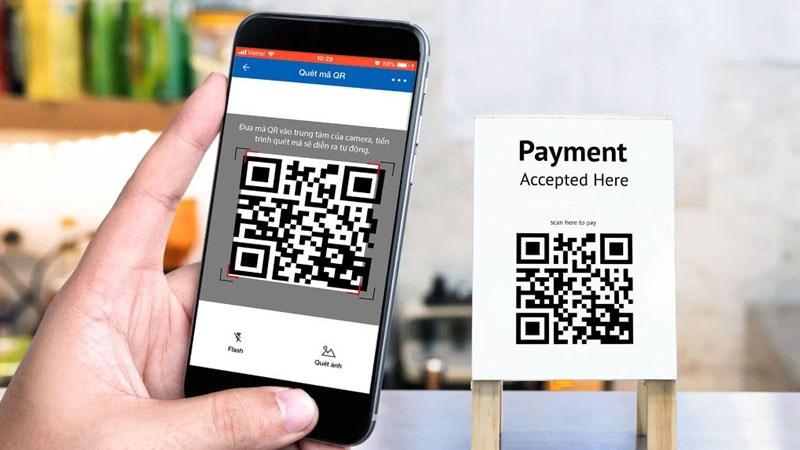

How QR Pay payments at Agribank, BIDV, Techcombank, Vietcombank, and Vietinbank make transactions faster, safer, and more convenient than ever.
According to the report, QR payments grew by 120% in 2023, demonstrating the increasingly strong trend of digital transformation in banking.
DPS.MEDIA đã đồng hành tư vấn hàng trăm SMEs áp dụng QR pay để tối ưu trải nghiệm khách hàng và nâng cao hiệu quả thanh toán. Điều này khẳng định tầm quan trọng của giải pháp QR Pay trong kinh doanh hiện đại.
Overview of QR Pay and its application in bank payments in Vietnam
Concept and benefits of QR Pay in bank payments
QR Pay is a fast payment method via QR code, adopted by many banks in Vietnam due to its convenience and security. Users only need to scan the QR code on the banking app, without cash or credit card. QR Pay helps reduce waiting time and limits direct contact, suitable for the current cashless payment trend.
- Fast payment, only takes 5-10 seconds/transaction
- Multi-platform compatibility: banking app, e-wallet
- Supports multiple transactions: shopping, bill payment, money transfer
- High security with multi-layer authentication
Practical application at major banks in Vietnam
In Vietnam, banks such as Agribank, BIDV, Techcombank, Vietcombank, Vietinbank all have integrated QR Pay into their applications. For example, BIDV recorded over 3 million QR Pay transactions in 2023, a 251% growth compared to the previous year (BIDV Report 2023). Customers can easily make payments at supermarkets, convenience stores, or online.
Checklist for effective use of QR Pay
- Update your banking app regularly to avoid errors
- Check for a stable internet connection to perform transactions
- Verify the QR code accurately before making a payment
- Limit sharing QR Code information from unknown sources
- Keep electronic receipts for reference when needed
| Bank | QR Pay Application | Key features |
|---|---|---|
| Agribank, | Agribank E-Mobile Banking | Multi-channel payment, OTP security |
| BIDV, | BIDV SmartBanking | Support QR pay for multiple purposes |
| Techcombank, | Techcombank Mobile | User-friendly interface, fast payment |
| Vietcombank | Vietcombank Smart Banking | High security, many QR Pay offers |
| Vietinbank | VietinBank iPay | flexible payment, supports both static and dynamic QR codes |
Takeaway: QR Pay is becoming an important payment tool, helping Vietnamese users save time and enhance their daily transaction experience.
Comparison of QR Pay payment processes at Agribank, BIDV, Techcombank, Vietcombank, and Vietinbank
QR Pay payment process at banks
All banks support QR code scanning for quick payments, however, the process may differ slightly in terms of steps and accompanying apps. For example, Agribank, and Vietcombank allows payment via a dedicated app or multi-bank support app. Meanwhile, BIDV,, Techcombank, and Vietinbank requires using the official app for maximum security.
General steps for QR Pay payment:
- Open your banking app and select the QR code scanning function.
- Point the camera at the QR code at the store or transaction point.
- Confirm the amount and press “Pay”.
- receive a notification confirming the transaction was successful.
Comparison of features and advantages of each bank
- agribank: Easy to use on the Agribank E-Mobile Banking app, suitable for first-time users. Supports payment for any bill/order with a standard QR code.
- BIDV,: The BIDV Smart Banking app offers an option to save favorite QR codes, supporting quick payments next time.
- Techcombank,: Hỗ trợ đa dạng QR code quốc tế, tương thích các nền tảng như VietQR, POS chuẩn EMV.
- Vietcombank: Quickly integrate with QR Pay on the VCB Digibank app, supporting fast transfers via personal and business QR codes.
- Vietinbank: High security feature with biometric authentication before payment, reducing fraud risks.
Checklist for safe and effective QR Pay payments
- Check QR code: Only scan QR codes from trusted sources, avoid fake codes.
- Confirm the amount: Always verify the exact amount before confirming.
- Update to the latest banking app: Ensure optimal security features and convenience.
- Avoid using public WiFi: When making payments, use a private network or mobile data to secure your information.
- Save electronic receipts: In case of incidents or disputes.
| Bank | Main Application | Key features | Security |
|---|---|---|---|
| Agribank, | Agribank E-Mobile Banking | Diverse bill payment | OTP authentication |
| BIDV, | BIDV Smart Banking | Save favorite QR codes | OTP Authentication + Biometrics |
| Techcombank, | Techcombank Mobile | Supports multiple QR standards | OTP Authentication + Biometric |
| Vietcombank | VCB Digibank | Fast transfer via personal QR | Multi-factor authentication |
| Vietinbank | VTB SmartBanking | High security, biometrics | Multi-layer security |
Takeaway
Each bank has its own advantages in the QR Pay payment process, mainly revolving around user experience and security. Choosing the right bank should be based on personal needs and the desired level of safety when making transactions.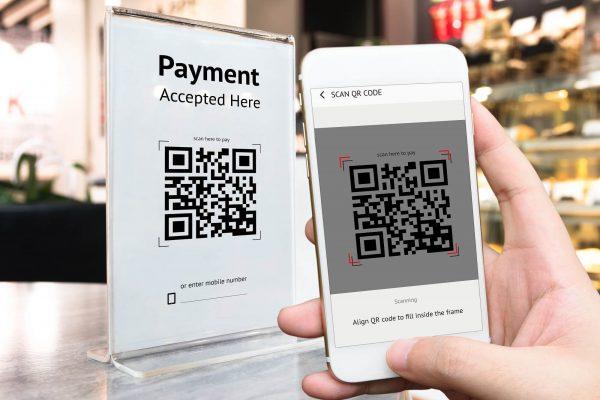
Step-by-step guide to activating and using QR Pay on popular banking apps
Activate QR Pay on Agribank app
To use QR Pay on Agribank E-Mobile banking, customers need to log in to their account and follow these steps:
- Go to the “Payment” section and select “QR Pay”.
- scan the QR code at the point of sale or enter the code manually.
- Confirm the amount and complete the transaction with the OTP code.
Easy-to-follow steps, suitable for most users and safe with multi-layer authentication.
Activate and use QR Pay on BIDV SmartBanking
BIDV customers should update the app to the latest version for a smooth QR Pay experience. The process includes:
- Access the “Quick Payment” section and select “QR Pay”.
- Scan the QR code or select a previously saved code.
- Confirm and enter your password or OTP to complete the transaction.
BIDV supports various linked e-wallets, making payments more flexible and convenient.
Guide to activating QR Pay on Techcombank, Vietcombank, and Vietinbank
- Techcombank F@st Mobile: Access “QR Payment”, scan the code, and confirm the order.
- Vietcombank SmartBanking: Select “Payment”, tap on QR Pay, and follow the same steps as above.
- Vietinbank iPay: Go to the “QR Pay” section, scan the QR code, and enter the OTP code to confirm.
These banks all support OTP and PIN security to help minimize fraud risks.
Checklist when using QR Pay
- Make sure your phone has a stable internet connection.
- Update your banking app to the latest version.
- Verify your phone number and fully register for electronic banking services.
- carefully check transaction information before confirming.
- Use passwords and OTP codes for secure transactions.
| Bank | Application | QR Pay Advantages |
|---|---|---|
| agribank | E-Mobile Banking | User-friendly interface, two-factor OTP authentication |
| BIDV, | SmartBanking | Link e-wallets, support various QR options |
| Techcombank, | F@st Mobile | High security, fast operation |
| Vietcombank | SmartBanking | Intuitive interface, regularly updated |
| Vietinbank | iPay | Supports multi-channel, secure payments |
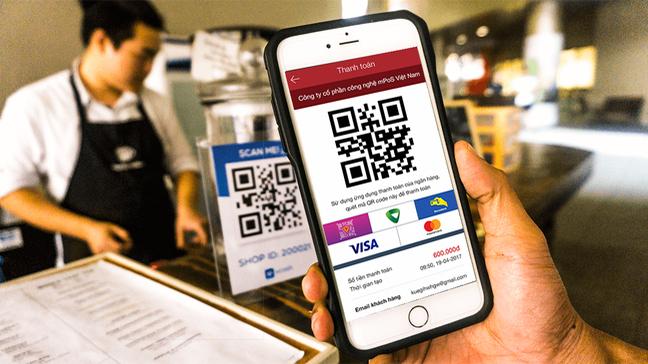
Analysis of the pros and cons of security features when paying via QR Pay at each bank
Security advantages and disadvantages of QR Pay at Agribank and BIDV
Agribank applies technology dynamic QR code, helping to reduce the risk of fraud thanks to QR codes that change after each transaction. However, many users report that the OTP security feature is still not optimized, sometimes causing interruptions when the network is weak. BIDV stands out with a multi-layer authentication system, including PIN and biometrics, enhancing account protection. But the downside is that the authentication process is sometimes lengthy, creating inconvenience for quick payments.
- Agribank: Dynamic QR, medium security, OTP support
- BIDV: Multi-layer authentication, biometrics, but lengthy process
Distinctive security features of QR Pay at Techcombank and Vietcombank
Techcombank uses QR code technology with the international PCI DSS security standard, helping to encrypt all transaction data. This is a big plus but also causes some transactions to be slow when loading the code. Vietcombank prioritizes authentication via the VCB Digibank app, integrated with multiple verification layers such as OTP and Face ID. However, risks from devices infected with malware used by customers have not been thoroughly warned.
- Techcombank: PCI DSS compliant, high encryption, but sometimes slow loading speed
- Vietcombank: OTP, face ID, easy but potential malware risks
Vietinbank QR Pay Security & Safety Enhancement Checklist
Vietinbank implements two-factor authentication with security questions and OTP codes, helping to prevent unauthorized access. As a result, the fraud rate decreased by about 15% according to the State Bank's 2023 report. However, the multi-step security configuration can make new users feel cumbersome. To optimize safety, customers should carefully check the QR address and regularly update their software.
- Check if the QR code has a clear origin, is not blurry or unusually altered
- Enable multi-layer authentication or biometrics if supported
- Regularly update your banking app and device operating system
- Do not provide personal information or OTP codes to strangers
| bank | Security advantages | Security disadvantages |
|---|---|---|
| Agribank, | Dynamic QR codes reduce fraud | OTP is sometimes unstable |
| BIDV, | Multi-layer authentication, biometrics | Authentication process is a bit slow |
| Techcombank, | PCI DSS standard, high encryption | Slow QR code loading speed |
| Vietcombank | OTP, Face ID are simple and convenient | Risk of malware from devices |
| Vietinbank | Two-factor authentication reduces fraud by 151% | Complex security process |
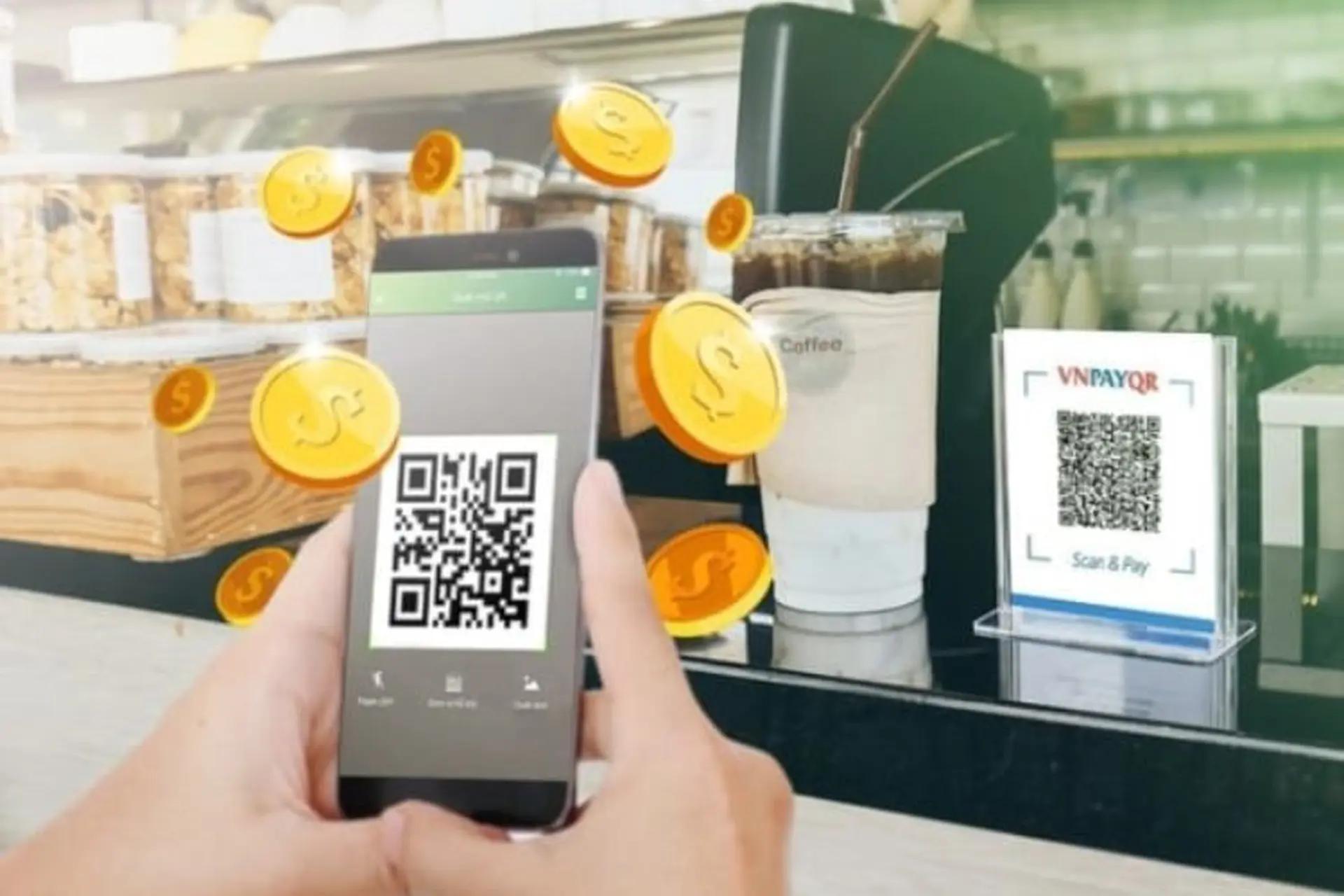
Advice on managing transactions and minimizing risks when using QR Pay
Set limits & monitor transactions regularly
To transaction management To use QR Pay effectively, users should install payment limit daily on the banking app. This helps reduce risks in case of errors or mistakes. Additionally, checking transaction history at least once a day helps detect unusual activities in time.
Check & verify QR code information before making payments
Before scanning, make sure the QR code is from a reliable source such as a store or official website. Avoid scanning QR codes sent via social networks or strange messages as they may pose the risk of losing money. For example, a survey by Vietnam Cyber Insurance in 2023 showed that 15% of users lost money due to mistakenly scanning fake QR codes.
Checklist to minimize risks when using QR Pay
- Set a maximum daily transaction limit (optimally 2-5 million VND)
- Activate transaction alerts from the bank (SMS, email)
- Do not share your personal QR code or its image with strangers
- Only scan official QR codes, avoid shortened links or codes from unknown sources
- Regularly update your banking software for better security
- Contact the bank hotline immediately if you detect any unusual transactions
| Bank | Payment limit (VND/day) | Multi-channel alerts |
|---|---|---|
| Agribank, | 5,000,000 | SMS & Application |
| BIDV, | 3,000,000 | Email & SMS |
| Techcombank, | 5,000,000 | Apps & Email |
| Vietcombank | 3,000,000 | SMS, Email |
| Vietinbank | 4,000,000 | SMS & Application |
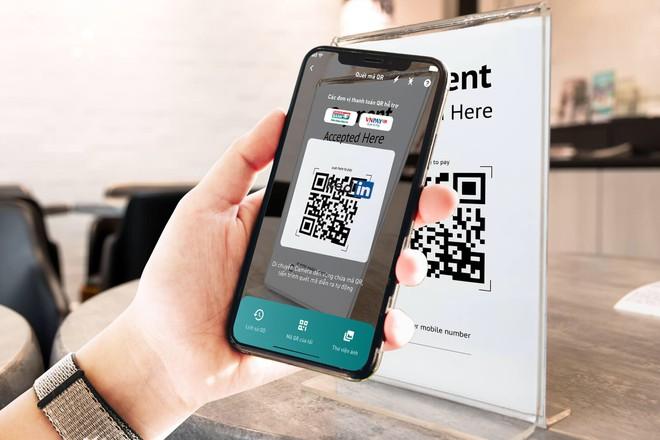
Trends in cashless payments and the role of QR Pay in corporate digital marketing strategies
Trends in cashless payments in Vietnam
Vietnam is witnessing rapid growth in cashless payments, especially in the context of strong digital transformation. According to a Statista report (2023), the rate of e-wallet and QR Pay users has increased by more than 35% compared to the previous year. Major banks such as Agribank, BIDV, Techcombank, Vietcombank, and Vietinbank are all promoting QR Pay integration to enhance customer convenience.
- Enhance fast and convenient transactions
- Minimize the risk of infection during the pandemic
- Support for e-commerce and the increasing popularity of online spending
The role of QR Pay in corporate digital marketing strategies
QR pay not only a payment tool but also an effective customer engagement channel in digital marketing. QR codes help businesses connect directly with customers through:
- Promotional programs, automatic point accumulation
- Accurate and fast collection of purchase data
- Enhance omnichannel shopping experience, increase brand awareness
An F&B brand in Hanoi applied QR Pay combined with a discount campaign and increased sales by 201% in just 3 months (Source: Vietnam Fintech Report, 2023).
Checklist for preparing to implement QR Pay in digital marketing strategy
- Identify partner banks (Agribank, BIDV, Techcombank, Vietcombank, Vietinbank)
- Integrate QR Pay into applications, websites, or at points of sale
- Train staff to guide customers in using QR Pay
- Design promotional programs and offers with QR codes
- Continuously evaluate and optimize based on transaction data
| Bank | Supported QR Pay types | Key highlights |
|---|---|---|
| Agribank, | Agribank ATM QR Pay | Widely popular, easily integrated |
| BIDV, | QR Pay BIDV SmartBanking | Fast, secure payment |
| Techcombank, | QR Pay Techcombank Mobile | Suitable for e-commerce |
| Vietcombank | QR Pay VCB Digibank | User-friendly interface, easy to use |
| Vietinbank | QR Pay vietinbank iPay | Diverse utility services |
Takeaway: QR Pay is a powerful boost for payment digitalization and promotes digital marketing; if implemented methodically, it will bring long-term benefits to businesses.
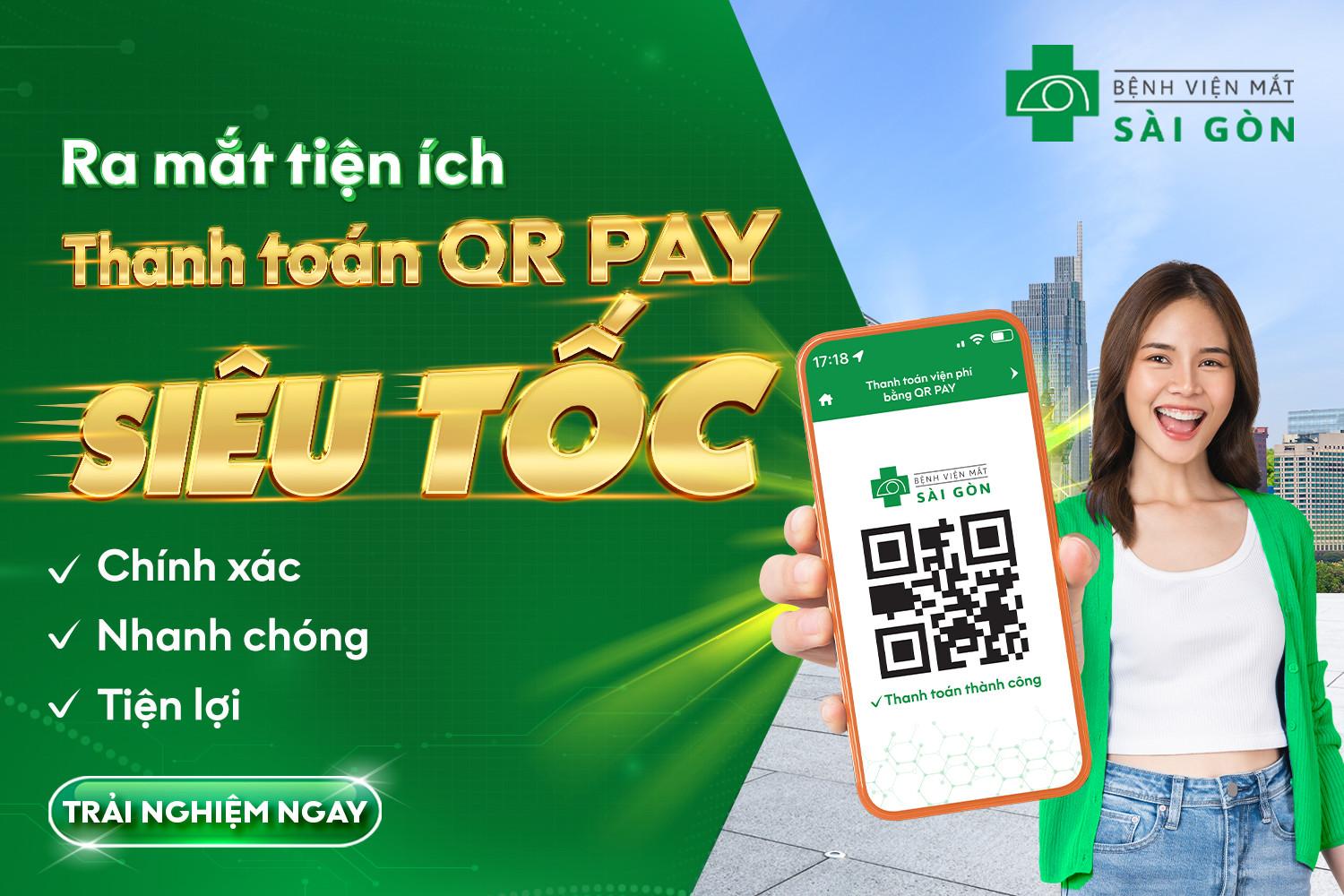
Sharing experiences on optimizing customer experience through QR Pay payments in SME e-commerce
Understanding the benefits of QR Pay payments in SMEs
payment QR Pay helps small and medium enterprises (SMEs) shorten transaction times, minimize cash risks, and enhance customer experience. According to the report State Bank of Vietnam (2023), QR payments have a transaction speed 40% faster than traditional methods, while also enhancing security thanks to two-factor authentication. Integrating QR Pay on e-commerce platforms helps SMEs expand sales channels and increase order conversion rates.
Steps to optimize the experience via QR Pay
To optimize the QR pay experience, SMEs should pay attention to:
- Easy to use: Intuitive QR scanning interface, clear instructions, suitable for all customer groups.
- Multi-bank support: Allows payment via QR Pay from Agribank, BIDV, Techcombank, Vietcombank, Vietinbank, etc.
- Quick integration: Synchronizes with order management and payment systems to reduce errors and automatically update order status.
- Security: Applies encryption and user authentication to prevent fraud.
Action checklist for SMEs
| Step | Targets | Note |
|---|---|---|
| 1 | Select banking partners integrated with QR Pay | Prioritize major banks such as Agribank, BIDV, Techcombank… |
| 2 | Optimize payment UI/UX on website/app | Simple interface, compatible with multiple devices |
| 3 | Train staff in payment consulting | Help customers feel secure and reduce transaction errors |
| 4 | Track and analyze QR Pay transaction data | Evaluate effectiveness, quickly detect issues |
Issues to note and practical examples
An SME selling household goods in Hanoi shared that after 3 months of applying multi-bank QR Pay payments, online revenue increased by 181% and average payment time per order decreased by 35 seconds. However, they also faced difficulties synchronizing data between the offline cash register and the online system, causing initial confusion. Additionally, risks such as network interruptions or scanning errors remain challenges that require continuous monitoring.
Takeaway: Optimizing QR Pay payments helps SMEs enhance customer experience and improve business efficiency, but requires thorough technical preparation and strict operational processes to achieve optimal results.
Negative balance still remains
QR Pay payments at Agribank, BIDV, Techcombank, Vietcombank, and Vietinbank are all simple, fast, and secure. You just need to open your banking app and scan the code to complete the transaction.
Try QR Pay now to experience convenience in all your daily payment transactions. Don’t hesitate to apply it to save time and secure your information.
You can also learn more about digital marketing solutions to help SMEs grow their business. Related topics such as online advertising and campaign optimization will be very useful.
DPS.MEDIA always accompanies Vietnamese businesses on their digital transformation journey. Please leave your comments and share your experience in the section below!

Ý kiến bạn đọc (9)
Đăng nhập để bình luận
Đăng nhập nhanh 1-chạm bằng Google để chia sẻ ý kiến của bạn về bài viết.
Bằng cách đăng nhập, bạn đồng ý với điều khoản và chính sách cộng đồng.
Chưa có bình luận nào. Hãy là người đầu tiên chia sẻ cảm nghĩ!
Đăng nhập / Tạo tài khoản
Đăng nhập với Google để gửi bình luận và tương tác cùng cộng đồng.
Tiếp tục là đồng ý với điều khoản sử dụng và chính sách bảo mật của DPS Media.