

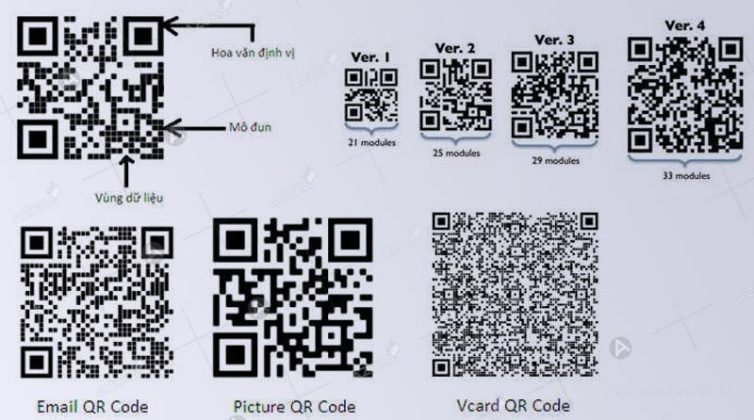

Checking Agribank QR Code helps authenticate transactions quickly and safely, minimizing payment fraud risks. This is an essential need as cashless payments become increasingly popular in Vietnam.
According to the State Bank, the rate of QR transactions increased by more than 120% in 2023.DPS.MEDIA accompanying SMEs to effectively implement digital solutions, including checking Agribank QR codes safely and conveniently.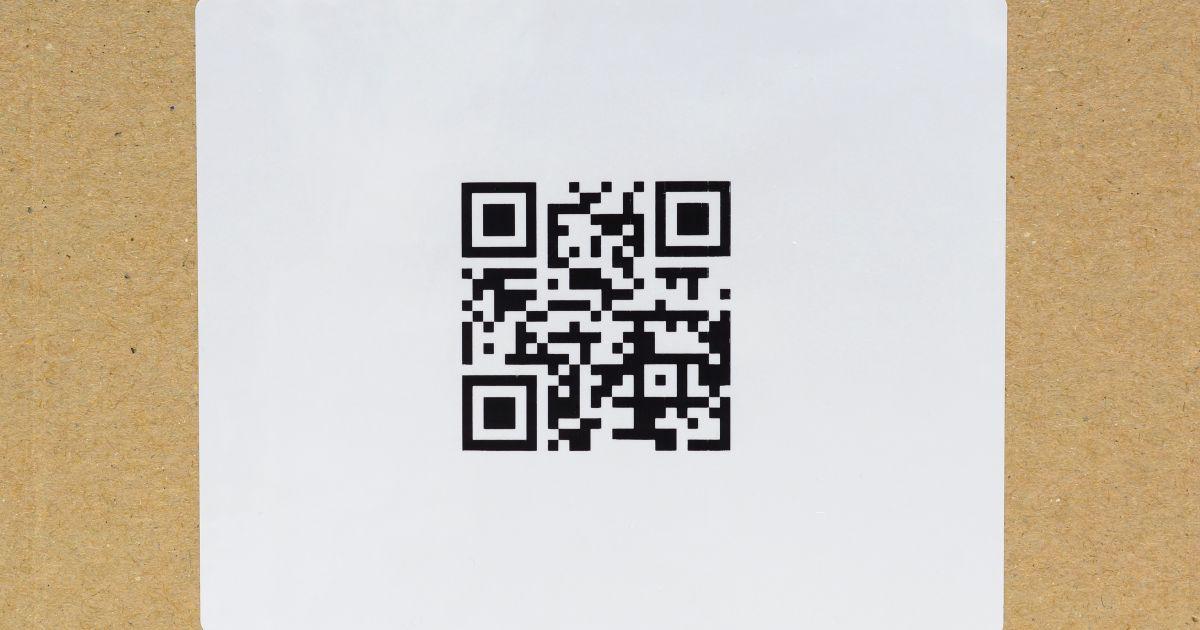
The importance of checking Agribank QR Code in secure digital transactions
Helps ensure safety in digital transactions
The check Agribank QR Code before payment helps users avoid risks of fraud and scams. According to the State Bank's 2023 report, over 65% of QR Code fraud cases stem from invalid or altered codes. Therefore, carefully checking the QR code helps verify recipient information and ensure accurate and safe transactions..
Checklist for checking QR Code before transaction
- Authenticate the QR Code source (official website, trusted partner).
- Check the correct account holder's name on the banking app screen.
- Verify the transaction amount matches the payment request.
- Pay attention to unusual warnings such as blurred QR codes, edited codes, or requests to transfer money outside working hours.
Summary table of steps to verify Agribank QR code
| Step | Targets | Operations |
|---|---|---|
| 1 | Verify the source | Check the QR code from official channels, avoid codes from suspicious links |
| 2 | Compare information | Check the recipient's name and amount on the Agribank E-Mobile app |
| 3 | Confirm the transaction | Enter PIN or authenticate with fingerprint to complete |
Takeaway: The check Agribank QR Code Being thorough not only minimizes risks but also enhances a safe and efficient digital transaction experience.

Detailed instructions on how to check Agribank QR Code accurately and quickly
Prepare tools and check Agribank QR Code
To check Agribank QR Code accurately, you need to use secure and popular QR code scanning tools. The Agribank banking app on your phone or reputable QR code scanning apps like Zalo Pay, Momo are all good choices. Make sure you have a stable internet connection so the verification process is quick and accurate.
Quick checklist for checking Agribank QR Code
- Step 1: Open the banking app or e-wallet that supports QR code.
- Step 2: Scan the QR code you need to check.
- Step 3: Confirm the recipient account information: account holder name and account number.
- Step 4: Check if the payment amount matches the requirement.
- Step 5: If there are any suspicious signs, immediately contact the Agribank hotline or partner bank for verification.
Comparison table of QR Code checking methods
| Method | Advantages | Disadvantages |
|---|---|---|
| Agribank application | High accuracy, good security | only usable with an Agribank account |
| Popular e-wallets (Zalo Pay, Momo) | Fast, convenient, many users | Risk if fake QR code is not thoroughly checked |
| Dedicated QR scanning software | Supports multiple platforms, fast scanning | Not directly linked to banks, easy to be faked |
Real example
Một khách hàng tại TP.HCM khi nhận mã QR chuyển tiền từ người bán hàng đã sử dụng app Agribank để quét và thấy tên tài khoản trùng khớp “Nguyễn Văn A”, số tài khoản và số tiền cũng chính xác. Qua đó, giao dịch diễn ra nhanh và không gặp sai sót. Ngược lại, một trường hợp khác do quét bằng phần mềm không chính thống dẫn đến chuyển tiền vào tài khoản giả mạo, gây mất hơn 5 triệu đồng (Nguồn: Báo VietNamNet, 2023).
Notes and warnings
- Do not make payments when the information displayed is unclear or the account name does not match.
- Avoid using QR code scanning software of unknown origin to reduce the risk of fraud.
- Regularly update your banking app and e-wallet to ensure the best security features.
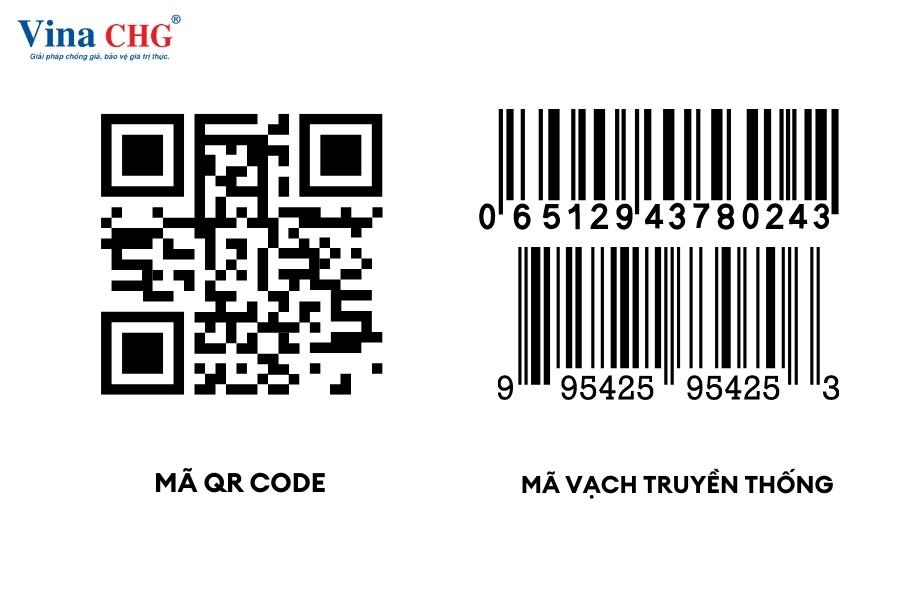
Outstanding benefits of using QR Code in payments at Agribank for SMEs
Save costs and increase operational efficiency
QR Code helps SMEs minimize printing costs and traditional payment device expenses. As a result, businesses can save up to 30% in monthly payment operation costs (according to the State Bank of Vietnam's 2023 report). Fast payments also enhance customer experience and minimize waiting time.
Enhance security and transparent transaction management
Using QR Codes for payments at Agribank helps encrypt information and reduce the risk of fraud. The system also supports instant transaction history lookup, making it easier for SMEs to manage finances and tax reporting. For example, an electronics store in Hanoi reduced accounting errors by 25% by applying QR Code payments (Source: Vietnam Fintech Report 2023).
- Create a unique QR Code using Agribank's free generator
- Ensure customers have a QR scanning app that supports Agribank standards
- Train staff to recognize and handle QR Code transactions
- Periodically check and reconcile transactions to avoid risks
Comparison table of QR Code benefits and traditional payments
| Benefit | QR Code Payment | Traditional Payment |
|---|---|---|
| Operating costs | Low (few devices, cashless) | High (POS machines, cash) |
| Payment speed | Fast, under 10 seconds/transaction | Slow, 1-3 minutes/transaction |
| Security | Encrypted, hard to counterfeit | Prone to fraud and theft |
| Transaction management | Automatic, transparent | Manual, error-prone |
Takeaway: The application of QR Codes in payment not only helps optimize costs and transaction safety, but also enhances professionalism, aligning with the current digital transformation trend of SMEs.
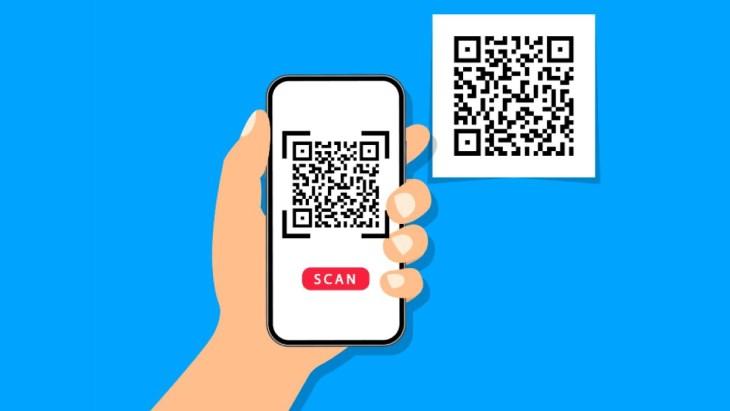
How to effectively create free QR Codes with Generator Gratis for small businesses
Preparation before creating QR Codes with Generator Gratis
Before getting started, small businesses need to clearly define the purpose of use QR Code to optimize efficiency. You can create a QR Code to link to a website, make payments, or simply transmit information quickly. Generator Gratis is a free tool, easy to use with a friendly interface, suitable for beginners.
- Choose the type of QR Code: URL, text, email, or payment code.
- Enter the exact content to be encoded.
- Customize the design if needed (color, logo) to increase recognition.
Important checklist when creating free QR codes
Below is a checklist to help you avoid common mistakes and ensure your QR Code works effectively:
| Category | Description | Status |
|---|---|---|
| Check compatibility | QR Code works on most mobile devices | ✓ |
| Ensure content accuracy | Links or information must be valid and error-free | ✓ |
| Standard QR Code format | Use ISO/IEC 18004 standard to avoid scanning errors | ✓ |
| Practical testing | Test scanning with various applications | ✓ |
Practical examples and notes when using QR Codes for small businesses
A clean food store in Hanoi used Generator Gratis to create a quick payment QR Code, reducing waiting time by 40% compared to traditional methods (Source: Vietnam E-Commerce Report 2023). However, businesses need to pay attention to information security and update the QR Code when there are changes to the link.
- Track scan volume to evaluate campaign effectiveness.
- Avoid using QR Codes on surfaces that are easily damaged, as this reduces scanability.
- Keep QR Codes sharp and clear in printed materials or on screens.
Takeaway: Using a free Generator helps small businesses create QR Codes quickly and at no cost, but it's important to check carefully and ensure quality for optimal business results.
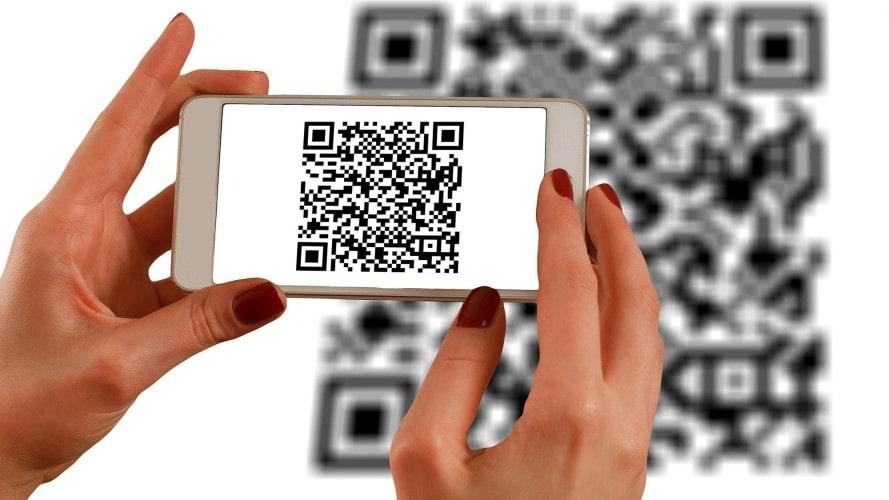
The application of QR Codes in digital marketing strategies enhances customer experience
Enhancing customer engagement through QR Codes
Integration QR Code in digital marketing strategies helps customers access information quickly and conveniently. Research from Statista (2023) shows that 67% of consumers often use QR Codes to receive promotions or learn about products. For example, a retailer in Hanoi increased web visits by 20% after adding QR codes to product packaging.
- Distribute QR codes across multiple channels: products, packaging, outdoor advertising.
- Link QR to a mobile-optimized landing page.
- Create a seamless shopping experience, reducing waiting time.
Effective QR Code application checklist in digital marketing
- Check if the QR code works on multiple devices.
- Ensure the code links to the correct landing page with engaging content.
- Use high-resolution QR codes that are easy to scan.
- Conduct regular measurement and analysis of scan counts.
- Provide brief instructions alongside the QR code so customers know how to use it.
Comparison table of the effectiveness of popular QR code types
| QR Code Type | Main Application | Advantages | Limitations |
|---|---|---|---|
| Static QR Code | fixed link (website, vCard) | Easy to create, free | Cannot edit after creation |
| Dynamic QR Code | Flexible redirection, analytics tracking | Content can be updated | Higher creation cost |
| Payment QR Code | Quick payment, e-wallet linking | Enhance experience, convenience | Requires high security assurance |

Important notes when designing and deploying QR Codes to avoid fraud risks
Basic principles in QR code design
To avoid fraud risks, attention should be paid to the quality of the QR code: ensure high resolution, no blurring, and enough space for the scanner to accurately recognize it. The design should also maintain a good contrast ratio between the background and the code to avoid scanning errors. Additionally, the QR code should not contain too much information, which would make it complex and difficult to read.
Safe deployment and risk prevention
- Check code generation source: Only use the QR code generator prestige, like Generator Gratis, avoid generating codes through unknown platforms.
- Encryption and authentication: Apply authentication mechanisms or data encryption in QR codes to limit modification or creation of fake codes.
- Continuous monitoring: Monitor scans and abnormal behavior with analytics software to detect early signs of fraud.
- User education: Warn customers to only scan QR Codes from official channels and avoid accessing strange URLs.
Pre-release QR Code checklist
| Content to check | Status |
|---|---|
| Appropriate resolution and size | ✔️ Checked |
| URL or encoded data is correct, not empty | ✔️ Confirmed |
| Information privacy policy in QR Code | ✔️ Applied |
| Tested on popular devices (iOS, Android) | ✔️ Completed |
| Fraud monitoring and alert mode | ⚠️ Needs update |
Practical examples and warnings
An agricultural business implemented QR codes on product packaging, but due to using a non-standard generator, many customers reported being unable to scan on Android devices. Additionally, the lack of an authentication mechanism led to fake codes appearing, reducing brand credibility. According to the 2023 Cybersecurity Ventures Network Safety Report, 42% of QR Code fraud cases are related to poor quality or insufficiently secure codes.
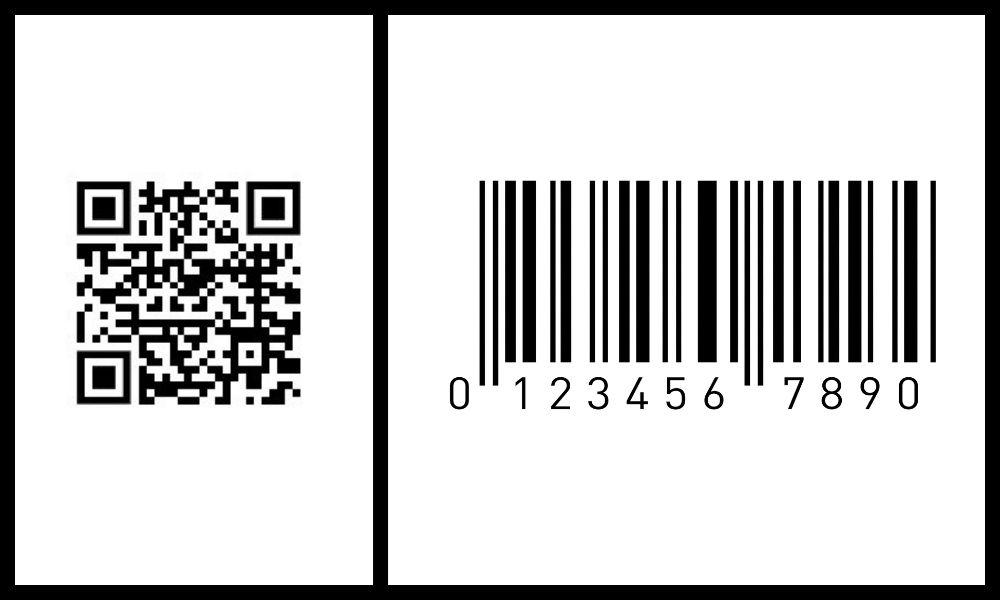
Optimizing the use of Agribank QR Code in business operations and financial management
Optimizing payment processes with Agribank QR Code
Using Agribank QR Code helps businesses minimize transaction time and reduce data entry errors. According to a survey by Vietcombank (2023), QR Code payments save up to 30% of the time compared to traditional methods. Therefore, businesses should integrate QR Codes into their sales processes for quick confirmation and reconciliation.
Financial management checklist via QR Code
- Check information accuracy on the QR Code before issuance
- Integrate software for automatic tracking and reconciliation based on QR Code
- Train staff to use scanning devices to avoid manual data entry errors
- Regularly back up transaction data via QR Code for timely recovery when needed
- Ensure the QR code is secure to avoid the risk of forgery
Summary table of advantages and disadvantages when using Agribank QR Code
| Advantages | Disadvantages |
|---|---|
| Save transaction time | Requires a stable internet connection |
| Minimize manual data entry errors | Risk of fake QR codes if not managed properly |
| Easily integrate into ERP and financial management systems | Requires upgrading software or QR scanning devices |
Takeaway: Optimizing the use of Agribank QR Code not only speeds up operations but also improves financial management efficiency; however, attention must be paid to safety and accuracy during implementation.
Looking back on the journey
Checking Agribank QR Code and generating QR Codes for free helps improve transaction efficiency. The Generator Gratis tool is simple, convenient, and suitable for everyone.
Try creating a QR Code today to experience the convenience. Practicing will help you better understand the features and real-world applications.
You can learn more about digital payment solutions and online marketing for SMEs. These topics are very suitable for expanding your digital business knowledge.
DPS.MEDIA always accompanies you on your digital transformation journey. Don't hesitate to leave a comment to share your opinions and questions!




