

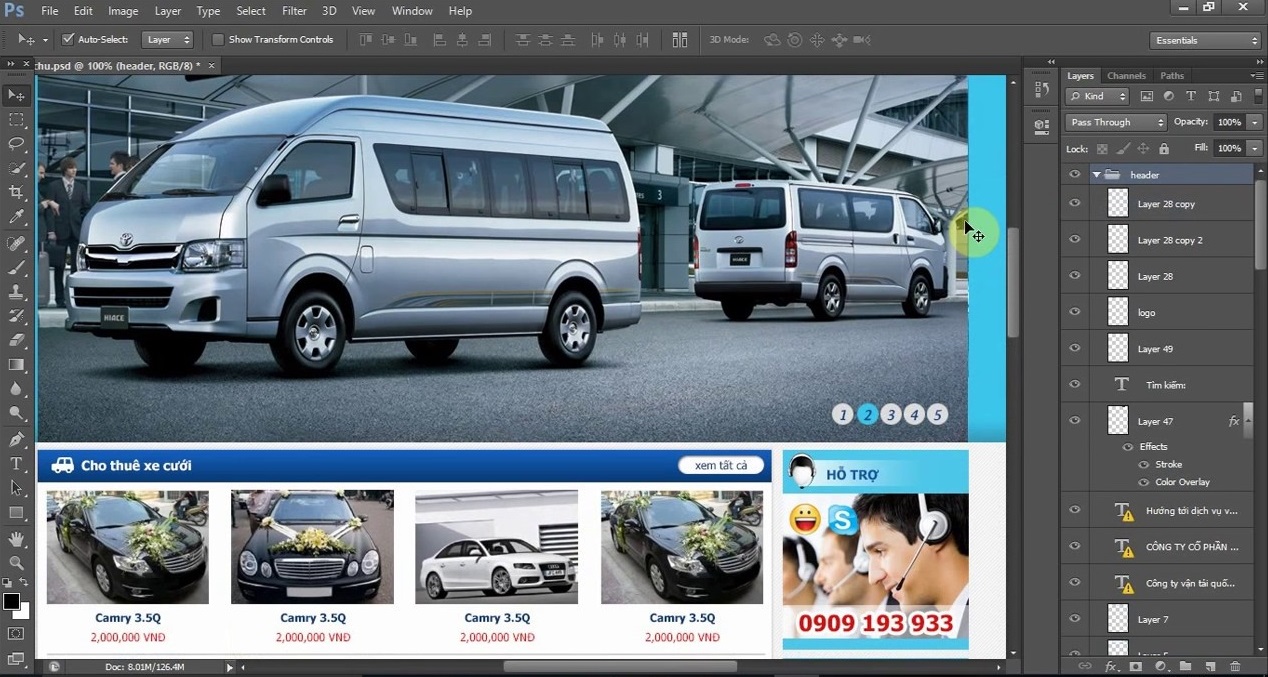

Website interface design is an important step to create an attractive and professional user experience. Among many design tools, Adobe Photoshop is a popular choice thanks to its ability to create high-quality images and easy detail adjustment. This article will help you understand how to design website interfaces with Photoshop with simple steps
Reasons to choose Photoshop for website interface design
Photoshop is not only a powerful tool for image processing but also has the ability to support website interface design flexibly and in detail. With a series of features such as creating layers, vector drawing tools, and the ability to export diverse files, Photoshop helps designers easily create impressive interfaces that meet visual and user experience needs.
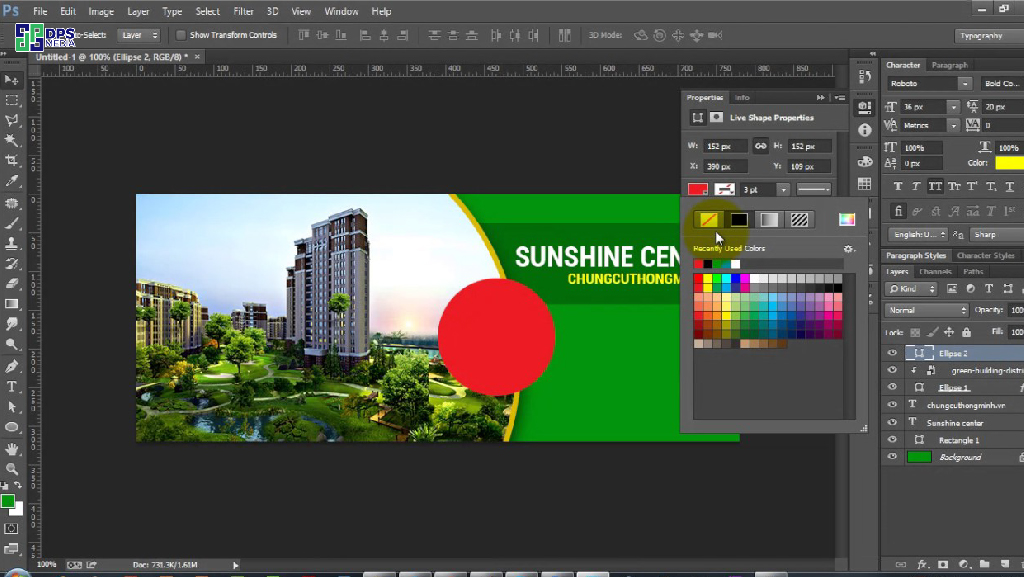
Tools needed to prepare to start designing website interfaces with Photoshop
To create an impressive web design, you need to prepare enough 'weapons'. First, equip yourself with the latest version of Adobe Photoshop software. This is an indispensable tool to create beautiful images and interfaces. Besides, don't forget to prepare a set of fonts and color palettes suitable for the style and theme of the project. Finally, find inspiration from websites with impressive interfaces to get new ideas.
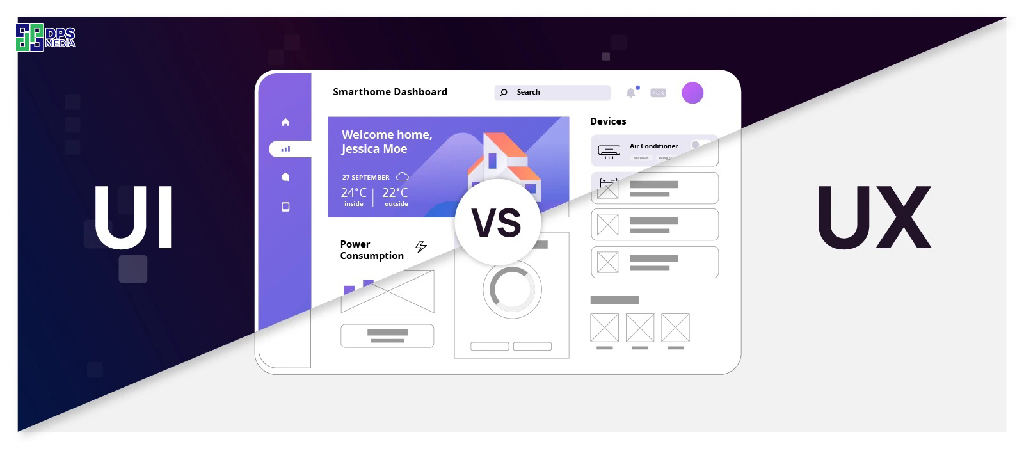
Distinguishing between UX and UI design in website interfaces
Khi thiết kế giao diện web, bạn sẽ thường xuyên nghe đến hai thuật ngữ UX và UI. Vậy chúng khác nhau như thế nào? UX (User Experience) tập trung vào việc tạo ra trải nghiệm người dùng thật sự tuyệt vời. Điều này bao gồm việc thiết kế giao diện dễ sử dụng, trực quan và đáp ứng nhu cầu của người dùng. Còn UI (User Interface) lại chú trọng đến phần nhìn của giao diện, bao gồm bố cục, màu sắc, hình ảnh, font chữ… để tạo nên một giao diện đẹp mắt và thu hút.
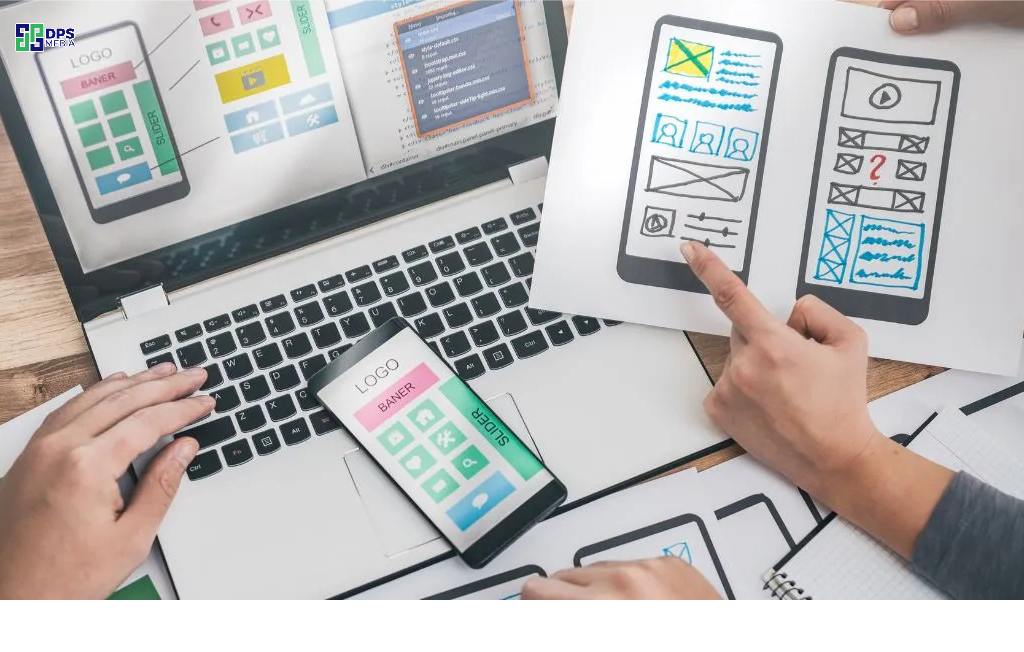
Steps to design website interfaces with Photoshop
Step 1: Define the style and goals of the website
Do you want your website to make an impression at first sight? Start by defining the design style. Do you like the sophistication and simplicity of the minimalist style, or the dynamism and modernity of the youthful style? Remember, style is not just colors and images, but also the way you tell your brand story.
Step 2: Build the basic layout framework for the website when designing interfaces with Photoshop
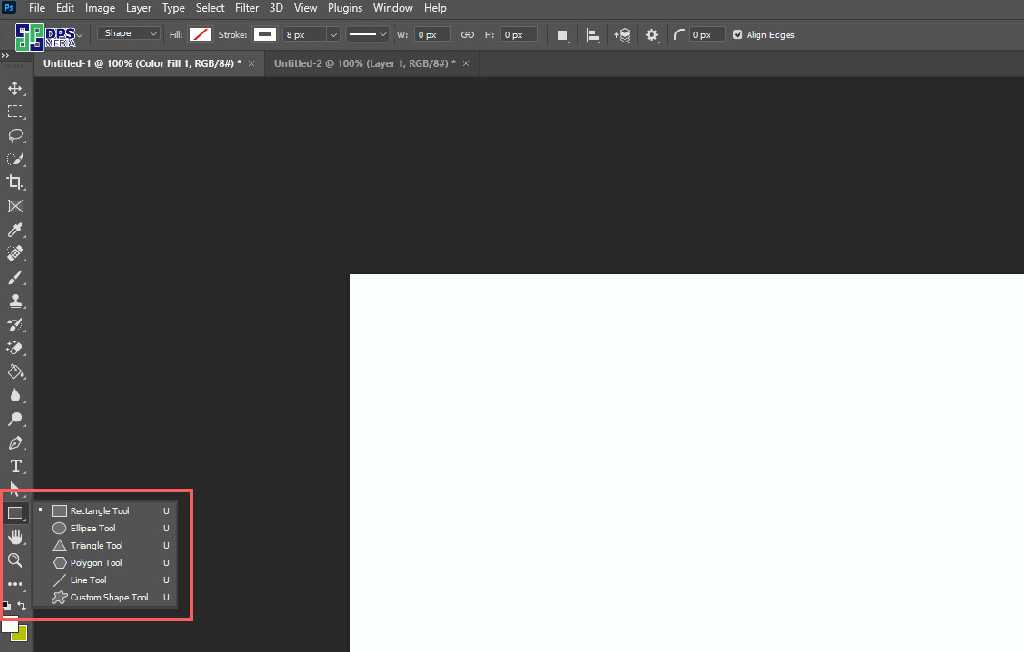
Layout là khung xương của website, giúp định hình các thành phần chính như header, footer, menu và phần nội dung chính. Bằng cách sử dụng công cụ “Rectangle Tool” trong Photoshop để thiết kế ra các khối hình chữ nhật, đại diện cho header, footer, sidebar và khu vực nội dung chính của website. Nhớ tuân thủ các nguyên tắc thiết kế cơ bản như cân bằng và tỷ lệ để tạo ra một layout hài hòa và dễ nhìn.
Step 3: Choose the main color scheme and layout
Color is an important factor in interface design. Photoshop allows you to easily apply colors through the 'Color Picker' tool. Choose a color palette that matches the message of the website and should not use too many colors to avoid making the interface messy.
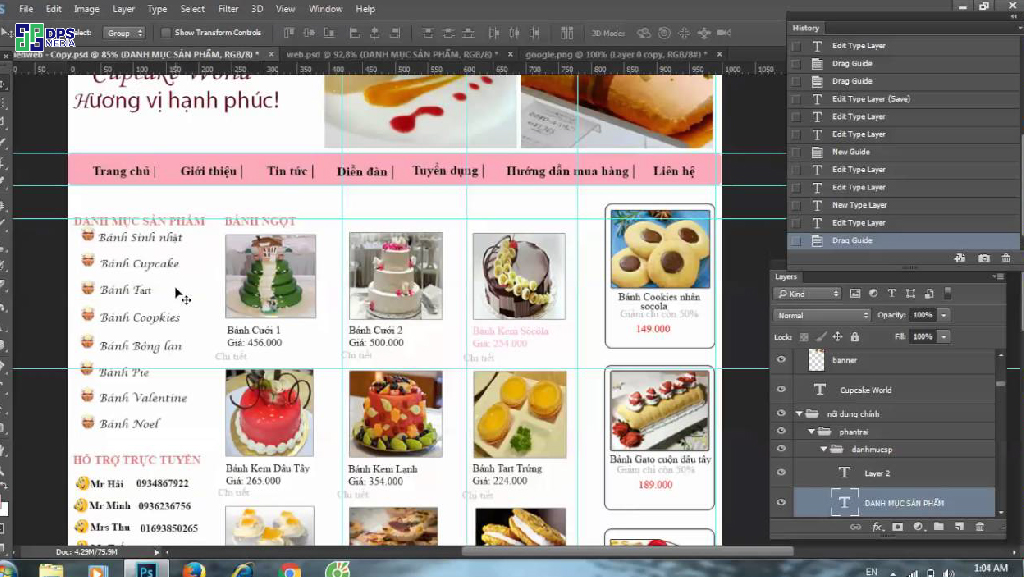
Step 4: Design basic components like menu, header, footer
Start designing main components like menu, header and footer. Photoshop provides tools to create buttons and symbols in your own style, helping to add vitality to the interface.
Step 5: Use grid to align components when designing website interfaces with Photoshop
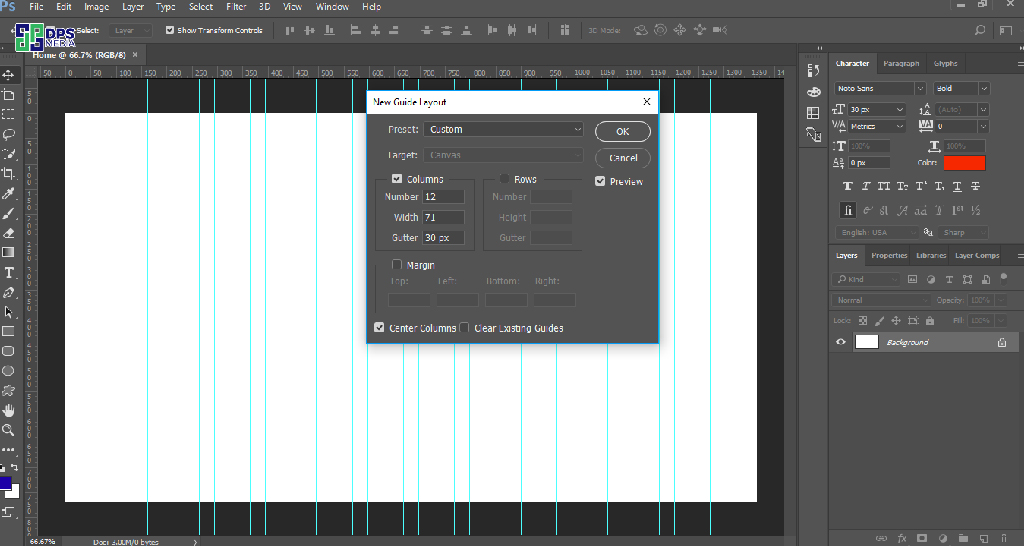
Lưới như một “vị cứu tinh” giúp bạn sắp xếp các phần tử trên giao diện một cách cân đối và chuyên nghiệp. Bằng cách sử dụng lưới, bạn có thể dễ dàng căn chỉnh các hình ảnh, văn bản theo chiều ngang, chiều dọc hoặc tạo ra các bố cục đối xứng. Để bật lưới trong Photoshop, bạn chỉ cần vào menu “View”, chọn “Show” và sau đó chọn “Grid”. Hãy thử áp dụng lưới vào thiết kế của bạn và cảm nhận sự khác biệt nhé!
Step 6: Add content and illustrative images
This is when you turn your design into reality! Insert high-quality, sharp images and engaging, easy-to-understand content to attract users. Don't forget to optimize images for faster website loading. And most importantly, make sure everything is arranged according to the designed layout to create an intuitive and seamless experience for users.
Step 7: Create effects for images and text
Instead of just being images and text, make your website interface more lively by designing additional effects like shadows, lighting available in photoshop. These effects not only help components stand out but also create depth and enhance the aesthetics of the overall design.
Step 8: Check and adjust the interface when designing website interfaces with Photoshop
After completing the design, take time to check each component again. Ensure that everything works smoothly and as intended. Adjust even the smallest details to create a perfect interface.
Step 9: Optimize Photoshop files for handover
When you are completely satisfied with your design, save the file in an appropriate format to hand over to developers. Photoshop provides many options such as PNG, JPEG or PDF. Choose the format that best suits the project requirements.
Commitment
Designing website interfaces with Photoshop is an important process, helping you create unique experiences that attract users. However, to have a complete, effective, and SEO-optimized website, you may need support from experts.
If you are looking for a perfect website design services professional, let DPS Media accompany you. We are committed to providing unique website design solutions that meet all business needs and enhance your brand. Contact us today to start the journey of building an impressive and optimized website!




