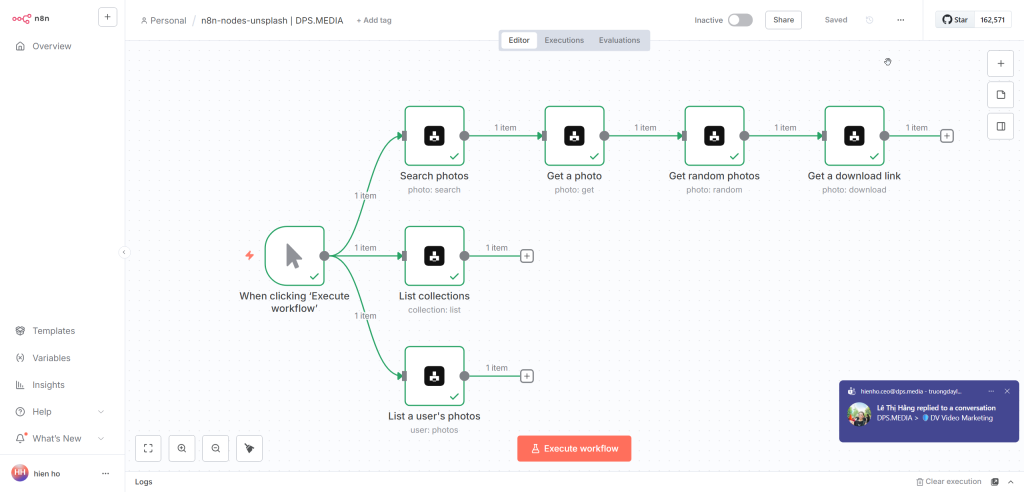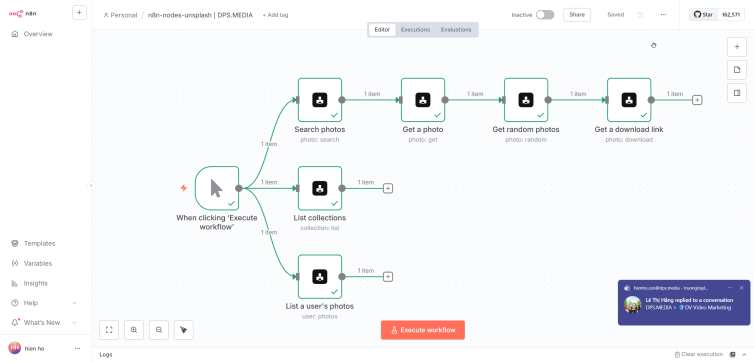

Introduction
n8n-nodes-unsplash is the community node package for n8n helps you integrate with the API of Unsplash. This package allows you to automate searching, downloading, and managing images from Unsplash.
Settings
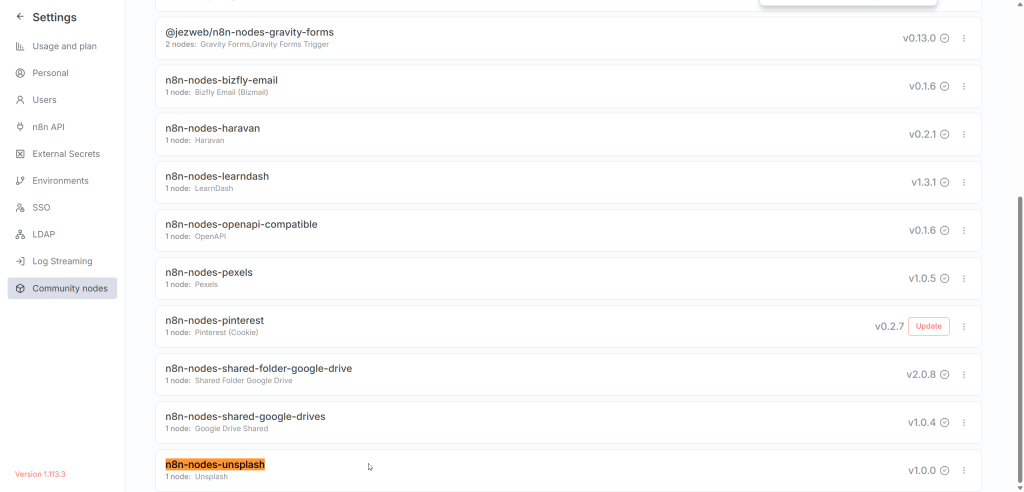
1. Install via Community Nodes (recommended)
https://www.npmjs.com/package/n8n-nodes-unsplash
You do not need to run the command npm install. The correct and simplest way is to install directly in the n8n interface:
- Go to Settings → Community Nodes
- Enter
n8n-nodes-unsplashinto the installation box - Press Install and wait for n8n to complete
Note: Installing via Community Nodes helps avoid permission errors, wrong Node.js versions, and is suitable for most self-hosted environments.
2. Restart n8n (only if requested)
After installing the Community Node, some environments require a restart for the new node to load. Depending on how you run n8n:
# If running n8n with Docker (common, production)
docker restart n8n
Case not production, you can restart the entire Docker service (not recommended for live running systems):
sudo systemctl restart dockerRecommendations: Limit restarting Docker on production servers as it may interrupt all other containers.
Unsplash API Configuration
1. Create an app on Unsplash
To use Unsplash API, you need to create an application:
- Access: https://unsplash.com/oauth/applications
- Log in to your Unsplash account
- Press New Application
- Fill in the application information (name, description, purpose of using API)
- Agree to terms and create application
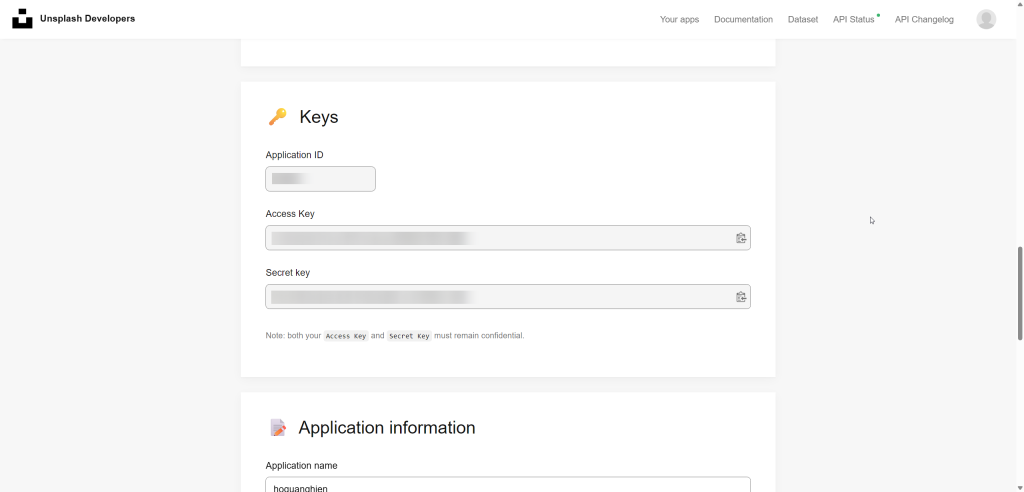
2. Get Access Key
- Back to application list
- Select the newly created application
- Copy Access Key in the section Keys
Note: Demo App is limited to 50 requests/hour. To use in production (5000 requests/hour), you need to submit the app for Unsplash approval.
3. Configure Credentials in n8n
- Go to Credentials → Add credential
- Select Unsplash API
- Paste Access Key already obtained
- Save credentials and start using