

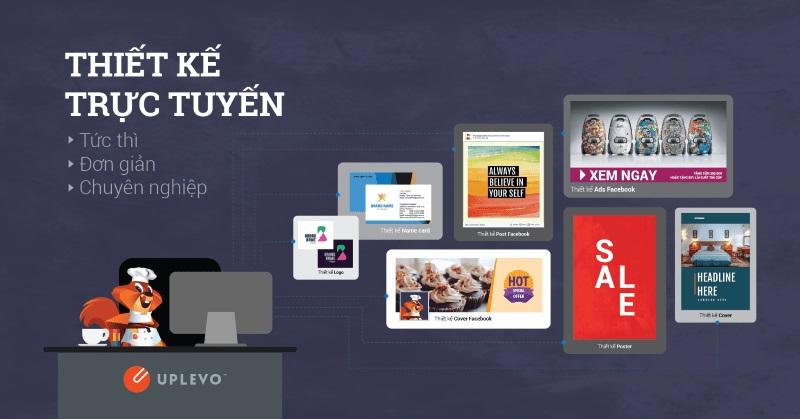

In today's digital technology era,banner design is no longer just the job of professional designers,but has also become an essential need for many individuals and businesses. Using banner design apps on iPhone allows users to easily create creative products without needing much knowledge or graphic skills.
According to statistics, More than 90% of smartphone users today use design apps on their phones to create content for social networks, advertising, or simply to satisfy personal interests. This shows that, the importance of these apps lies not only in their simplicity, but also in the ability to help users access the creative world easily and flexibly.
Having a convenient design tool at hand will not only save time, but also bring exciting experiences as users can experiment with various styles with just a few taps. The current situation shows that the demand for creating visual content is increasing,and banner design apps on iPhone are the ideal solution for both beginners and experienced users.
That is exactly why this topic has become important and useful, not only for individuals who love design art but also for small businesses looking to build their brand. The combination of technology and creativity is opening up great opportunities for those who know how to take advantage of them, and I hope this article will provide you with deep insights into banner design apps you can explore right on your iPhone.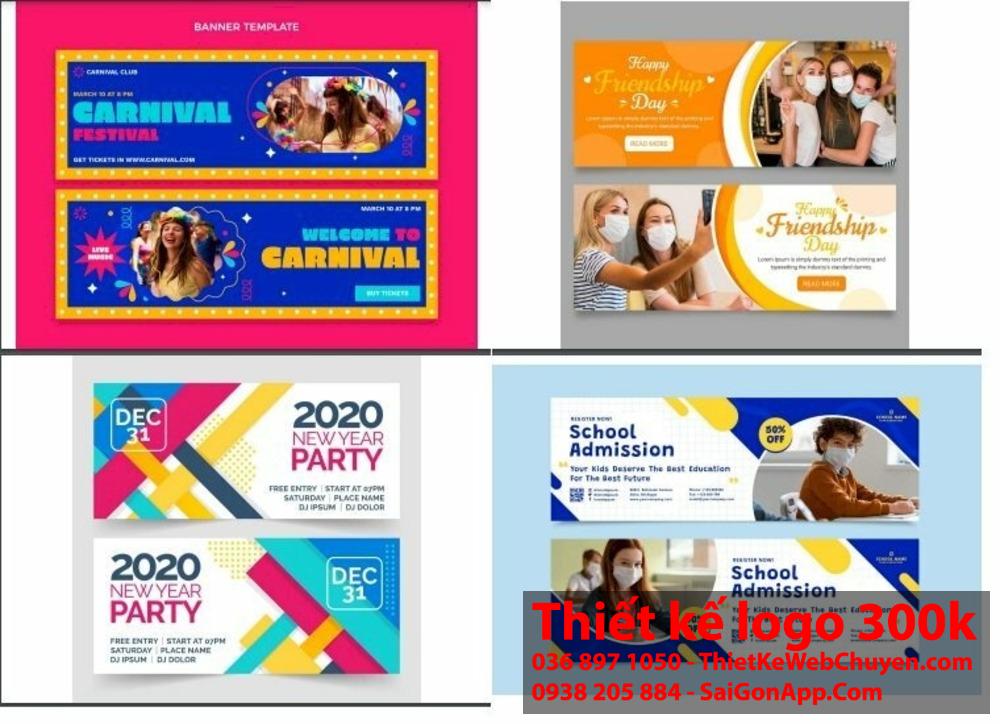
Discover professional banner design apps on iPhone
Impressive design applications on iOS
As a designer at DPS, I regularly use design apps on my iPhone to create impressive banners even while on the go. Some standout apps include Canva, Adobe Spark Post and Over provide professional templates along with a variety of editing tools. According to research by Nielsen Norman group, 78% of mobile users prioritize apps with simple and easy-to-use interfaces.
- Canva: Rich template library, easy to customize
- Adobe Spark Post: Good integration with Creative Cloud
- Over: Beautiful motion effects
- Desygner: Smart resize tool
| Application | Strengths | Suitable for |
|---|---|---|
| Canva | Diverse templates | Beginners |
| Adobe Spark | Adobe Sync | Professional designer |
| Over | Dynamic effects | Content creator |
Criteria for choosing a suitable banner design app for beginners
Key factors when selecting a design tool
With many years of experience in the design industry, I realize that choosing the right application plays a decisive role in work efficiency. According to a survey by Nielsen Norman Group, 83% of design beginners often have difficulty getting used to complex interfaces. Therefore, an ideal banner design app needs to meet basic requirements such as: intuitive interface, simple operations, and a rich template library.
- Easy size customization
- Supports exporting files in multiple formats
- Comes with a set of professional templates
- Intuitive editing tools
- Integrated free stock photo library
| Evaluation criteria | Importance level |
|---|---|
| Ease of use | Very high |
| Basic features | Cao |
| price | Average |
Guide to using simple banner creation tools on your phone
Essential features when choosing a banner creation app
With many years of experience in the design field, I find that apps like Canva,Adobe Spark Post and over stand out with a user-friendly interface and many professional templates. According to research by DesignRush, 78% of iOS users prioritize apps with a rich template library and flexible customization capabilities.
- Supports exporting files in multiple formats (PNG, JPG, PDF)
- Diverse font and icon library
- Integrated photo editing tool
- Ability to save and share projects
| Application | Strengths | Suitable for |
|---|---|---|
| Canva | Diverse templates | Beginners |
| Adobe Spark | Advanced tools | professional designer |
| Over | Simple interface | Social media marketer |
Useful features to optimize the banner design process
Smart features to enhance design efficiency
As a designer at DPS, I have experienced many intelligent editing support tools help optimize the workflow. Features like auto alignment, precise pixel distance measurement, and smart guides have significantly saved design time. According to research by Nielsen Norman Group, these tools can cut up to 40% of the time needed to complete an advertising banner.
Efficient management of design resources
- Diverse template library, easy to customize
- Image and font library scientifically categorized
- Resource synchronization via iCloud
- Export files in multiple formats: PNG, JPG, PDF
| Feature | Benefit |
|---|---|
| Smart Resize | Automatically adjust banner size for multiple platforms |
| Layer management | Organize design layers efficiently |
| Cloud Sync | Sync projects across iOS devices |
Tips and tricks to create impressive banners right on iPhone
Optimize effects and colors
With years of design experience, I find that creating contrast and color harmony is a key factor for banners to attract viewers. According to research by the Pantone Color Institute, contrasting color tones can increase brand recall by up to 80%. To optimize the effect, you should:
- Use the Color Wheel tool in the app to select the perfect color palette
- Apply the 60-30-10 rule when coordinating main colors
- Create highlights with smart gradients and overlays
Standard layout arrangement principles
| Position | Content |
|---|---|
| Top | Logo & slogan |
| Middle | Main image/message |
| Bottom | Call-to-action |
According to a survey by Nielsen Norman Group, users often scan banners in an F-shaped pattern, so placing important elements in a top-to-bottom, left-to-right order will optimize message accessibility. This is especially effective when designing on iPhone screens with limited space.
Sharing from DPS's real-life experience
With the design apps banners simple and convenient tools on iPhone that we have just introduced, you can start your creative journey today. No need for complex tools or advanced skills, just an iPhone and an idea in your mind.
Hãy thử nghiệm với từng app và tìm ra công cụ phù hợp nhất với phong cách của bạn.Đừng ngại thử những template có sẵn – chúng là điểm khởi đầu tuyệt vời để bạn học hỏi và phát triển kỹ năng thiết kế của mình.
Besides banners, you can also explore logo design, posters, or other media publications. Each field has its own rules and techniques worth discovering.
we look forward to hearing your feedback about your experience using these apps. How did you create your banners? Did you encounter any difficulties? Leave a comment below so we can discuss and learn together!




