


Techcombank QR Code payment enables fast, safe, and convenient transactions in just a few seconds. 85% of digital payment users in Vietnam choose this method for its simplicity and popularity.
According to statistics, QR Code payments grow by more than 120% each year, especially suitable for MSMEs. DPS.MEDIA Consulted on many projects applying QR Code, proving effectiveness in attracting customers and optimizing cash flow.
Discover the convenience of Techcombank QR Code payment in the digital era
Outstanding advantages of Techcombank QR Code payment
Payment by Techcombank QR Code offers superior convenience by helping customers save time and minimize manual entry. Instead of remembering complex account numbers, users just need to scan the QR code for quick payment. This technology also enhances security through encrypted transfer information.
- Pay anytime, anywhere; no need for cash or physical cards
- Minimize errors due to mistyped account numbers
- Direct integration in Techcombank mobile app
- Support for diverse payment methods: shopping, services, money transfer
How to create a Techcombank bank account QR Code
For convenience in receiving or making payments, customers can easily create Bank account QR Code by following these steps:
- Log in to the Techcombank Mobile application
- Select the QR payment or Create a personal QR code
- Enter account information or the amount to request
- Confirm for the system to automatically generate a QR code
- Save or share the QR code with the payer
Safety checklist when using Techcombank QR Code
| Actions | Purpose |
|---|---|
| Update the Techcombank app to the latest version | Ensure security and stability features |
| Do not share QR codes on unsafe platforms | Reduce the risk of fraud and scams |
| Verify the recipient and sender before making a transaction | Avoid losing money due to account confusion |
A real example: A small shop in Hanoi reported that after implementing Techcombank QR code payments, payment time was reduced by up to 40%, while transfer errors were minimized thanks to automation. According to the State Bank of Vietnam report (2023), QR payments contributed to a 25% growth in digital banking services compared to the previous year.
Takeaway: Techcombank QR code payment is not only convenient but also enhances security, helping users optimize their financial experience in the digital era.
Simple steps to quickly and safely create a Techcombank account QR Code
Preparation before creating a Techcombank QR Code
Before starting, make sure you have a Techcombank account and have registered for Internet Banking or Mobile Banking services. This allows you to fully access the QR code creation feature for payments. Additionally, check for a stable internet connection to avoid interruptions during the process.
- Log in open the F@st mobile application or Techcombank Internet Banking
- Prepare account information and linked phone number
- Check for app updates to the latest version
Steps to create a Techcombank account QR Code
The creation of Techcombank account QR Code only takes a few simple steps as follows:
- Log in to the Techcombank app on your phone.
- Chọn mục “Thanh toán” hoặc “Tạo mã QR cá nhân”.
- Enter the amount to receive or leave it blank if not predetermined.
- Xác nhận thông tin và chọn “Tạo mã QR”.
- Save or share the QR code with the person who needs to make the payment.
Safety checklist when creating and using QR Code
To ensure safe transactions and avoid fraud risks, you should note:
| Step | Specific actions | Note |
|---|---|---|
| 1 | Only create QR codes through the official Techcombank app | Avoid using third-party apps of unknown origin |
| 2 | Carefully check the amount and recipient information before sending | Minimize the risk of transaction errors |
| 3 | Do not share QR codes on unsafe public platforms | Limit the risk of impersonation or information theft |
| 4 | Use two-factor authentication and update software regularly | Enhance account security |

Strategies for using QR Code to enhance customer experience for SMEs
Application of QR Code in improving customer experience
QR Code ngày càng phổ biến trong các doanh nghiệp smes,đặc biệt trong thanh toán và giao tiếp nhanh với khách hàng. Việc tích hợp QR Code vào điểm bán giúp rút ngắn thời gian thanh toán,đồng thời cung cấp thêm thông tin sản phẩm hoặc chương trình khuyến mãi ngay lập tức. Một doanh nghiệp F&B tại Hà Nội đã ghi nhận tăng 30% tốc độ phục vụ sau khi áp dụng QR Code cho thanh toán và đặt món (Nguồn: Báo cáo thị trường tiêu dùng Việt Nam 2023).
Effective QR Code deployment strategies for SMEs
To maximize the benefits of QR Codes, SMEs should follow these steps:
- Generate QR Code payment convenient, directly linked to Techcombank account or other banks.
- Place the QR Code in a visible spot at the checkout counter, dining table, or digital media channels.
- Combine QR Code with customer experiences such as product reviews, registering for promotional information.
- Train staff to guide customers to use QR Code quickly and safely.
Checklist to review before applying QR Code
| Step | Targets | Note |
|---|---|---|
| 1. Create an accurate QR Code | Ensure linkage to Techcombank bank account | Use reputable QR Code generation tools |
| 2. Test payments | Ensure a smooth process for customers | Test payments with multiple devices |
| 3. Place QR Code at easily recognizable points | Increase the likelihood of customers scanning the code | Choose well-lit, convenient locations |
| 4. Train staff | Help customers use QR quickly | Create instructional videos or small flyers |
Takeaway: Apply QR Code not only helps SMEs optimize customer experience but also improves operational efficiency, thereby contributing to sustainable revenue growth.
Security analysis in QR Code payment and how to protect your bank account
Common security risks in QR Code payment
Payment via QR Code is becoming increasingly popular but also poses many risks such as fake or altered codes. Hackers can create fake QR Codes to steal account information or redirect money to fraudulent accounts. According to Kaspersky's Cybersecurity 2023 report, more than 25% of attacks involved fake QR Codes causing significant losses to users. Therefore, understanding security risks is the first necessary step when using this method.
How to protect your bank account when using QR Code
You can apply some simple but effective measures to protect your account when making payments via QR Code:
- Carefully check the source of the QR Code: only scan codes from banking apps or reputable partners.
- Use the official Techcombank application: Avoid using third-party apps of unknown origin.
- Enable transaction notifications: Receive instant alerts when there are suspicious transactions.
- Regularly update your software and operating system: To avoid security vulnerabilities.
- do not widely share your personal QR Code: Especially on social networks or unsafe places.
Quick checklist to protect your account when creating and sharing QR Code
| Actions | Security significance |
|---|---|
| Accurately check the account number when creating a QR code | Avoid confusion, mistaken transfers, or being exploited |
| Use the official Techcombank QR generator tool | Minimize the risk of QR codes being altered |
| Limit sharing QR codes within trusted groups | Reduce the risk of QR Code theft or forgery |
| Activate alerts for transactions from QR Code | Quickly detect unusual transactions |
Real-life examples of risks and prevention methods
A case in Ho Chi Minh City in 2023, a Techcombank customer was scammed into transferring nearly 10 million VND after scanning a fake QR Code on social media. Thanks to promptly activating transaction alerts and contacting the bank, the money was frozen in time. This case highlights the importance of protecting and verifying QR Codes before making payments.
Application of QR Code payment in business operations and tips to optimize efficiency
Application of QR Code payment in business
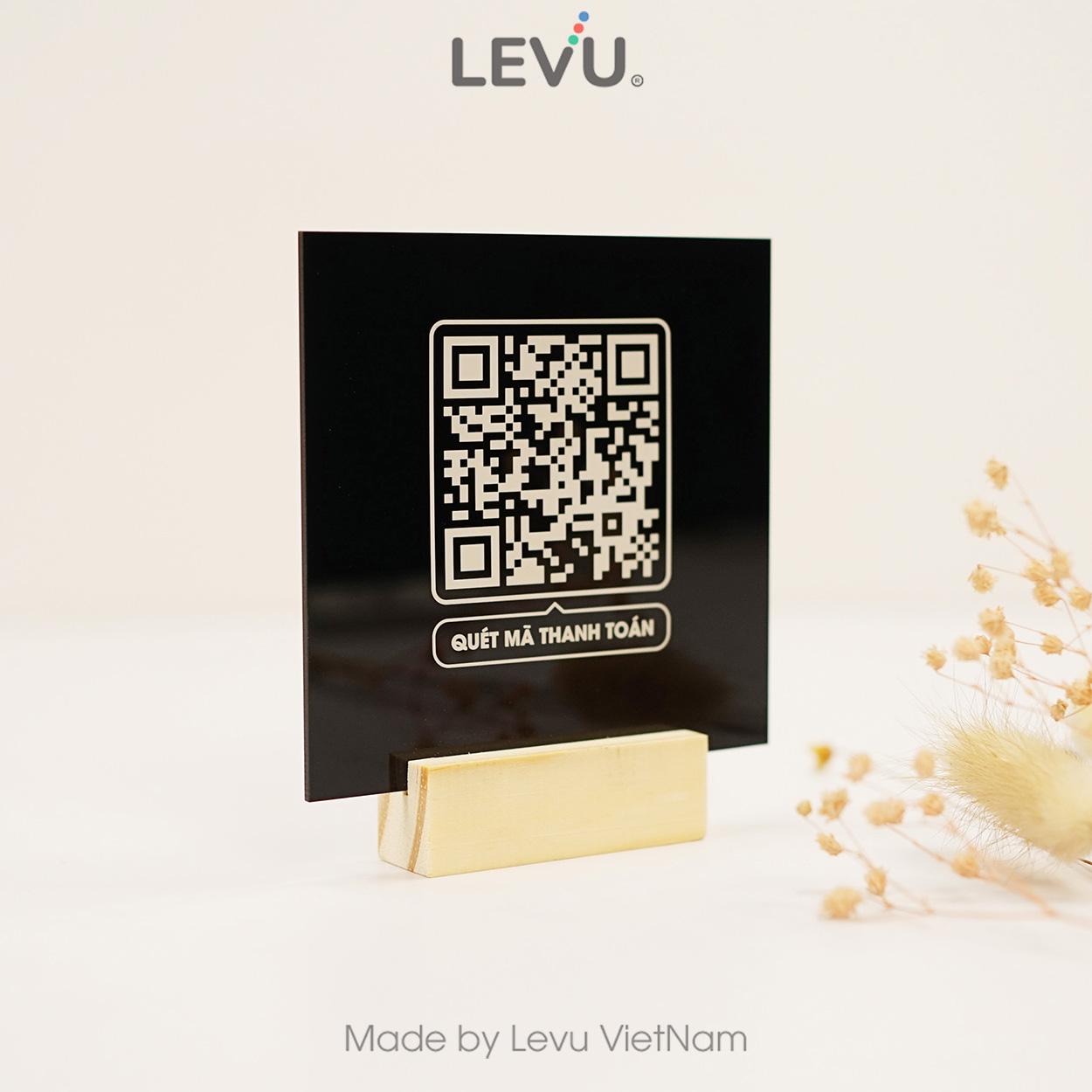
Integration Payment QR Code in business operations helps enhance customer experience and minimize cash risks. Many stores, coffee shops, and supermarkets now apply this method to speed up transactions and control cash flow more tightly.. For example, a store chain in Ho Chi Minh City recorded a 25% increase in the number of transactions within 3 months thanks to implementing QR Code payments (Source: State Bank, 2023).
Tips to optimize the effectiveness of QR Code usage
To make the most of this technology, you should pay attention to:
– Đặt mã QR ở vị trí thuận tiện, dễ nhìn thấy cho khách hàng.
– Đảm bảo mã QR được in rõ, không bị mờ hay hư hỏng.
– Kết hợp thanh toán QR với các chương trình khuyến mãi nhằm kích thích giao dịch.
– Theo dõi và phân tích dữ liệu giao dịch để điều chỉnh chiến lược phù hợp.
Optimization checklist when creating bank QR Codes
| Category | Request |
|---|---|
| Accurate account information | Ensure the account number and bank name are correct |
| Standard format | Use the standard as guided by the bank |
| Check the code before printing | Test scan to confirm the code works correctly |
| Choose the appropriate size | Easy to scan in all lighting conditions |
Takeaway: Application payment QR code helps speed up and secure transactions, but regular checks and maintenance are needed for optimal performance.
Solution to optimize corporate cash flow management through Techcombank QR Code
Advantages of using Techcombank QR Code in cash flow management
The application of Techcombank QR Code helps businesses accelerate cash collection and minimize transaction errors. Transactions are processed instantly, improving cash flow and optimizing capital flows more efficiently. Especially, this also helps reduce operating costs compared to traditional payment methods.
- Fast payment, simple operation via smartphone.
- Minimize errors thanks to automated transaction recognition.
- Easily integrates with modern accounting management software.
How to create a Techcombank account QR Code for businesses
To create a Techcombank account QR Code, businesses only need to log in to the F@st Mobile app or online banking. After confirming the information, a QR code will be automatically generated, which can be printed or shared via email or social networks.
- Log in to the Techcombank app for businesses.
- Chọn mục “Tạo QR Code thanh toán” và nhập thông tin tài khoản.
- Download or print the QR code for customers to make payments.
Checklist to control and optimize cash flow via QR Code
- Ensure the QR Code is set up according to the type of payment (advance, invoice payment).
- Regularly check actual transactions to match reported figures.
- Standardize the reconciliation process using supporting software.
- Continuously update security policies to avoid fraud risks.
- Assign centralized management permissions to staff, limit unnecessary access.
| Criteria | QR Code Benefits | Recommended actions |
|---|---|---|
| Collection time | Shorten by 50% compared to traditional transfers | Applicable for online and point-of-sale payments |
| Transaction accuracy | Reduce data entry errors to below 11% | Use integrated accounting software |
| Operating costs | Reduce costs by 20-25% compared to cash payments | Train employees to use QR Code effectively |
Takeaway: Using Techcombank QR Code is an effective solution to help businesses manage cash flow transparently and quickly, but strict control must be maintained to prevent risks.
Cashless payment trends and the important role of QR Code in business digital transformation
Cashless payment trends in Vietnam
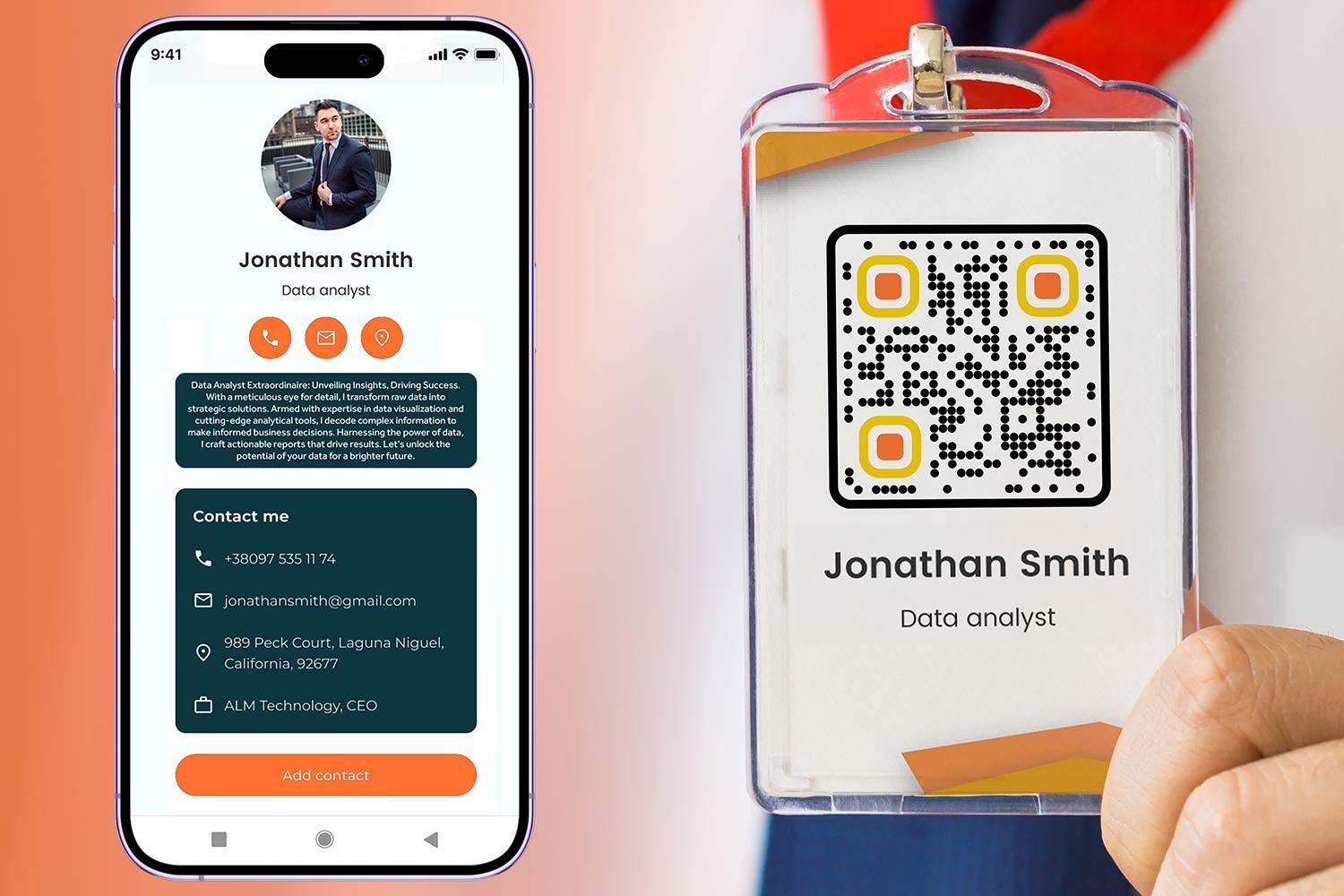
Cashless payments are increasingly popular thanks to technological development and the demand for convenient transactions. The *State Bank 2023* report shows that transactions via QR Code account for up to 35% of total electronic transactions, with an annual growth rate of over 40%. Users prioritize fast, safe, and easy-to-use payment methods instead of carrying cash.
- Convenience: pay anytime, anywhere via smartphone
- Safety: Minimize the risk of losing cash or being impersonated
- Popular: Support a variety of service types and brands
The important role of QR Code in business digital transformation strategy
QR Code is an important bridge helping businesses reach customers quickly and optimize costs. For example, a retail chain that implemented Techcombank QR Code payments recorded a direct revenue increase of 25% after 6 months, while reducing operating costs by up to 15%. QR Code also promotes seamless transaction experiences and enhances satisfaction levels.
- Choose a reputable and stable QR Code provider
- Ensure multi-platform payment integration (mobile, web)
- Configure security and encrypt payment data
- Train employees and communicate to customers about the new method
Challenges and considerations when implementing QR Code payments
Although QR Code enables quick payments, it still poses some risks such as impersonation, technical errors, or lack of adoption among older users. Businesses need to proactively update software, regularly check systems, and warn customers about common scams. Failure to ensure data security can also lead to loss of reputation and finances.
| Advantages | Challenges |
|---|---|
| Fast, contactless payment | Risk of QR Code forgery |
| Reduce operational and printing costs | Dependence on stable internet infrastructure |
| Easily integrated with reputable banking apps | Need to raise awareness and train users |
Preparation for the next journey
Techcombank QR Code payment enables transactions to be faster, safer, and more convenient than ever. Creating a bank account QR code is very simple, promoting effective cashless payments.
Start creating your Techcombank account QR code today. Experience convenience and boost digital payments in your daily life.
Discover more digital marketing methods to help SMEs grow. Learn how to apply blockchain technology and e-wallets in business.
DPS.MEDIA always accompanies you in your digital marketing strategy. Don’t hesitate to leave your comments and share your experiences below the article!




