



Kích thước banner Shopee; kích thước ảnh bìa của Shopee; kích thước ảnh sản phẩm Shoppe, … Đây chắc chắn là vấn đề mà bất cứ ai muốn cung cấp mặt hàng trên sàn thương mại này đều phải quan tâm đến. Tùy theo quy định và đặc trưng của Shopee; mỗi phần sẽ có một kích thước riêng. Sử dụng một kích thước hợp lý sẽ giúp bạn có được một well-organized and most attractive Shopee store. Vậy kích thước banner trên Shopee; kích thước banner sale Shopee; kích thước ảnh bìa, … là bao nhiêu? Hãy cùng DPS MEDIA find out right now!
Is the Shopee sale banner the only type of image you need?
Before learning about the image sizes on Shopee, we should know what types of images need to be designed when selling on Shopee. Understanding this will help you know what types of images you need to invest in and prepare to have a complete Shopee store. And DPS will help you list them specifically right below!
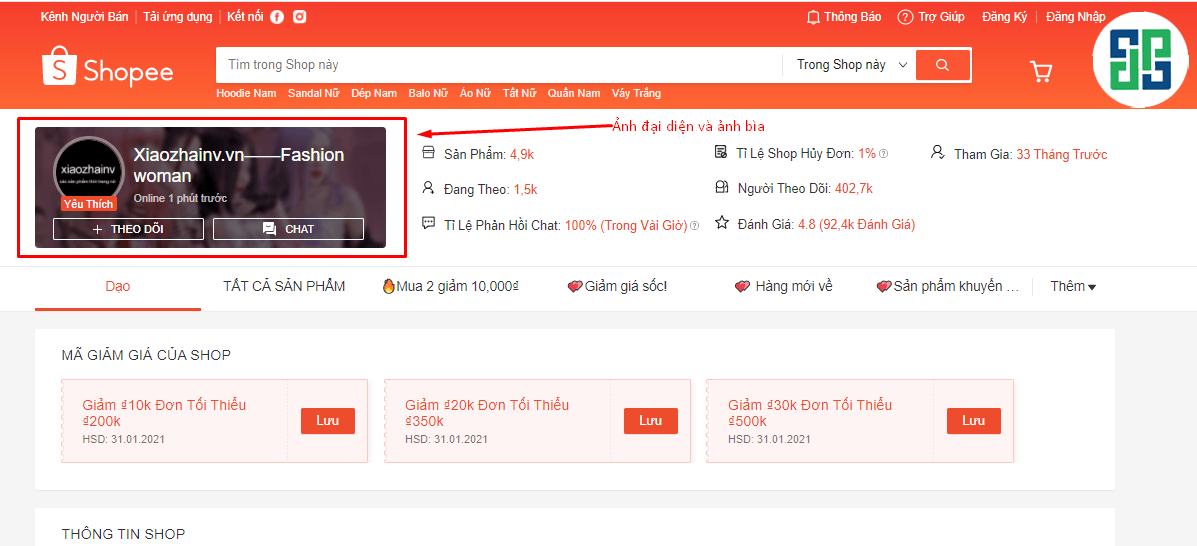
Shopee profile picture and cover photo
These two types of images are extremely necessary. When customers enter your store, they will immediately see the images. For the profile picture, you can use your shop's logo. If you don't have a logo, you can use outstanding product images; do the same for the cover photo.
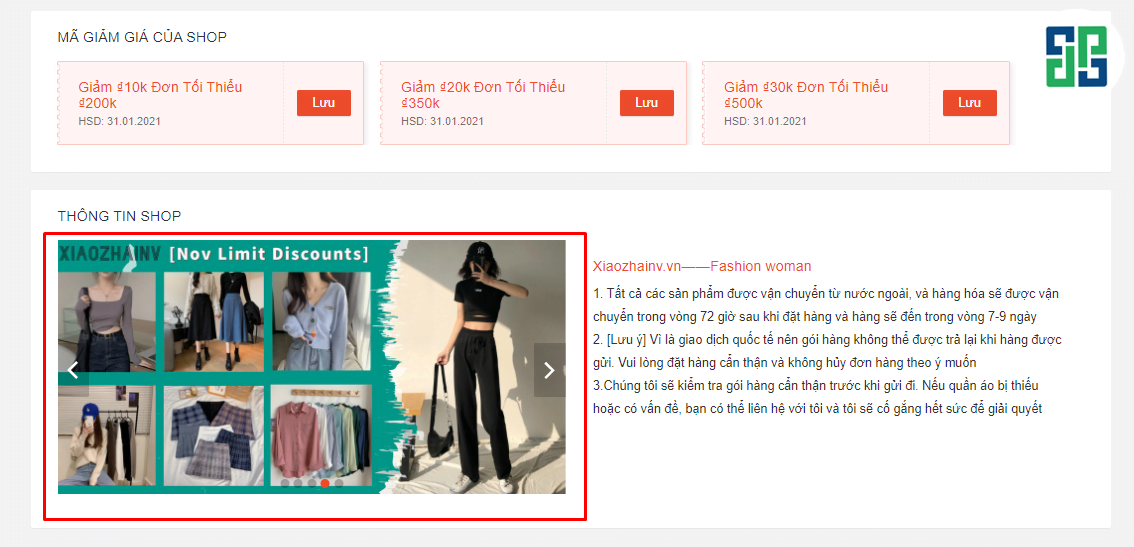
Description image (also known as Shopee sale banner)
Loaị ảnh này sẽ là ảnh mà bạn cần đưa ra để mô tả các chương trình khuyến mãi của shop mình; ví dụ như mua 1 tặng 1; tặng các mã giảm giá; chương trình freeship,… Có thể là các ảnh giới thiệu về shop.
Images of your shop's products on Shopee
Besides Besides the Shopee sale banner and cover photo, product images are also very important. Product images are posted to display when potential customers search for products on Shopee's search bar. This type of image is the deciding factor for whether potential customers will choose to enter your store or not.
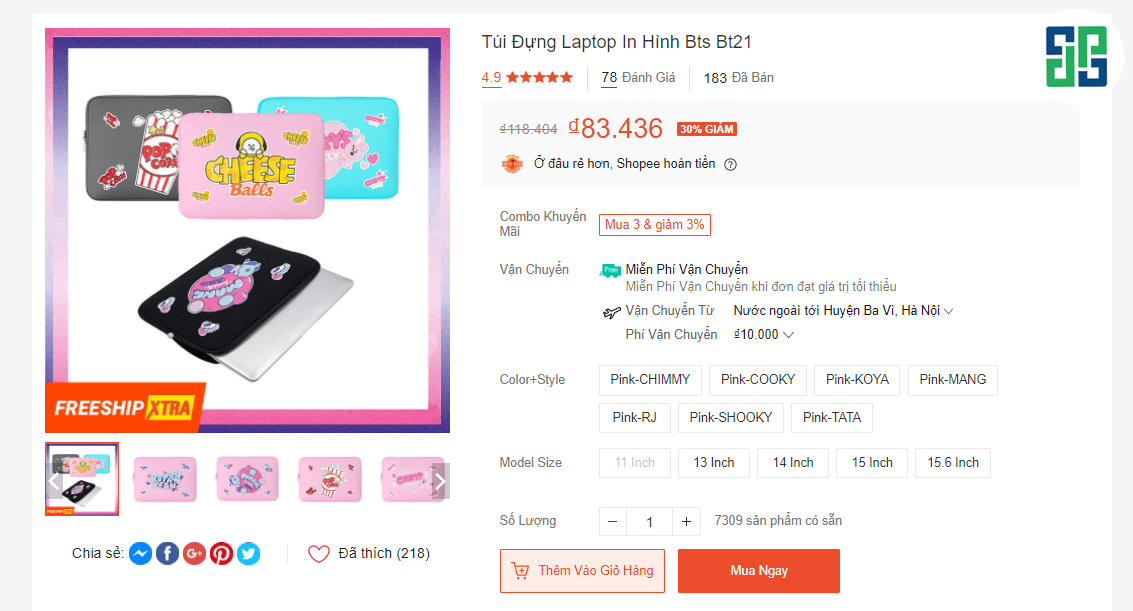
Images to classify products
Khi các sản phẩm của bạn có rất nhiều thuộc tính khác nhau; ví dụ như màu sắc, kích thước, mẫu mã, … Thì loại ảnh này sẽ có thể giúp các khách hàng lựa chọn dễ dàng hơn. Cụ thể, khi lựa chọn sản phẩm, khách hàng sẽ có thể biết được sản phẩm mà họ chọn chính xác là sản phẩm nào. Điều này cũng sẽ giúp trải nghiệm của khách hàng khi đến gian hàng của bạn là rất tốt. Chính vì vậy họ sẽ có xu hướng quay trở lại mua hàng vào những lần tiếp theo.
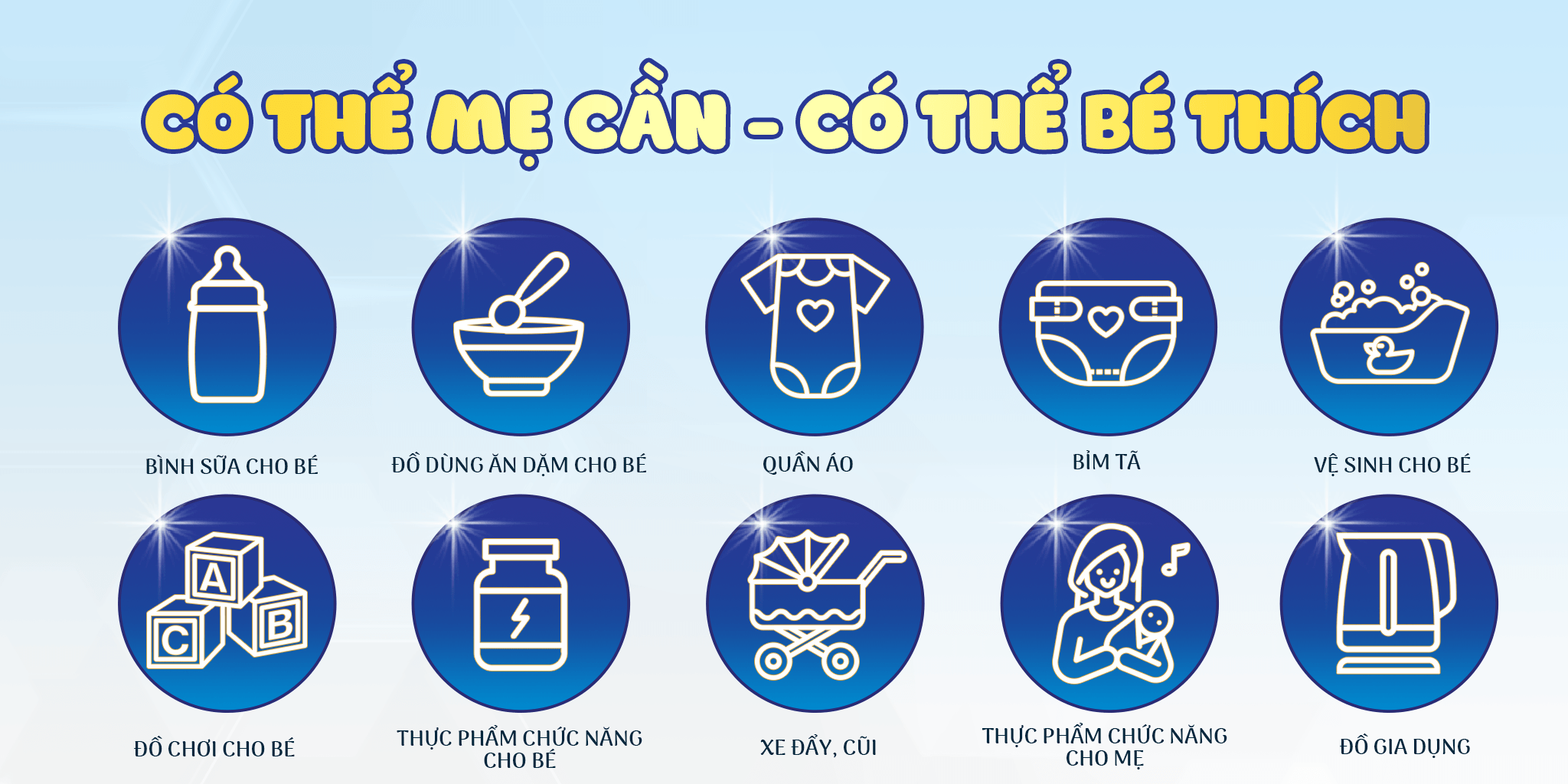
A suggestion for shops to increase professionalism is to invest in making category banners specifically for your shop. This helps customers easily visualize the store's product categories and also makes the store much more visually appealing.
Size Shopee sale banners and other standard images for 2021
Each type of image will have its own standard size that you need to follow.
Avatar image size
A complete Shopee store avatar image can help customers easily recognize your shop's brand. For stores that are companies or brands, you should use the logo; for personal stores, you should use a product image.
The standard Shopee avatar image size is a square shape (1:1); the length and width are (900 pixels x 900 pixels, 1200 pixels x 1200 pixels, 2048 pixels x 2048 pixels).
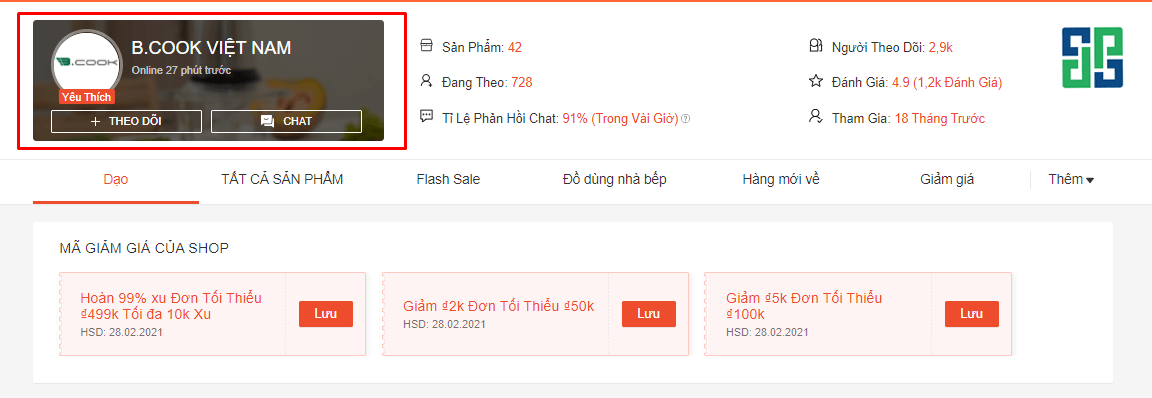
Shopee cover image size
The Shopee cover image will be displayed when customers access your store's link. Currently; for Shopee cover image size, you can freely choose the size of the image. Specifically, this cover image will be more blurred than your avatar image.
You can include some brief information there; the purpose is so that customers just need to glance once to know what your shop is selling and what information you want to convey.
Shopee sale banner size (description image)
In addition to the avatar and cover image, the description image size on Shopee is also something you need to pay attention to. This is the part that is clearly displayed whenever customers enter your store; especially before they scroll down to the product section.
A complete description banner usually contains specific content; for example, promotional programs; discount programs; free shipping programs; hot product images; instructions for customers to use discount codes, etc.
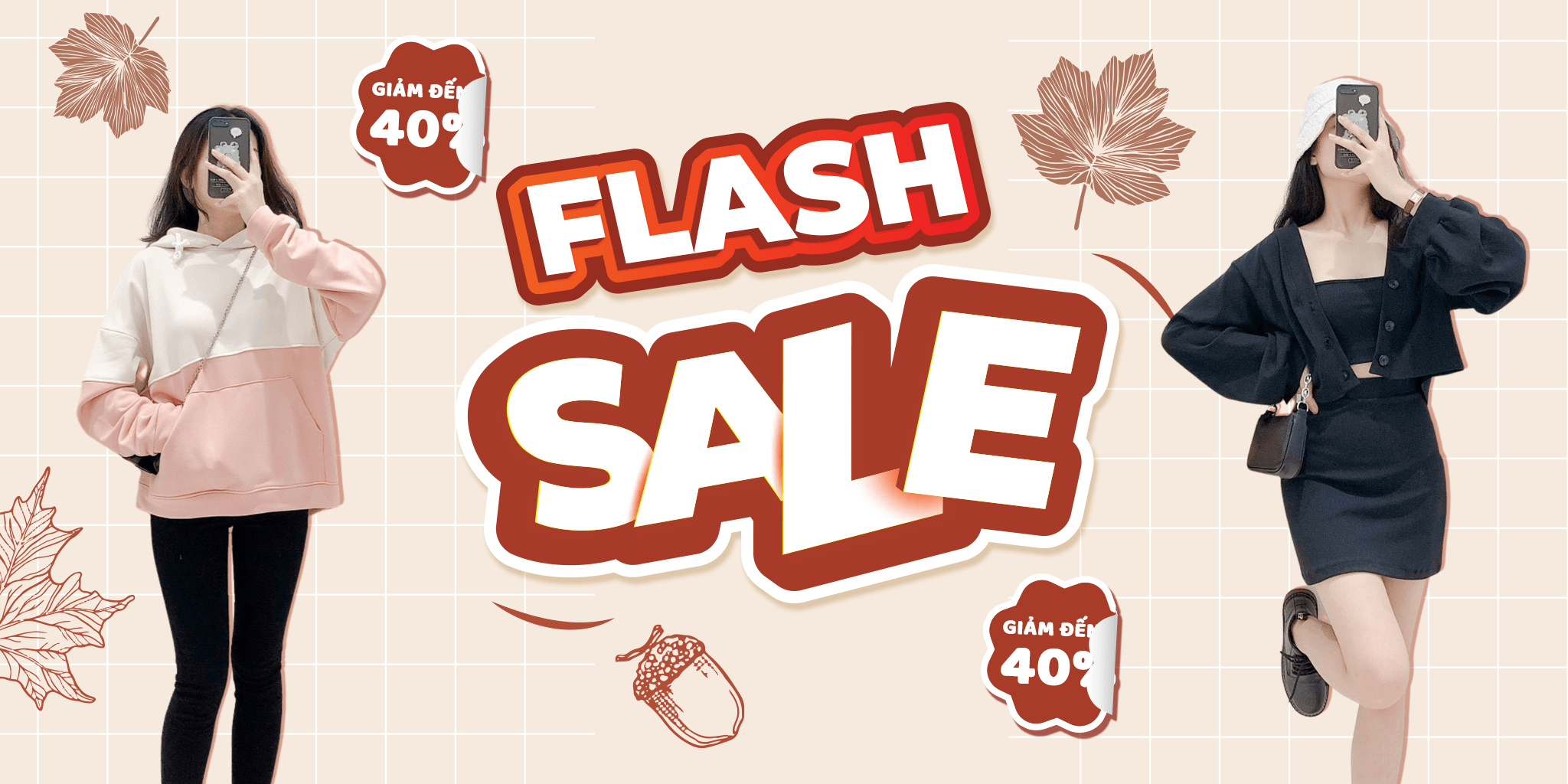
Standard Shopee sale banner size is 1200 pixels x 600 pixels. Usually for this image, you should design it in a way that best fits your shop's programs. You can also use the Canva design tool to save on hiring design costs. This tool is completely free. It also has suggested photo frames so you can easily create a beautiful image.
Below is a tutorial video on how to use Canva that you can refer to!
Product image size on Shopee
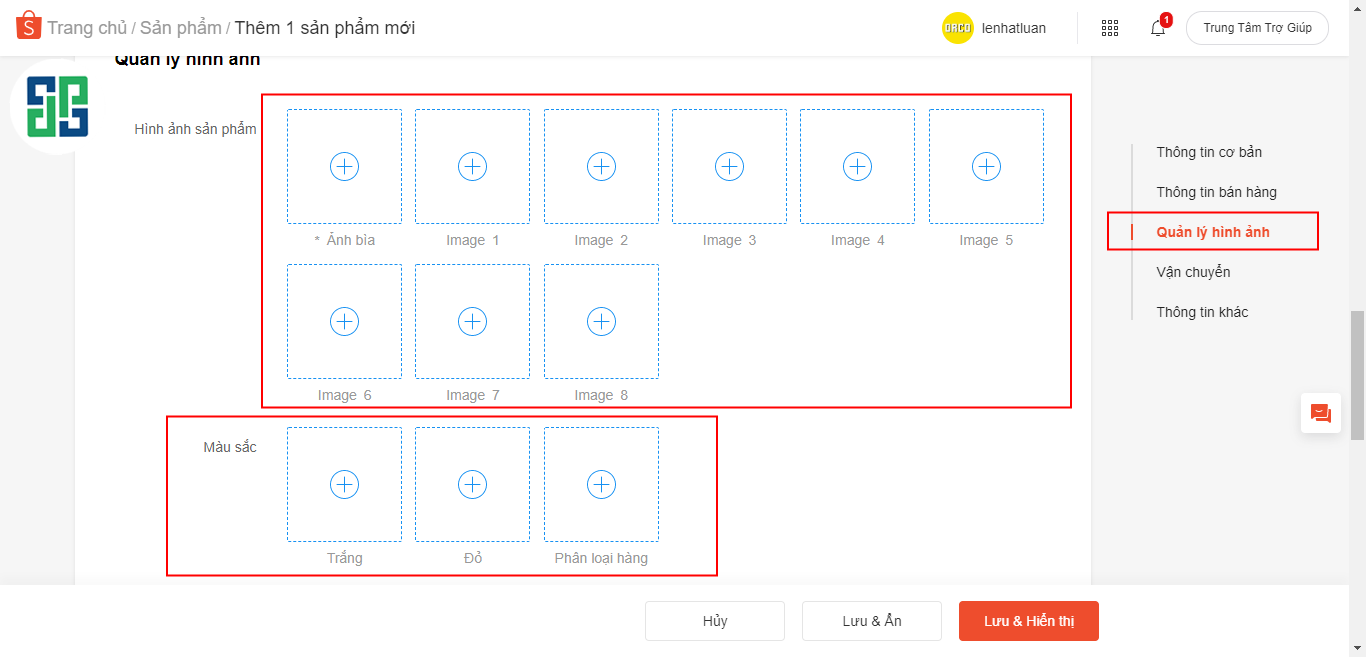
Shopee allows you to upload up to 9 product images for each product, including the main image. The product images will be displayed when customers search for your products on Shopee. The minimum size for Shopee product images is (900 pixels x 900 pixels; 1200 pixels x 1200 pixels) with a resolution of 72dpi.
Requirements for product images on Shopee
Đối với những ảnh sản phẩm, phải có ít nhất là một hình ảnh thật của sản phẩm; và ảnh này phải do chính người bán tự chụp. Trong hình ảnh này, sản phẩm cần phải chiếm ít nhất là 40% diện tích của ảnh. Các hình ảnh của bạn nên có kèm theo thương hiệu cá nhân của shop mình; ví dụ như gắn logo nhận diện (nếu có), tên shop, … Ưu tiên sử dụng ảnh sản phẩm có nền trắng tạo cảm giác thoáng mắt, có thể thoải mái gắn tag giá mỗi khi Shopee có đợt sale.
Product images on Shopee are an extremely important factor. They can influence the purchasing decisions of potential customers. The more visually appealing the images are, the more attractive they will be to buyers compared to just providing a regular photo.
The above is information about kích thước banner sale Shopee; kích thước ảnh bìa của Shopee, … that you can refer to and apply, especially when listing products on the Shopee e-commerce platform. And if you want to have the most impressive Shopee store to attract customers, don't hesitate to contact DPS MEDIA today for the earliest consultation!




