

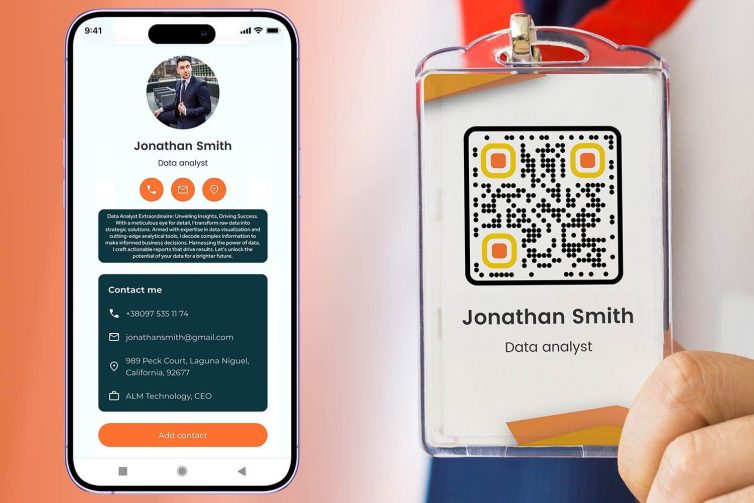

How to withdraw money via Vietcombank QR for faster, safer, and more convenient transactions. This is an optimal solution for users who want to save waiting time at ATMs.
According to surveys, over 60% of Vietcombank customers prioritize withdrawing money via QR code to minimize cash contact.
DPS.MEDIA It is affirmed that QR code payment is increasingly important in the digital era, helping SMEs enhance customer experience effectively.
Discover the QR Vietcombank withdrawal feature and outstanding benefits for SMEs
Outstanding advantages of withdrawing money via QR Vietcombank
Vietcombank QR withdrawal feature allows users to quickly receive money at transaction points without an ATM card. Simple operations on the Vietcombank Digibank app help save time and cash transportation costs. SMEs also take advantage of this method to minimize loss risks and increase transaction security.
- Safe withdrawal, no need for physical card
- Hỗ trợ thanh toán & thu tiền trực tiếp qua mã QR
- Save operating costs compared to traditional methods
Checklist for effectively using the QR withdrawal feature
- Install and update the latest version of Vietcombank Digibank application
- Create QR Code payment via the QR Pay section on the app
- Check the nearest QR cash withdrawal acceptance point for convenient transactions
- Ensure a stable internet connection when performing the transaction
- Carefully review transaction information before confirming the withdrawal to avoid mistakes
Bảng tiện ích & rủi ro khi sử dụng QR rút tiền cho SME
| Convenience | Risks to note |
|---|---|
| Save time, no need to carry cash | QR code phishing attacks if not carefully checked |
| Reduce cash handling operation costs | Phụ thuộc vào hạ tầng mạng & thiết bị điện tử |
| Dễ dàng quản lý giao dịch qua app & báo cáo điện tử | Inexperienced staff may cause operational errors |
A real example: A home appliance store in Hanoi applying Vietcombank QR cash withdrawal reduced cash handling time by 30% and increased warehouse staff safety. According to Vietcombank's report (2023), SMEs using QR pay improved cash flow management efficiency by up to 22%.
Takeaway: Withdrawing money via Vietcombank QR is not only a convenient solution but also a step forward in modern financial management for SMEs.
Step-by-step guide to creating a payment QR code on the Vietcombank app
Step 1: Log in and access the QR code creation feature
First, open the Vietcombank app on your phone and log in with your personal account.On the main interface, select the section Payment or QR payment to start creating a QR code. If not installed, update to the latest version from the app store to ensure stable functionality.
Step 2: Enter payment information and customize the QR code
Next, enter the amount to be paid or withdrawn, and fill in transaction details for easier management. You can customize the currency type and select source account if you have multiple accounts at Vietcombank. Then, the app will automatically generate a QR code corresponding to the entered information.
Step 3: Save, print the QR code, and use it in practice
You can save or directly print the QR code from the app for customers or partners to quickly scan for payment. For example, a coffee shop in Hanoi increased cashless transactions by 20% after 3 months of applying this method (source: State Bank report 2023). Note ensure the security of QR code information to avoid fraud risks.
Checklist for creating a payment QR code on Vietcombank
- Log in to the Vietcombank app and update to the latest version
- Select the feature QR payment
- Enter accurately the amount and transaction details
- Select the appropriate source account
- Save or print the QR code for payment use
- Double-check before sharing or printing the QR code
| Step | Actions | Note |
|---|---|---|
| 1 | Log in to the app | Update the app to avoid errors |
| 2 | Select QR Payment | Confirm source account |
| 3 | enter amount, transaction details | Check information carefully |
| 4 | Create, save or print QR code | Keep transaction information safe |
Takeaway: Creating a payment QR code on Vietcombank helps make transactions quick and convenient, but always double-check before sharing to ensure financial safety.

How to print a QR code accurately for fast and professional transactions
Preparation before printing the QR code
To print the QR code accurately, users need to carefully check information related to the transaction: amount, recipient account, and payment purpose. Use official banking software or apps such as Vietcombank QRPay to create high-resolution QR codes. Ensure the print paper is not smudged or blurred so the scanner can recognize it quickly and accurately.
Effective QR code printing guide
When printing, note the following points:
– In trên giấy chất lượng cao hoặc màng nhựa bảo vệ để tăng độ bền
– Định dạng mã QR nên để kích thước tối thiểu 4×4 cm, không bị cắt xén
– Tùy chọn in màu hoặc đen trắng phù hợp với đường nét mã QR rõ ràng
– Kiểm tra lại mã QR bằng nhiều thiết bị quét khác nhau để đảm bảo tính khả dụng
Checklist to ensure the QR code serves smooth transactions
- Confirm that the QR code content matches the transaction purpose
- Check resolution and size before printing
- Choose suitable paper and printer to protect the code
- Try scanning with other banking software to ensure compatibility
| Criteria | Recommended specifications | Note |
|---|---|---|
| QR code size | 4×4 cm trở lên | Ensure easy scanning on multiple devices |
| Resolution | 300 dpi or higher | Avoid errors when enlarging or mass printing |
| paper type | Art paper or decal paper | Increase durability, prevent mold and scratches |
Real-life example: A store in Hanoi reduced the average checkout time from 35 seconds to just 12 seconds by printing QR codes with a laser printer on quality decal paper, helping to increase transaction efficiency quickly and more professionally (source: State Bank report 2023).
Note: Avoid printing QR codes that are too small or on materials where ink easily fades to prevent transaction interruptions, and remember to update the QR code when account information changes.
Takeaway: Careful QR code printing combined with multi-step checking will help optimize the experience and ensure fast, accurate transactions.
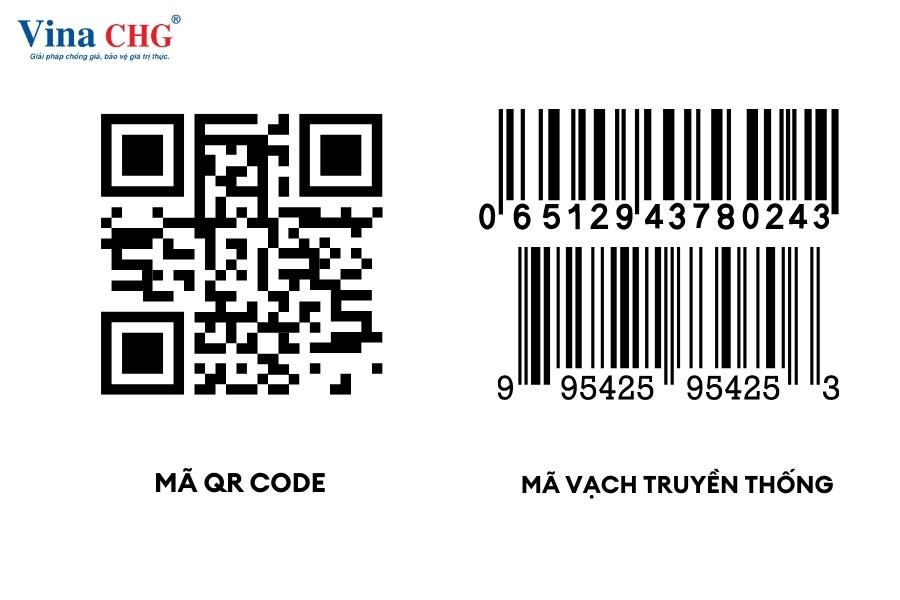
Optimize customer experience when using QR code payments at the point of sale
Ensure speed and accuracy in QR payments
Optimize customer experience when using QR code priority should be given to transaction processing speed. A point of sale can easily speed up payments by using a high-quality QR code scanner and a stable internet connection. According to Vietcombank's 2023 report, the average time for a QR transaction is only about 3-5 seconds when the technical infrastructure is ensured.
- Use standard QR code scanning devices to avoid reading errors
- Regularly check network connection to avoid interruptions
- Train staff to understand the QR payment process thoroughly
Intuitive interface and clear instructions
Customers often face difficulties when using QR code payments for the first time. A concise, lively instruction board at the counter is a practical solution. This not only reduces waiting time but also limits errors in scanning or entering the amount.
- Instructions on how to scan the code on personal phones
- Provide information about the payment confirmation step
- Explanation of common icons and notifications on the banking app
| Step | Description |
|---|---|
| 1 | Mở ứng dụng Vietcombank, chọn “Thanh toán bằng QR” |
| 2 | Scan the QR code displayed at the point of sale |
| 3 | Confirm the amount and complete the transaction |
Checklist to improve customer experience at the point of sale
- Place clear and tidy instruction boards at the payment counter
- Equip with sensitive scanners and perform regular maintenance
- Regularly check the Internet connection to avoid connection errors
- Train staff to assist customers when necessary
- Regularly update the QR scanning software and payment system
Takeaway: Optimizing the experience by combining technology and clear instructions will help QR payments become a convenient and fast choice for customers at the point of sale.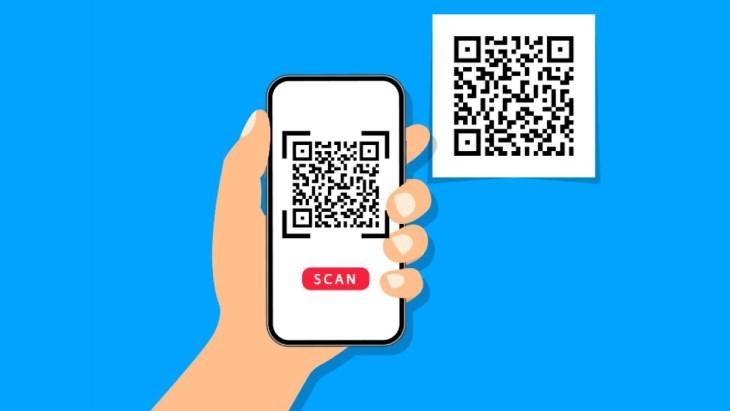
Important notes to ensure safety and security when withdrawing money via QR
Check the QR code and device before making a transaction
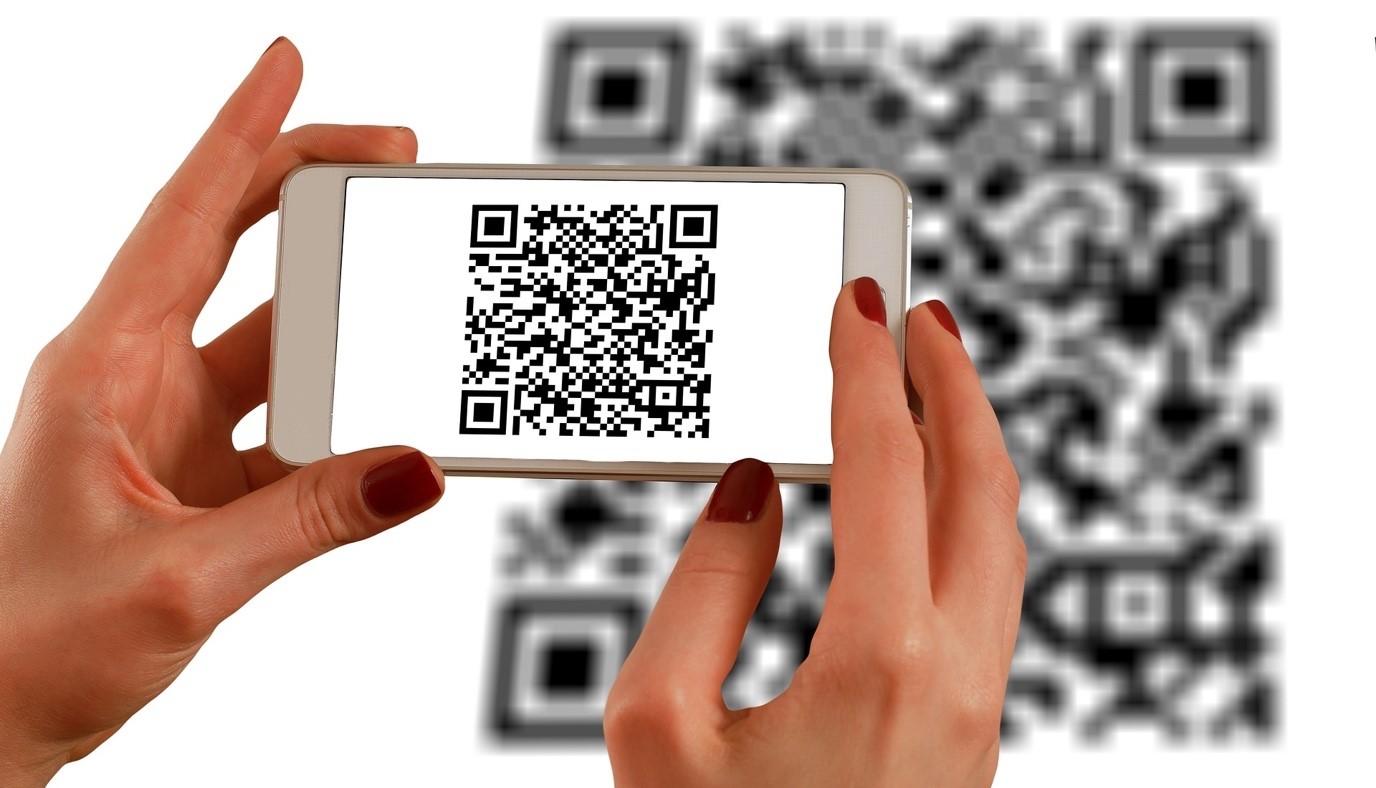
Before proceeding withdraw money via QR, users need to confirm that the provided QR code has a clear origin and has not been altered. Using a phone or scanner to scan the QR code must ensure safety and be free from malware. This reduces the risk of fake codes or being redirected to fraudulent accounts.
Important security notes when withdrawing money via QR
– Luôn đăng nhập vào ứng dụng ngân hàng Vietcombank bằng mật khẩu và xác thực đa yếu tố (2FA).
– Không chia sẻ mã QR hoặc thông tin tài khoản với người lạ.
– Kiểm tra kỹ thông tin số tiền và tên người nhận trên màn hình trước khi xác nhận giao dịch.
– Nên cập nhật thường xuyên ứng dụng Vietcombank để tránh lỗi bảo mật từng được báo cáo.
Safety checklist for withdrawing money via Vietcombank QR
- Accurate verification QR code and supply sources.
- Use personal devices with installed and updated antivirus software.
- Do not conduct transactions on public or unsecured Wi-Fi networks.
- Enable multi-factor authentication (2FA) for your Vietcombank account.
- Carefully check the amount and recipient's name before confirming.
- Record the receipt or take a screenshot for reference when needed.
| Actions | Purpose |
|---|---|
| Regularly update the Vietcombank application | Fix security vulnerabilities and enhance protection features |
| Enable multi-factor authentication (2FA) | Increase security layers, prevent unauthorized access |
| Check the QR code before scanning | Avoid scanning fake or fraudulent codes |
Practical examples and warnings
Theo báo cáo an ninh mạng Việt Nam 2023 của Bộ TT&TT, hơn 12% người dùng từng gặp phải trường hợp mã QR giả mạo dẫn đến mất tiền mà không thể thu hồi. Một khách hàng ẩn danh chia sẻ đã mất 2 triệu đồng khi quét mã QR lạ trên mạng xã hội mà không kiểm tra kỹ thông tin. Điều này nhấn mạnh sự cần thiết phải cảnh giác và tuân thủ security measures when withdrawing money via QR.
QR payment application strategy to improve business efficiency for small businesses
Benefits of applying QR payment for small businesses
Usage Payment QR helps small businesses optimize sales processes, reduce waiting times, and enhance customer experience. According to research by the State Bank of Vietnam (2023), transactions via QR codes increased by 351% in the small and medium retail sector, saving up to 25% in operating costs compared to traditional payments. Additionally, QR also helps businesses easily manage revenue and track transactions in real time.
- Ensure the QR code is clear and easy to scan.
- Connect with popular payment channels such as Vietcombank, Momo, ZaloPay.
- Train staff on how to guide customers.
Checklist for effectively implementing QR payment strategy
- Set up a bank account that supports QRChoose a bank that offers QR code generation services like Vietcombank for convenient withdrawals and transaction tracking.
- Create a separate QR code for each product or serviceHelps customers pay accurately and quickly.
- Regularly check the payment system to detect errors and improve stability.
- Promote offers for QR payments to encourage cashless payment habits.
Comparison table of popular payment methods
| Method | time | Cost | Convenience |
|---|---|---|---|
| Cash | 5-10 minutes | low | Average |
| Bank card | 3-5 minutes | Average | Cao |
| Payment QR | 1-2 minutes | Low | Very high |
Takeaway: Properly applying QR payment not only improves business efficiency but also creates a sustainable competitive advantage for small businesses in the digital era.
Tips for effectively controlling and managing Vietcombank QR transactions for store owners
Classification and tracking of Vietcombank QR transactions
To effectively manage Vietcombank QR transactions, store owners should categorize transactions by time and payment type. This helps easily control cash flow and avoid confusion when compiling reports. Management tools on the Vietcombank app or accounting software can automate this step very effectively.
Checklist for quick and accurate QR transaction management
- Check balance and update continuously via the Vietcombank app every day.
- Confirm successful transactions to avoid duplication or confusion with customers.
- Create periodic income and expense reports to reconcile accounts.
- Use a simple tracking table to monitor weekly transaction status.
Sample Vietcombank QR transaction tracking table
| Transaction date | Transaction code | Amount (VND) | Status |
|---|---|---|---|
| 15/06/2024 | QR123456 | 500.000 | Successful |
| 15/06/2024 | QR123457 | 250.000 | Successful |
| 16/06/2024 | QR123458 | 1.000.000 | successful |
Takeaway: Clear QR transaction management helps improve business efficiency, reduce risks, and save time for store owners.
A person's perspective in life
Withdrawing money via Vietcombank QR and generating QR payment codes make transactions much faster, safer, and more convenient. This is an important tool in today's digital age.
Try applying the instructions now to experience the diverse features of Vietcombank QR. Don't hesitate to practice to improve your payment efficiency.
You can learn more about optimizing digital marketing strategies for small businesses. Topics on electronic payments are also very suitable for expanding your knowledge.
DPS.MEDIA always accompanies SMEs on their digital transformation journey. Share your opinions and questions below the article so we can support you as quickly as possible!




