

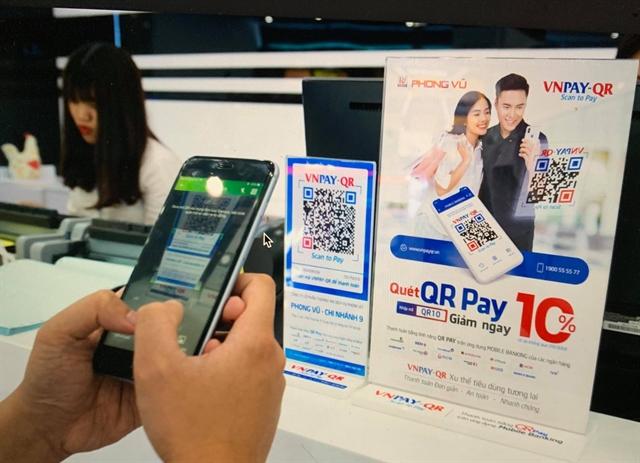

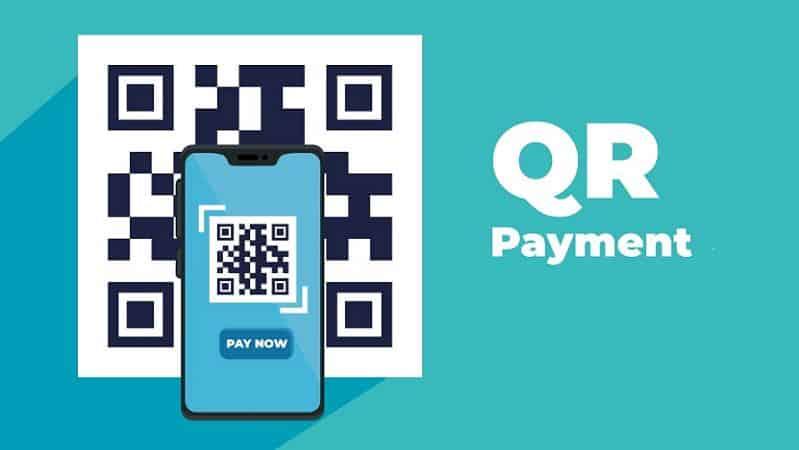
Creating payment QR codes and scanning QR codes online helps users pay quickly, conveniently, and securely. This is a new trend in digital payments, enhancing customer experience for all businesses.
According to statistics, 76% of Vietnamese consumers prioritized cashless payments in 2023. DPS.MEDIA It is clear that implementing payment QR codes helps SMEs increase revenue and prepare for digital transformation.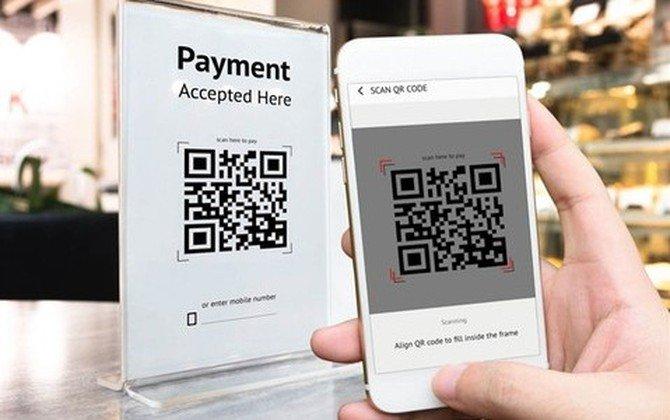
Leveraging QR Codes in digital payment strategies for small and medium businesses
Advantages of QR Codes in digital payments
Integration QR Code In payment strategies, it helps small and medium enterprises speed up transactions and minimize direct contact, which is very suitable for the modern business environment. According to Statista (2023), over 45% of Vietnamese users use QR code scanning for daily payments. The main benefits include:
– Tiết kiệm chi phí đầu tư thiết bị so với máy POS truyền thống
– Tăng tính tiện lợi cho khách hàng khi thanh toán qua điện thoại
– Dễ dàng tùy chỉnh và tích hợp với các nền tảng quản lý bán hàng
Businesses that have adopted QR Codes have recorded revenue growth of about 20% in the first 6 months of 2023 (Source: McKinsey Vietnam, 2023).
How to implement QR Code payments effectively
Businesses need to pay attention to the basic steps to maximize the potential of QR Codes:
– Lựa chọn nhà cung cấp giải pháp QR thanh toán uy tín với hỗ trợ kỹ thuật đầy đủ
– Đào tạo nhân viên về quy trình quét và xử lý thanh toán
– Quảng bá QR Code đến khách hàng qua các kênh trực tuyến và tại cửa hàng
Checklist for implementing QR Code payments
| Step | Description | Status |
|---|---|---|
| Select provider | Evaluate 3-5 providers based on features and cost | ☐ |
| Generate QR Code | Use quality QR code generation software to ensure data security | ☐ |
| Promotion | Notify customers via website, social media, and in-store | ☐ |
| Staff training | Organize quick usage guides and troubleshoot issues | ☐ |
| Periodic check | Monitor feedback and update QR Code when necessary | ☐ |
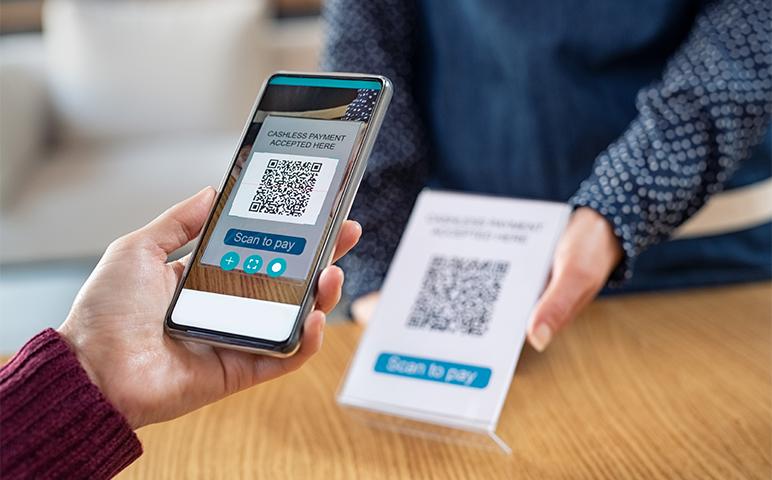
Guide to quickly and accurately creating payment QR codes suitable for all platforms
How to create payment QR code compatible with all platforms
To create a fast and accurate payment QR code, you need to choose a platform that supports various options such as e-wallets, banks, or intermediary services. For example, Momo or Zalopay apps both allow you to create QR codes with fixed or flexible information depending on your usage purpose. Using a QR code generator with a simple interface helps avoid confusion and saves time.
Checklist for effective payment QR code creation
- Determine the purpose: Fixed or flexible payment?
- Choose a reputable app: Momo, ViettelPay, banks, or intermediary platforms
- Enter information accurately: Account number, recipient name, amount (if any)
- Create and check QR code: Test scan on another phone to ensure functionality
- Save or share the code securely: Avoid being edited or tampered with
Quick comparison table of payment QR code creation methods
| Method | Advantages | Disadvantages |
|---|---|---|
| Bank application | High security, direct connection to account | Complicated for beginners, limited platform support |
| E-wallet (Momo, Zalopay) | Easy, fast, multi-platform support | Dependent on wallet, may limit transaction quantity |
| Online QR code generator tool | Flexible information control, easy to share | Security risk if the tool is not reputable |
Risks and considerations when using payment QR codes
Although convenient, payment QR codes can be forged or edited if shared insecurely. Users need to regularly update software, avoid scanning QR codes from unknown sources, and should use official applications. At the same time, checking the amount and recipient information before confirming the transaction is always an important step to minimize risks.
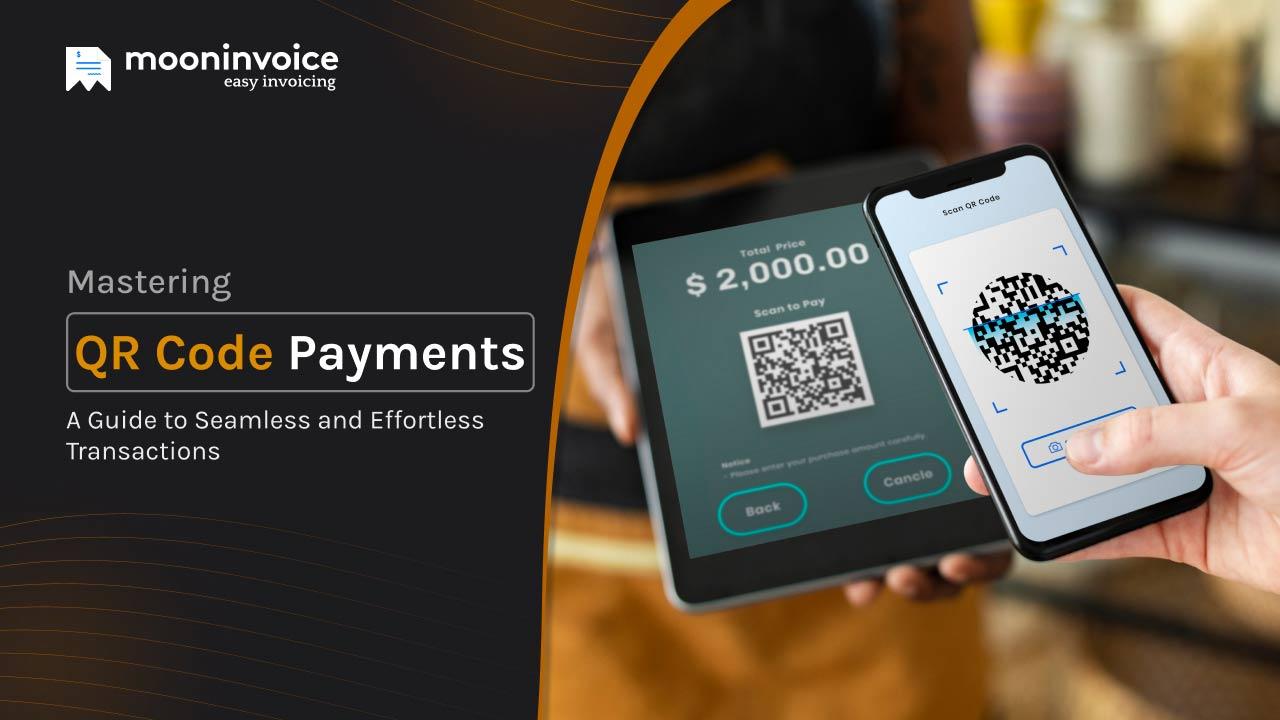
Analysis of the most effective online QR code scanning tools and applications
Popular online QR code scanning tools
The growing demand for online QR code scanning has led to the emergence of many applications that support users quickly and accurately. Some free and easy-to-use tools include:
– QR Code Reader Online: supports scanning QR codes from images or webcam, suitable for those who want to operate quickly on the browser.
– Web QR: simple interface, direct scanning via webcam, no software installation required.
– Scanova:Applications that support effective QR code scanning and management
In addition to online tools, many mobile applications combine QR scanning and convenient payment functions. For example:
– MoMo Wallet, ZaloPay, Moca: not only scans QR codes but also integrates fast payment with high security.
– Google Lens:QR Scanner còn cung cấp lịch sử quét và chia sẻ mã nhanh chóng.
According to a Statista survey (2023), over 65% of Vietnamese smartphone users have scanned a QR code using a mobile app. However, it is still necessary to pay attention to information security when using third-party applications.
Checklist for choosing online QR code scanning tools
- Guarantee fast scanning speed and stable on all devices
- Supports reading various QR code formats, including both dynamic and static QR codes
- Provides options to save and share scan history easily
- User-friendly interface, easy to use even for beginners
- commitment information security and do not store sensitive data indiscriminately
| Tool/app | Advantages | Suitable for |
|---|---|---|
| QR Code Reader Online | Use on browser, free of charge | Individual users needing quick scans |
| Scanova | Detailed QR data analysis | Businesses and marketers |
| MoMo Wallet, ZaloPay | Fast payment, high security | Mobile payment users |
Takeaway: Choosing the right QR code scanning tool and application is a key factor to ensure efficiency and security when making payments or sharing information online.
Optimizing customer experience when paying via QR Code at point of sale and online
Setting up user-friendly payment QR Codes
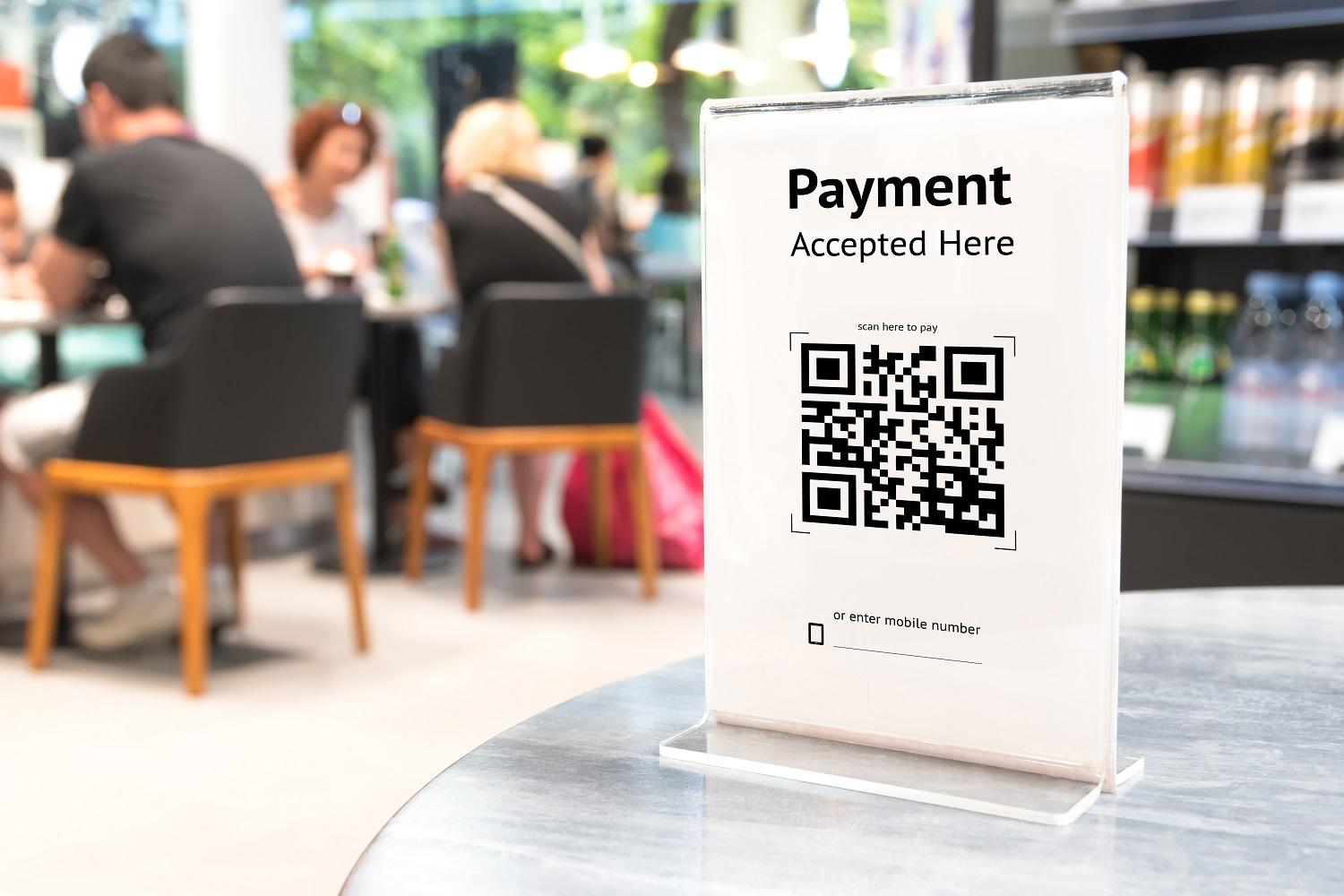
To optimize customer experience when paying via QR Code, ensure the QR code is easy to scan and stable. For example, a convenience store chain in Hanoi increased successful transactions by 25% after simplifying the QR template and improving the lighting at the scanning point (Source: Vietnam Electronic Payment Report, 2023). Key factors to note include:
- Ensure the QR Code resolution is clear, not blurry
- Place the QR in a convenient location with sufficient lighting to avoid scanning errors
- Provide brief instructions with illustrations next to the code
Thanh toán QR trực tuyến – nâng cao hiệu quả và bảo mật
When applying QR payments on online platforms, the factor page load speed and device compatibility are extremely important. Over 80% of users choose to scan QR codes on their phones instead of entering information manually (updated from VN fintech report 2023). Technical analysis to note:
- Authenticate dynamic QR codes to avoid fraud risks
- Integrate fast payment, avoid too many page redirects
- Support multiple platforms: iOS, Android, and popular browsers
Checklist for optimizing QR Code payment experience
| Criteria | Evaluation | Recommended actions |
|---|---|---|
| QR code clarity | Meets standards | Use vector images or high-quality PNGs |
| QR code placement | Not optimized | Choose visible spots, avoid low-light areas |
| Online QR code loading speed | Slow | Optimize file size, use CDN or caching |
| User Guide | Lack | Add simple instructions, bilingual if needed |
Security and important notes when using QR Codes in financial transactions
Security risks when using QR Codes in finance
QR Code is a fast payment tool but also poses many security risks such as: malware, fake QR codes, or redirection to phishing websites. A study from Kaspersky (2023) shows that over 30% of QR code attacks aim to steal personal or bank account information. To minimize risks, users should carefully check the source of QR codes before scanning and avoid using QR codes from unclear sources.
Security checklist for QR Code payments
- Always verify QR codes before scanning, especially in public environments or via social networks.
- Use official applications of the bank or payment service provider to scan the QR code.
- Do not share QR codes or account information on public platforms.
- check the URL or content displayed after scanning to avoid phishing websites.
- Regularly update payment software and apps to protect against security vulnerabilities.
Practical examples and necessary actions
A small shop in Hanoi once lost more than 15 million VND because a customer scanned a fake QR code that was placed near the payment area. This incident occurred when the system had not yet issued a warning and the user carelessly failed to check carefully. Sellers and customers need to regularly monitor and update the QR code control process to avoid losses.
| Risks | Solutions |
|---|---|
| Fake QR codes, redirecting to unsafe pages | Use reputable banking apps and check the URL after scanning |
| Payment data leakage | Do not save or share QR information on social media |
| Lack of warning when scanning malicious QR codes | Regularly update software and use antivirus software |
Takeaway: Securing QR Code usage requires alertness and a system check process to avoid unwanted financial transaction losses.
The trend of integrating payment QR codes in multi-channel marketing campaigns for SMEs
The trend of applying payment QR codes in multi-channel marketing for SMEs
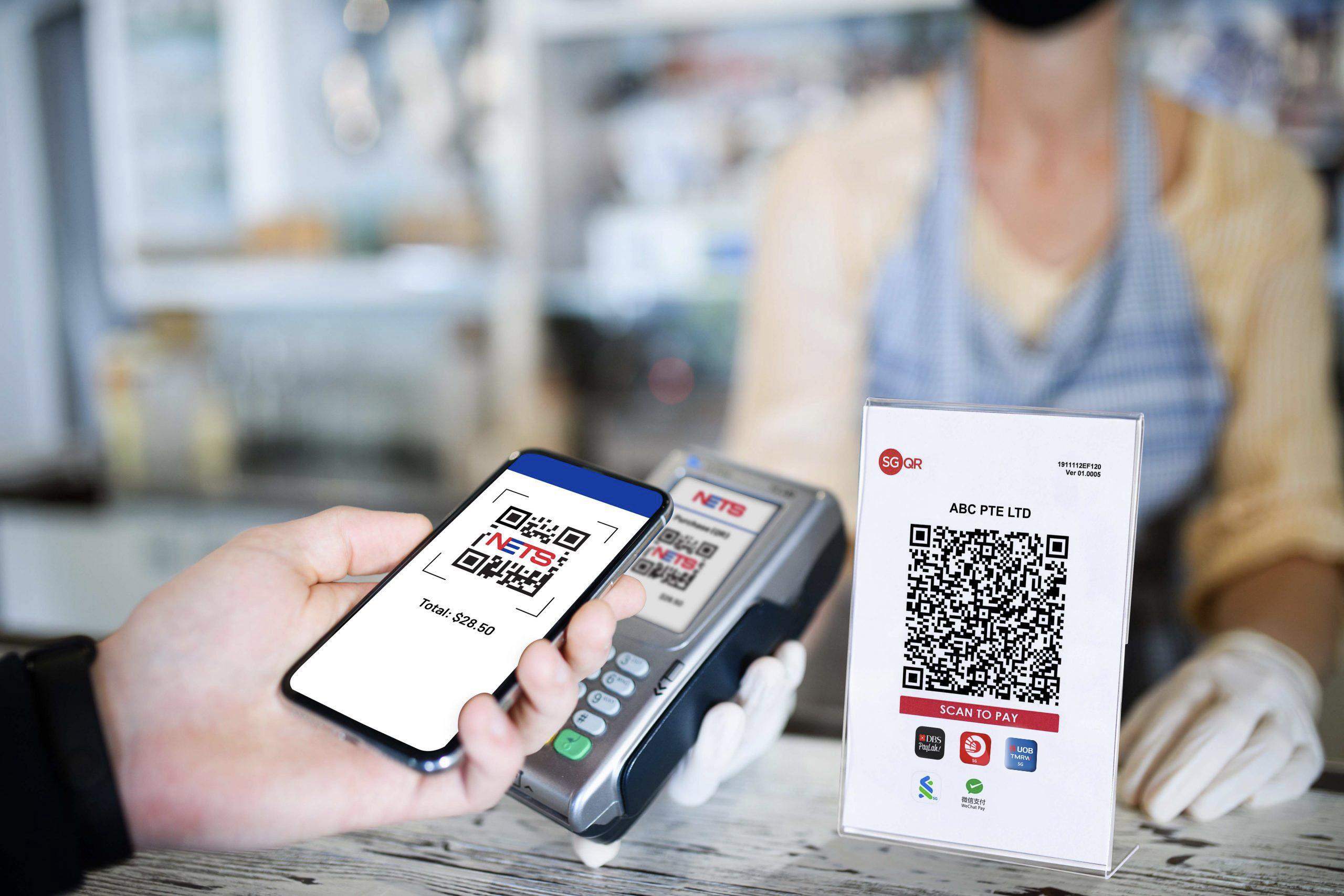
More and more small and medium-sized enterprises (SMEs) are integrating Payment QR into multi-channel marketing campaigns to optimize customer experience. According to the *Statista 2023* report, over 60% of Vietnamese consumers prioritize cashless payments via QR at retail points. This not only helps minimize physical contact but also promotes faster and more convenient shopping.
Specific benefits of integrating payment QR codes in multi-channel marketing
- Accelerate the checkout process: customers only need to scan the QR code to complete the transaction in seconds.
- Collect customer data: helps businesses analyze shopping behavior and optimize advertising campaigns.
- Save printing costs: minimize the need for cash and traditional paper flyers.
- Adapt to the cashless trend: suitable for the development of mobile payments and the digital society.
Effective payment QR integration checklist for SMEs
| Category | Action Item |
|---|---|
| Choose a QR generation platform | Use reputable tools that support dynamic and customizable QR codes. |
| Link payment channels | Ensure the QR code connects directly to an e-wallet or bank account. |
| Multi-channel integration | Distribute QR codes on websites, social media, email marketing, and offline points of sale. |
| Giám sát & phân tích | Track scan rates, conversions, and adjust strategies accordingly. |
| Staff training | Guide staff to assist customers in using QR payment quickly. |
Takeaway: Integrating QR payments into multi-channel campaigns not only optimizes customer experience but also helps SMEs increase sales effectiveness in the digital age.
Key to increasing revenue through easy and secure QR payment solutions
Benefits of implementing QR payments
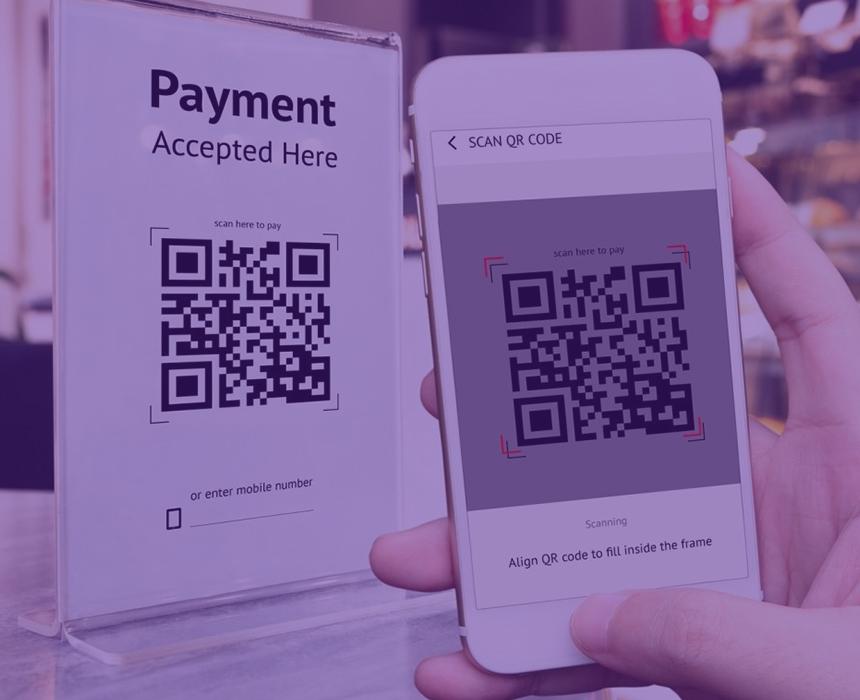
The application of easy and secure QR payment solution helps enhance customer experience, shorten transaction time, and minimize errors compared to traditional methods. A survey from Statista (2023) shows that 62% of customers choose to scan QR codes for convenience and speed. Businesses can increase revenue by up to 15% after integrating this system, while also reducing operating costs.
Implementation steps and important checklist
To deploy successfully, please note the following steps:
- Choose a suitable creation platform Payment QR (reliable banks, e-wallets)
- Check compatibility with POS systems and sales management applications
- Train staff to use and guide customers to scan QR codes
- Ensure information security and payment data encryption
- Monitor operations to promptly handle incidents and upgrade the system
Real examples and risk warnings
A convenience store in Ho Chi Minh City has implemented QR payment method for 6 months, increasing revenue by 12%, while reducing average payment time from 3 minutes to 45 seconds per customer. However, the risk of poor security is customer data theft or fraudulent transactions. According to the Payment Security Report 2023, over 30% of small businesses experienced incidents due to QR security errors.
| Factors | Impact | Measures |
|---|---|---|
| Data security | Loss of customer information | SSL encryption, multi-factor authentication |
| Software error | Unsuccessful transaction | Periodic checks, update to new versions |
Takeaway: Implementation QR payment solution not only enhances business efficiency but also requires serious investment in security and operational processes to maximize benefits.
A person's perspective in life
Creating and using payment QR codes helps transactions become faster and more convenient for businesses and customers. This is a modern payment solution, easy to apply with digital technology.
Start creating payment QR codes for your business today. Practice scanning QR codes online to experience convenience in every transaction. You can also learn more about digital marketing strategies to support SMEs, such as website optimization, social media management, or effective online advertising.
DPS.MEDIA always accompanies Vietnamese businesses in digital transformation and digital marketing. Don't forget to share your opinions and ask questions in the comments section!




