


Create free QR codes with Gratis QR Code Generator to save time and costs in just a few clicks. This is an essential tool for SMEs looking to optimize their digital marketing strategy.
According to surveys, over 70% of smartphone users in Vietnam scan QR Codes daily. DPS.MEDIA proving that QR Codes increase customer reach faster and more effectively than many traditional methods.
Overview of QR Code and its role in the digital marketing strategy of small and medium enterprises
Concept of QR Code and its application in digital marketing
QR Code is a quick response code that converts digital information into data easily scanned by phones. Introduced in 1994, QR Codes have become increasingly popular in marketing, allowing small businesses to reach customers more effectively. According to Statista (2023), 53% of Vietnamese consumers have used QR Codes to access products and online services.
- save on printing and traditional advertising costs
- Easily integrated on all digital platforms
- Increase interaction and collect customer data directly
Essential role of QR Code in small business strategy
Small and medium enterprises (SMEs) often face advertising budget constraints. QR Code helps create quick digital touchpoints, enhance customer experience, and boost conversions. For example, a coffee shop in Hanoi increased orders by 20% after 3 months of integrating QR Codes into their menu (according to internal data 2023).
- Ensure the code is easy to scan, not blurry or faded
- Place in a convenient, visible location
- Update the linked content regularly
Checklist for effective QR Code usage for SMEs
| Step | Actions | Reason |
|---|---|---|
| 1 | Choose a reputable free QR code generator tool | Ensure the code works properly, without errors |
| 2 | Create QR codes linking to websites, fanpages, or vouchers | Optimize customer experience |
| 3 | Place the code where it is easy to scan, such as on products, signs, or flyers | Increase accessibility and interaction |
| 4 | Check and update the link periodically | Avoid errors, maintain brand reputation |

Step-by-step guide to creating a free QR Code with Gratis QR code Generator simply and quickly
Step 1: Access and prepare QR Code content
First, open the website Gratis QR Code Generator to start creating a QR code. You need to clearly define the purpose of using the QR Code, such as linking to a website, contact information, or text content. Preparing the URL or data you want to encode in advance helps save time when creating the code.
Step 2: Customize and quickly create a QR Code
sau khi nhập thông tin, bạn có thể tùy chỉnh kích thước, màu sắc và viền cho QR Code.Gratis QR Code Generator hỗ trợ thao tác đơn giản chỉ với vài click. Nhấn nút “Tạo QR Code” để hệ thống xử lý và hiển thị mã ngay lập tức cho bạn tải về hoặc chia sẻ.
- Choose a size suitable for printing or digital display purposes.
- Choose a color with good contrast so the QR Code is easy to scan.
- Check if the code can be read on multiple devices.
Final checklist before saving or sharing the QR Code
| Category | Check |
|---|---|
| Entered data is correct | ✓ |
| Appropriate color and size | ✓ |
| Test scanning on at least 2 devices | ✓ |
| No errors when downloading or sharing | ✓ |
A real example: A store in Hanoi used Gratis QR Code Generator to create a code linking to their online menu, helping increase the number of customers using phone ordering services by 15% in 3 months (source: Marketing trends 2023 report).
Takeaway: Creating a free QR Code with Gratis is very quick and easy when you prepare your content carefully and check thoroughly before sharing.
Optimize QR Code to enhance user experience and improve marketing campaign effectiveness
Optimize QR Code design
To enhance user experience, QR Code should have a clear design, avoiding excessive complexity.
– Chọn màu tương phản cao giữa nền và mã để dễ quét.
– Giữ kích thước QR Code tối thiểu 2×2 cm, phù hợp với nhiều loại thiết bị.
– Bổ sung logo hoặc thương hiệu nhưng không che lấp quá 30% diện tích.
QR Code optimization checklist in marketing campaigns
- Clear goal orientation: Link to a fast and relevant landing page (landing page, app, video, etc.).
- Optimize the post-scan experience: Fast-loading, mobile-friendly page.
- Effectiveness measurement: Use scan tracking tools to evaluate the campaign.
- Encourage interaction: Integrate QR codes into printed materials, events, or gifts.
- Ensure security: Avoid linking to pages containing malware or sensitive data.
Comparison table of factors affecting QR Code effectiveness
| Factors | Impact | Optimization solutions |
|---|---|---|
| Color | Increase recognition and scanning capability | Use dark colors for squares, light background |
| Size | Affects scanning ability on devices | Minimum 2 cm x 2 cm |
| QR Code placement | Maximize visibility and interaction | Place in a visible, unobstructed location |
| URL / Linked content | Determines user experience after scanning | Shorten URL, optimize landing page |
Real example
An offline advertising campaign by a cosmetics brand in Hanoi saw a 251% increase in website visits just 2 weeks after applying standard QR Codes as per the above criteria (2023 data, Nielsen report). However, the risk of poor control is that users may be directed to an error page or inactive link, causing loss of trust.
Takeaway: Optimizing QR codes not only enhances the experience but also increases campaign effectiveness when implemented methodically and measured thoroughly.
Choosing the right content type for QR Code to increase engagement and customer conversion
Clearly understand the objective when selecting content for QR Code
Before creating a QR Code, clearly define the interaction and conversion goals you want to target. The content should match the customer segment and distribution channel. For example: QR codes in stores should lead to a promotion page, while QR codes on flyers can link to a product introduction video.
Popular content types for QR Code
- Landing page: Increase conversion rate with offers or registration forms.
- Instructional or introduction video: increase interaction time and product understanding.
- Discount offers or coupons: Encourage customers to act quickly.
- Contact information or social media: Expand connections and long-term engagement.
Checklist for optimizing QR Code content
- Ensure content is easy to understand, direct, and valuable to customers.
- Categorize content by each campaign or target audience.
- Check page load speed to avoid missing interactions.
- Use short and trackable links to measure effectiveness.
| Content types | Main goal | Advantages |
|---|---|---|
| Offer Landing Page | Customer Conversion | Increase engagement and easy tracking |
| Introduction Video | Product introduction | Increase interaction time |
| Contact Information | Expand connections | Easy to save and share |
Note: If the QR Code content is too complicated or loads slowly, customers may skip scanning. Always optimize the user experience for best results.
Takeaway: Choosing suitable and clear content for QR Codes is the key to increasing engagement and actual conversions.
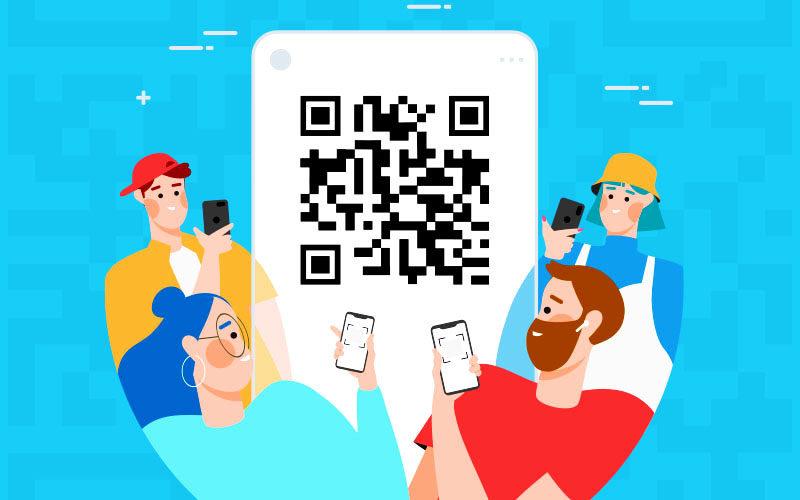
Tips to check and ensure the accuracy of QR Code before actual deployment
Check QR Code accuracy with standard tools
Before deploying QR Codes, use at least 2-3 different scanning apps to ensure the code responds accurately and without errors. Some popular apps include: QR Scanner, Google Lens and the built-in scanner on the phone. This helps to detect early cases of blurred codes or technical errors.
Final inspection checklist before printing and releasing
- Check if the link or data contained in the QR Code is accurate and works stably.
- Guarantee Color contrast between the code and the background is high enough for the scanner to read easily.
- Test on various devices such as Android phones, iPhones, tablets.
- Evaluate the scanning ability through different materials if the code is printed on paper, plastic, or fabric.
- Measure the minimum appropriate size to maintain fast and accurate scanning.
QR Code inspection standards table
| Criteria | Testing method | Standards |
|---|---|---|
| Print quality | Visual observation and test scanning | Clear code, not blurred |
| Contrast | Check background and code color | Dark code, light background |
| Data accuracy | Scan on at least 3 apps | Correct content feedback |
| Size | Measure with a ruler or software | Tối thiểu 2×2 cm |
Practical examples and warnings
A fashion brand in Hanoi encountered a case where the QR Code on the product label was faulty due to faded print color. After making adjustments according to the above checklist, the successful scan rate increased from 65% to 98% (according to the 2022 internal report). Note, if not checked carefully, the QR Code can cause inconvenience for users and affect customer experience.
Takeaway: Ensure thorough and diverse checks when scanning QR Codes to minimize risks and enhance practical usage efficiency.
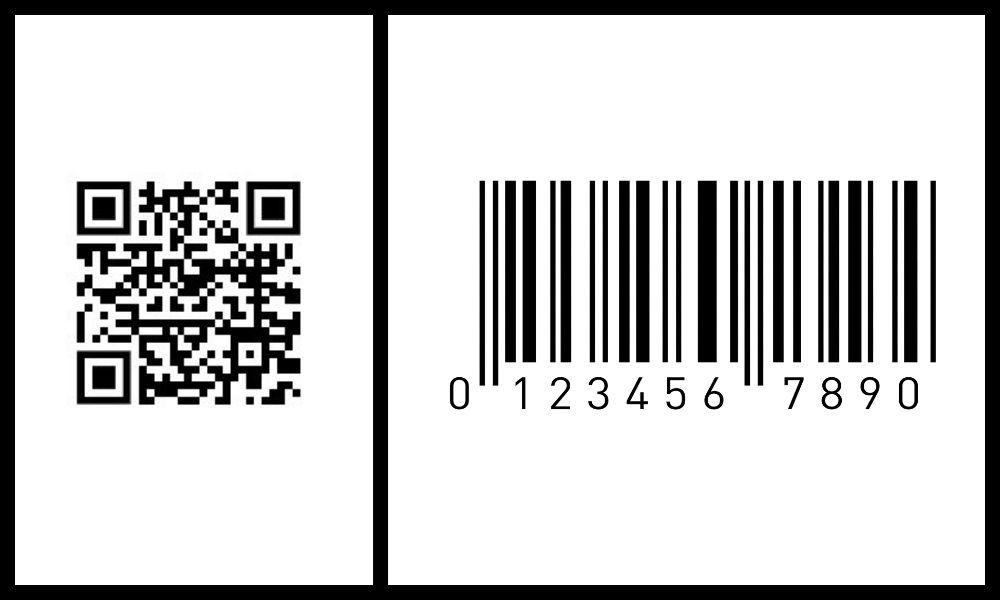
How to integrate QR Code into communication channels and customer touchpoints effectively
Integrate QR Code on digital communication channels
Attaching QR Code to digital communication channels such as websites, email marketing, and social networks helps increase quick and direct engagement. You can insert QR Codes into email footers or blog posts to lead customers to landing pages or promotional programs. According to Statista (2023), 52% of consumers prefer using QR Codes to access product information on mobile devices.
- Place the QR Code in a visible location that suits the user experience.
- Ensure the QR code is linked to valuable and regularly updated content.
- Optimize the QR size for accurate scanning on different devices.
QR Code application at customer touchpoints
Touchpoints such as stores, events, or physical products are ideal places to leverage QR Codes. Example: A fashion brand increased sales by 15% by attaching QR Codes to labels, allowing customers quick access to outfit tutorial videos.
- Use QR Codes to collect feedback or register for offers.
- Integrate QR codes on product packaging for usage instructions or to introduce new products.
- Avoid placing QR Codes in poorly lit areas or making them too small, which reduces scanability.
Effective QR code integration checklist
| Factors | Check | Note |
|---|---|---|
| QR Code placement | ✔ Complete | Ensure visibility and easy scanning |
| Linked content | ✔ Useful | Updated and suitable for the audience |
| QR Code size | ✔ Optimized | Not too small or too large |
| Test before publishing | ✔ Tested | Scan on multiple devices |
| Instruction notification | ✔ Yes | Helps customers use quickly |
Takeaway: Strategically integrating QR Codes with a focus on user experience enhances interaction and increases customer value.

Analyze data collected from QR codes to adjust marketing strategies more intelligently
Understanding QR Code data and its importance in marketing
Data collected from QR Code helps businesses accurately measure marketing campaign performance. Information such as scan count, location, time, and device used forms the basis for strategic adjustments. For example, a retail chain leveraged this data to increase sales by 15% after 3 months by optimizing promotions by region (according to Nielsen report, 2023).
Key metrics to track from QR Code
– Tổng số lượt quét và tần suất quét theo ngày/tuần
– Vị trí quét để xác định vùng khách hàng tiềm năng
– Loại thiết bị và hệ điều hành khách hàng sử dụng
– Thời gian quét giúp nhận diện “giờ vàng” tiếp cận khách hàng
– Tỉ lệ chuyển đổi từ quét QR đến hành động cụ thể (mua sắm, đăng ký)
Checklist for adjusting strategy based on QR Code data
- Analyze geographic areas with high scan rates to focus advertising in those regions
- Change landing page content based on customers' popular devices
- Cân nhắc thời gian phát hành QR Code theo “giờ vàng” để tăng tương tác
- A/B test with different QR Code samples to optimize scan rate
- Regularly check and refresh less effective QR Codes
| Indicators | Monitoring purpose | Strategic impact |
|---|---|---|
| Area-based scanning | Identify potential markets | Increase advertising in priority areas |
| Scan time | Identify golden hours | Adjust product launch schedule |
| Device type | Optimize user experience | Design compatible landing page |
Risks and challenges when using QR Code data
Collected data may be biased if the QR Code is shared uncontrollably or used for the wrong purpose. In addition, businesses need to ensure customer information security to avoid violating personal data protection laws. Over-reliance on data can also make strategies lose flexibility and creativity.
Key takeaways
Gratis QR Code Generator helps you create codes quickly, easily, and completely free. The tool is suitable for everyone, especially small and medium businesses.
Start creating QR Codes today to enhance your marketing effectiveness. Practicing regularly helps you master technology and expand your influence.
You can also learn more about optimizing digital marketing campaigns for SMEs. Topics such as social media management and email marketing are great choices to develop your skills.
DPS.MEDIA always accompanies you on your digital transformation journey. Don’t hesitate to share your thoughts or ask questions right below in the comments section!




