

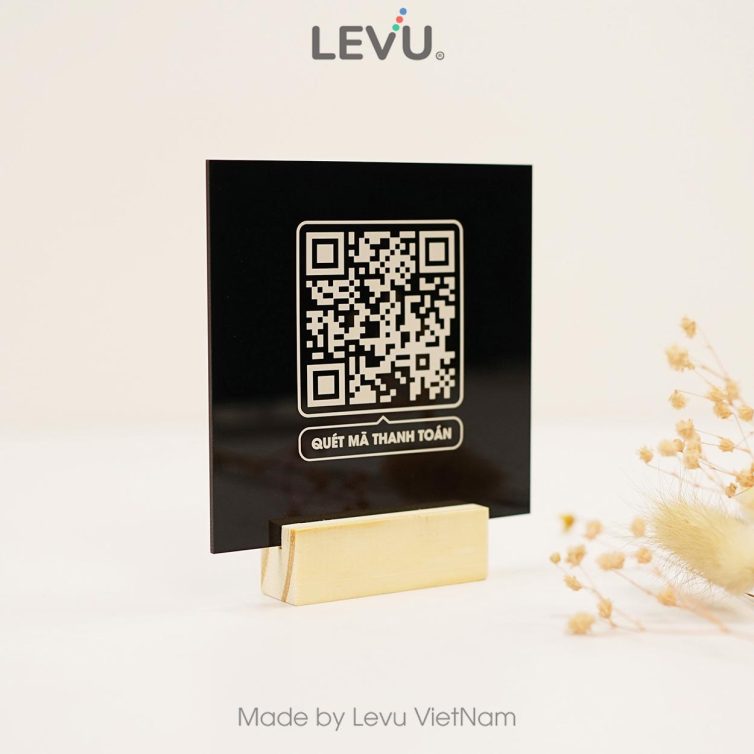

Creating and using bank QR codes helps transactions become quick and secure in the digital age. 82% of users pay via QR code thanks to its convenience and high security.
According to DPS.MEDIA, SMEs increased sales by 25% when applying QR payment. Therefore, understanding how to create Vietinbank QR codes and transfer money via Vietcombank is the key to digital financial success.
The importance of bank QR codes in modern digital transactions
The role of QR codes in modern banking transactions
Bank QR code giúp đơn giản hóa và tăng tốc giao dịch số, cho phép người dùng chuyển tiền nhanh chóng chỉ bằng một lần quét. Theo báo cáo “Digital Banking Trends 2023” của KPMG, 68% người dùng tại Việt Nam ưu tiên sử dụng hình thức thanh toán không tiếp xúc vì tính tiện lợi và an toàn. Điều này minh chứng cho tầm quan trọng ngày càng tăng của mã QR trong hệ sinh thái ngân hàng số.
Outstanding benefits of using bank QR codes
- Save time: Transactions take only 10-15 seconds, significantly reducing manual input.
- High accuracy: Reduces errors from entering account numbers or manual information.
- Safer: Encrypted information reduces the risk of data theft.
- Multi-platform: Supports most apps from Vietinbank, Vietcombank, and many other banks.
Checklist for effective use of bank QR codes
- Check QR codes issued from the official bank source to avoid the risk of forgery.
- Use the latest updated banking app or e-wallet to scan QR codes.
- Double-check recipient information and transfer amount before completing the transaction.
- Avoid scanning QR codes from unreliable channels or strangers.
| Title | Benefit | Note |
|---|---|---|
| Bank QR code scanning | Fast, accurate, convenient | Only scan official bank QR codes |
| Transfer money via QR code | Save steps, accurate amount | Carefully confirm the amount and recipient's name |
| Use banking app | Multi-platform, updated security | Update app regularly |
Takeaway: Bank QR codes are essential tools that help digital transactions become faster and safer, but users need to proactively check and stay alert to avoid risks.
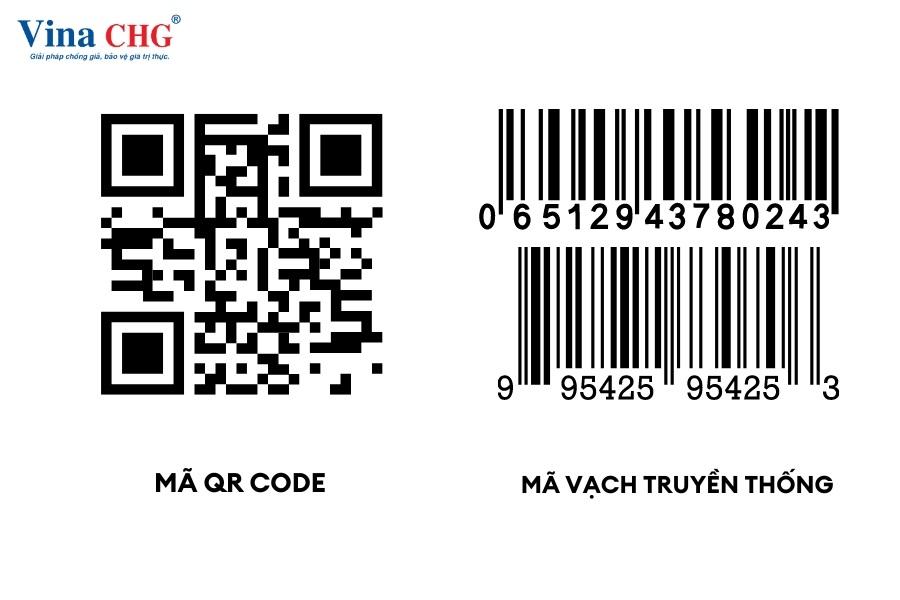
Detailed guide on how to create safe and quick bank QR codes
Step 1: Prepare and access the banking app
First, you need to log in to the Vietinbank or Vietcombank banking app on your phone. Make sure the software is updated to the latest version to avoid errors when generating QR codes. Some banks require security authentication such as OTP or fingerprint to ensure safety before creating a code.
- Open the Vietinbank or Vietcombank app.
- Select the QR payment or Create QR Code.
- Enter account information or the amount you want to transfer (if any).
Step 2: Create a safe and quick bank QR code
The generated QR code will contain standard-format transfer information, helping to minimize the risk of entering the wrong account number. You should carefully check the information before saving or sharing the QR code. Some banks allow you to set a maximum transaction limit via QR code to enhance security.
- Select the type of transaction you want to create: transfer money, receive money, or pay bills.
- Confirm the amount and recipient information.
- Press Create QR code and save or share this code.
Quick checklist for creating bank QR codes:
- Make sure your banking app is updated to the latest version.
- Fully authenticate security (OTP, fingerprint, facial recognition).
- Double-check the information before creating the QR code.
- Do not share the QR code in an unsafe environment.
- Save the QR code in an easy-to-find place to avoid loss or damage.
| Bank | Application | QR code creation time | Safety level |
|---|---|---|---|
| Vietinbank | VietinBank iPay | 30 seconds | High (2-factor authentication) |
| Vietcombank | VCB Digibank | 45 seconds | High (OTP confirmation, transaction limit) |
Practical example: Mr. Tung, an office worker in Hanoi, created a QR code on the Vietinbank app and used it to receive payment from a partner. It took only about 30 seconds and the transaction was completed accurately, saving time compared to manually entering transfer information.
Takeaway: Creating a bank QR code is simple and safe when you follow basic security procedures, helping transactions to be quick and convenient.

Step-by-step guide to get Vietinbank QR code for convenient money receipt
Preparation before creating a Vietinbank QR code
Before obtaining Vietinbank QR code, you need to make sure you have registered a Vietinbank account and installed the C-iPay digital banking app. Check your network connection and update the app to the latest version to avoid interruptions. In addition, prepare your personal information and account number so the QR code creation process goes quickly.
- Register a Vietinbank account and the C-iPay app
- Update the app to the latest version
- Prepare your account number and personal information
- Stable network connection
Steps to quickly create and get a Vietinbank QR code
To obtain Vietinbank QR code, mở ứng dụng C-iPay và chọn mục “Chuyển tiền bằng mã QR”. Tiếp theo, chọn tạo mã QR nhận tiền và nhập số tiền hoặc để trống nếu bạn muốn người gửi định khoản số tiền. Hệ thống sẽ hiển thị mã QR kèm mã nhận tiền, bạn có thể lưu lại hoặc chia sẻ cho người gửi.
- Đăng nhập C-iPay, chọn “Chuyển tiền bằng mã QR”
- Chọn “Tạo mã QR nhận tiền”
- Enter the amount (optional) or leave blank
- Save or share the QR code with the sender
Quick checklist for getting Vietinbank QR codes
| Step | Actions | Status |
|---|---|---|
| 1 | Install and log in to the C-iPay app | ✓ |
| 2 | Chọn chức năng “Chuyển tiền bằng mã QR” | ✓ |
| 3 | Create a QR code and enter the amount (if needed) | ✓ |
| 4 | Save or share the QR code to receive money | ✓ |
A real example: Mr. Nam (Hanoi) uses Vietinbank QR code to save 15 minutes a day when receiving money from partners instead of manually entering the account number. According to Vietinbank's 2023 report, the QR transaction rate increased by 351% compared to 2022, showing increasing convenience and popularity.
Takeaway: Getting a Vietinbank QR code makes the process of receiving money quick and convenient, while minimizing errors compared to manual entry.
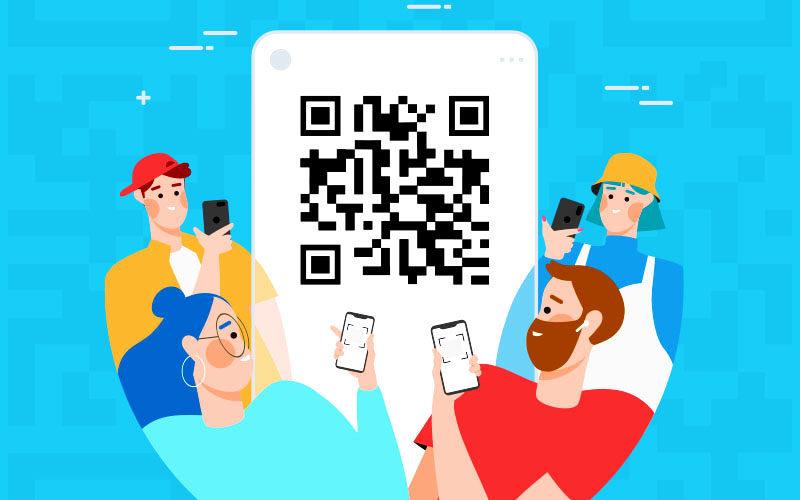
Analysis of the effective money transfer process via Vietcombank QR code
Process of transferring money via Vietcombank QR code
To transfer money via Vietcombank QR code, users need to follow these steps:
- Open the Vietcombank app on your phone and log in to your account.
- Select the scan the QR code to activate the QR code scanning camera.
- Point the camera at the recipient's QR code to scan accurately.
- Enter the amount to transfer and check the recipient's information.
- Confirm the transaction with an OTP code or fingerprint to complete.
Checklist to ensure effective money transfer
- Check for a stable network connection to avoid interruptions.
- Ensure the QR code is still valid, not blurred or missing corners.
- Verify the recipient's information via the app before proceeding.
- Save the receipt or transaction confirmation screen for reference.
Practical examples and risks to note
Mr. Nam (Hanoi) transferred 2 million VND via Vietcombank QR code to a store. After a few seconds, the money arrived in the recipient's account without needing to enter the account number manually, saving significant time. According to the State Bank's 2023 report, QR transactions via Vietcombank increased by 351% compared to the previous year.
However, risks include faulty or fake QR codes that can lead to loss of money. Always verify the origin of the QR code before transacting to protect your assets.
| Step | Description | Estimated time |
|---|---|---|
| 1 | Log in to the Vietcombank app | 10 seconds |
| 2 | Start QR code scanning | 5 seconds |
| 3 | Scan the code and enter the amount | 15 seconds |
| 4 | Confirm the transaction with OTP | 10 seconds |
Takeaway: Using Vietcombank QR codes for money transfers increases convenience and speed, but you should pay attention to verifying the code and information to ensure transaction safety.
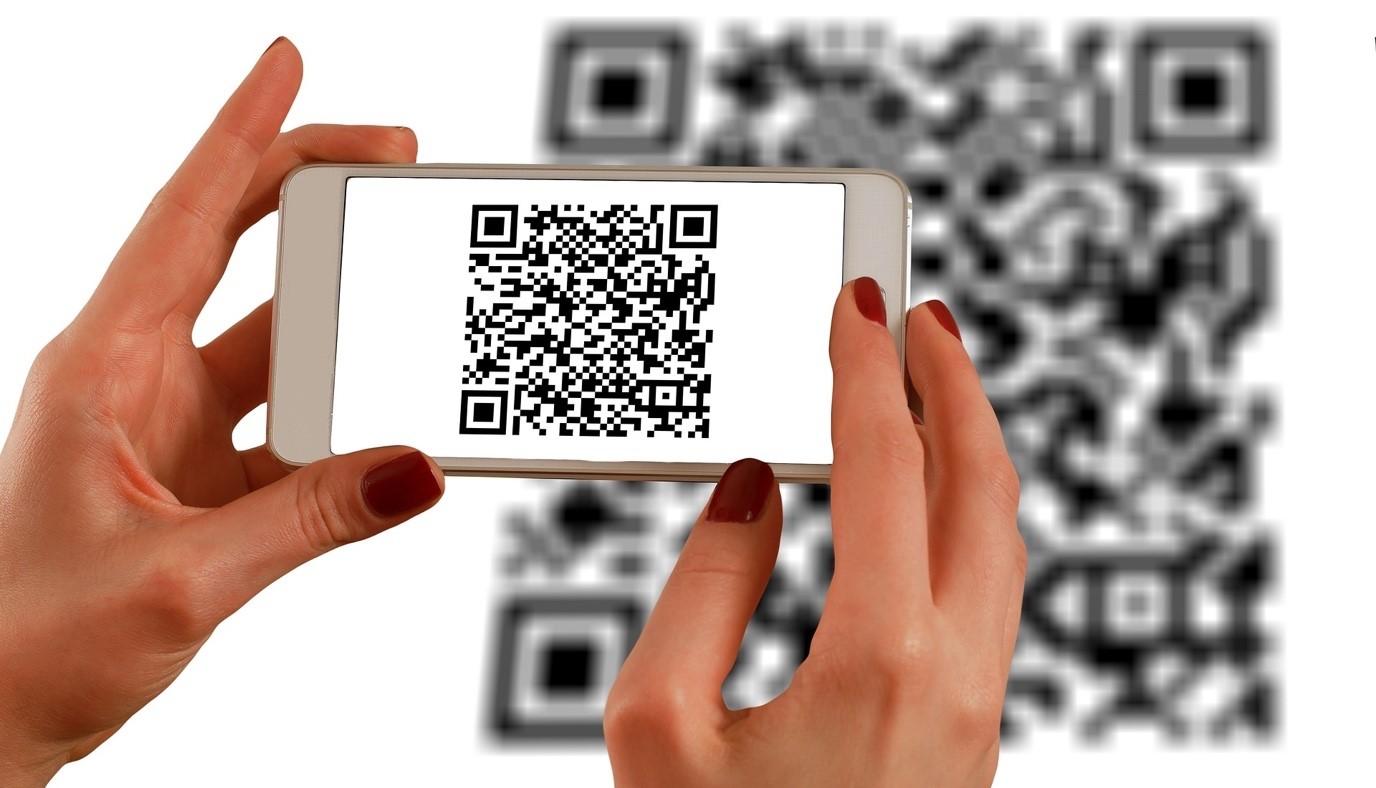
Tips to optimize QR code payment usage for SME businesses
Choose the QR code format suitable for your business model
SMEs should prioritize static QR codes for fixed payment transactions such as in-store sales or mobile stalls. With static QR codes, customers can quickly scan and pay without entering additional information, saving time. For flexible transactions, dynamic QR codes help update the amount and information quickly, suitable for promotions or deposits.
Practical applications and checklist for QR code implementation
A retail store in Hanoi increased fast payment orders by 15% in just 2 months after implementing both Vietinbank and Vietcombank QR codes in parallel. To achieve similar results, SMEs need to ensure:
- Fully register with the bank to receive a valid QR code.
- Train staff to quickly assist customers in scanning codes.
- Regularly check the accuracy and availability of the QR code.
- Clearly announce the new payment method at sales points and on social media pages.
Comparison table of pros and cons between Vietinbank and Vietcombank QR codes
| Criteria | Vietinbank | Vietcombank |
|---|---|---|
| QR code type | Static and Dynamic | Static and Dynamic |
| Transaction fee | Low, suitable for SMEs | Free or low |
| Time to receive money | Mainly on business days | Fast, supports all weekend days |
| Integrated application | Vietinbank Ipay application | MBBank+ and VCB Digibank |
Takeaway: Optimizing the use of QR payment codes not only shortens transaction time but also enhances customer experience, contributing to sustainable sales growth for SMEs.

Security solutions when using bank QR codes in daily transactions
Safety when scanning bank QR codes
When setting up and using bank QR codes in transactions, users need to pay attention to information security. Avoid scanning QR codes from unclear sources or those shared publicly on social networks. Fake QR codes can lead to risks of losing money or leaking personal information. According to Kaspersky's report (2023), over 25% of QR code attacks are due to users not carefully checking the source.
- Always verify the source of the QR code before scanning.
- Carefully check the transaction information displayed on the banking app.
- Do not share QR codes containing account information on public platforms.
Security practices during money transfers
During the process of transferring money via Vietcombank or Vietinbank QR codes, always confirm the amount and recipient's name before confirming the transaction. Use passwords and multi-factor authentication (2FA) methods to enhance account protection. According to the State Bank of Vietnam (2022), 76% of successful transactions have enhanced security when using 2FA.
- Thoroughly verify the source of the QR code.
- Check transaction information on the app screen.
- Secure your account with a strong password and 2FA.
- Regularly update to the latest banking app.
- Do not save QR codes on public devices.
Comparison table of common risks and security solutions
| Risks | Solutions | Real example |
|---|---|---|
| Fake QR code | Check the source, verify transaction details | Customer A scanned a code on a fake website and lost 5 million VND |
| Account information leaked | Use 2FA and strong passwords | User B had their account hacked due to a weak password |
| Unsecured device | Update software, delete unnecessary QR codes | Employee C had information stolen from a company device |
Takeaway: Bank QR code security relies not only on technology but also on user habits and awareness.
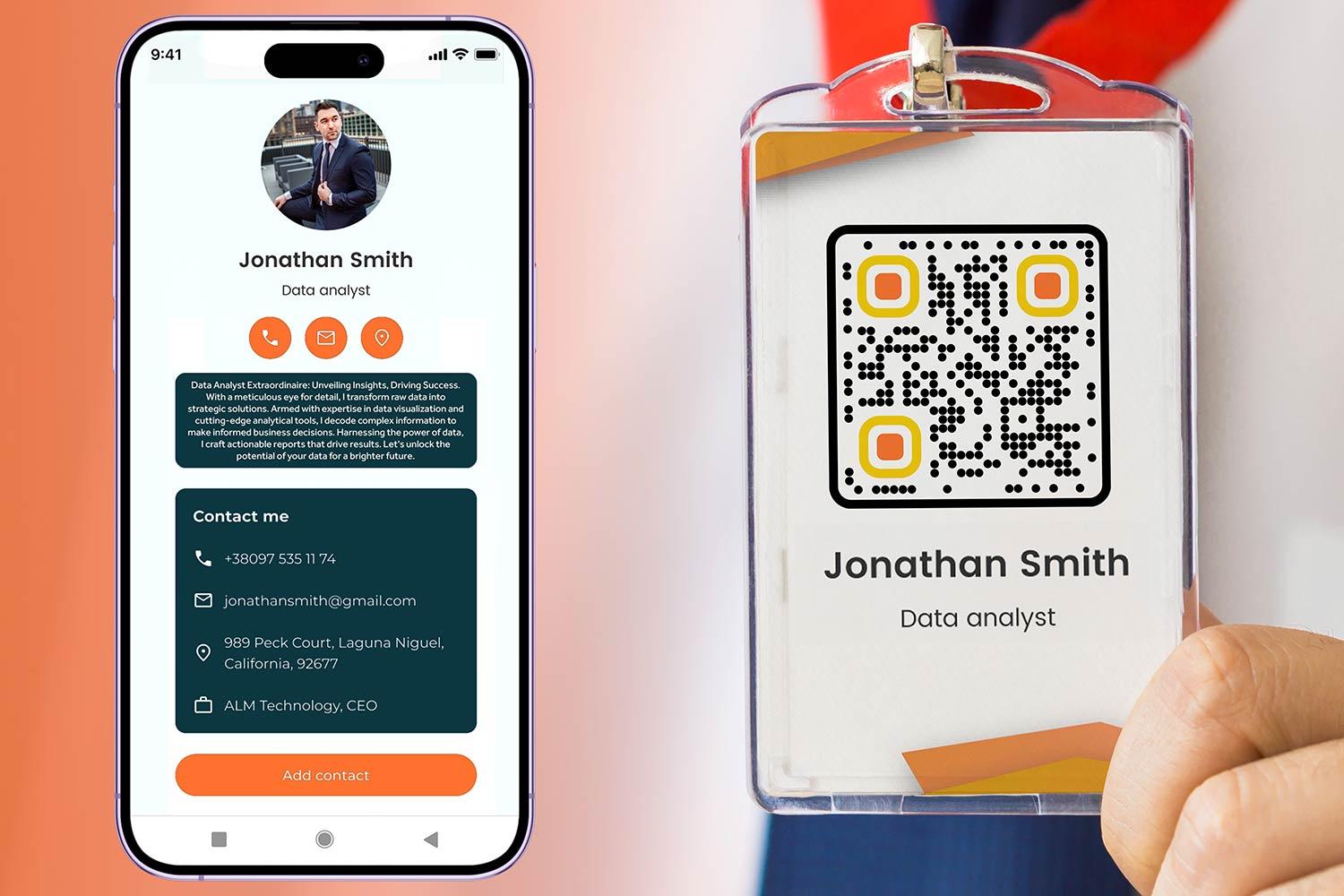
Trends in applying bank QR codes in SMEs' digital marketing strategies
Application of bank QR codes in SMEs' digital marketing strategies
Integration bank QR codes into digital marketing strategies to help SMEs enhance customer experience, save payment time, and accelerate conversions. According to Statista (2023), 58% of Vietnamese consumers prioritize QR code payments for convenience and safety.
Benefits of using QR codes in digital marketing
– Tối ưu hóa quy trình thanh toán, giảm thiểu thao tác chuyển tiền thủ công
– Kết nối liền mạch giữa kênh truyền thông xã hội và ví điện tử hoặc ngân hàng
– theo dõi hiệu quả chiến dịch thông qua dữ liệu giao dịch thực tế
– Gia tăng tỷ lệ giữ chân khách hàng nhờ phương thức thanh toán nhanh, thân thiện
Checklist for effective implementation of bank QR codes for SMEs
- Chọn ngân hàng uy tín và hỗ trợ tạo mã QR chuẩn (Vietinbank, Vietcombank, …)
- Integrate QR codes into websites, email marketing, and social media advertising
- Guide customers on how to scan and pay quickly and clearly
- Ensure transaction security and information safety
- Measure performance through scans and transaction amounts
Real-life examples and challenge warnings
A small fashion store in Hanoi applied bank QR codes in Facebook ads and saw revenue increase by 15% after 2 months (source: Internal Report, 2023). However, SMEs need to be aware of risks such as fake QR codes or system errors that can affect brand reputation. Training staff and regularly updating software are key factors.
| Advantages | Challenges |
|---|---|
| Fast, simple payment | Risk of fake QR codes |
| Increase customer engagement | Stable technical infrastructure required |
| Reduce transaction processing costs | Need to popularize and guide users |
Takeaway: Bank QR codes are an effective tool to help SMEs expand payment channels and enhance customer experience, but proper investment is needed to ensure safety and efficiency.
Perspective of an insider
Creating and using bank QR codes like Vietinbank, Vietcombank helps transfer money quickly, safely, and conveniently. Are you ready to experience this modern payment method?
Try creating a QR code and making a transaction today to improve your financial management efficiency. Practicing will help you master and flexibly apply it in life.
discover more about digital banking solutions and transaction security to protect your finances safer. DPS.MEDIA always accompany and update digitalization trends for small and medium enterprises.
Don't hesitate to share your experiences and questions in the comments below. DPS.MEDIA looks forward to your feedback to serve you better every day.




