

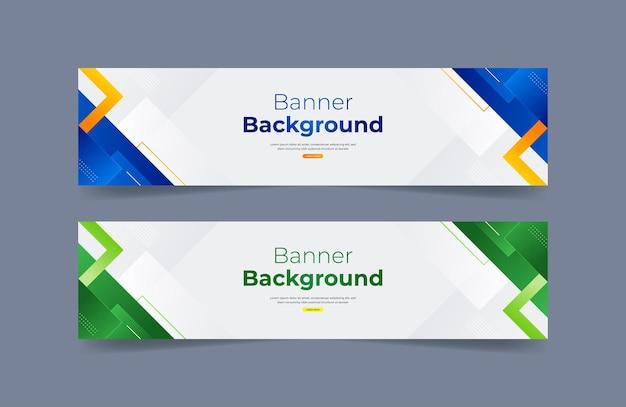

In today's digital world, creating an effective and free online banner is not just a simple task but also an art.. With millions of graphic messages circulating, the demand to create a standout and attractive banner is a significant challenge, but it is entirely achievable if you master the basic principles.
According to statistics, 90% of the information that humans receive is images. This proves that images have the ability to convey messages more powerfully than text. Therefore, banner design will more or less determine the ability to attract viewers' attention and interaction.
Not only is it a communication tool, a gateway for your ideas, but also an indispensable part of online marketing strategy. Owning a quality banner will help you build brand identity strongly, thereby greatly increasing the conversion rate. That is why in this article, I will guide you on how to design a free online banner in a simple but effective way. Never underestimate the power of a beautiful banner,because it can change the way customers view the product or service you are providing..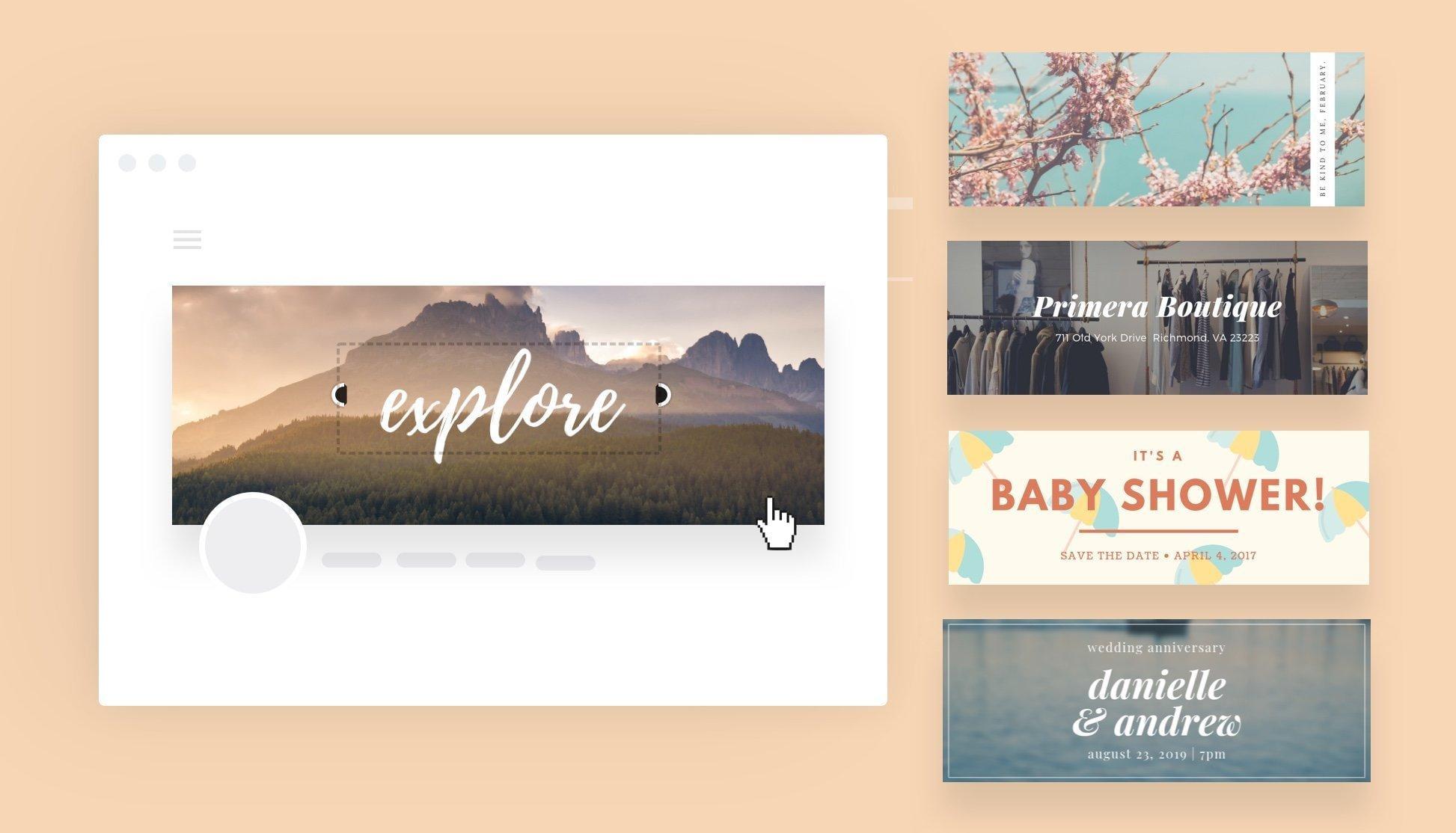
Overview of online banner design and popular free tools
The role of banners in digital marketing
Banners play a key role in online marketing strategy, serving as a visual bridge between the brand and customers. According to research by Nielsen Norman Group, users only take 0.05 seconds to form a first impression of an advertising banner. Therefore, banner design needs to ensure high aesthetics and convey the message effectively.
Popular banner design tools
Currently, there are many free online banner design tools with professional features such as:
- Canva - Versatile design platform with over 8000 banner templates
- Adobe Express – Công cụ từ adobe với khả năng chỉnh sửa mạnh mẽ
- snapseed – Ứng dụng mobile với các filter chất lượng cao
- Crello - Rich template library for many platforms
| Tool | Main advantages | Suitable for |
|---|---|---|
| Canva | Easy to use, many templates | Beginners |
| Adobe Express | Professional features | experienced designer |
| Snapseed | convenient on mobile | Quick edit |
Basic principles in designing banners that attract viewers
Attractive design elements in banners
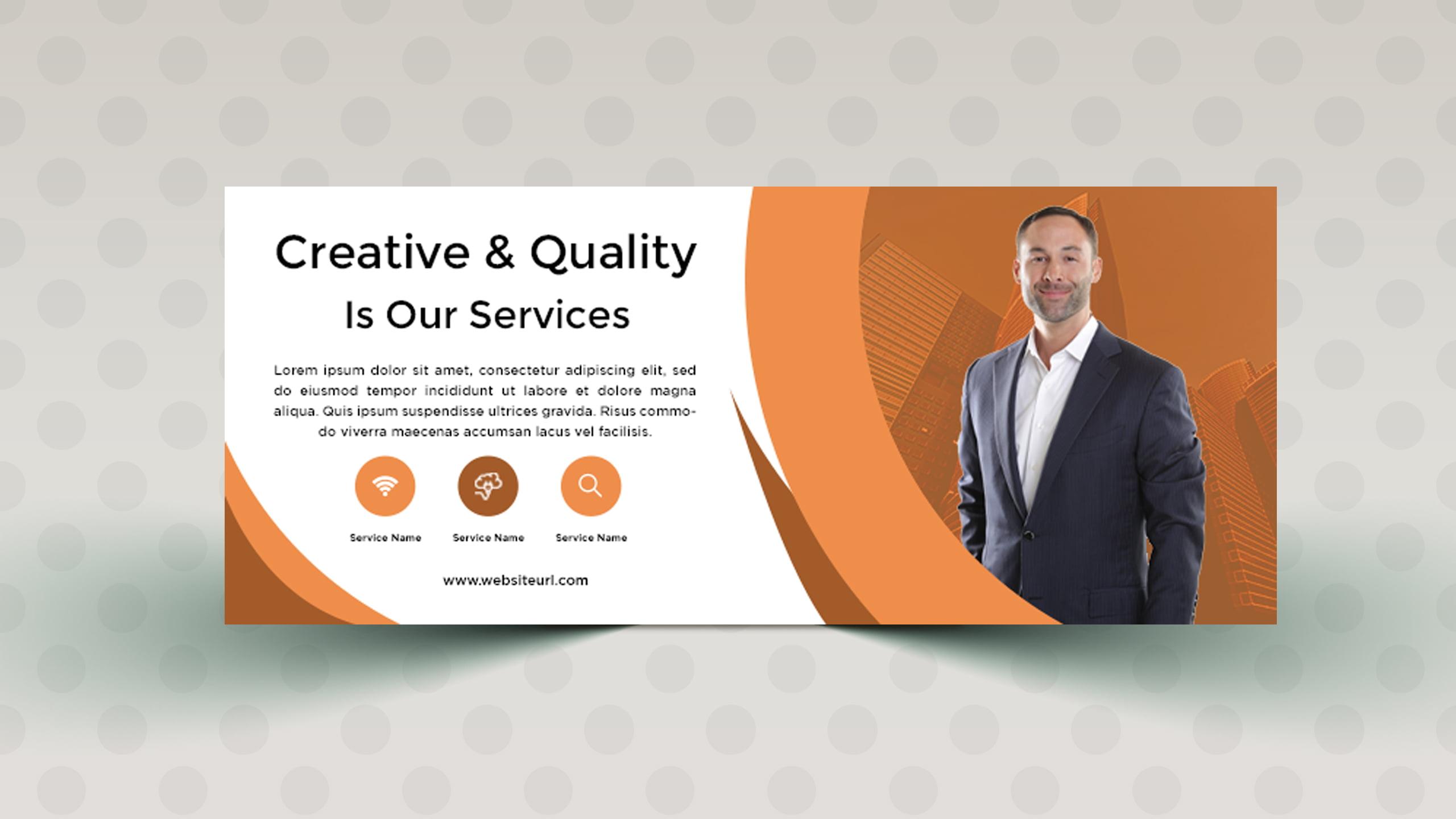
From many years of design experience at DPS, tôi nhận thấy một banner hiệu quả cần tuân thủ nguyên tắc “Less is more. According to research by Nielsen Norman Group, users only spend the first 2-3 seconds deciding whether to continue viewing the banner or not. Therefore, it is necessary to focus on a main message, use easy-to-read fonts, and maintain a balanced layout.
- Create a clear visual highlight
- Use appropriate contrasting colors
- Maintain reasonable white space
- Ensure balanced proportions of elements
Optimizing banners for each platform
Each platform has its own characteristics regarding size and display. For example, Facebook requires a 1.91:1 ratio for ad banners, while Instagram prefers a 1:1 ratio. Optimizing banners according to the correct specifications will help images display more beautifully and professionally on all devices.
| Platform | Recommended ratio | Popular size |
|---|---|---|
| 1.91:1 | 1200 x 628px | |
| 1:1 | 1080 x 1080px | |
| 1.91:1 | 1200 x 627px |
Guide to using Canva to create professional banners from A-Z
Top online banner design tools
With over 10 years of experience in the design industry, I find Canva to be one of the most powerful online banner design tools today. According to statistics from Creative Bloq, more than 75% of professional designers use Canva for their projects. The intuitive interface and massive template library make it easy for users to create eye-catching banners without needing in-depth graphic design knowledge.
- Professional template library with over 100,000 designs
- Intuitive editing tools with drag-and-drop features
- Built-in stock photo and diverse font library
- Supports exporting files in multiple formats: PNG, JPG, PDF
| Version | Key features | Giá tham khảo |
|---|---|---|
| Free | Template cơ bản, 250,000 ảnh miễn phí | 0đ |
| Pro | Brand Kit, Background Remover | 119,000 VND/month |
Color matching techniques and effective font selection for advertising banners
Color matching principles for professional banners
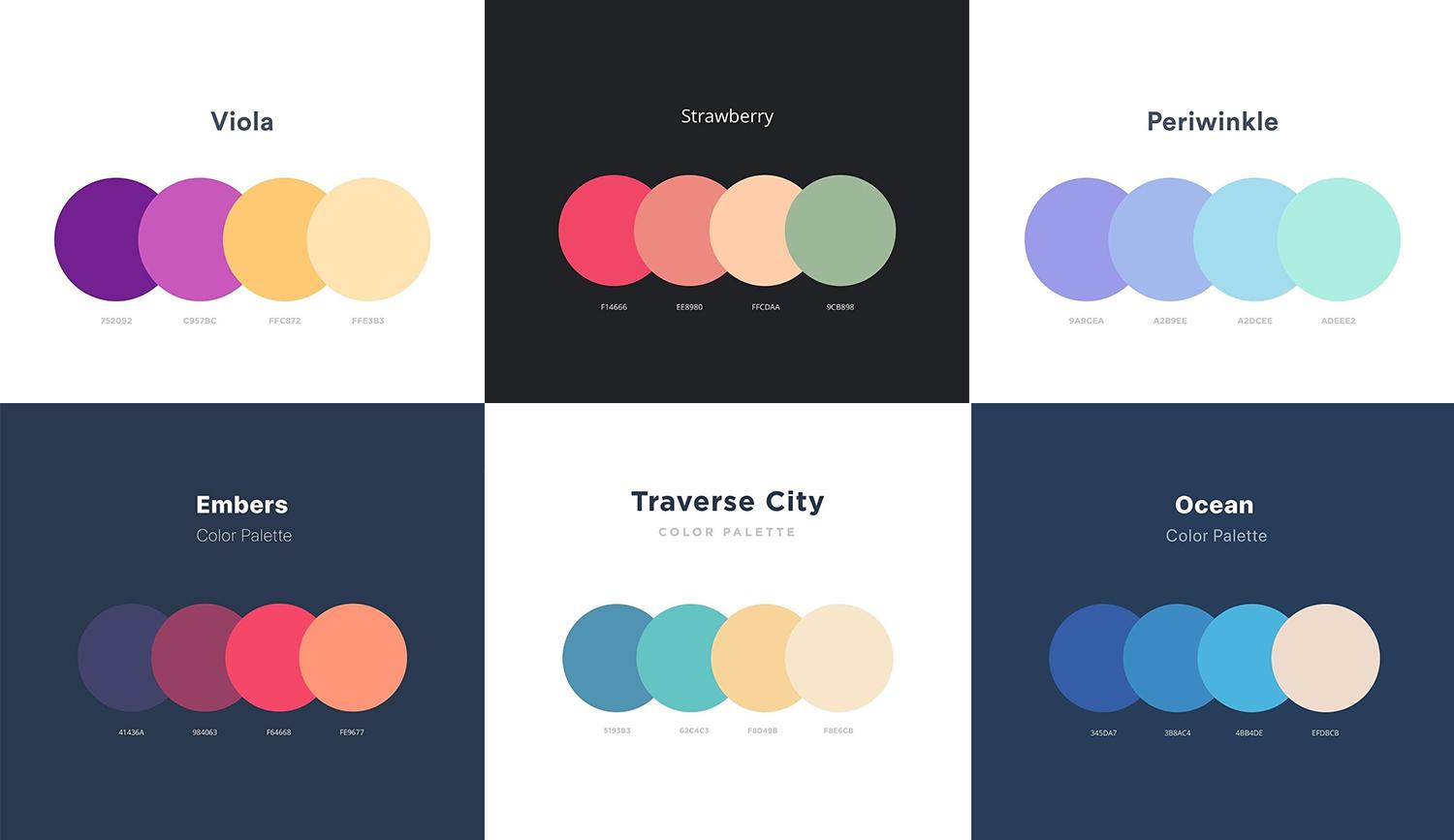
Through many years of design experience at DPS, I have found that color coordination plays a decisive role in the success of a banner. According to research by the Pantone Color Institute, 60% of customers' purchasing decisions depend on color..We should apply the 60-30-10 color coordination principle, in which 60% is the main color, 30% is the secondary color, and 10% is the accent color. A typical example is Nike's advertising campaign with black as the main color (60%), white as the secondary color (30%), and red as the accent (10%).
Choosing fonts suitable for the message
- Sans-serif font: Suitable for modern, tech banners
- Serif font: Creates a luxurious, professional feel
- Script font: Suitable for fashion and cosmetic brands
| Font type | Readability level | Suitable for |
|---|---|---|
| Sans-serif | bid | Tech, Startup |
| Serif | Average | Luxury, finance |
| Script | Low | Fashion, Beauty |
Optimizing banner sizes for each social media platform
Standard banner sizes for each social media channel
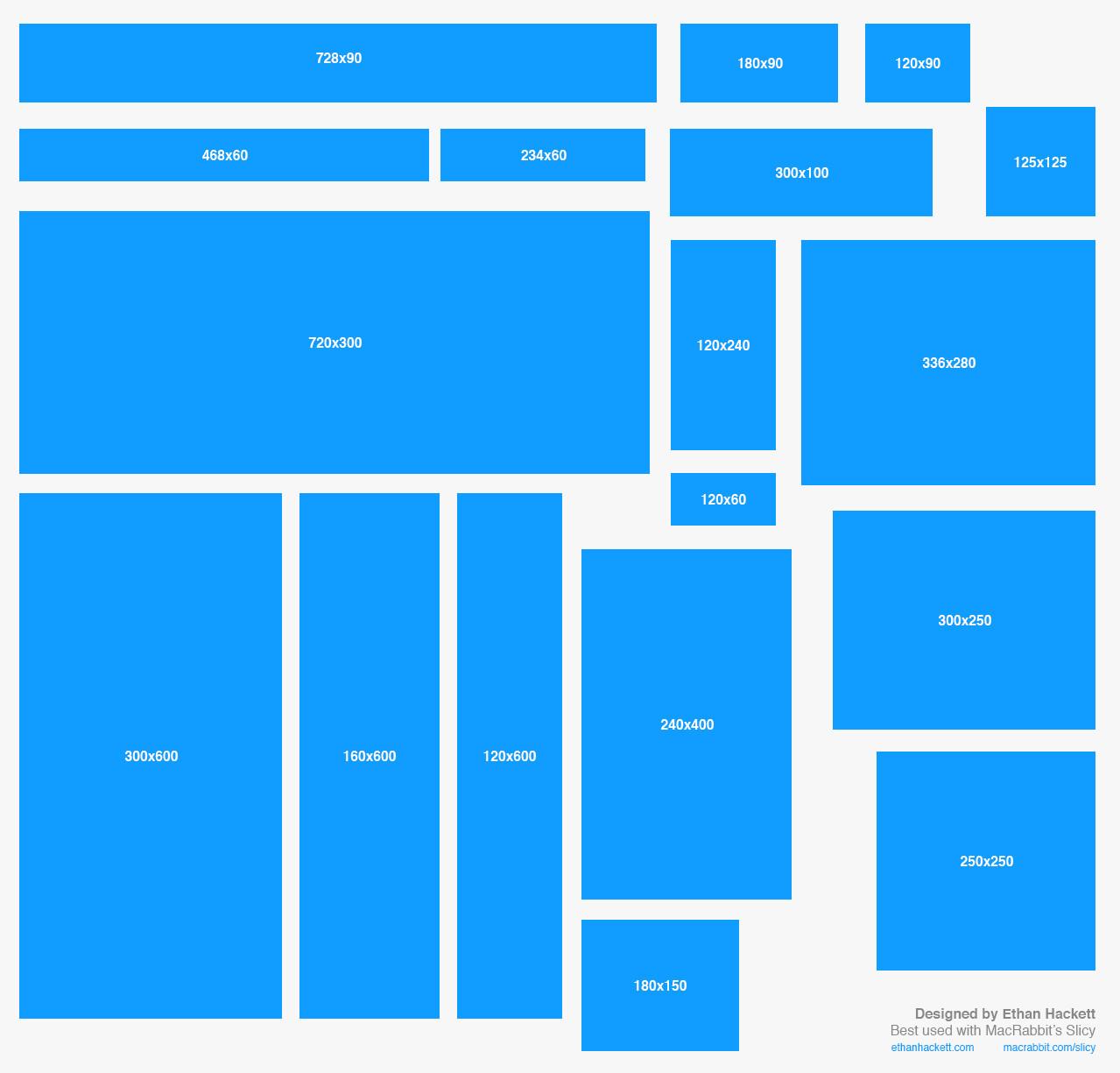
Research from Social Media Examiner shows that each social media platform has its own banner size requirements to ensure the best display. As a designer at DPS, I often have to optimize banner sizes for clients on different platforms. From practical experience, Facebook prefers the 1200x628px size for ads, while Instagram requires a square ratio of 1080x1080px for the best display on the feed.
- Facebook: 820x312px (cover photo), 1200x628px (ad image)
- Instagram: 1080x1080px (square post), 1080x1350px (vertical post)
- Twitter: 1500x500px (header), 1024x512px (tweet image)
- LinkedIn: 1128x191px (company banner), 1584x396px (personal banner)
| Platform | Aspect ratio | Maximum file size |
|---|---|---|
| 1.91:1 | 4MB | |
| 1:1/4:5 | 30MB | |
| 2:1 | 5MB |
Looking back on the journey with DPS
Với những hướng dẫn trên,bạn đã có thể bắt đầu hành trình sáng tạo banner của riêng mình. Đừng ngại thử nghiệm và tìm tòi phong cách độc đáo – mỗi designer đều có con đường riêng để phát triển.
If you want to improve your design skills, you can refer to online courses on composition, color theory, or typography. This knowledge will help make your banners more professional and impressive.
Don’t forget to follow the latest design trends on platforms like Behance or Dribbble to update your inspiration. You can also join designer communities to learn and share experiences.
Share your very first banners with us in the comments below! We are excited to see your results and hear about any difficulties you encountered during the design process.
If you still have any questions, don’t hesitate to ask. Together, we will create beautiful and effective banners!




