


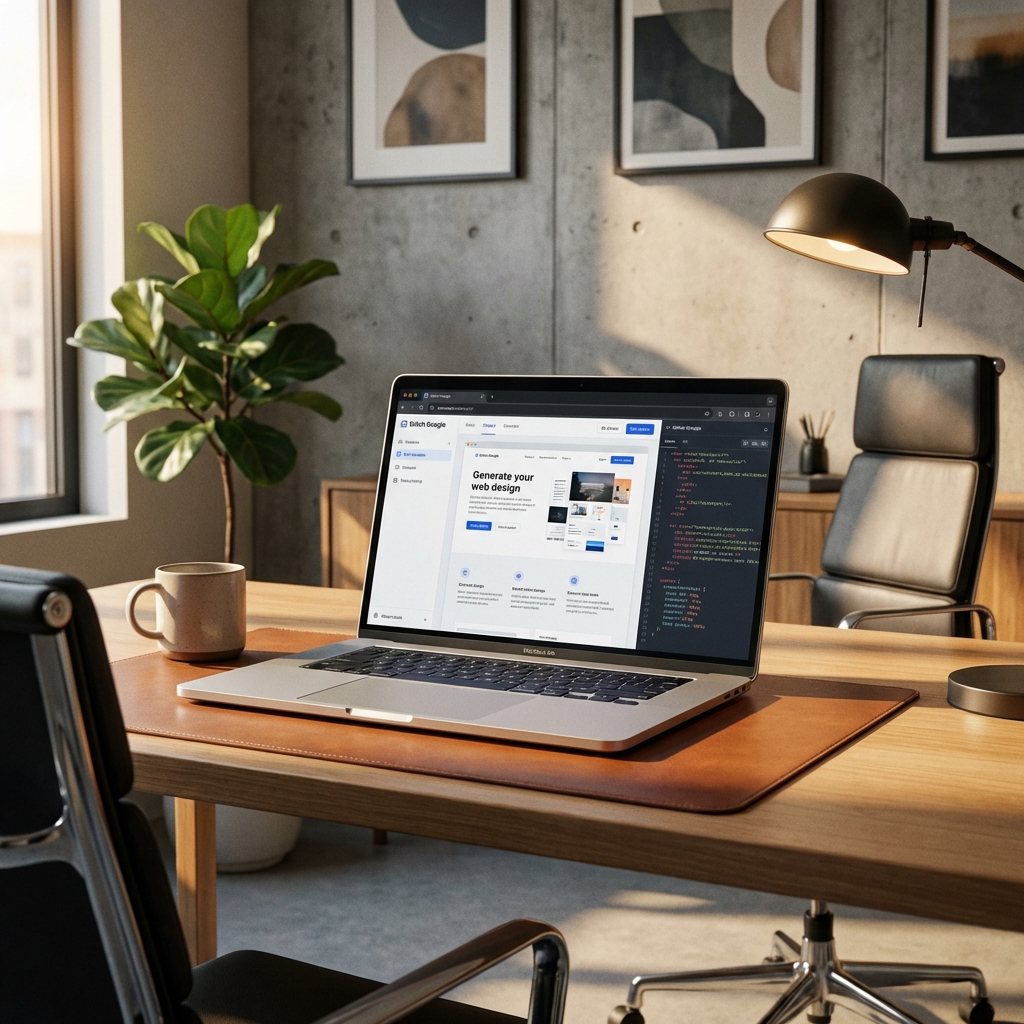
Introduction to Stitch Google: The AI Design Revolution 2026
In today's explosive digital era, designing user interfaces (UI) and user experiences (UX) is no longer the exclusive privilege of professional designers.
With the advent of Stitch Google, a breakthrough AI tool introduced by Google Labs at the Google I/O 2025 event, the boundary between ideas and real products has been blurred.
This article will provide you with the most detailed Stitch Google usage guide, helping you master the ability to design web layouts with top-notch natural language.
Stitch Google is not just a simple photo editing or image generation tool. It is an intelligent design ecosystem, built on the foundation of Galileo AI.
The core strength of Stitch lies in its deep understanding of technical, aesthetic, and usability requirements through large language models (LLM) like Gemini 2.5 Pro and Gemini 2.5 Flash.
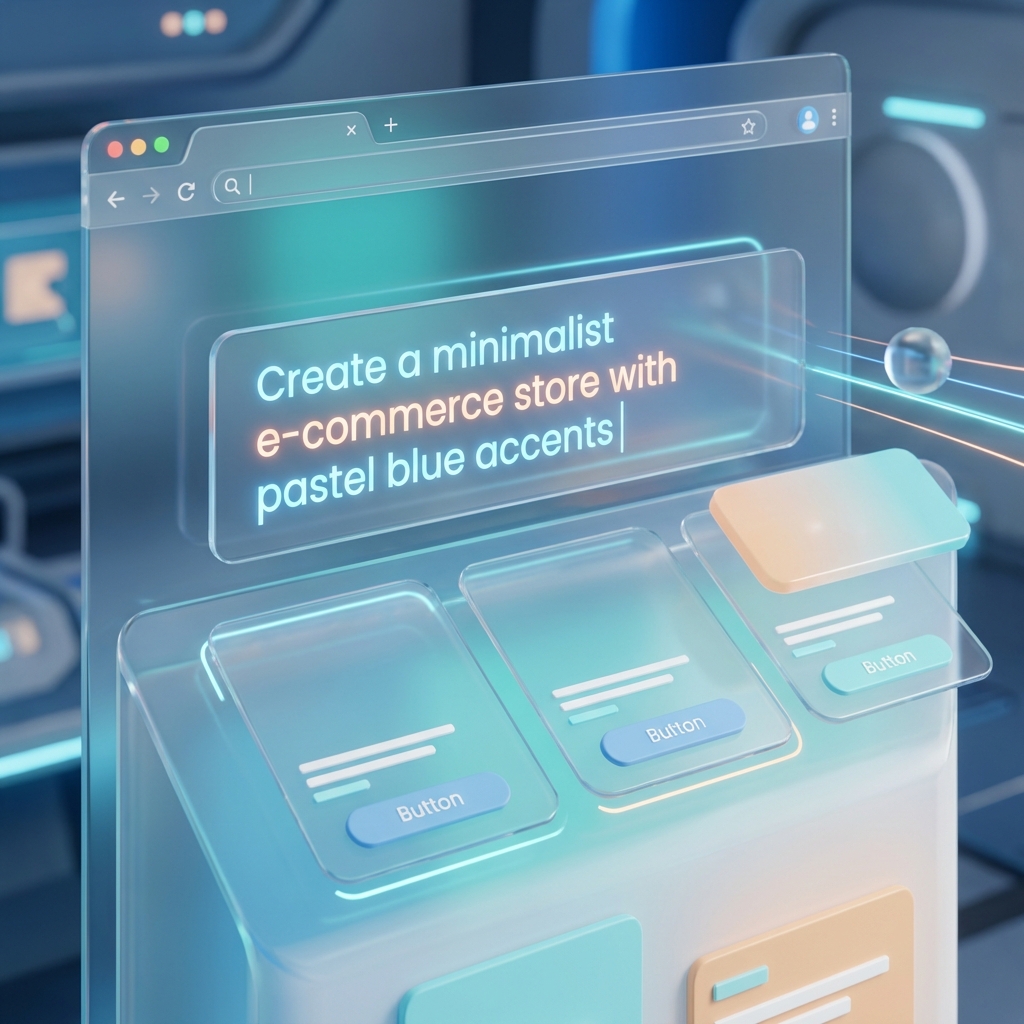
Imagine you just need to describe: “I want a minimalist e-commerce website for a specialty coffee brand, using earthy tones and featuring smooth motion effects.”
In just a few seconds, Stitch Google will turn that description into a complete UI design with all components like navigation buttons, banner, product list, and contact form.
This is truly a giant leap forward, saving dozens of hours of manual work and costs for businesses, especially Marketing Agencies in Ho Chi Minh City.
With Stitch, realizing ideas becomes easier and faster than ever, allowing businesses to focus on product development instead of struggling with code.
Why You Need a Stitch Google Usage Guide Right Today?
There are 3 main reasons why learning to use Stitch Google becomes essential in 2026. First, design iteration speed is 10 times faster than traditional processes.
You can experiment with dozens of different layouts just by changing a few words in the prompt command. This opens up unlimited creativity for all users.
Second, design system consistency is absolutely ensured by artificial intelligence, avoiding minor errors in spacing, colors, or fonts.
The final and most important reason is seamless integration into the development workflow. Stitch Google doesn't just create static images; it allows direct export to Figma.
This facilitates coordination between design and programming teams, minimizing errors when transferring products from drawings to reality.
If you are looking for a reputable-website-design-company-in-ho-chi-minh-city-(2026) or want to build your own website, Stitch is the perfect assistant.
7 Steps to Design Web Layout Using Natural Language with Stitch Google
Step 1: Access and Set Up Stitch Google Account
To start your creative journey, you need to access the Google Labs homepage or the official Stitch Google portal.
Currently, this tool is deeply integrated into the Google Workspace ecosystem and Vertex AI. You can use a personal or business Google account to log in.
After logging in, take a few minutes to explore the Dashboard interface, where your projects (Projects) and available templates (Templates) are stored.
The first thing you should do in the Dashboard is set up “Global Styles” for your project. Stitch allows you to define Color Palettes and primary fonts.
Although AI can suggest automatically, providing these basic parameters will make the generated results much closer to your brand identity.
Don't worry if you don't have ideas yet, Stitch also provides an extremely diverse styles library (Styles Library) for you to reference before starting.
Step 2: Write Effective Prompt Commands for UI Design
Prompt engineering skills are the key to getting excellent results from Stitch Google. A good prompt needs to include at least 4 important components.
Audience, Style (Minimalist, Corporate), Main components (Hero section, Footer), and Goal are what you need to include clearly in your prompt.
Instead of writing “Design a t-shirt sales website”, try “Design a streetwear fashion brand homepage, cyberpunk style, with a large banner and a carousel product display.”
Stitch Google is incredibly smart at understanding professional UI/UX terms. You can use keywords like “Above the fold” or “Social proof” in your prompts.
The AI will automatically arrange these components in the optimal positions according to the F-pattern principle to increase conversion rates for your business website.
This is an extremely important factor in TPHCM Digital Marketing Agency market 2024-2025 today.
Step 3: Refine Design with AI Iteration Mode
After Stitch generates the initial layout, you don't necessarily have to accept that result immediately. Stitch provides a very powerful “Iterate” feature.
This feature allows you to edit small parts of the design by continuing to chat with the AI as if working with a real Designer.
For example, you can select a specific area and say: “Change the color of this CTA button to a more vibrant orange” to attract customer attention.
Each time you make an edit request, Stitch will generate a new variant (Variant) for you to choose from.
You can easily compare these versions side by side to select the most satisfactory one. The special point is that the AI will keep the overall structure of the current design.
This iterative mode makes the design process fun like a direct conversation with a talented designer who is always ready.
Step 4: Use the Vision Feature – Transform Wireframes into High-Fidelity Designs
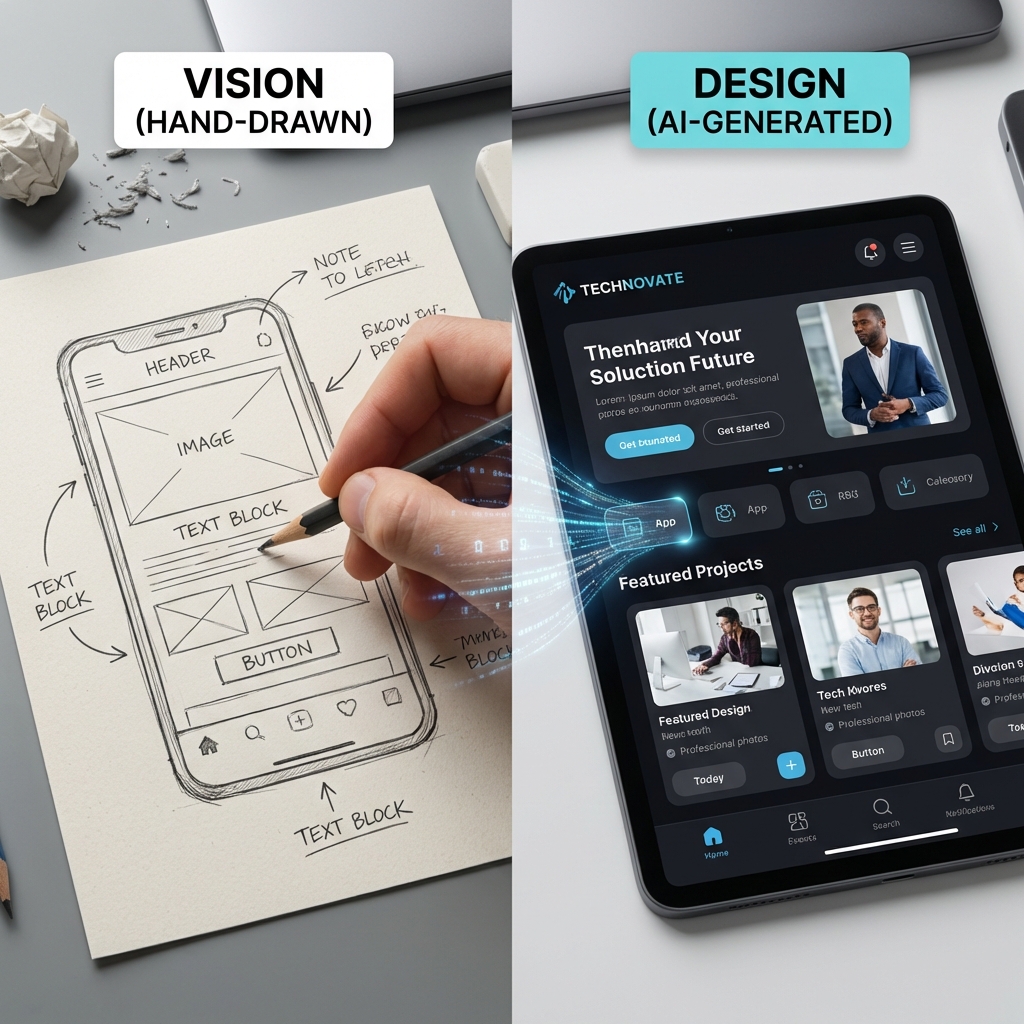
One of the “unprecedented” features of Stitch Google is Vision. If you are someone who likes to sketch ideas on paper, this feature is for you.
You just need to take a photo of your rough wireframe sketch and upload it to Stitch. The AI will analyze the shapes and text to convert them into a professional digital interface.
The result will be a high-fidelity design with full colors and vivid images, perfectly matching your original idea on paper.
This feature is extremely useful in team Marketing or Product brainstorming sessions. You can see preliminary results right after a few short minutes.
Stitch Google can even recognize handwritten notes in Vietnamese to understand your deep intentions in every scribble.
This is a breakthrough step that shortens the gap from idea to actual demo in digital business marketing campaigns.
Step 5: Collaborate and Share Projects in Team
Stitch Google is designed for teamwork. You can invite colleagues to your project to view, comment, or directly edit the design layouts together.
Similar to Google Docs, all changes are updated in real-time, making coordination between members extremely smooth.
You can leave comments (comments) directly on design components to give feedback to each other, making the design approval process transparent.
Moreover, Stitch allows creating shareable links (shareable links) to quickly send to clients for preview.
Customers can interact directly with the demo to get the most realistic view of the final product even if it hasn't been programmed yet.
This transparency helps build solid trust between the Agency and customers in projects digital transformation for small businesses.
Step 6: Export Design to Figma and HTML/CSS
Once completely satisfied with the design, the next step is to hand over to the source code production phase.
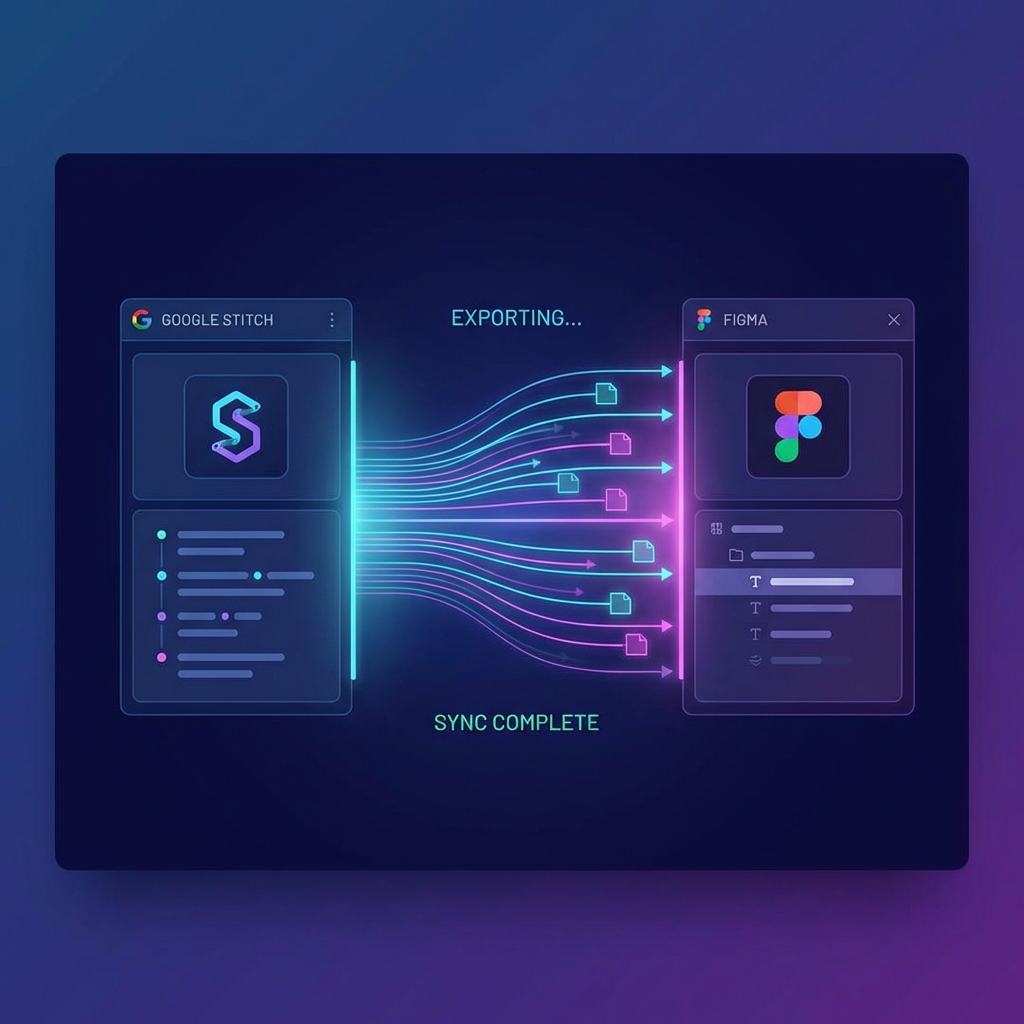
Stitch Google supports direct export to Figma – the world's most popular UI/UX design tool today with extremely high layer accuracy.
All components in Stitch will be converted into layers and components, making it easy for professional Designers to fine-tune deeper according to technical standards.
For developers, Stitch provides the option to export clean HTML/CSS code that complies with modern web standards.
You can copy this code snippet and paste it directly into code editors to use immediately for your project without needing to fix errors.
This is the optimal solution for professional website design with the lowest cost and time in 2026.
Step 7: Optimize Design-to-Dev Workflow in 2026
The final step is to integrate Stitch into your entire workflow. You should use it as a “Single Source of Truth” for the entire project interface.
By using connection APIs, you can automatically sync designs directly with programming frameworks like React, Vue, or Next.js.
Any changes in the Stitch design will be immediately reflected in the code, helping to minimize discrepancies between design and the actual product to the maximum.
This optimization helps maintain brand consistency and significantly increases your business's product launch speed (Time-to-market).
In the fiercely competitive context of 2026, mastering this process will bring a huge competitive advantage to any organization.
Mastering Stitch Google is mastering the sustainable future of modern app and website design.
Compare Stitch Google with Other AI Design Tools
In the increasingly crowded AI design tool market, Stitch Google still asserts its distinct position compared to other competitors.
| Criteria | Stitch Google | v0.dev / Framer AI | Relume / Canva AI |
|---|---|---|---|
| Core Model | Gemini 2.5 Pro | GPT-4 / Claude 3 | Modified Models |
| Vision Capability | Excellent | Fairly | Limitations |
| Ecosystem Integration | Google Workspace | Vercel / Independent | Independent |
| Supported languages | Excellent Vietnamese | Mainly English | Average |
The greatest strength of Stitch Google is its comprehensive support for Vietnamese and deep understanding of local cultural context.
This helps Vietnamese prompts return much more accurate results compared to tools mainly trained on foreign language data.
This is great news for the Designer community in Vietnam, helping them access cutting-edge technology without language barriers in daily work.
Best Practices: Tips for High-End Layout Design with Stitch Google
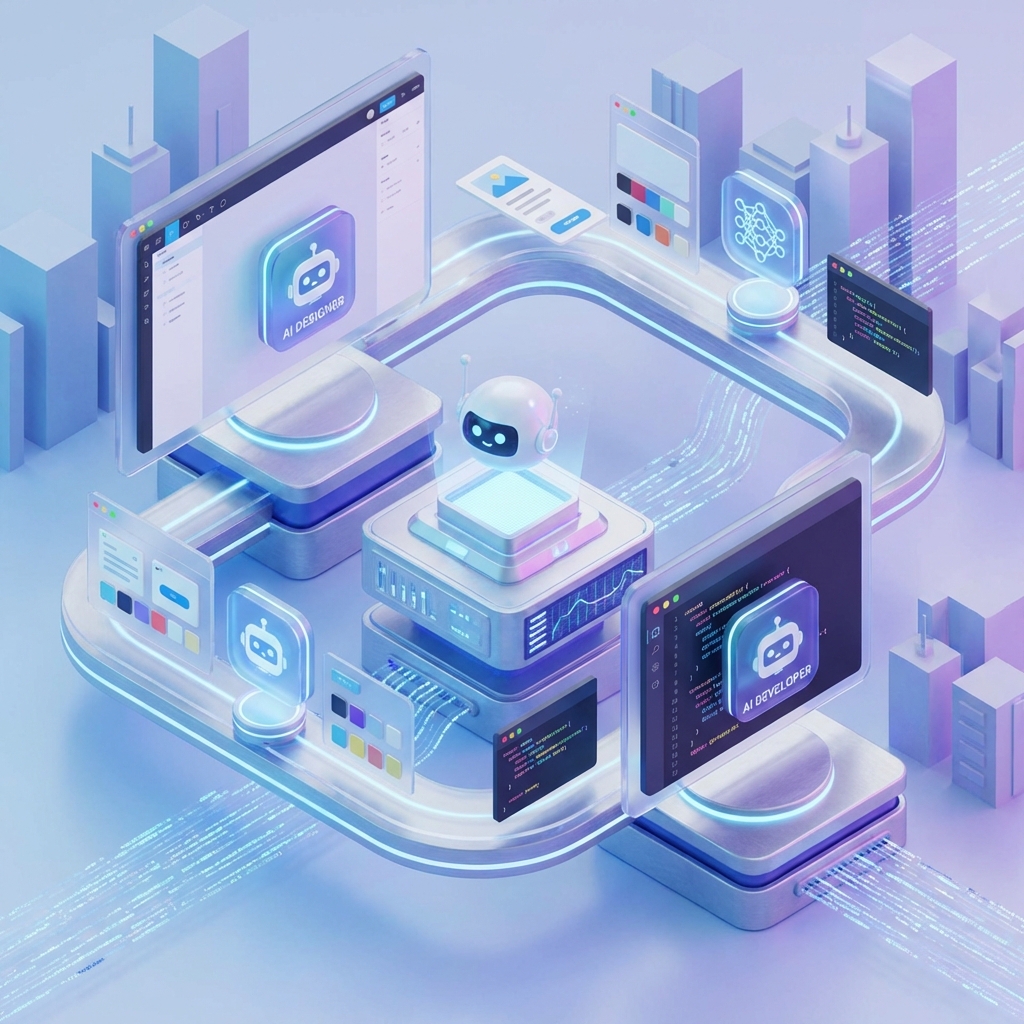
To create international-level designs, you should apply some small but extremely effective tips below when writing prompts for AI.
First, always use “Premium Adjectives” like sophisticated, high-end, or futuristic to guide the AI to select more refined and modern design components.
Second, combine text and reference images. Stitch allows you to upload images for AI to quickly learn artistic styles.
Third, don't forget to check accessibility. Although Stitch automatically optimizes, you should also specify requirements for color contrast.
Focusing on this helps your website achieve higher SEO scores on Google search engines and provides a good experience for everyone.
After finishing the design, you should also refer to more documents from Google Labs to continuously update the latest features.
Conclusion: The Future of UI/UX in the Stitch Google Era
The AI revolution in design led by Stitch Google is not to replace humans, but to unleash our infinite creativity.
With this Stitch Google usage guide, hopefully you have enough preparation to start your journey to conquer your own top web layouts.
The future of the design industry will belong to those who know how to combine personal aesthetics with the limitless power of modern machines.
Don't hesitate to experiment and revise with Stitch. Each design you create is a step closer to perfection in digital user experience.
Start today to not be left behind in this promising technology race and create truly impressive and valuable products.
If you need more support, please visit DPS Media to get advice from leading experts in design and marketing today.




