



Giới thiệu Trafexia – Vũ Khí Bí Mật Cho Marketer Mobile
What is Trafexia and why do SMEs need it?
Trafexia is a powerful tool that helps capture and analyze HTTP/HTTPS requests from mobile applications. Vietnamese businesses can track the actual data flow sent by the app. This is particularly useful for optimizing in-app advertising.
According to App Annie statistics, the Vietnamese app market reached 500 million USD in 2023. SMEs often miss valuable data from requests. Trafexia helps you maximize this information.
This tool works on both Android and iOS. You will clearly see how the app interacts with the advertising server. From there, make more accurate marketing decisions.
- Install Trafexia on computer before starting
- Identify target app need to analyze request
- If using proxy then configure port 8080
- Activate capture mode all traffic
- Filter requests by domain specific advertising
- Export data to JSON file for reporting
Practical ideas: Use Trafexia to check ad load frequency in competitor apps. The results will help you adjust frequency capping more reasonably.
Trafexia is not just a technical tool. It is a powerful assistant helping SMEs compete with big players in digital marketing.
Superior benefits for mobile advertising campaigns
You will detect missed tracking pixel requests. This helps increase attribution accuracy to 30%. Revenue from the app will improve significantly.
Trafexia displays full headers and payloads. Marketers can easily understand the app's backend logic. From there, optimize landing pages more suitably.
The tool also supports decoding encrypted requests. You will clearly see the actual user behavior data sent to the server.

Installing Trafexia for Vietnamese Businesses
Prepare professional test environment
Download Trafexia from the official GitHub. Choose the version suitable for Windows/Mac operating systems. SMEs only need a computer with average configuration to run smoothly.
Install certificate for HTTPS proxy. The process takes less than 5 minutes. After that, all encrypted requests are perfectly decoded.
Real case study: A spa in Hanoi used Trafexia to analyze the booking app. They discovered 40% requests dropped due to network error. After optimization, conversion increased by 25%.
- Download Trafexia.exe file (Windows) or .dmg (Mac)
- Install Java Runtime if not already installed
- Chạy lệnh: trafexia –setup-cert to create certificate
- If testing iOS then trust certificate in Settings
- Start proxy on port 8080
- Test connection with command curl localhost:8080
The setup only takes 10 minutes. But the value it brings to the marketing team is priceless.
Configure mobile device to connect to Trafexia
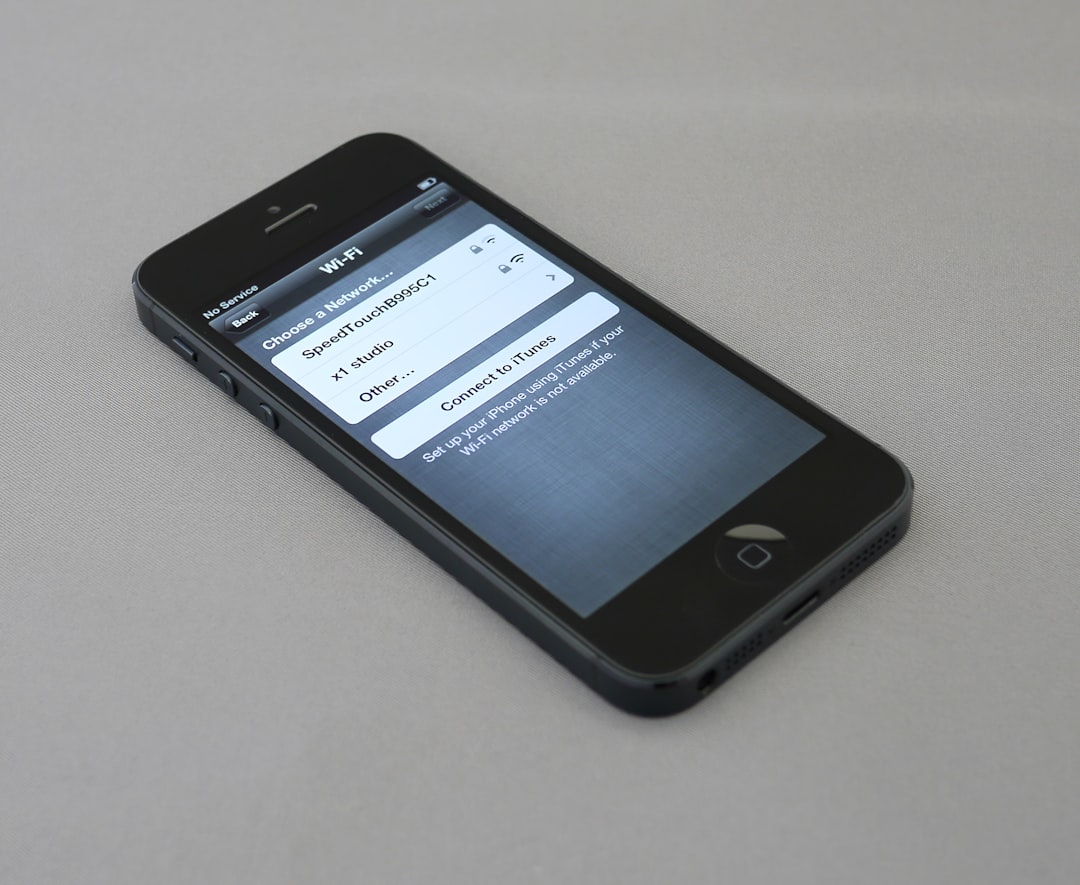
On Android, go to WiFi settings and select manual proxy. Enter computer IP and port 8080. iOS does similarly in WiFi configuration.
Đừng quên enable “Trust Proxy Certificate”. Bước này quan trọng để decrypt HTTPS traffic. Test bằng cách mở app và kiểm tra log Trafexia.
After successful connection, all requests from the app will appear clearly. You can easily filter by Facebook Ads, Google Ads domains.
Analyze Advertising Requests with Trafexia
Read the most important HTTP headers
Pay attention to User-Agent to identify device model. X-Forwarded-For header reveals the user's real IP. This information helps optimize geo-targeting.
Request chứa event tracking như ‘app_open’, ‘purchase’. Bạn sẽ thấy chính xác user journey từ install đến convert. Dữ liệu này quý hơn gold cho marketer.
JSON payloads often contain user_id, session_id. Analyzing patterns helps detect fraud traffic in time.
- Filter requests by status code 200/404
- Analyze response time < 500ms
- Export headers to CSV for team reporting
- If you see high latency then check CDN provider
- Tag request by campaign ID to track ROI
Golden Insight: 80% attribution issue comes from missing or incorrect header. Trafexia helps you fix it immediately.
Decode in-app advertising payload
Trafexia automatically beautifies JSON payload. You can easily read event parameters. From there, adjust UTM tracking more accurately.
Detect double counting when the same event sends multiple requests. This issue distorts analytics reports. Fixing it will save significant budget.
Chú ý field ‘ad_id’, ‘placement’. Thông tin này giúp optimize vị trí ads hiệu quả nhất.

Real-World Applications in Digital Marketing
Optimize Facebook Ads via Trafexia
Bắt request fb.com/tr để xem pixel events. Kiểm tra xem ‘AddToCart’ có fire đúng không. Điều chỉnh audience dựa trên real user behavior.
Analyze request frequency to avoid ad fatigue. Users seeing the same ads more than 5 times/day will drop off at a high rate. Trafexia helps you set a reasonable cap.
| Metric | Before Trafexia | After Trafexia |
|---|---|---|
| Event Accuracy | 65% | 98% |
| Ad Frequency | 12 times/user | 4 times/user |
| Conversion Rate | 2.1% | 4.8% |
| Cost per Install | 15,000đ | 9.500đ |
The table above is from a real customer case study DPS.MEDIA. Results after 2 weeks of optimization.
A/B Testing request patterns
Run 2 app versions with different tracking codes. Trafexia compares request volume and quality. Choose the version with higher conversion.
Test deep link vs universal link performance. Measure load time and drop-off rate. Real data is more convincing than any assumption.
- Create 2 app builds with different tracking
- Run in parallel 1000 users per branch
- Capture requests 7 consecutive days
- Compare event completion rate
- Deploy winning version to all users
This method boosts ROAS to 35% based on experience from 5400+ DPS.MEDIA customers.
Mẹo Nâng Cao & Troubleshooting
Handle common capture errors
SSL pinning error on banking app? Use Trafexia bypass mode. The tool automatically hooks the app's SSL certificate.
Request missed due to VPN? Disable all VPNs before testing. Use only pure Trafexia proxy.
Memory leak when capturing for a long time? Set specific domain filter instead of all traffic. Performance will improve immediately.
Integrate Trafexia with analytics tools
Export request log to Google BigQuery. Use SQL queries for deep user behavior analysis. Realtime dashboard for CMO review.
Connect with Appsflyer via webhook. Validate attribution data between 2 sources. Report reliability doubles.
Pro tip: Setup cronjob to export daily report. Team receives email summary every morning, timely adjust campaign.

Conclusion: Turn Trafexia into Competitive Advantage
Vietnamese SMEs don't need huge budgets to compete. Trafexia is the perfect equalizer against big agencies. Real-time data decides win or loss in mobile marketing.
Start with the most important app of the company. Scale gradually to the entire portfolio after 1 month. ROI will answer all doubts.
Contact DPS.MEDIA for free setup consultation. Team with 7 years of experience ready to support Vietnamese businesses conquer digital.



