

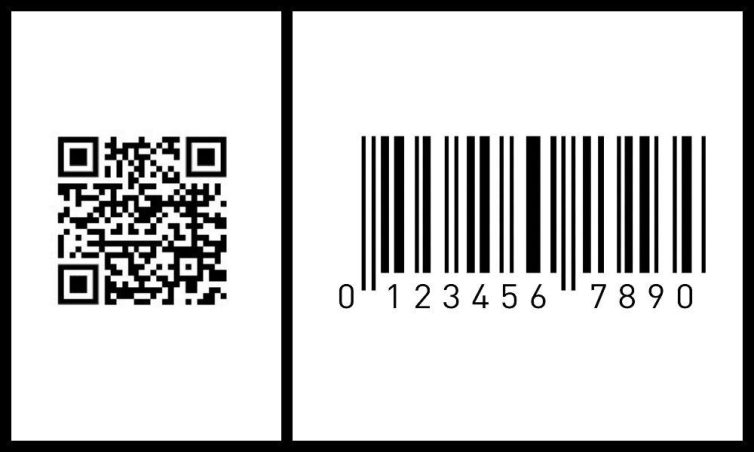

Creating QR Codes for Techcombank, Vietcombank accounts and QR Pay helps transfer money quickly, accurately, and more securely. More than 70% of non-cash payment transactions in Vietnam today use QR Codes.
DPS.MEDIA It is recognized that owning a personal QR Code helps businesses and individuals optimize financial processes. This solution saves time and increases convenience in daily payments.
The importance of QR Codes in banking transactions and digital business in Vietnam
The role of QR Codes in modern banking transactions
QR Code has become an essential tool to simplify banking transactions in Vietnam. With fast scanning capability and reduced physical contact, QR Code not only increases payment speed but also ensures high security. According to the State Bank's report (2023), over 70% of non-cash payment transactions at major banks like Techcombank and Vietcombank use QR codes.
- Save time: Minimize manual data entry procedures.
- Security and safety: Limit risks of fraud and errors.
- Convenience: Pay anytime, anywhere on your phone.
Application of QR Codes in digital business and electronic payments
With the growing digital business landscape, QR Code helps small and medium enterprises easily integrate cashless payment methods. Creating QR codes linked to Techcombank, Vietcombank bank accounts or QR Pay supports flexibility and faster customer access. For example, a coffee shop in Hanoi increased revenue by 30% in the first quarter by applying QR payments, reducing wait times and enhancing customer experience.
Checklist for creating safe and effective bank account QR Codes
| Step | Description |
|---|---|
| 1 | Confirm the account number and account holder's name accurately |
| 2 | Use reputable banking apps or QR Pay platforms |
| 3 | Create QR Code with standard payment information, double-check before sharing |
| 4 | Store QR codes and share via secure channels |
Note: Users need to be wary of fake QR codes that can lead to loss of money, especially when receiving codes from untrusted sources.
Takeaway: QR Code is a modern, fast, and secure payment solution, however, it is necessary to follow the correct procedure to optimize efficiency and protect financial interests..

Detailed guide to creating a Techcombank account QR code to optimize customer experience
Preparation before creating a Techcombank QR Code
Before starting, customers need to have a Techcombank account registered for Internet Banking or Mobile Banking services. Make sure the Techcombank F@st or F@st Mobile app is installed and logged in successfully. Verifying personal information and the phone number linked to the account is also very important to ensure transaction safety.
- Requirements: Active Techcombank account
- Application: Techcombank F@st or F@st Mobile
- Update: Latest version to avoid technical errors
Detailed steps to create a Techcombank account QR Code
Customers can generate a money transfer QR Code directly via the app as follows:
- Log in to Techcombank F@st Mobile.
- Select the QR Pay 5px Create QR Code in the payment menu.
- Enter the amount (optional) or leave blank if you want the sender to enter it themselves.
- Confirm with password or fingerprint to generate the code.
- Save or share the QR code with the sender quickly.
Security checklist when creating a Techcombank account QR code
| Category | Actions to be taken |
|---|---|
| Login authentication | Use OTP or two-factor authentication in the app |
| Check QR information | Ensure correct account number and beneficiary name |
| QR code security | Do not share QR codes on unsecured channels |
| Cập nhật app & phần mềm | Always use the latest version to avoid errors |
According to the State Bank of Vietnam's 2023 report, over 65% of electronic transactions in Vietnam use QR Pay due to its convenience and superior security, helping users save time and minimize input errors.
Takeaway: Creating a Techcombank account QR Code correctly not only optimizes customer experience but also enhances security and reduces payment risks in today's digital age.
Tips for setting up a safe and effective Vietcombank QR code for SME businesses
Prepare information before creating a Vietcombank QR Code
To create a Vietcombank QR Code safely, businesses must ensure that data such as account number, account holder's name, and branch address are accurately verified. Careful preparation helps avoid mistakes when customers scan to pay. Additionally, make sure to choose the standard QR Code format according to EMV standards for wide compatibility with banking apps.
- Accurately confirm the account number and account holder's name
- Select the type of Vietcombank QR Code (static or dynamic)
- Register for the official QR pay service with the bank
Checklist for setting up and securing QR Codes for SMEs
Below is a checklist to ensure the QR code is set up and used safely:
| Step | Description | Note |
|---|---|---|
| 1. Register for QR Pay at Vietcombank | Complete procedures at the counter or via the banking app | Check the contract and security terms |
| 2. Generate QR code | Use official tools to generate static or dynamic codes | It is best to choose dynamic codes for easier management |
| 3. Recheck the QR Code | Test scanning on multiple different devices | Ensure the code works and leads to the correct account |
| 4. Secure the QR code | Do not publicly share sensitive account information | Limit editing the code or sharing unclearly |
Practical examples and common risk warnings
A small shop in Hanoi used a static Vietcombank QR Code to collect payments from customers, increasing the number of transactions by an average of 25% in 3 months (According to the State Bank report 2023). However, they faced difficulties when wanting to change the account number, as static QR Codes cannot be edited after creation. Therefore, choosing a dynamic QR code is more reasonable for SMEs.
Takeaway: Setting up a standard Vietcombank QR Code and focusing on security will help SMEs optimize payment processes, minimize risks, and enhance customer experience.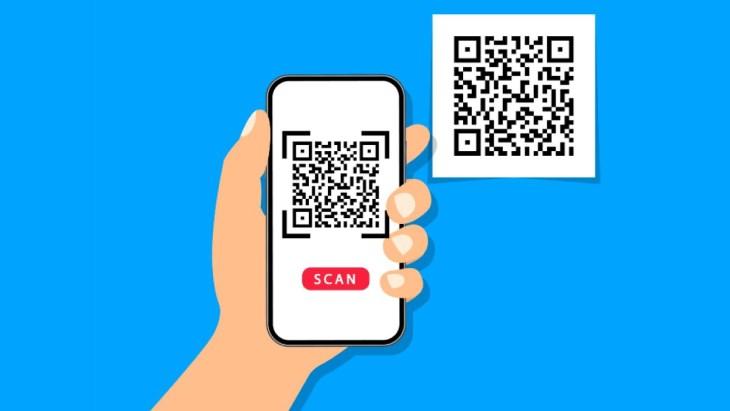
Important notes when integrating bank QR Codes into digital marketing campaigns
Standardizing account information and QR Codes
The ensure the accuracy of bank account information is a crucial step before creating a QR Code. Errors in account number or owner name can cause loss of money or reduce campaign effectiveness. Regularly check, update data, and use QR codes compatible with the QR Pay standard of Techcombank and Vietcombank.
- Carefully check the account number, branch name
- Use official QR Code generators, avoid unknown software
- Ensure the QR code is clearly displayed, not blurred or misprinted
Be cautious with security and user experience
Integrating bank QR Codes requires attention to customer information security and avoiding fraud risks. According to Kaspersky's Cybersecurity 2023 report, 37% of Vietnamese users encountered scams via fake QR codes. Therefore, it is necessary to:
- Clearly explain how to use QR to customers
- do not publicly share sensitive information along with the QR
- Ensure a user-friendly QR scanning interface, supporting multiple platforms
Checklist for effective bank QR Code integration
| Category | Action items | Status |
|---|---|---|
| Standardize information | Check account number and account holder | Completed |
| Choose an official QR code generator tool | Use Techcombank/Vietcombank apps or reputable partners | In progress |
| Information security | Review before releasing the QR code | Needs completion |
| Check user experience | Test scanning on multiple devices | Completed |
Takeaway: Integrating bank QR Codes in digital marketing is not just a technical matter but also requires accuracy and security to build customer trust and increase conversion effectiveness.
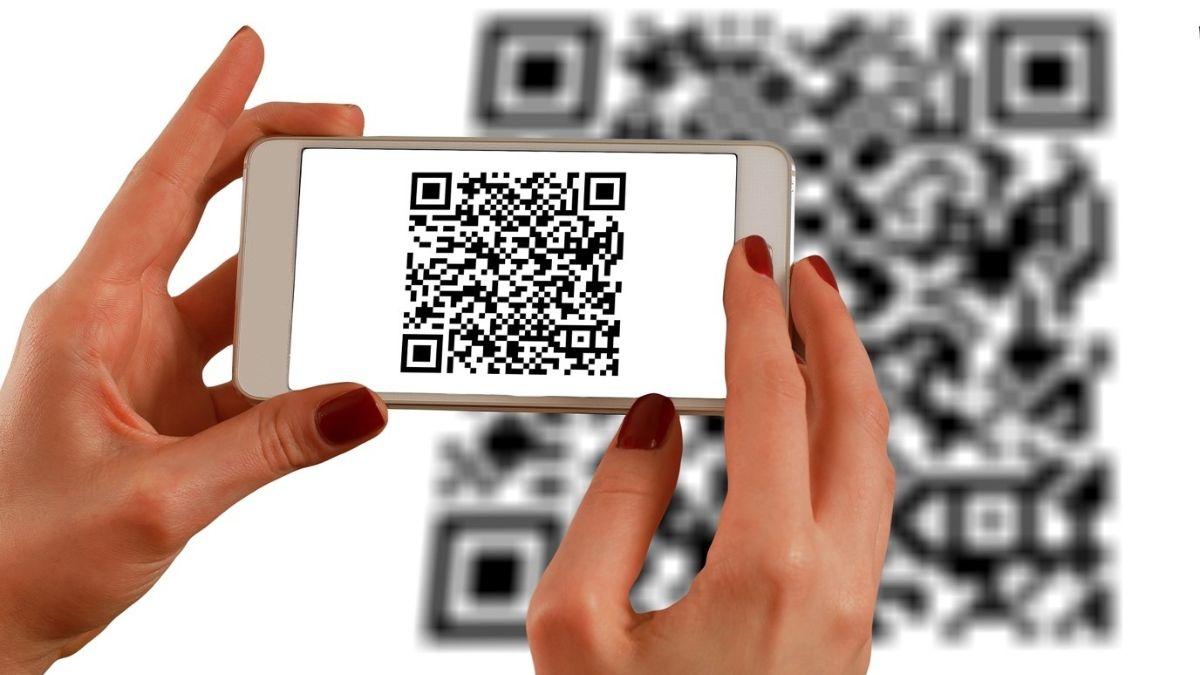
Analysis of benefits and challenges when using QR Codes in the modern fintech environment
Benefits of QR Codes in modern fintech
QR Code helps optimize user experience with fast and convenient payment features. For example, Techcombank and Vietcombank use QR Codes that allow customers to transfer money in just a few seconds, minimizing errors compared to manual entry. At the same time, QR Codes support multi-platform integration, compatible with banking apps and e-wallets like QR Pay, helping to expand usage scope.
- contactless payment, reducing the risk of disease transmission
- Increase access to potential customers on digital platforms
- Save printing and operating costs compared to traditional methods
Challenges when applying QR Codes in the fintech environment
Despite its convenience, QR Code still faces some risks and practical difficulties. The rate of QR code forgery increased according to Kaspersky's 2023 report to 20% of related scam cases. In addition, protecting personal information and payment data remains a challenge for banks like Vietcombank, as hackers often exploit this vulnerability to attack.
- risk of forgery and fraud through unverified QR Codes
- Requires enhanced security infrastructure and regular software updates
- Users still lack security knowledge when using QR Codes
Checklist to ensure safety when using QR Codes at banks
- Authenticate QR Code via official banking app or QR Pay
- Do not scan QR codes from untrusted or strange sources
- Update software regularly to avoid security vulnerabilities
- Carefully check payment information before confirming the transfer
| Bank | QR Code integration | Feature |
|---|---|---|
| Techcombank, | F@st Mobile application | Fast money transfer, scan QR from multiple sources |
| Vietcombank | Vietcombank Smart OTP, QR Pay | Bill payment, money transfer, e-wallet top-up |
Takeaway: QR Code is an essential tool in fintech that enables fast and convenient transactions, but must always be accompanied by security awareness to avoid potential risks.

Digital development orientation for SMEs through the application of QR Code and bank QR Pay
Advantages of QR Code and QR Pay in SME business
The application of QR Code and QR Pay in payment activities helps SMEs enhance customer experience with fast and convenient payment methods. Statistics from the State Bank of Vietnam in 2023 show that over 60% of electronic transactions in Vietnam use QR Codes, helping to reduce cash risks and optimize revenue management. SMEs can leverage this advantage to synchronize online and in-store sales channels.
Digital development checklist via QR Code and QR Pay
- Create Techcombank and Vietcombank account QR Codes: Use the official banking app, avoid creating QR codes from unknown third parties.
- Activate QR Pay: Link QR Code with reputable e-wallets to diversify collection channels.
- Staff training: Help employees understand the QR payment process clearly, ensuring accurate and quick operations.
- Communication to customers: Provide concise instructions and a QR code in a visible location to increase the rate of contactless payments.
- Monitor and optimize: Regularly check transaction effectiveness and adjust strategies if necessary.
Feature comparison table of Techcombank and Vietcombank bank QR Codes
| Criteria | Techcombank, | Vietcombank |
|---|---|---|
| QR generation method | F@st Mobile app, web banking | VCB Digibank app, web banking |
| Advantages | Supports multiple e-wallets, multi-channel payments | High security, integrated with VCB Pay wallet |
| Service fee | Free for SME customers | Free, no QR transaction fees incurred |
Practical examples and important notes
A small shop in Ho Chi Minh City integrated QR Pay via Techcombank, helping to increase cashless transactions by 25% in just 3 months. However, business owners should be aware of the risk of QR Code forgery or network connection errors affecting customer experience. Therefore, continuously reviewing and updating payment software is necessary.
Things still under consideration
Creating a QR Code for Techcombank, Vietcombank accounts and QR Pay enables fast, convenient, and secure payments. This is a useful tool in modern digital transactions.
Try creating a QR Code for your account today. Experience the convenience in payments and manage your personal finances more effectively.
You can learn more about other cashless payment methods and the latest fintech trends. This will help optimize your SME business operations.
DPS.MEDIA always accompanies SMEs on their digital transformation journey. Don't hesitate to leave a comment, share your thoughts and questions!




