

Like a roadmap, layout in graphic design helps arrange elements in a logical way, creating harmony, balance, and guiding the viewer's eyes to move through each detail naturally. So what is layout in graphic design, and what are the most common types? Let's find out with DPS!
The pivotal role of layout in graphic design
Layout plays a crucial role in creating a successful graphic design work. It is not simply the random arrangement of images and text, but a harmonious and organized combination to effectively convey the message, attract viewers' attention, and create a positive overall impression. Like a solid framework for a house, layout in graphic design helps shape the structure and guide the user experience, turning creative ideas into reality in a clear, engaging, and persuasive way.
Conveying the message
Layout acts as a compass, guiding the viewer's eyes through each element in the design, ensuring the message is conveyed clearly, concisely, and understandably. It arranges elements in order of priority, helping viewers focus on the most important information first. Knowing how to arrange layout effectively in graphic design will create a logical flow of information, making it easy to absorb and helping viewers fully grasp the message.
Attracting attention
In a world full of information and images, attracting viewers' attention is extremely important. A creative and smart layout will help your work stand out from the crowd, making viewers curious and want to explore more. Using elements such as color contrast, size ratio, unique arrangement, etc. will create visual highlights, attract attention, and keep viewers engaged.
Creating an overall impression
Layout is the first and perhaps the most important factor that viewers see, creating the initial impression of the design work. An eye-catching, balanced, and harmonious layout will create a pleasant, professional, and attractive feeling, evoking positive emotions for the viewer. On the contrary, a cluttered, illogical layout will leave a negative impression, causing viewers to quickly ignore and not want to continue exploring.
Guiding action
The ultimate goal of many graphic design works is to motivate viewers to take a desired action, such as visiting a website, purchasing a product, signing up for a service, etc. Layout plays a crucial role in leading the viewer to the desired action by using elements such as prominently placed call-to-action (CTA) buttons, the use of persuasive language, etc.
Brand differentiation
Layout can also be used to build and reinforce brand identity. Using signature design elements such as logos, colors, fonts, etc., consistently in a layout will help viewers easily recognize the brand and remember the business's image.
Layouts in graphic design
Layout acts as the skeleton for the human body, forming the foundation for the success of a graphic design work. Choosing and applying the right layout will help convey the message effectively, attract attention, and evoke emotions for the viewer. There are many different types of layouts in graphic design, each with its own characteristics and effects. Some common types of layouts include:
Balance: Layout in graphic design creates overall harmony
Balance is the key factor in creating harmony and stability for the layout. There are two main types of balance in design:
Symmetrical balance
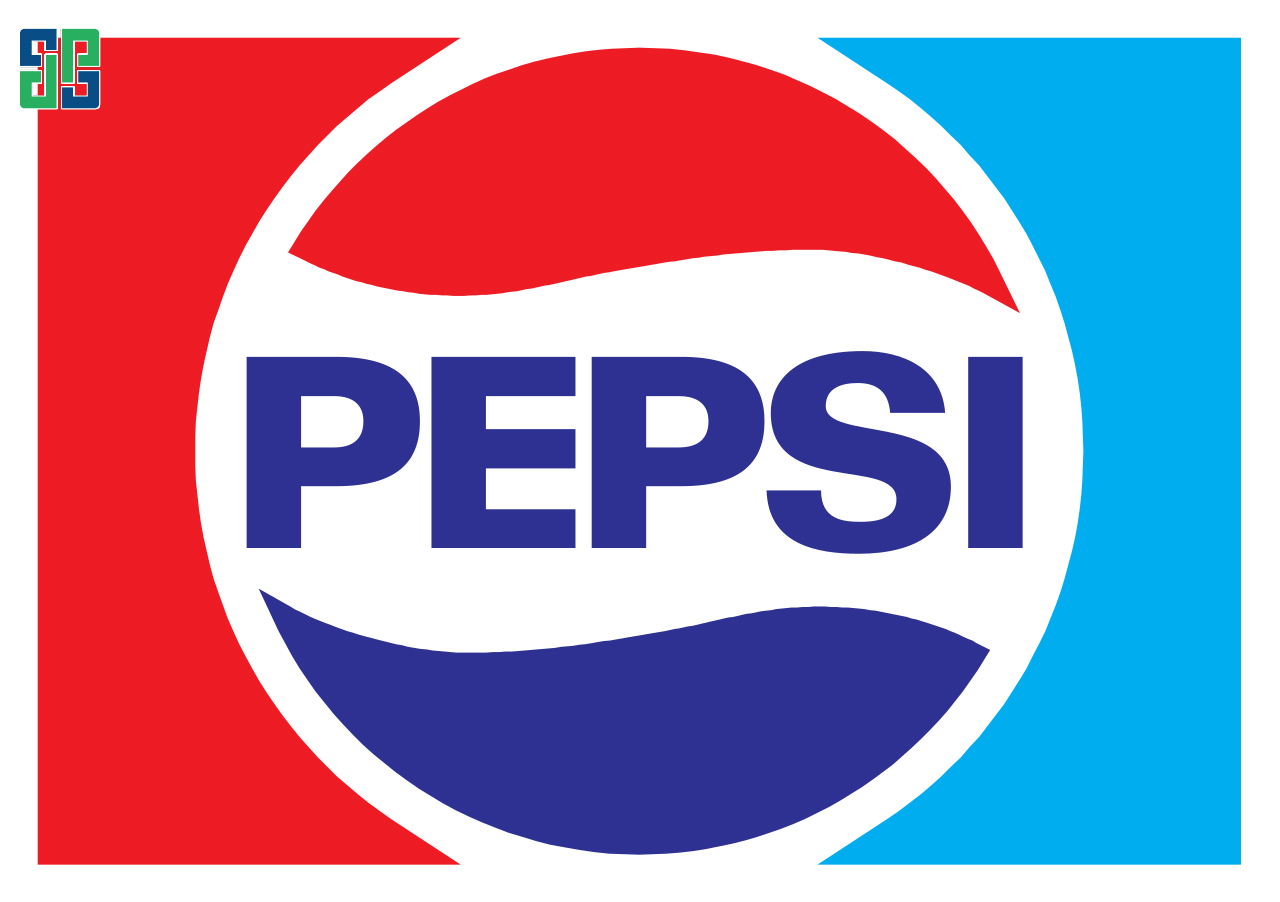
Elements are arranged on both sides symmetrically together through a central axis. This layout creates a sense of formality, elegance, and balance. Typical examples are the logos of major brands like Coca-Cola, Pepsi, BMW, etc.
Asymmetrical balance
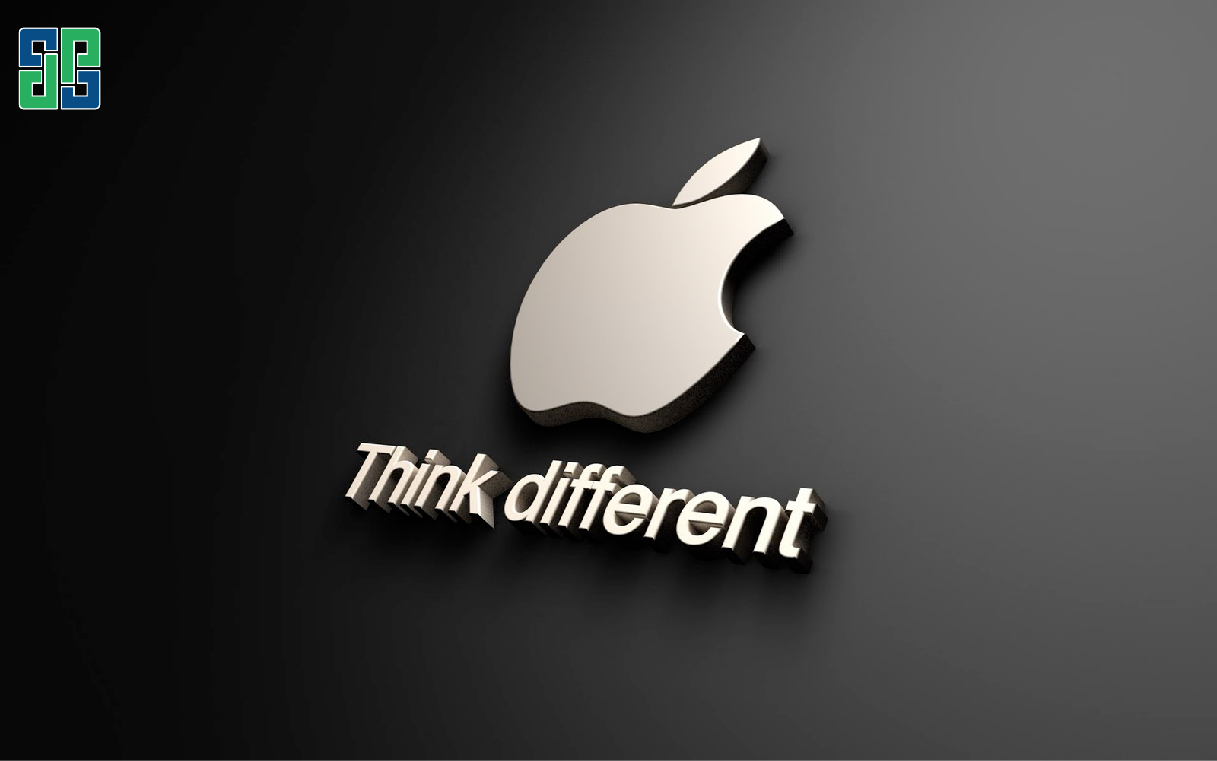
Elements are arranged asymmetrically but still create a sense of balance by using elements of different sizes, shapes, or colors to compensate for each other. This layout creates dynamism, interest, and attracts the viewer's attention. Examples include the websites of Apple, Google, or fashion magazines.
Alignment: Layout in graphic design arranges order
Alignment is the way elements in the design are arranged along a straight line or a specific point. Using alignment effectively can help guide the viewer's eyes, creating order and logic for the layout. The three most common types of alignment are:
Left alignment
Elements are aligned to the left margin of the page. This layout creates a sense of movement from left to right and is often used for text-heavy layouts, making it easier for readers to follow the content.
Center alignment
Elements are aligned to the center of the page. This layout creates a formal, balanced feel and is often used for headings, logos, and other important elements.
Right alignment
Elements are aligned to the right margin of the page. This layout creates a sense of movement from right to left and is often used for layouts with many images, helping to create emphasis and attract attention.
Visual flow: Layout in graphic design guides the viewer
Visual flow is the direction in which the human eye moves when looking at a design. Using design elements such as lines, whitespace, and color to create effective visual flow can help attract viewers' attention, convey messages effectively, and guide them toward the desired action. Specifically:
Lines
Use lines in design to guide the viewer's eye to important elements, such as border lines for headings or curves leading toward the CTA (Call to Action) button.
Color
Use color intelligently to create contrast, attract attention, and convey emotion. For example, use warm colors to create a strong, dynamic feeling, or cool colors to create a relaxing, peaceful atmosphere.

Whitespace
Whitespace plays an important role in creating balance, highlighting key elements, and making layouts easier to view. Avoid using too many details that make the layout cluttered.
Proportion: Layout in graphic design creates harmony and balance
Elements in the design template are arranged according to their importance, with different layout proportions and sizes. This means the more you want to emphasize an element, the larger the space it occupies in the layout.
The two most commonly used proportions are:
Rule of Thirds
This rule states that important elements in the design should be placed along imaginary lines dividing the page into thirds horizontally and vertically. Placing elements at the intersections of these lines creates a balanced layout and attracts attention.
Golden ratio
This is a mathematical ratio considered highly aesthetic, often used in design to create balance and harmony. The golden ratio is approximately 1.618:1.
Repetition: Layout in graphic design creates unity and rhythm
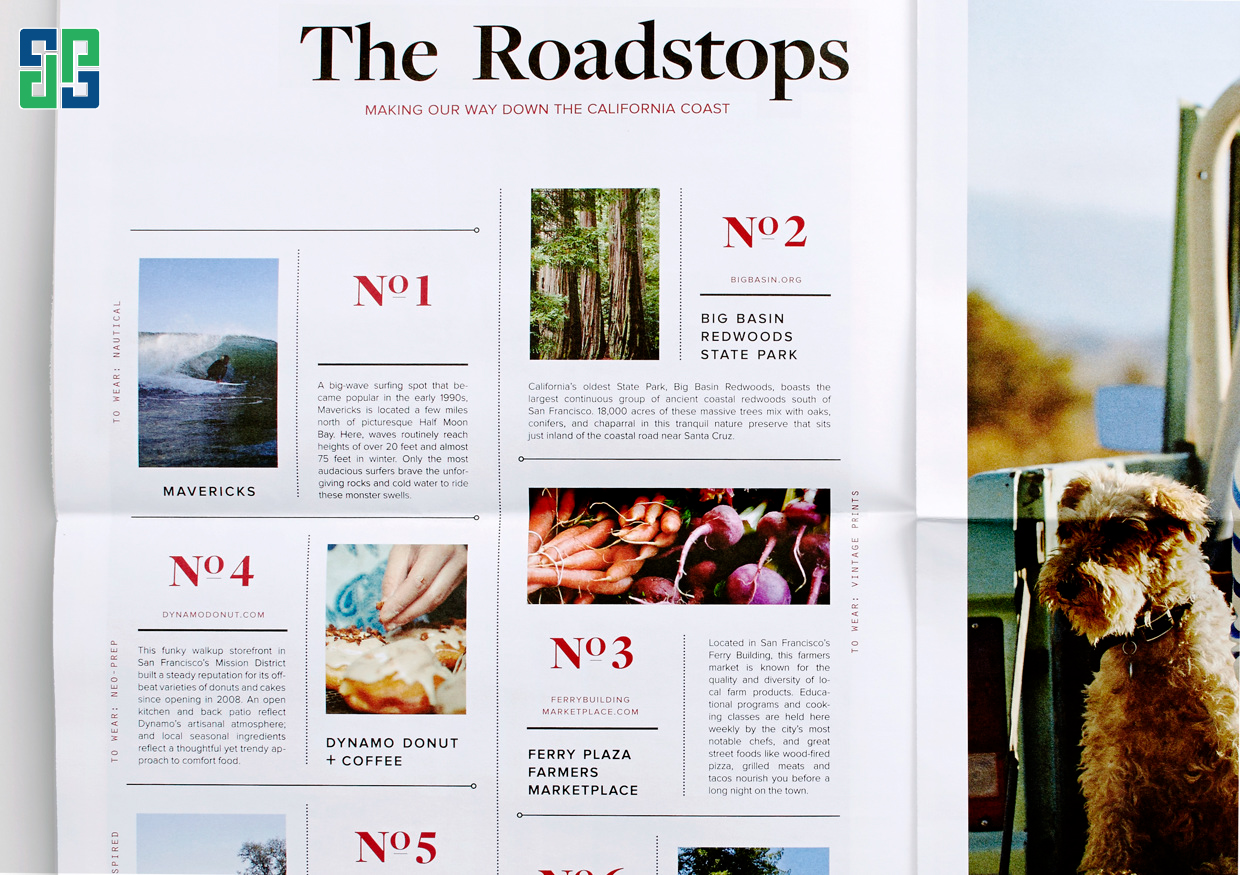
Repetitive layout is a technique that uses the repetition of elements such as shapes, colors, lines, or patterns to create unity, rhythm, and attract attention in design. It offers many benefits such as connecting elements, guiding the viewer's eye, emphasizing important information, creating focal points, and making brand recognition easier.
Conclusion about layout in graphic design
Layout is an important element in graphic design, helping to convey messages effectively, attract viewers' attention, and create a positive overall impression. Using layout principles such as balance, alignment, visual flow, proportion, and repetition intelligently will help you create beautiful and professional designs.
DPS Media – Elevate your design with graphic design services professional:
Understanding the importance of layout in graphic design, DPS Media provides comprehensive design services, helping you own impressive, attractive, and effective works. Our experienced design team will consult, create, and execute your design ideas professionally, ensuring:
- Creative and logical layout, effectively conveying the message.
- Attractive design, grabs attention and creates a positive overall impression.
- All-in-one service, meeting all your design needs.
- Competitive pricing, committed to quality and reputation.
Contact DPS Media now for a free consultation and own impressive graphic designs to help you achieve your communication and business goals.