


In the context of an increasing number of Facebook accounts being attacked, enabling two-factor authentication (2FA) becomes an essential layer of protection to help you keep your personal and business data safe. According to Facebook's report, accounts that activate 2FA reduce the risk of being hacked by up to 99%, showing that this is not just a trick but an indispensable security step. Are you sure your account is secure enough against hackers' tricks?
DPS.MEDIA, with experience accompanying hundreds of SME businesses, understands that securing social accounts is not only about personal protection but also about safeguarding brand and business reputation in the digital environment. 2FA helps you avoid serious consequences such as losing advertising data, losing customers, and even financial losses.
Below are 5 simple steps to enable 2FA on Facebook, helping you quickly strengthen your security shield and use social networks more effectively with peace of mind:
- Access the Facebook security settings page bằng cách nhấp vào biểu tượng mũi tên trên góc phải màn hình, chọn “Cài đặt & quyền riêng tư,” sau đó vào “Bảo mật và đăng nhập.”
- Tìm mục “Xác thực hai yếu tố” và chọn “Chỉnh sửa” to start the process of setting up the second layer of protection for your account.
- Choose a 2FA authentication method that suits you, such as using an authenticator app (Google Authenticator, Authy) or receiving codes via SMS. Authenticator apps are highly rated for security and stability.
- Enter the verification code provided from the app or message to confirm and activate security mode. This is the final authentication step to ensure that only you can log into your account.
- Check and save the backup recovery code in case you cannot receive the 2FA code, helping you avoid being locked out of your account if you lose your phone or SIM.
Protecting your Facebook account is no longer optional but has become mandatory in today's digital age. Completing the 5 steps to enable 2FA not only helps prevent hackers but also increases your peace of mind when connecting and interacting on social networks. DPS.MEDIA recommends that you prioritize enabling this security layer immediately to avoid unnecessary risks.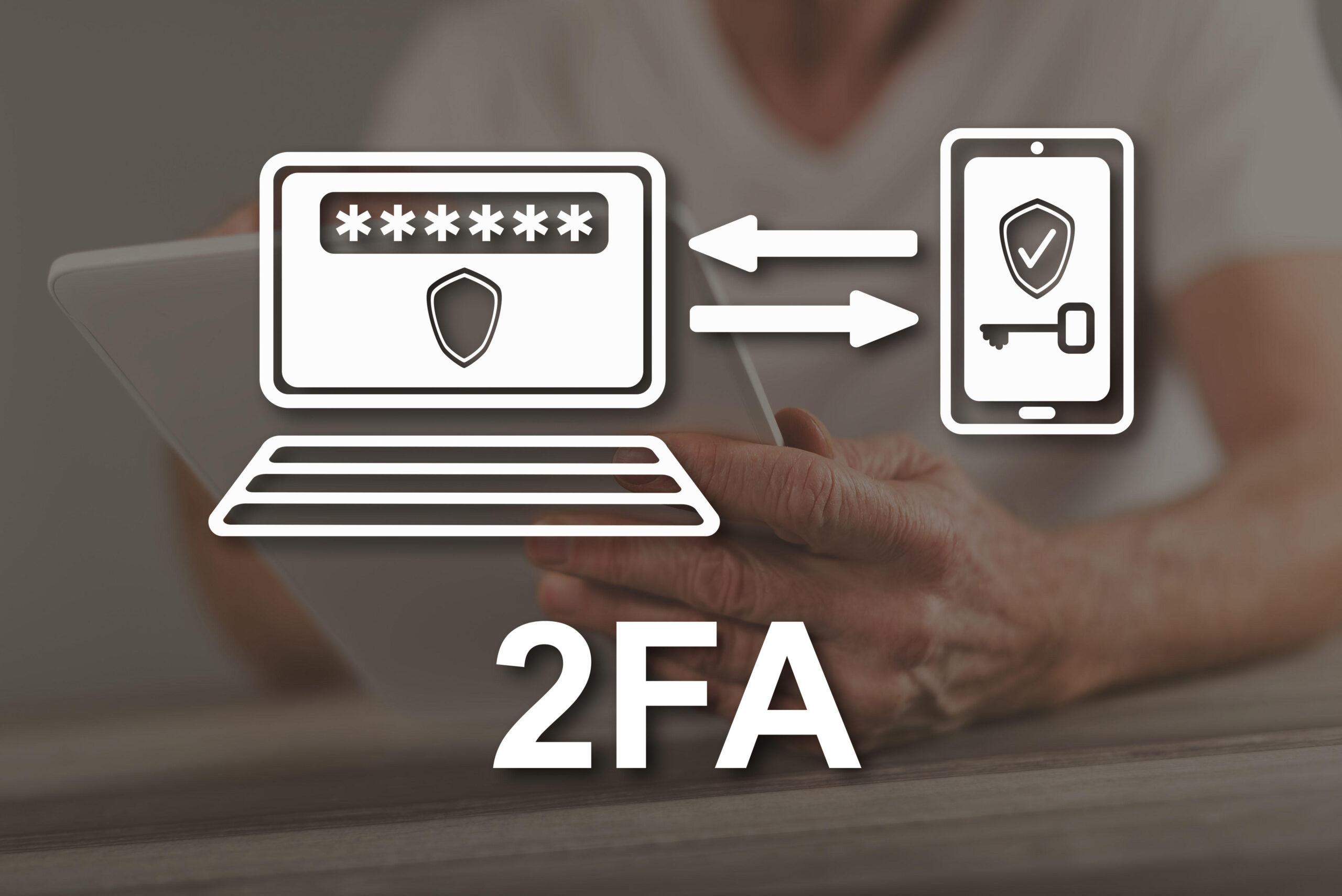
The importance of Facebook account security in the digital age
Reasons to prioritize protecting Facebook accounts for businesses and individuals
In the booming digital context, a Facebook account is not only a place to store personal memories but also an important channel to help SMEs build their brand, interact with customers, and boost sales. However, neglecting or lacking knowledge about security can lead to the risk of losing control of the account, causing significant impact on the reputation as well as the finances of the business.
According to research by Cybersecurity Ventures, More than 60% of cyberattacks targeting social media accounts focus on exploiting end-user security vulnerabilities. DPS.MEDIA recommends enabling Two-Factor Authentication (2FA) to add an effective extra layer of defense, significantly reducing unwanted risks. Typical examples in Vietnam show that many SMEs have had their Facebook accounts taken over by hackers, leading to loss of customer contact, disrupted marketing, and business cooperation.
The effectiveness of 2FA in protecting Facebook accounts
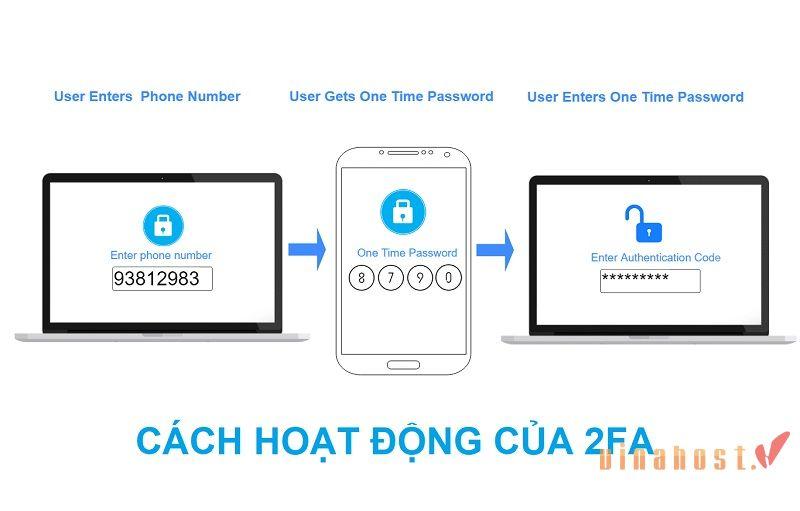
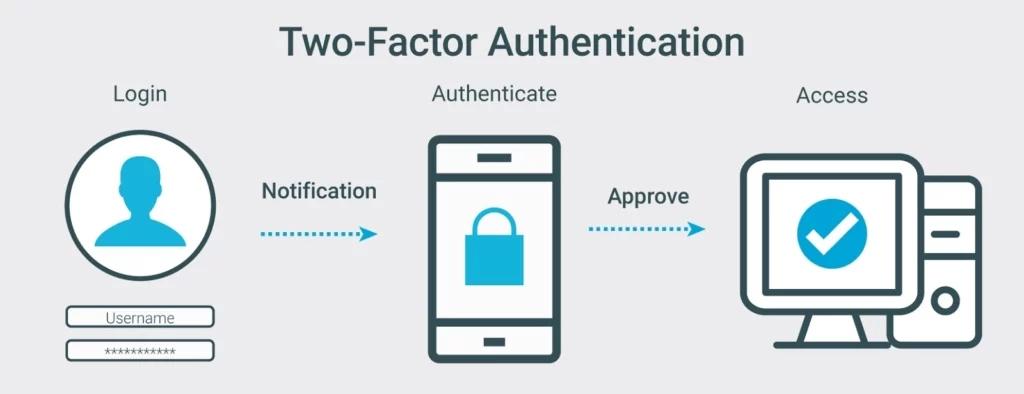
Enabling 2FA is not only a simple step but also a strategy to protect content, data, and brand on social media platforms. 2FA requires users to provide an additional second layer of authentication, such as an OTP code sent via SMS or an authenticator app. Even if the password is compromised, hackers cannot easily gain access.
| Factors | Benefit |
|---|---|
| Two-Factor Authentication | Prevent unauthorized access even if the password is stolen |
| Protect customer data | Avoid leakage of important information, maintain customer trust |
| Account recovery capability | Increase the chance of account retrieval when hacked |
DPS.MEDIA once supported an SME in the fashion retail sector in Ho Chi Minh City. When their business Facebook account was attacked, thanks to the activated 2FA system, they quickly detected and promptly prevented data theft, avoiding widespread damage. This case highlights the importance of properly equipping Facebook security, especially in today's volatile digital era.
Preparing devices and applications to support enabling two-factor authentication
Necessary devices to effectively activate 2FA
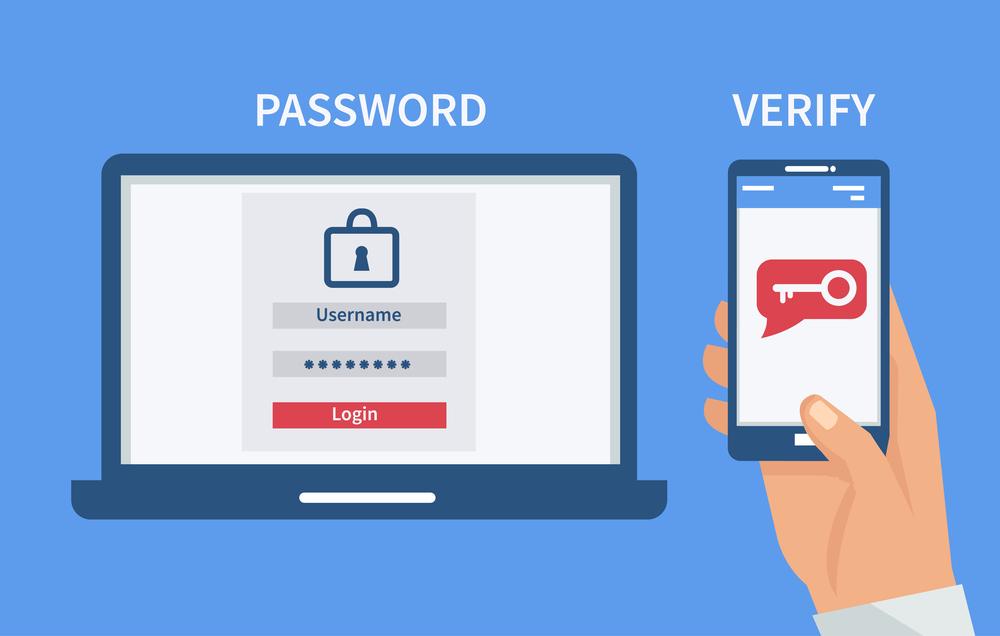
Before starting the process of enabling two-factor authentication (2FA) on Facebook, you need to prepare some essential devices to minimize risks during use. A smartphone is the most important tool, as it will be where you receive verification codes or run security code generator apps. With the rapid development of technology, using a smartphone instead of physical devices like security USBs offers more convenience and flexibility.
DPS.MEDIA Recommendation: choose devices with the latest updated operating systems and high security such as the current versions of iOS or Android. This helps avoid potential security vulnerabilities exploited by hackers.
Reliable applications for generating authentication codes
Two-factor authentication code generator apps (Authenticator apps) are the key to protecting your account from unauthorized access. Google Authenticator, Microsoft Authenticator, and Authy are popular choices highly rated by security experts.
- Google Authenticator: Simple, quickly integrates with most popular services, suitable for general users.
- Authy: Supports secure cloud backup, convenient when losing your phone or switching devices.
- Microsoft Authenticator: Integrates additional passwordless login features and app security.
A study by Harvard Business Review indicates that users who adopt this app reduce their risk of phishing attacks by up to 99.91%. Therefore, preparing and choosing the right app is a crucial factor that cannot be overlooked in your journey to protect your Facebook.
| Application | Key highlights | Strengths for SMEs |
|---|---|---|
| Google Authenticator | Easy to use, quick setup | Suitable for beginners and small scale |
| Authy | Secure cloud backup | Convenient when switching devices, no worry about losing codes |
| Microsoft Authenticator | Supports passwordless login | Easily integrates with Microsoft services |

Step-by-step guide to effectively enabling 2FA on Facebook
Preparation steps for enabling 2FA on Facebook
Two-Factor Authentication (2FA) is a second layer of security that helps protect your Facebook account from hacker threats by requiring an additional authentication code beyond your password. According to research by Journal of Cybersecurity in 2023, users who enabled 2FA reduced their risk of account attacks by up to 80%.
Before proceeding, make sure you have:
- Personal phone number or an authentication code generator app (Google Authenticator, Authy).
- Access Facebook app on your phone or the latest web version to avoid technical errors.
- Back up the backup codes in case you lose your device.
How to enable two-factor authentication in 5 simple steps
Activating 2FA is not as complicated as many people think if you follow the strategic instructions below:
- Vào phần Cài đặt & quyền riêng tư: In the account menu, select Security and Login.
- Chọn “Sử dụng xác thực hai yếu tố”: Facebook will provide two main authentication methods: sending codes via SMS or using a code generator app.
- Choose the appropriate method: A more modern, user-friendly, and secure authentication app compared to traditional SMS, especially since your phone number can be compromised by SIM swap.
- Enter the verification code: Facebook will send a code for you to enter and confirm activation.
- Save the backup code: This is a crucial issue. You need to write down and keep the backup code in a safe place to retain access if you lose your phone or SIM.
Bảng so sánh ưu – nhược điểm 2 hình thức 2FA trên Facebook
| method | Advantages | Disadvantages |
|---|---|---|
| SMS (Message) | Easy to use, no need to install additional apps | Easily susceptible to SIM swap, dependent on mobile network |
| Authentication apps (Google Authenticator, Authy) | Safer, codes update automatically and quickly | Requires app installation, need to remember to keep backup codes |
DPS.MEDIA once consulted on implementing 2FA for an SME in the e-commerce sector. After successful activation,họ ghi nhận giảm 90% sự cố truy cập trái phép chỉ trong 3 tháng đầu tiên – minh chứng rõ ràng rằng mức độ bảo mật được nâng cao hiệu quả khi tuân thủ đúng quy trình và lựa chọn phương pháp phù hợp với đặc thù doanh nghiệp.
Choose the appropriate authentication method for optimal security and convenience
Pros and cons of popular authentication methods
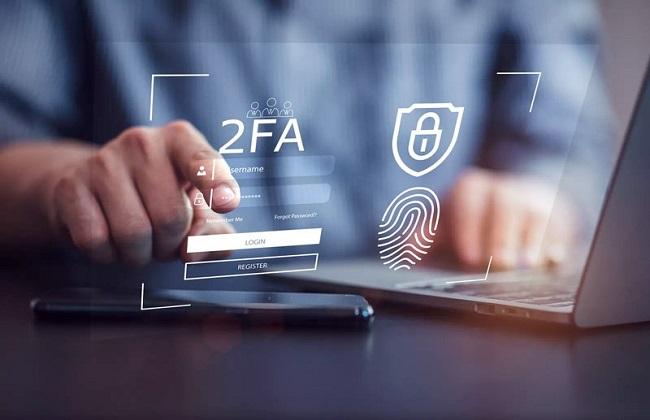
Choosing the appropriate two-factor authentication (2FA) method not only enhances security but also ensures a convenient user experience. According to Microsoft Security Intelligence (2023), 2FA via authentication apps like Google Authenticator or Authy reduces the risk of account attacks by up to 99.9% compared to using only passwords.
Popular methods include:
- SMS OTP: Convenient but prone to risks such as SIM swap and message blocking.
- Authenticator apps: Safer, not dependent on mobile networks, easy to use across multiple platforms.
- Security hardware (USB Key): Extremely secure but costly, suitable for businesses or individuals with strict security requirements.
Real-life case study from the Vietnamese SME market
DPS.MEDIA once partnered with an SME in the retail sector to implement 2FA on Facebook using an authenticator app. After 3 months of application, the rate of unauthorized account access decreased by nearly 85%, and customers responded positively due to its convenience.
Through this experience, we recommend that businesses consider both security factors and user acceptance when choosing authentication methods. Sometimes, prioritizing convenience will increase usage rates, thereby truly enhancing account protection effectiveness.
| Method | Security | Convenience | Suitable audience |
|---|---|---|---|
| SMS OTP | Average | Very high | General users |
| Authenticator app | Cao | Average | Businesses, individuals prioritizing security |
| security hardware | Very high | Professional users, large enterprises |
How to handle common issues when using two-factor authentication
How to fix when you do not receive the authentication code
One of the most common issues when enabling 2FA is not receiving the code via SMS or authenticator app. This situation is often caused by technical factors such as weak network, service provider errors, or incorrect setup in the app. According to DPS.MEDIA's experience, the first thing to check is:
- Ensure your phone has a stable network connection or strong mobile signal.
- Double-check the registered phone number and select the appropriate code delivery method.
- Try restarting the app or device to clear any temporary errors.
If the above steps do not resolve the issue, users should use the option backup codes previously saved, or contact Facebook support directly for timely assistance.
What to do if you lose your phone or cannot access the authentication app
Losing your phone is a nightmare for anyone using 2FA, as it is the main device for receiving security codes. DPS.MEDIA recommends preparing preventive measures in advance right from the setup:
- Keep a backup copy of the recovery codes in a safe place, separate from your phone.
- set up an additional phone number to receive alternative codes.
- Use multi-device authenticator apps that allow synchronization on computers or tablets.
Chuyên gia bảo mật theo Nguyen, trong một nghiên cứu năm 2023, nhấn mạnh việc “flexibility in authentication methods will significantly reduce the risk when losing a device” – đây là bài học quan trọng cho cả doanh nghiệp và người dùng cá nhân.
Refer to the summary table of quick 2FA troubleshooting tips
| Scenario | Common causes | Proposed solutions |
|---|---|---|
| Did not receive authentication code | Weak network, wrong phone number, app error | Check network, reinstall app, use backup code |
| Lost phone/cannot access app | Device damaged, lost, forgot password | Register a secondary number, save backup codes, synchronize across multiple devices |
| Invalid code or authentication error | Device time is incorrect, synchronization error | Resynchronize the time, restart the authentication app |
By proactively preparing and understanding common issues, you will optimize the security level of your Facebook account without interruptions during use. DPS.MEDIA believes that a digital account protection strategy is not only based on technology but also requires flexible thinking when responding to situations.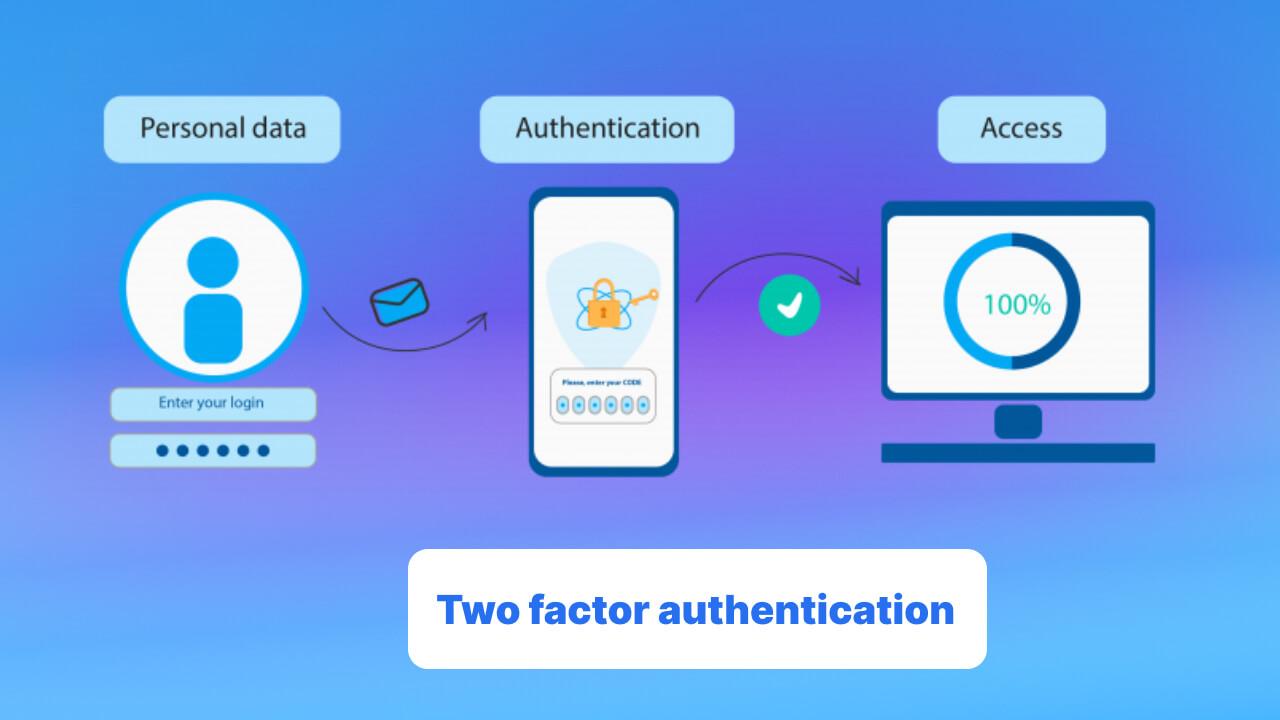
Important notes to maintain long-term safety for your Facebook account
The root of Facebook account security
Enabling two-factor authentication (2FA) is not only a basic protection step for individual users but also a necessary strategy for small and medium-sized enterprises (SMEs) to prevent the risk of cyberattacks and leakage of important information. According to research by the International Cybersecurity Institute, more than 85% of successful Facebook hacks are related to not using or ineffectively using 2FA.
DPS.MEDIA security expert từng chia sẻ: “2FA là lá chắn thứ hai, giúp nâng cao đáng kể khả năng chống lại các cuộc tấn công phishing hoặc đánh cắp mật khẩu thông thường.” Từ những case study cụ thể, các doanh nghiệp áp dụng 2FA đều ghi nhận giảm thiểu rủi ro về an ninh mạng trong các chiến dịch digital marketing và tương tác khách hàng.
Best practices for maintaining an effective long-term security system
- Do not use your phone as the only security factor: Use an authenticator app (such as Google Authenticator, Authy) instead of relying solely on SMS, as SMS can be stolen through SIM swapping.
- Regularly check login devices: Facebook provides tools for users to monitor and log out of suspicious login sessions, helping to proactively detect abnormalities.
- Combine with password management: Use a reputable password manager to create complex passwords, avoid reusing or storing insecure passwords.
- Be cautious with suspicious emails and links: Phishing campaigns are becoming increasingly sophisticated, requiring users to stay alert to fake notifications.
Comparison table of popular 2FA methods
| Method | Advantages | Disadvantages | Recommendation from DPS.MEDIA |
|---|---|---|---|
| SMS | Easy to use, popular | Vulnerable to SIM swap, delays | Only used as a backup layer |
| Authenticator app | High security, not dependent on network | Requires a phone, hard to recover if app is lost | Recommended for primary use |
| Hardware device (security USB key) | Safest, anti-phishing | High cost, not popular | For large-scale enterprises |
Implementing 2FA properly while maintaining regular safety checks not only creates a strong defense system but also enhances customer trust in the brand. DPS.MEDIA always emphasizes the importance of cybersecurity in digital marketing projects so that Vietnamese small and medium enterprises not only grow but also develop sustainably in a challenging digital environment.
Integrating 2FA into brand and business data protection strategies
The key role of 2FA in business protection
Two-factor authentication (2FA) không còn là tính năng “nên có” mà đã trở thành a mandatory standard in every modern security strategy, especially for small and medium enterprises (SMEs) facing increasing pressure from increasingly sophisticated cyberattacks. According to Gartner's 2023 research, integrating 2FA helps reduce up to 80% of the risk of unauthorized account breaches, thereby protecting not only internal data but also brand reputation in the digital market.
Tại DPS.MEDIA, chúng tôi chứng kiến nhiều trường hợp doanh nghiệp chịu tổn thất lớn chỉ vì thiếu ngay bước xác thực thứ hai. Ví dụ, một khách hàng SMB ngành bán lẻ đã bị hacker chiếm đoạt fanpage Facebook – kênh bán hàng trực tuyến chính – chỉ vì không bật 2FA.Sau đó, chúng tôi đã tư vấn và thực hiện triển khai 2FA toàn diện, giúp khách hàng tăng cường lớp bảo vệ kép, đồng thời duy trì sự tin cậy của khách hàng và đối tác.
Important benefits of integrating 2FA into your security system
Not only does 2FA prevent unauthorized access, it also helps businesses:
- Enhance employee awareness about security issues, creating a culture of digital safety throughout the organization.
- Minimize various risks from phishing, keyloggers, or even malware that automatically steals passwords.
- Contribute to building a reputable brand image,as customers see that your business has strict security policies.
| Factors | Impact level when using 2FA |
|---|---|
| Risk of account intrusion | Reduced by more than 80% |
| Minimize financial loss from cyber attacks | Reduced by 50% or more |
| Increase customer trust | Improved by more than 70% |
Remaining thoughts
Bảo vệ tài khoản Facebook với 2FA không chỉ là một lựa chọn thông minh, mà còn là bước đi thiết yếu trong thời đại số, nơi mà an toàn dữ liệu cá nhân ngày càng quan trọng. Chỉ với 5 bước đơn giản, người dùng đã có thể tăng cường lớp bảo mật và giảm thiểu nguy cơ bị tấn công từ hacker. Đây là một trong những hành động chủ động để bảo vệ chính mình và doanh nghiệp khỏi những mất mát không đáng có.Tại DPS.MEDIA, chúng tôi luôn khuyến khích các doanh nghiệp SMEs không chỉ tập trung vào chiến lược digital marketing, mà còn cần đặt yếu tố bảo mật lên hàng đầu trong quá trình chuyển đổi số. Một tài khoản mạng xã hội an toàn sẽ tạo nền tảng vững chắc cho mọi chiến dịch truyền thông – từ quảng cáo, xây dựng thương hiệu đến chăm sóc khách hàng.
Besides Facebook, you should also consider enabling two-factor authentication for other platforms such as Google, Instagram, or internal work tools like Slack or Notion. Being proactive about security today will save you a lot of trouble later on. If you are interested in more comprehensive security measures for your business, don't hesitate to explore other in-depth articles on our blog.
Bạn đã bật 2FA cho tài khoản Facebook của mình chưa? Hãy chia sẻ trải nghiệm hoặc những thắc mắc của bạn trong phần bình luận bên dưới – DPS.MEDIA luôn sẵn sàng trao đổi và hỗ trợ bạn!




