

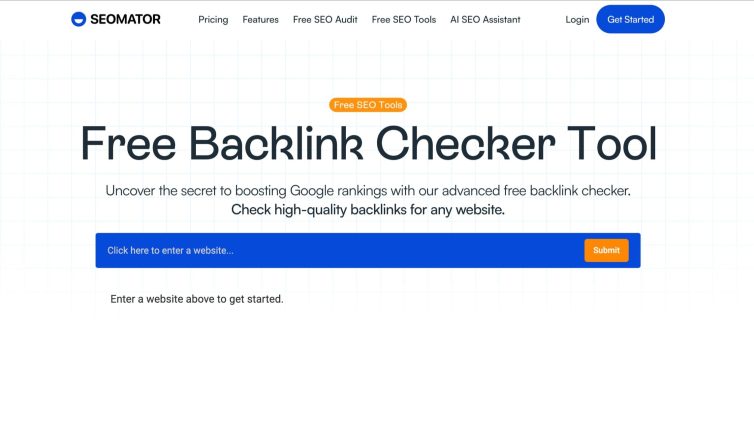

DPS.MEDIA has consulted and optimized backlinks for over 300 SME businesses, and has found that regular checks help detect bad backlinks and improve marketing effectiveness.
Introducing the role of backlinks in SEO strategy for small and medium businesses
What are backlinks and why are they important?
Backlinks are links from other websites pointing to your website. Google and other search engines use backlinks to assess the trustworthiness and relevance of your content.
High-quality backlinks help:
– Tăng thứ hạng website trên Google
– Cải thiện chỉ số Domain Authority (DA)
– Tăng lượt truy cập tự nhiên (organic traffic) bền vững
According to research from Ahrefs (2023), 91% of websites without any backlinks do not receive any organic traffic from Google.
How should small businesses leverage backlinks?
SMEs often face limitations in advertising budgets and in-house SEO teams. That’s why backlinks become a long-term strategy for sustainable growth without too much cost.
Suggested checklist for small businesses:
- 🔍 Check backlinks regularly (at least 2 times/month)
- 🔗 Join reputable guest post platforms or directories
- 🛠 Dọn “toxic backlink” khỏi hồ sơ liên kết để tránh bị phạt bởi Google
- 📍 Join industry groups to share content and exchange cross-backlinks
Real-life example: Increase leads by 70% thanks to a backlink campaign
A logistics service provider in Hanoi once implemented a backlink building strategy from 12 industry blogs and reputable e-commerce sites within 3 months.
Result:
– Lượt truy cập tăng 68% so với quý trước (Nguồn: Google Analytics)
– Số lượng leads từ organic tăng 71%
– DA website tăng từ 18 → 27 chỉ sau 90 ngày
| Indicators | Before | After |
|---|---|---|
| Domain Authority | 18 | 27 |
| Organic Traffic (month) | 1,200 | 2,016 |
| leads acquired | 39 | 66 |
Risks and considerations when building backlinks
Not all backlinks are good for SEO. Links originating from spam sites, PBNs, or those that are contextually irrelevant can cause your website to be penalized by Google's Penguin algorithm.
Should avoid:
– Mua backlink tràn lan từ những dịch vụ giá rẻ không rõ nguồn
– Spam link trong phần bình luận hoặc forum
– Overusing duplicate anchor text
Brief takeaway
Backlinks are not just a technical factor- they are a strategy to help small businesses increase trust and rankings on search results, if monitored and implemented correctly.
DPS.MEDIA JSC – Digital Marketing Solutions cho SMEs
📍 56 Nguyen Dinh Chieu, Tan Dinh, HCM
📧 marketing@dps.media | ☎️ 0961545445
Using Google Search Console to monitor backlinks for free and effectively
What is Google Search Console and why should you use it?
Google Search Console (GSC) is a free tool from Google that helps you monitor your website's SEO performance, including checking backlinks. This is an ideal choice for small businesses without a budget for paid tools.
- 100% Free
- Directly from Google's data source
- Limits spam or fake data
TIP: Connect GSC as soon as you build your website so that backlink data is fully recorded from the start.
Steps to check backlinks in Google Search Console
To track backlinks in GSC, you only need a few clicks. Follow this checklist:
- Access GSC at search.google.com/search-console
- Select the website you want to analyze
- Go to the section Links on the left sidebar
- Xem phần “Trang web liên kết hàng đầu” và “trang được liên kết hàng đầu”
- Download .CSV data for deeper analysis with Excel or Google Sheets
Real-life example: Website in the education sector
A client in the education sector using GSC discovered over 250 new backlink domains just two months after launching a content campaign. Of these, more than 40% came from industry blogs – proving the effectiveness of the outreach strategy.
| Backlink source | Number of Links | Content types |
|---|---|---|
| edu-blogsite.com | 32 | Course review |
| studentforum.net | 18 | Forum discussion |
Advantages and disadvantages of using GSC to monitor backlinks
- Advantages: Accurate data, from Google, updated regularly
- Disadvantages: No link quality analysis, missing metrics like DR, DA
WARNING: Google Search Console does not allow you to see all backlinks if they have a nofollow tag or are hidden through complex redirects.
Brief takeaway
Using Google Search Console helps you check backlinks for free, quickly, and from a reliable source. Although it still has limitations in deep analysis features, it is still a tool every SEOer should use regularly.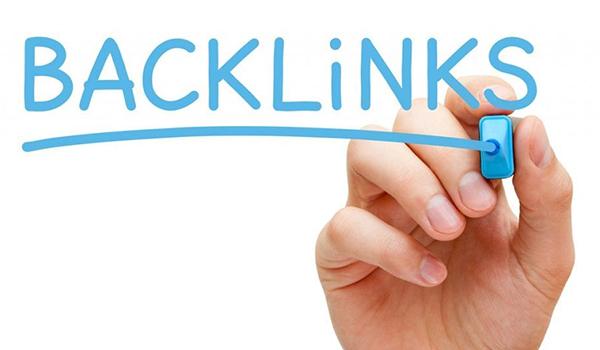
Utilizing Ahrefs for detailed analysis of backlink quality and sources
Evaluating backlink quality with core metrics
Ahrefs provides many metrics to help SEOs evaluate backlink strength:
– UR (URL Rating): measures the authority of the URL receiving the backlink
– DR (Domain Rating): reflects the overall quality of the linking domain
– Traffic from backlink: evaluates whether the link source brings real traffic or is just spam
Theo nghiên cứu của Authority Hacker 2023, những backlink có UR & DR từ 50 trở lên thường chiếm 70% sức mạnh SEO, trong khi các backlink từ website không có traffic có thể gây phản tác dụng.
Tip: Prioritize building backlinks from sites with real traffic and high DR scores instead of just focusing on quantity.
Tracing unusual or toxic backlink sources
Ahrefs is also a powerful tool for detecting dangerous backlinks:
- Retrieve backlink history by specific time points
– Lọc theo loại backlink: dofollow, nofollow, sponsored…
– Xác định các link spam tiềm năng và các trang có liên kết không hợp lệ
For example, an education website once lost 40% traffic after receiving 500+ backlinks from gambling domains (according to internal statistics from a DPS.MEDIA SEO campaign in 2022). After disavowing these links and resubmitting the sitemap in GSC, rankings recovered after 3 weeks.
Quick checklist for analyzing backlinks with Ahrefs
- ✔️ Analyze the total number of referring domains and backlinks
- ✔️ Compare DR and UR of referring domains
- ✔️ Check anchor text to determine relevance
- ✔️ Check domains for signs of spam or unnatural activity
- ✔️ Export data to evaluate trends over time
Comparing backlink sources with summary tables
| Backlink source | DR | Traffic | Link type |
|---|---|---|---|
| exmaple-edu.org | 78 | 12,400 | Dofollow |
| abc-casino.xyz | 18 | 0 | Sponsored |
| blog-tech.vn | 55 | 4,600 | dofollow |
Quick takeaway:
Use Ahrefs not only to check the number of backlinks, but also as an effective way to deeply measure quality and detect potential risks. Don’t just use it to see who’s linking—use it to understand why it matters.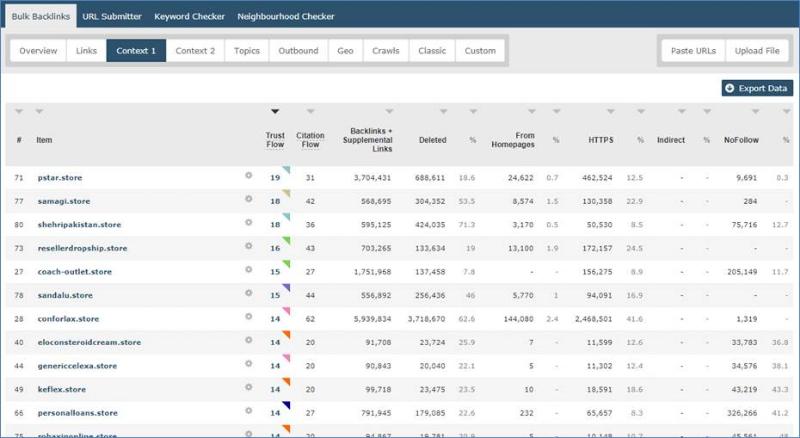
Benefits of SEMrush in detecting bad backlinks and optimizing link profiles
Quickly categorizing low-quality backlinks
SEMrush giúp bạn phát hiện các liên kết xấu bằng cách đánh giá chỉ số Toxic Score – một hệ thống điểm đo mức độ độc hại của backlink.
You can quickly filter out links:
– Từ các trang web bị Google phạt
– With unnatural anchor text
– Từ các mạng lưới link schemes bị nghi ngờ
Example: A handicraft business discovered 36 backlinks from spam .xyz sites via SEMrush, helping them promptly disavow these links.
Optimizing link profiles with the Link Audit tool
Besides detecting bad backlinks, SEMrush helps:
– Phân tích tổng quan hồ sơ liên kết theo domain, anchor text, loại follow/nofollow
– Gợi ý liên kết có khả năng bị phạt theo thuật toán Penguin của google
– Liệt kê các liên kết cần loại bỏ hoặc theo dõi thường xuyên
🛠️ Tip: Combine SEMrush with Google Search Console to cross-check and confirm suspicious backlinks.
Action checklist when detecting toxic backlinks
- ️✅ Check Toxic Score on each link
- ️✅ Verify if the link source is trustworthy
- ️✅ Use the disavow file and submit via Google Search Console
- ️✅ Monitor again in 2-4 weeks to check effectiveness
Quick backlink evaluation table with SEMrush
| Criteria | Evaluation |
|---|---|
| Source site is reputable | High / Medium / Low |
| Valid anchor text | ✓ Yes / ✗ No |
| Toxic Score | 0-100 (>=60 is a warning) |
Risks to note
Not all links with a high Toxic Score need to be disavowed. Carefully check before submitting the file to Google to avoid losing backlinks that still provide natural SEO value.
Takeaway: SEMrush not only quickly detects bad backlinks but also helps businesses strategically optimize their link profile structure, minimizing long-term SEO risks.
Distinguish between quality backlinks and toxic backlinks to protect website reputation
What is a quality backlink?
Quality backlinks help increase trust with Google and improve search rankings. They usually come from websites with:
– Chỉ số DA (Domain authority) ≥ 40
– Nội dung liên quan đến ngành
– Lưu lượng truy cập thực tế, không phải từ bot
Example: An industry news site with thousands of visits per month linking to your blog post is considered a strong backlink with high SEO value.
Tip: Prioritize backlinks from press sources, .edu websites, or industry-specific blogs.
Signs of toxic backlinks
Toxic backlinks come from low-quality sources, harm SEO, and can even lead to penalties from Google Penguin. Common signs include:
– Website có chỉ số Spam score > 15% (theo Moz)
– Nội dung không liên quan hoặc chứa từ khóa spam
– Trang đã bị Google de-index
A site that once had backlinks from over 500 unknown Chinese domains dropped 60% organic traffic in just 2 weeks (SEMrush report, 2023).
Checklist: Self-check for safe backlinks
- ✅ check DA/DR using Ahrefs, Moz, or SEMrush
- ✅ Match content between source page and destination page
- ✅ Check the traffic of the linking page
- 🚫 Remove or disavow backlinks from penalized sites
Quick comparison table
| Criteria | Quality Backlink | Toxic Backlink |
|---|---|---|
| DA / DR | > 40 | |
| Content relevance | Yes | No |
| Traffic volume | Stable, realistic | Bot or 0 |
| Spam rate | > 15% |
Short takeaway:
To optimize sustainable SEO, maintaining quality backlinks is as important as removing toxic links. Regular checks and using evaluation tools are necessary steps to protect your website's reputation from negative external influences.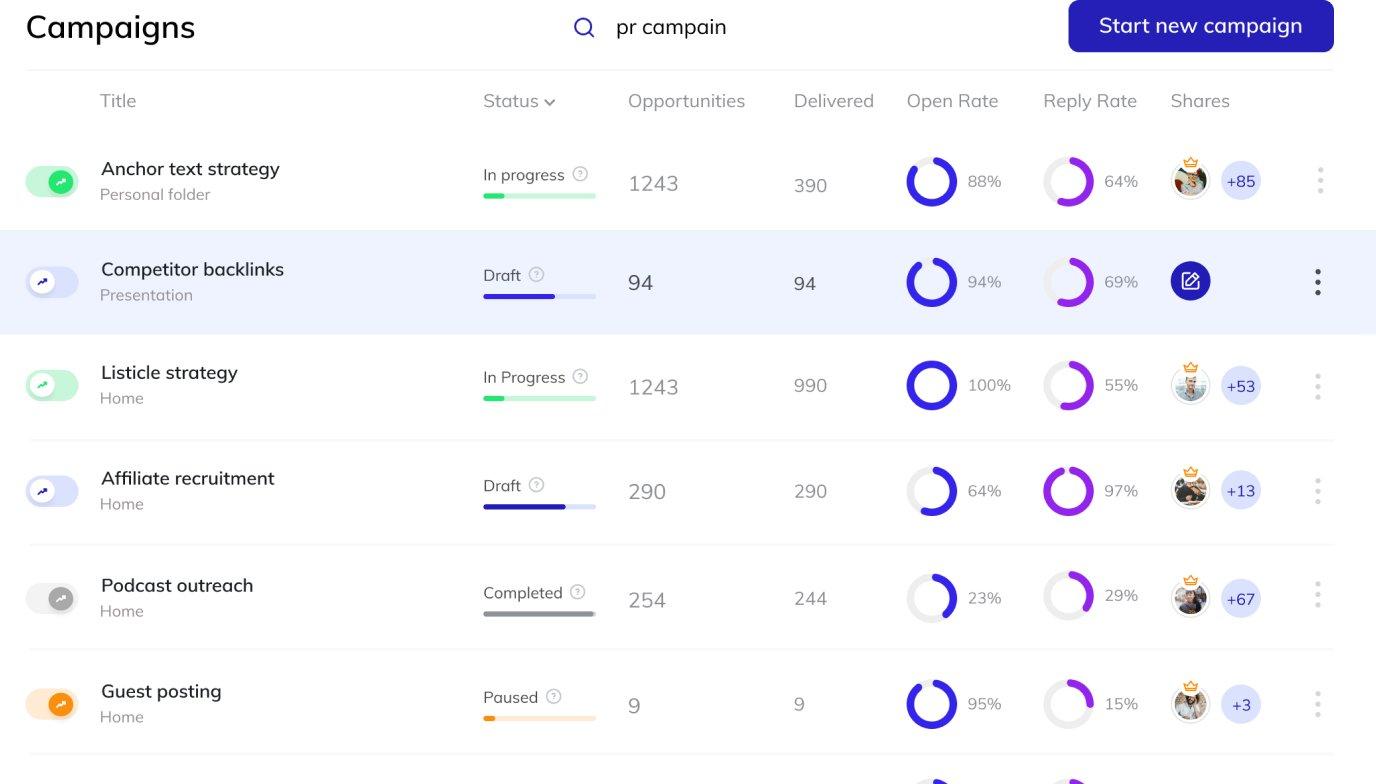
Practice backlink optimization based on inspection results and periodic reports
Analyze backlink data periodically
To improve backlink quality, regularly monitoring and analyzing backlink reports is essential. According to Ahrefs (2023), websites that check backlinks at least once a month improve their average ranking by 18% in 6 months.
Periodic checklist:
– Số lượng backlink mới vs mất đi
– Tỷ lệ anchor text đa dạng
– Domain Authority (DA) của trang liên kết
– Link từ site lỗi 404 hoặc redirect sai
Filter out low-quality backlinks
Việc giữ lại các liên kết từ trang bị “spam score” cao có thể gây hại đến thứ hạng tìm kiếm. Công cụ như Google Disavow hay SEMrush Toxic Score cho phép bạn vô hiệu hóa các backlink nguy hiểm.
Tip: Prioritize removing links from sites with irrelevant content or pages that have been incorrectly indexed by Google.
Optimize based on inspection results
After receiving the backlink report, you need to take specific actions:
- Contact the administrator to fix inappropriate anchor text
- Redirect (301 redirect) error landing pages
- Rebuild quality links from lost backlink pages
Example: An e-commerce business discovered that 42% of their backlinks were lost in Q2 from expired guest post articles. By republishing content and reconnecting with the publishers, they recovered 28% of the backlinks in just 1 month.
Summary table of optimization actions
| Actions | Support tools | Recommended time |
|---|---|---|
| Disavow bad backlinks | Google Search Console | Quarterly |
| Check anchor text | Ahrefs, SEMrush | Monthly |
| Classify backlink domains | Majestic SEO | Every 2 months |
Challenges in optimizing backlinks
Common difficulties include:
– Không đủ dữ liệu lịch sử để phân tích nguyên nhân mất backlink
– Tốn thời gian liên hệ lại website gốc
– Sai sót khi dùng công cụ Disavow có thể ảnh hưởng tiêu cực đến SEO
Note: Always back up backlink data before making major changes.
Takeaway
Quản lý và tối ưu backlink không phải là hành động một lần rồi bỏ. Việc kiểm tra – đánh giá – cải thiện backlink theo chu kỳ sẽ giúp website duy trì độ tin cậy và cải thiện xếp hạng tìm kiếm một cách bền vững.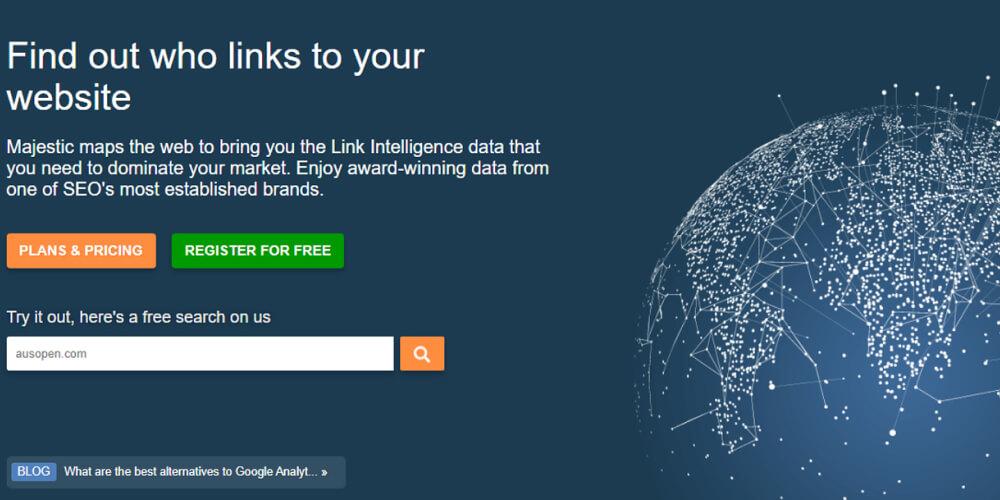
Experience in choosing tools suitable for the budget and goals of SMEs
Clearly assess SEO needs and goals
Before investing in a backlink checking tool, businesses need to clearly define the campaign objectives: Increase traffic, improve rankings, or handle toxic links?
Questions to ask yourself:
– Doanh nghiệp đang cần phân tích cạnh tranh hay audit link nội bộ?
– Website có bao nhiêu tên miền trỏ về (referring domains)?
– Ngân sách duy trì hàng tháng cho SEO là bao nhiêu?
Balance tool costs and performance
Not every expensive tool is suitable for small businesses. Below is a quick comparison table to help SMEs choose:
| Tool | Free? | Starting price (VND/month) | Key features |
|---|---|---|---|
| Ahrefs | ❌ | ~2.200.000 | Backlink quality, Ref. Domains |
| Ubersuggest | ✅ (Limited) | ~450.000 | Link overview, keyword ideas |
| Google Search Console | ✅ | 0 | Basic, safe backlink analysis |
Checklist for choosing backlink tools for SMEs
- ✔️ Lên danh sách các tính năng cần thiết (ví dụ như anchor text, domain rating,…)
- ✔️ Compare costs and limits of each tool (number of backlinks checked per day)
- ✔️ Prioritize trial use before committing long-term
- ✔️ Consider technical support, especially with international tools
Warning: Avoid abusing unknown automatic tools
Using unauthenticated tools can lead to collecting inaccurate data – affecting SEO decisions. Additionally, some fake tools may request access to Google Analytics or GSC, increasing security risks.
Takeaway: SMEs should start from their specific SEO goals, chọn công cụ phù hợp nhất với hành trình phát triển – thay vì chạy theo tính năng nâng cao không cần thiết.
Valuable lessons
Four ways to check backlinks have helped you grasp the effectiveness of links pointing to your website. Regular monitoring helps optimize your SEO strategy quickly and accurately.
Start applying the introduced tools to check backlinks for your site. Check periodically to promptly detect low-quality links.
You can also learn more about how to build quality backlinks. Or explore effective Offpage SEO strategies for small businesses.
DPS.MEDIA always accompanies SME businesses on their digital marketing development journey. Share your thoughts in the comments section below!




